The short answer
Word and Google Docs make a perfectly good printed menu if you set prices on a right-aligned tab stop with a dot leader and export a PDF. They start to cost you once the menu changes every week or a QR code has to open the current version, which is where menu software earns its fee.
How to make a menu in Word that prints clean
Microsoft lists free menu templates for Word at create.microsoft.com, and its steps are the ones you would expect: open a template in Word for the web, replace the text with your dishes, upload a logo, then save, share, or print it as a PDF. Checked in September 2026. A template is a fine start. What makes the menu hold together is how you set the prices.
- Set one tab stop for prices. Open the Tabs dialog from the Paragraph settings, add a tab stop at the right edge of the text area, set the alignment to Right, and pick the dotted leader. Microsoft’s support page walks through it.
- Type dish, Tab, price. Never spaces. The price snaps to the right edge and the dots fill the gap, so a long dish name and a short one still line up.
- Use styles for sections and dishes. One style for section heads, one for dish names, one for descriptions. Change the style once and every dish follows.
- Export a PDF to print. The print shop, and your own printer, get the same layout you see.
Google Docs: the same menu, in a browser
Google Docs has a template gallery (in a doc, under File, then New), and Google notes some templates are only available on work or school accounts. If there is no menu template in yours, build it with a table: two columns, dishes on the left, prices on the right, right-align the price column, then set the table border to zero so it disappears on paper. It is less precise than Word’s tab leaders, but it lines up.
Google Docs has one real advantage for menus: you can publish a doc to the web and get a link anyone can open. Google says changes to the original “will be updated in the published version,” and that “the automatic update might take a few minutes.” Point a QR code at that published link and you have a menu that keeps itself current, for free. It is a document on a phone rather than a menu page, but it is current.
What breaks, in the order it usually breaks
- Alignment. Someone adds a dish with spaces instead of a Tab, and one price sits a quarter inch off. On paper, it is the first thing a guest’s eye catches.
- The price column. A long description wraps, pushes the price to the next line, and the section runs onto a second page. Now you are cutting words to fit, not writing a menu.
- Fonts. Open the file on a computer that lacks the font and Word substitutes another. The layout shifts and nobody notices until it is printed.
- The QR code. Most Word menus end up as a PDF behind a code. Change a price and you must export, upload, and replace the file at the same address, every time. Miss once and the phone shows last month’s prices.
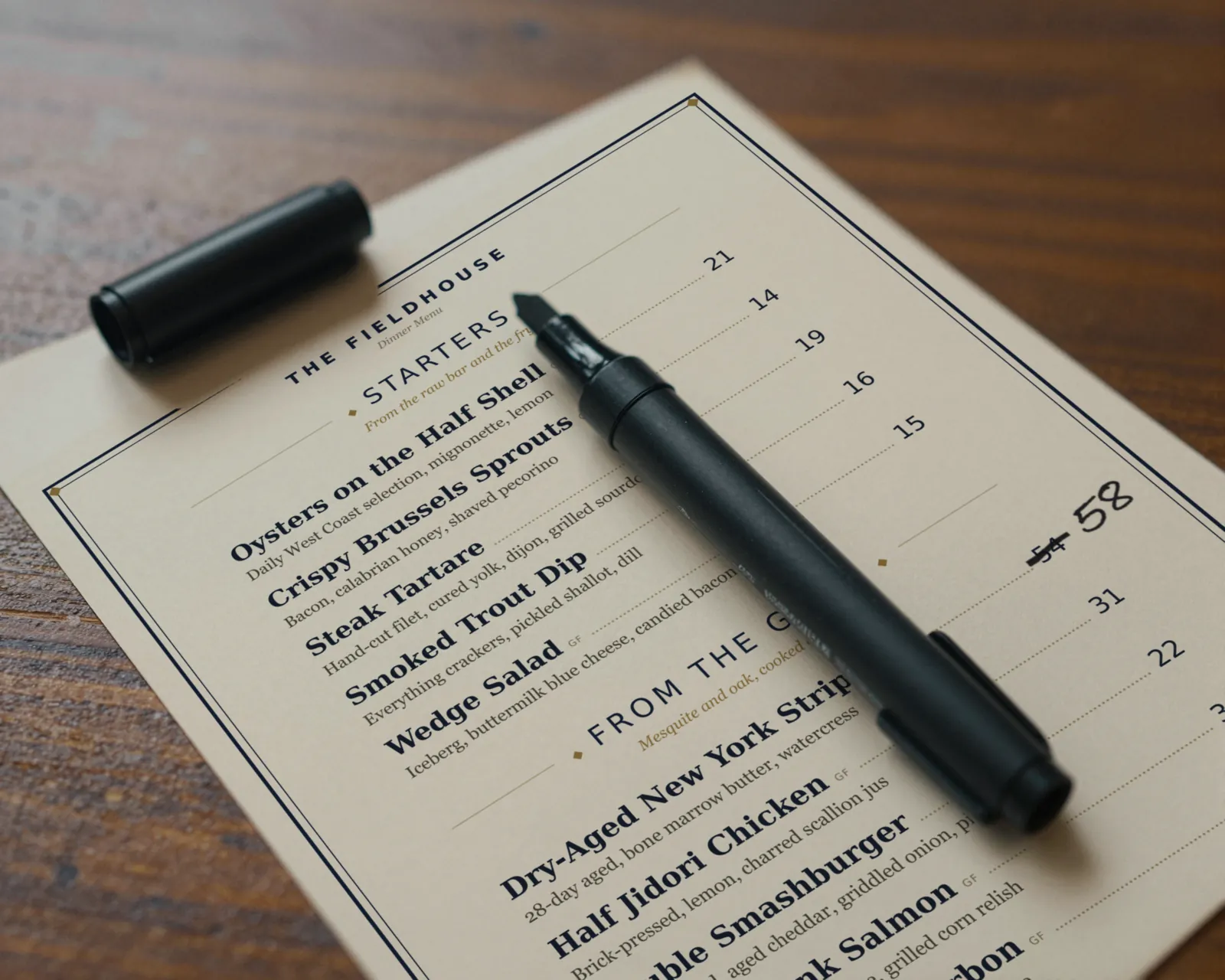
- The reprint. Every change means printing the whole menu again, so changes wait, and the pen comes out.
- The file itself. There are three copies: menu final, menu final 2, and the one on the office computer. Only one of them is right.
Word, Google Docs, and menu software, side by side
| Job | Word | Google Docs | Gaslamp |
|---|---|---|---|
| Cost | Whatever you pay for Word | Free with a Google account | $19 a month or $190 a year, after a 30-day trial |
| Price alignment | Tab stops with dot leaders, if set up | A borderless table | Automatic; prices are fields, not text |
| Export PDF | Download PDF | Print-ready PDF on paid plans | |
| QR menu | A PDF you re-upload after each change | A published doc that updates itself, in a few minutes per Google | A hosted menu sized for the phone; the code never changes |
| Edit from a phone | Possible, awkward with layout | Possible, awkward with tables | Built for it, with a number keypad for prices |
| Going back | Whichever copy you saved | Version history | Last 50 versions, restore any |
When to move to menu software
Stay with the document if the menu changes a few times a year, you print it yourself, and there is no QR code, or the QR opens a published Google Doc you are happy with. Move when two or more of these are true:
- Prices or dishes change most weeks.
- A QR code on the table opens a PDF someone has to replace.
- More than one person edits the menu, or the person changing prices is not the person who knows the file.
- You keep a printed menu and a phone menu, and they have already disagreed once.
- You want the menu to look designed, and no one on staff has the time to make Word do it.
What Gaslamp does not do
- No free-form layout. Eight designs with logo, accent color, and six fonts; you cannot drag elements anywhere you like the way you can in Word.
- Each item takes up to three labeled prices, $1 to $9,999, and a menu tops out at 12 sections of 20 items.
- No team seats and no multi-language menus.
- No print service. You download the PDF and print it where you print now.
If the document still works for you, keep it. If it has started to cost you Friday afternoons, menu management covers what changes when the menu is a list instead of a file.