Restaurant menu software you run from your phoneYour menu is wrong. Fix it from your phone.
The QR on your table never changes. Change the menu from your phone and every scan shows it about 30 seconds later.
Your phone

The menu

No card needed · then $19/mo or $190/yr · cancel anytime
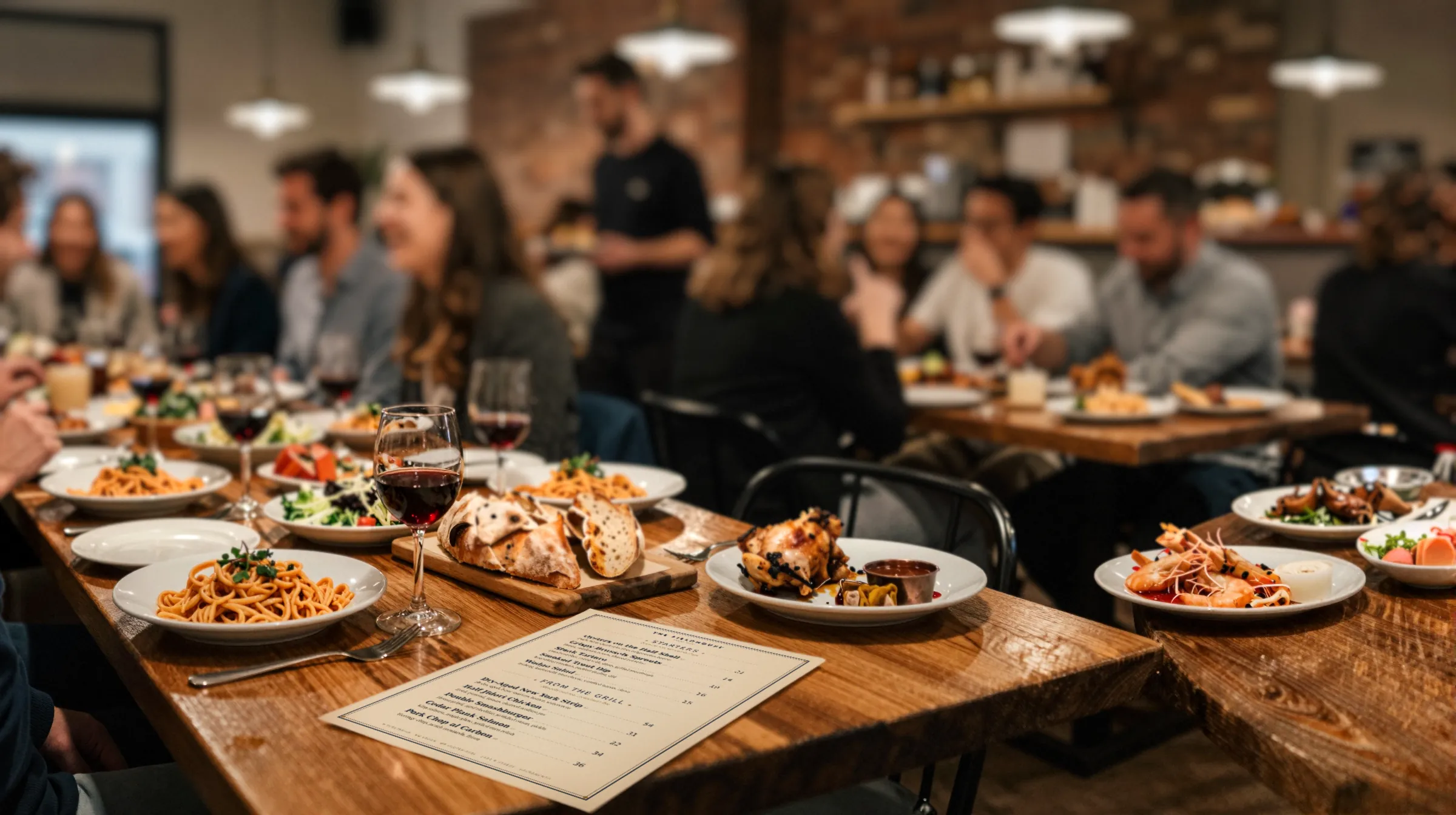
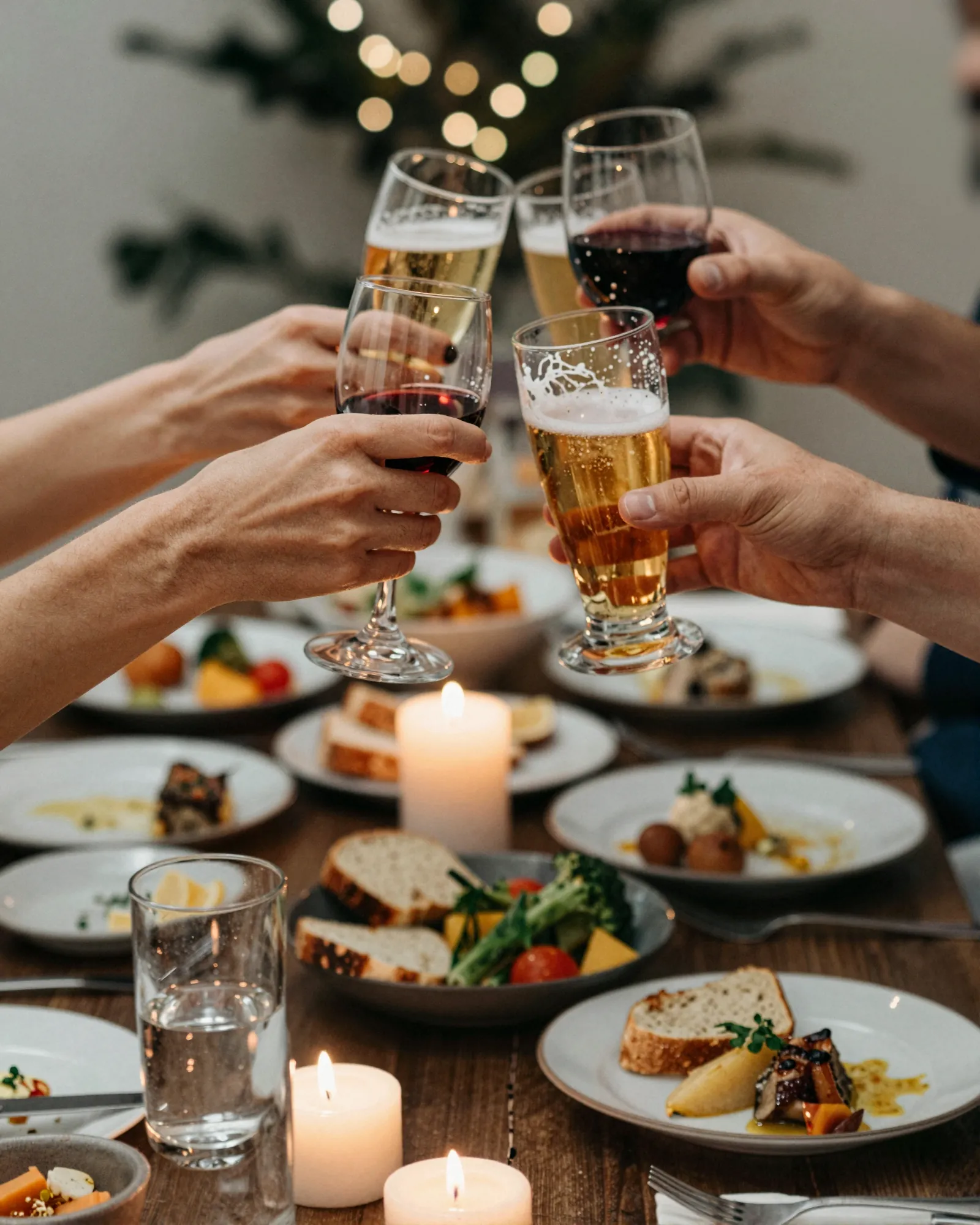
The room is full. The menu should keep up.
Friday at eight, nobody has time to fix a PDF. The kitchen is slammed, the bar is three deep, and the menu on the table has to be right. That is the job Gaslamp does.
Every price change costs you something.
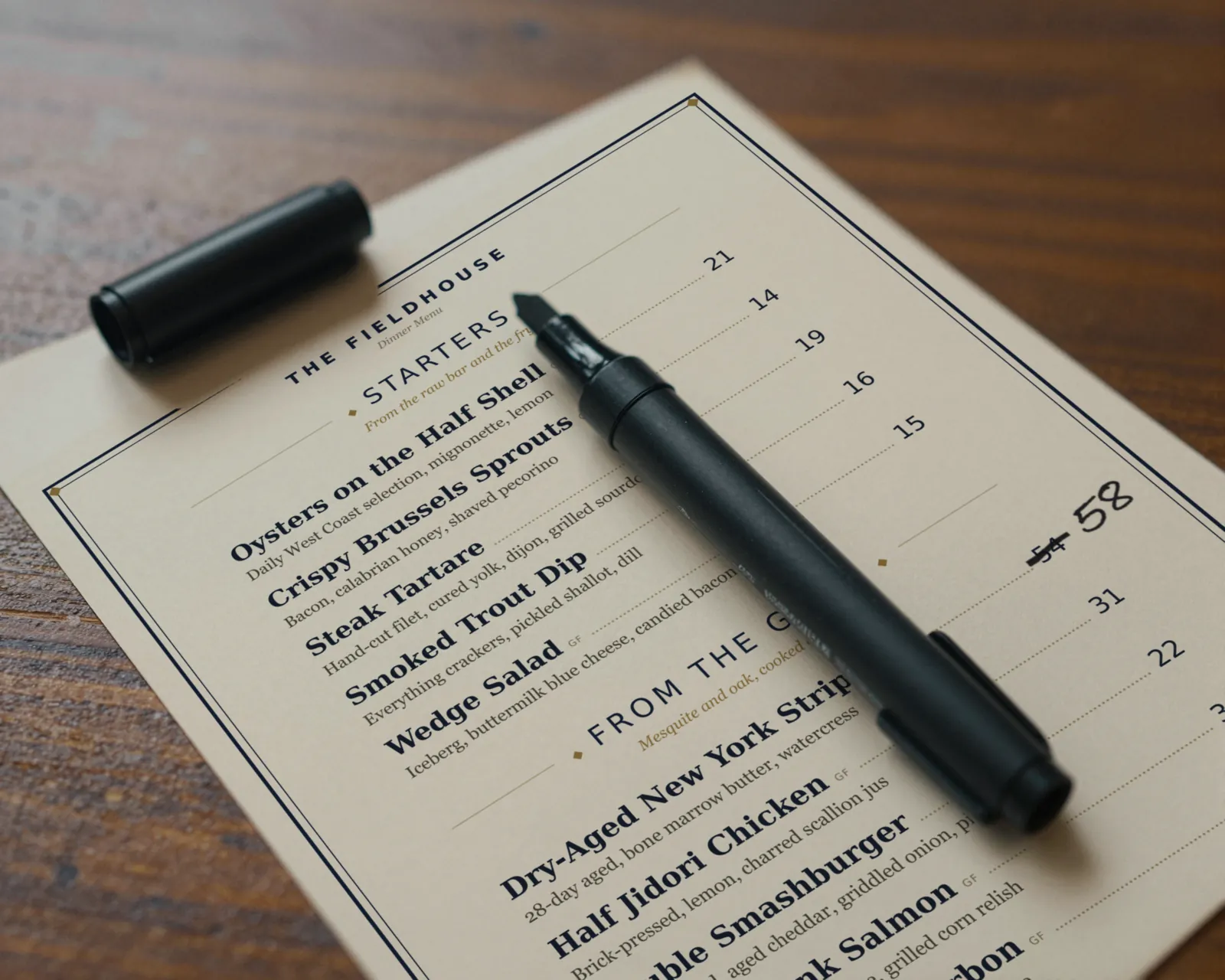
A reprint. A designer’s invoice. A Sharpie and your dignity. Guests notice the crossed-out prices, the taped-on specials, and the QR code that opens a menu from two seasons ago. They notice before they order.
- Wood-grilled oysters1618
- Short rib special86'd
- QR on the table2022 PDF
Sound familiar? That is the whole reason Gaslamp exists.
The person who knows the salmon is gone is holding a phone.
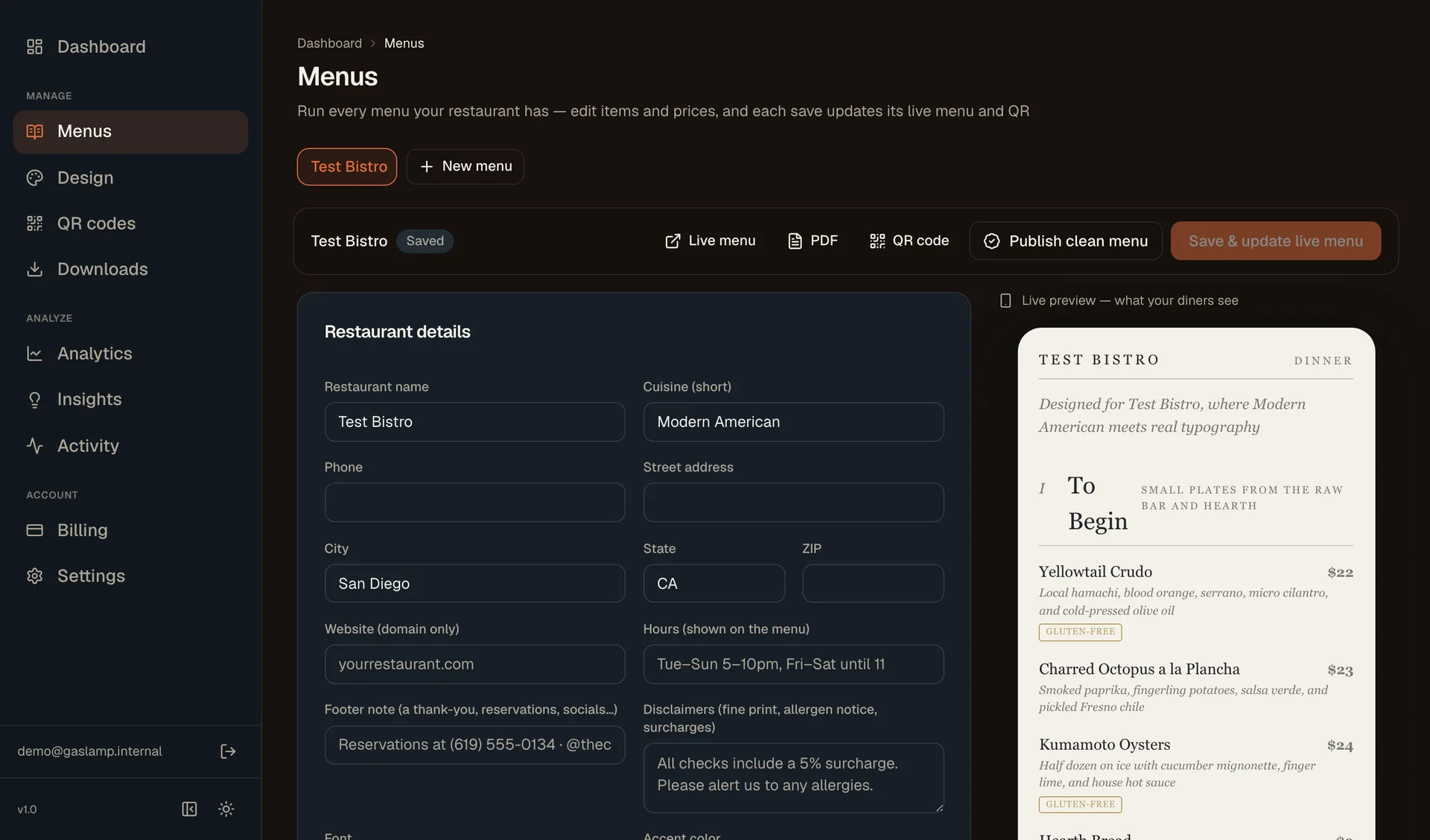
Not sitting at a laptop. Behind the bar, on the line, at the host stand. We know because we are a restaurant family, and we have been that person. So that is where Gaslamp works: in your phone’s browser, no app to install. Find the dish, mark it sold out or change the price, tap Save & update live menu.
- Your part, on the phoneabout 30 seconds
- The menu rebuildsabout 2 secondsAverage of 1,064 real rebuilds, July to September 2026.
- Phones scanning the table code see itabout 20 seconds laterThree timed runs: 17 to 22 seconds.
- The QR codeunchanged
Guests are on phones too. The menu behind the code is real text laid out for the screen they are holding, not a PDF to pinch and zoom. How menu management works
Friday, 4:45. The list.
- Oysters up two dollars$18 to $20
- Short rib, sold out86, one tap
- Weekend burger specialadded
- Brunch menu for Sundayits own menu
- Fresh copy for the host standprint PDF
- QR codes on the tablesuntouched
Each line is a change in the editor on your phone. None of them need a laptop.
A steakhouse shouldn’t look like a taco truck.
Unless it is a taco truck. Eight designs, each built for a kind of room. Every photo holds a real Gaslamp render; the rooms are illustrative, not customers.
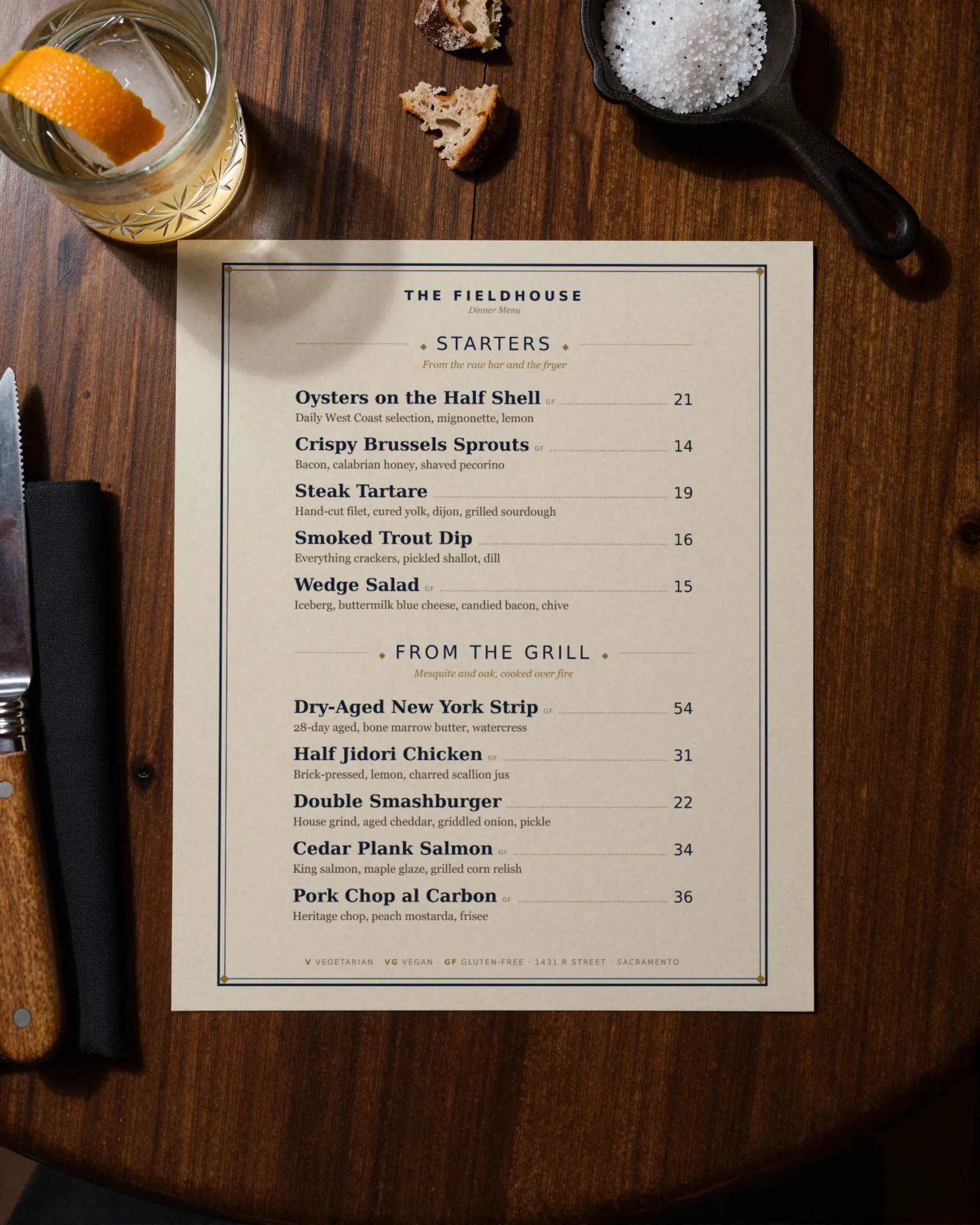
The steakhouse
Classic American
Engraved rules, small caps, leader dots. Built to feel established. (opens a sample PDF)
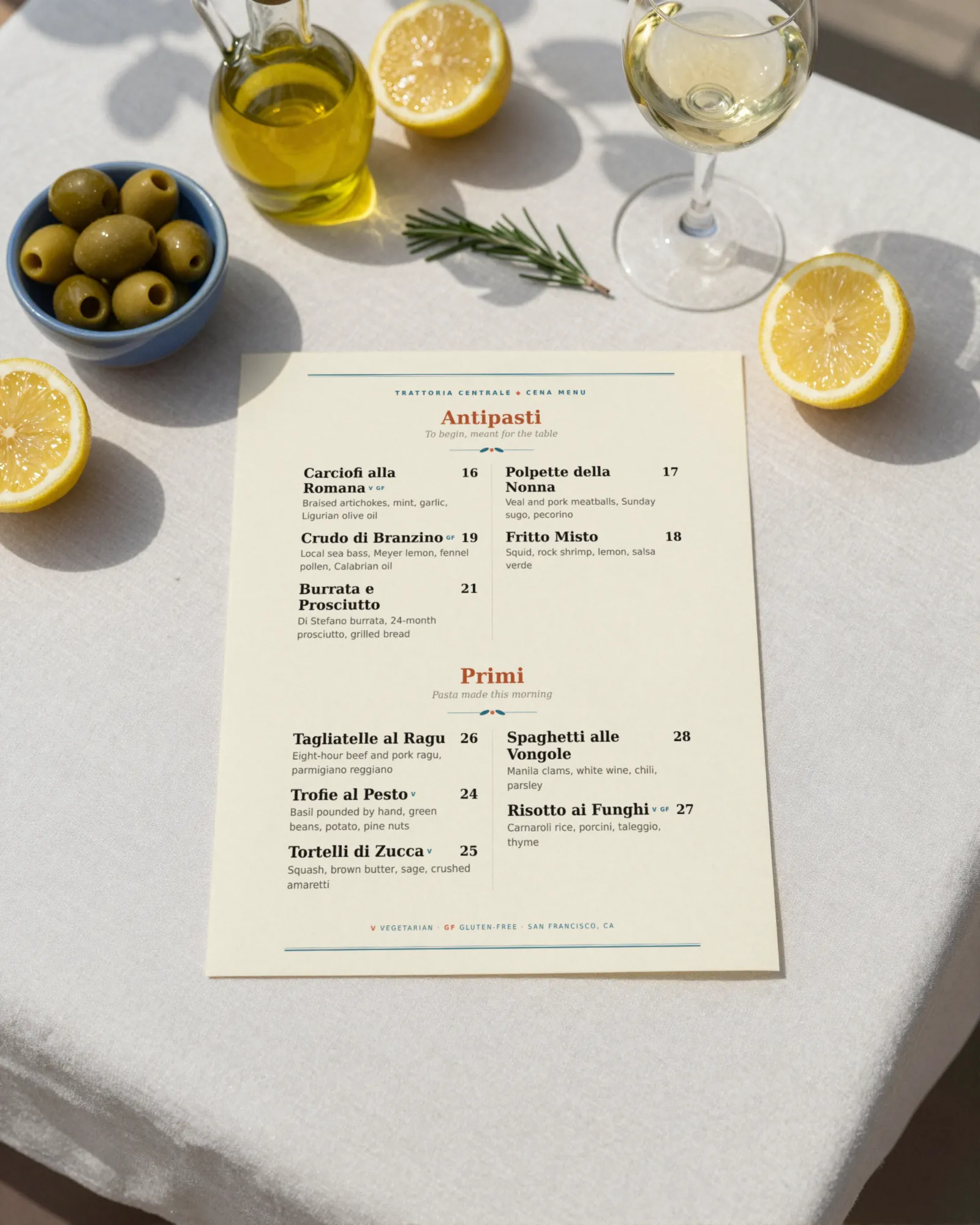
The trattoria
Coastal Mediterranean
Aegean blue and olive on sunny white. Reads like a terrace. (opens a sample PDF)
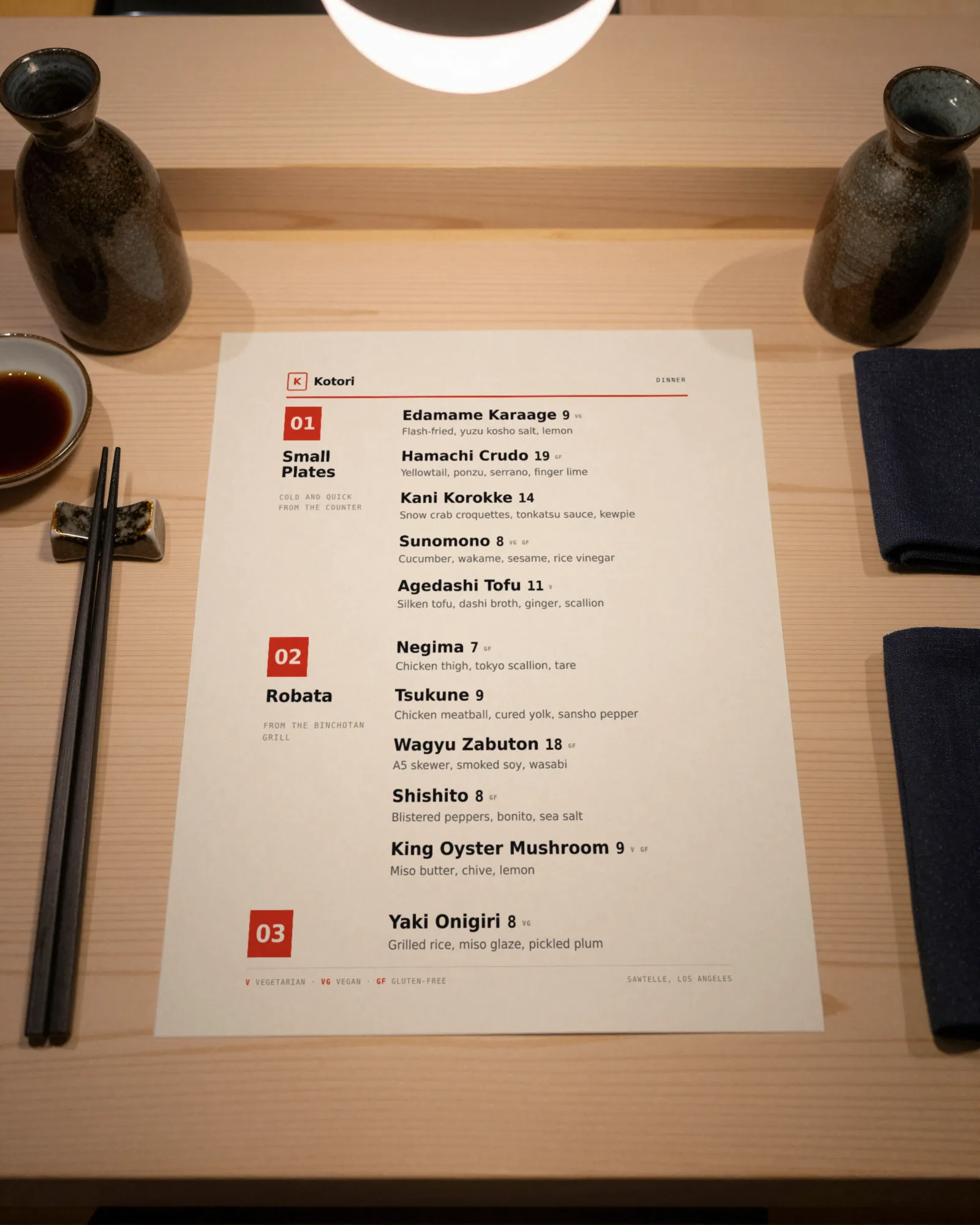
The counter
Modern Asian
Black ink, lacquer red, numbered courses, nothing wasted. (opens a sample PDF)
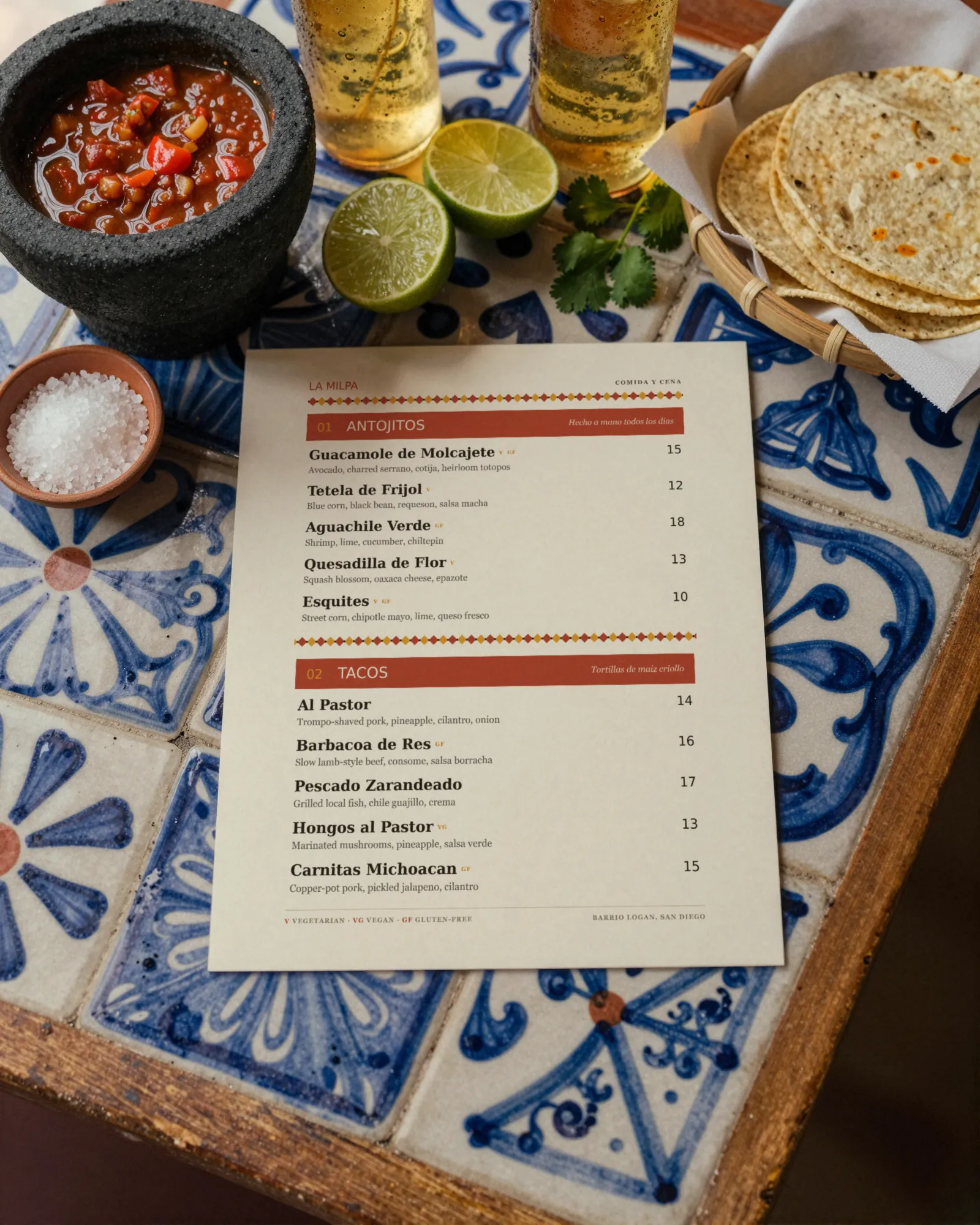
The taqueria
Latin American
Terracotta and marigold. Loud where it should be. (opens a sample PDF)
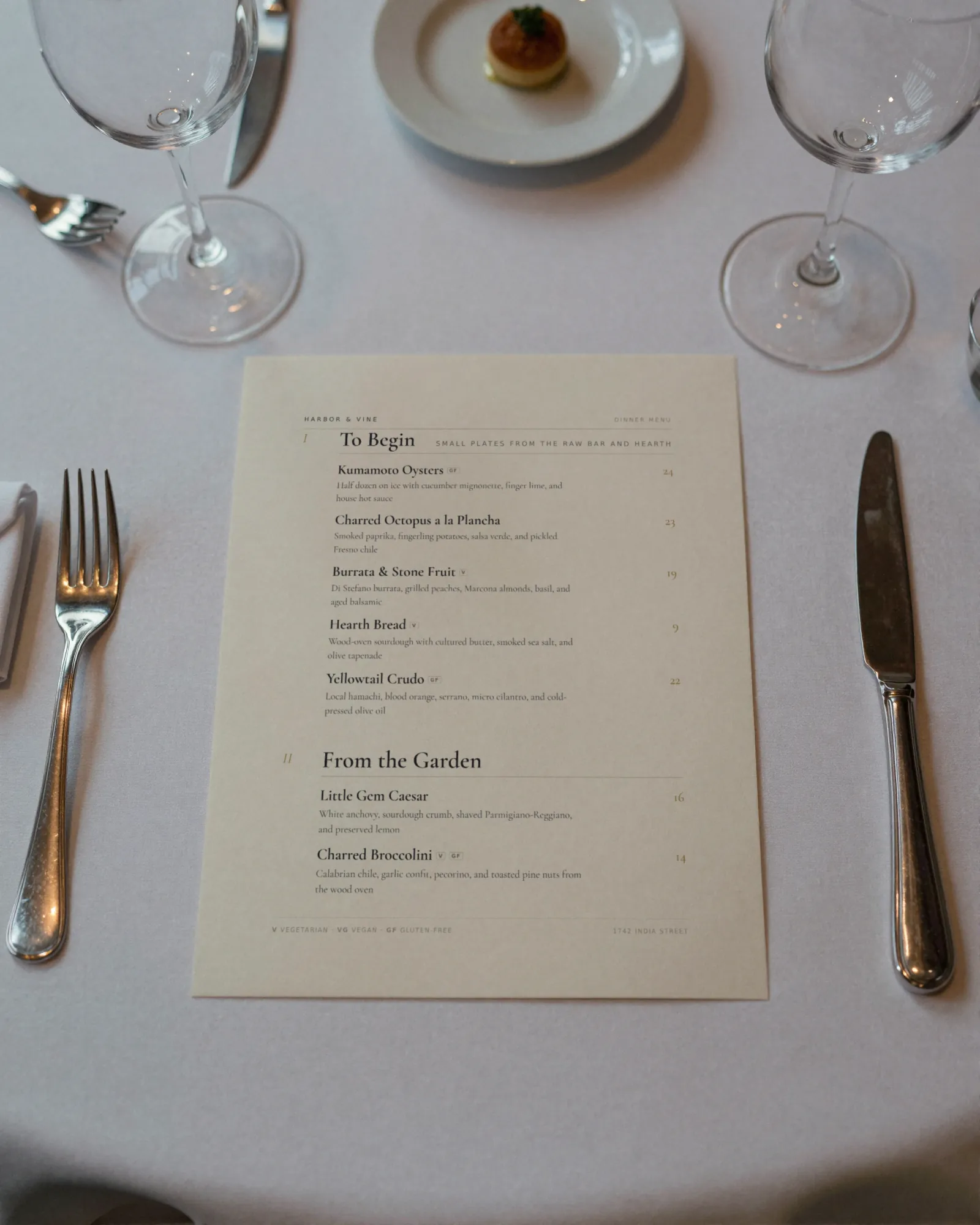
The tasting room
Upscale Contemporary
Charcoal and gold on white. Quiet money. (opens a sample PDF)
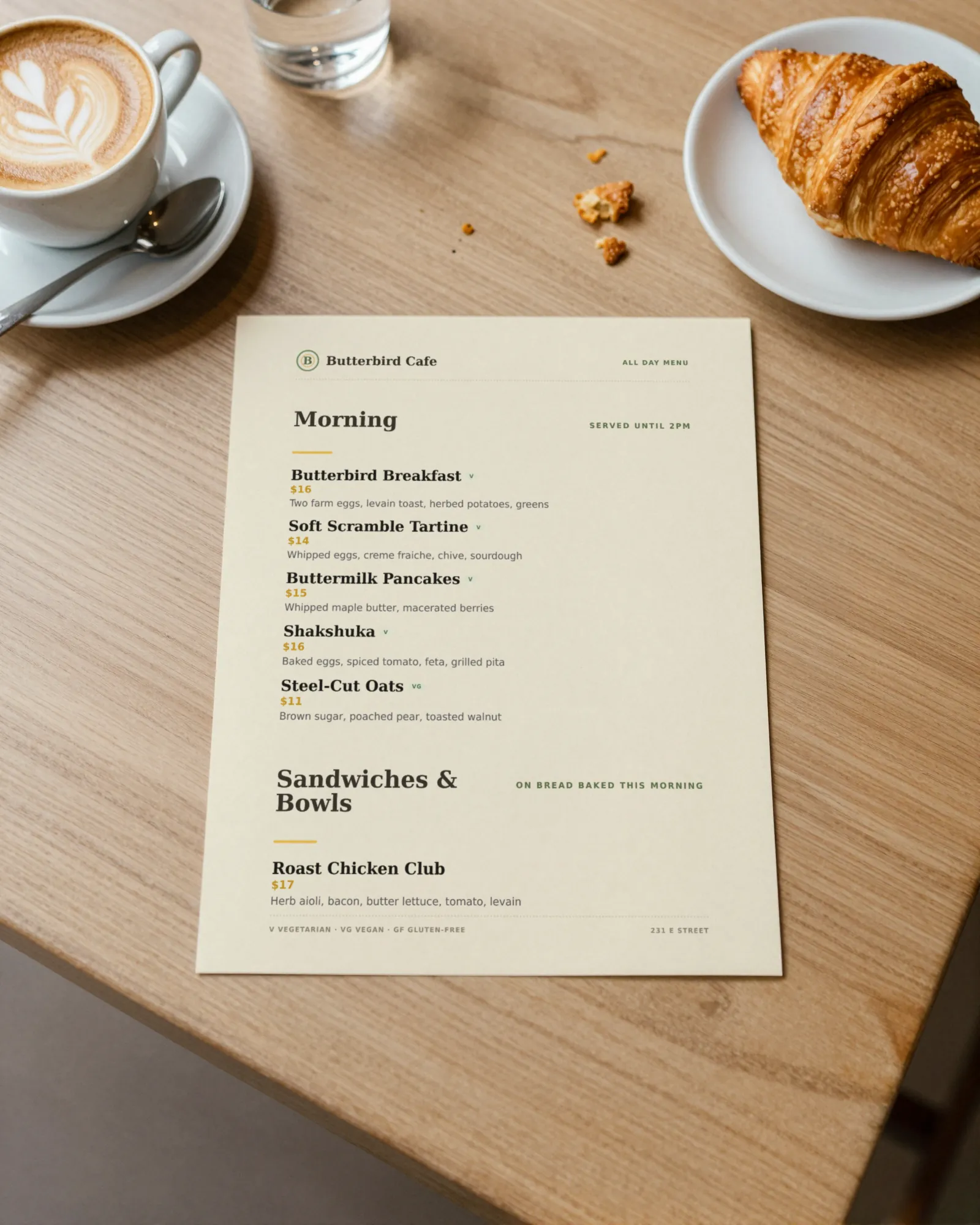
The café
Casual Café
Kraft tones, stacked and easy. Decide before the line moves. (opens a sample PDF)
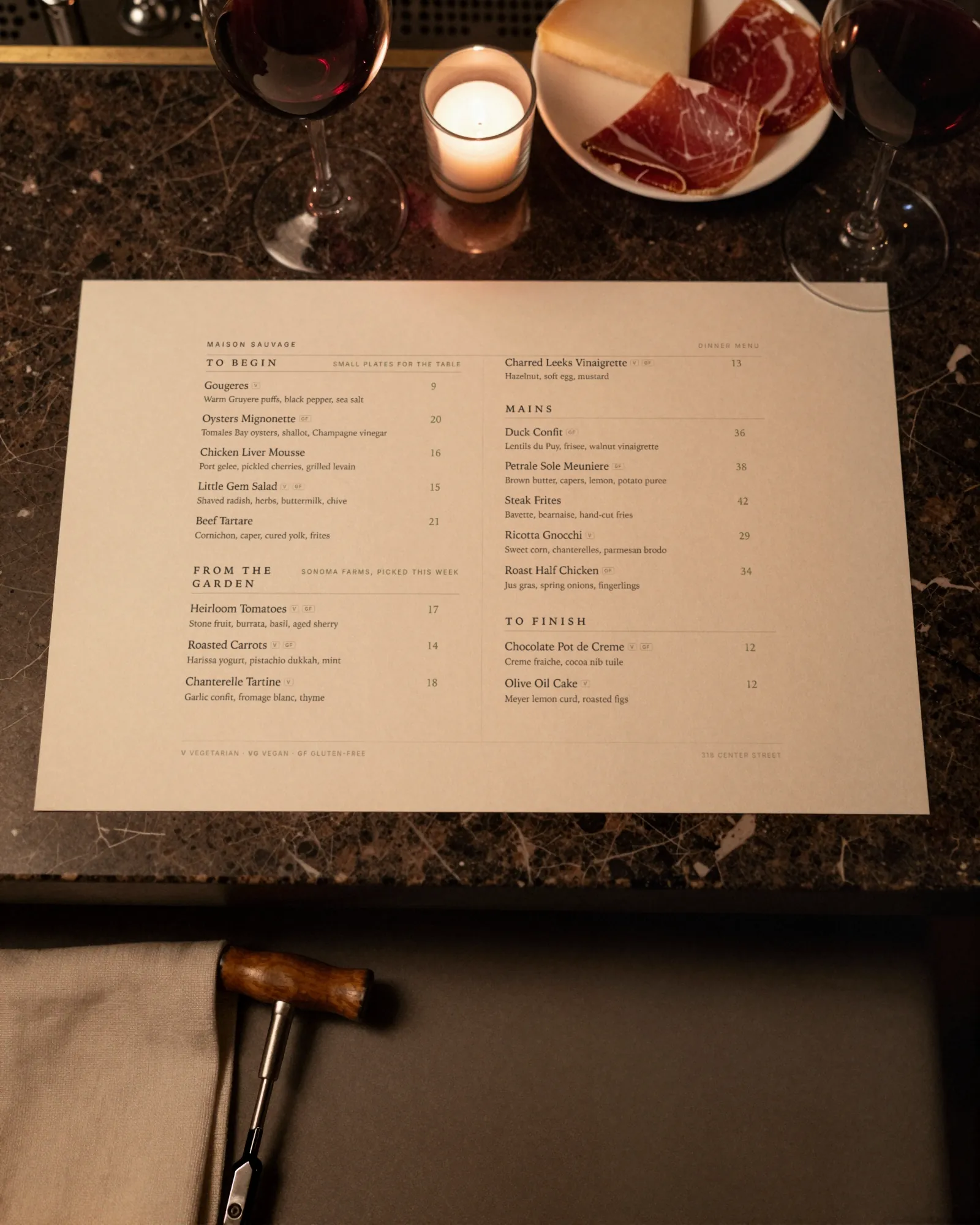
The wine bar
Elegant Landscape
Two columns, landscape, candlelight. Made to linger over. (opens a sample PDF)
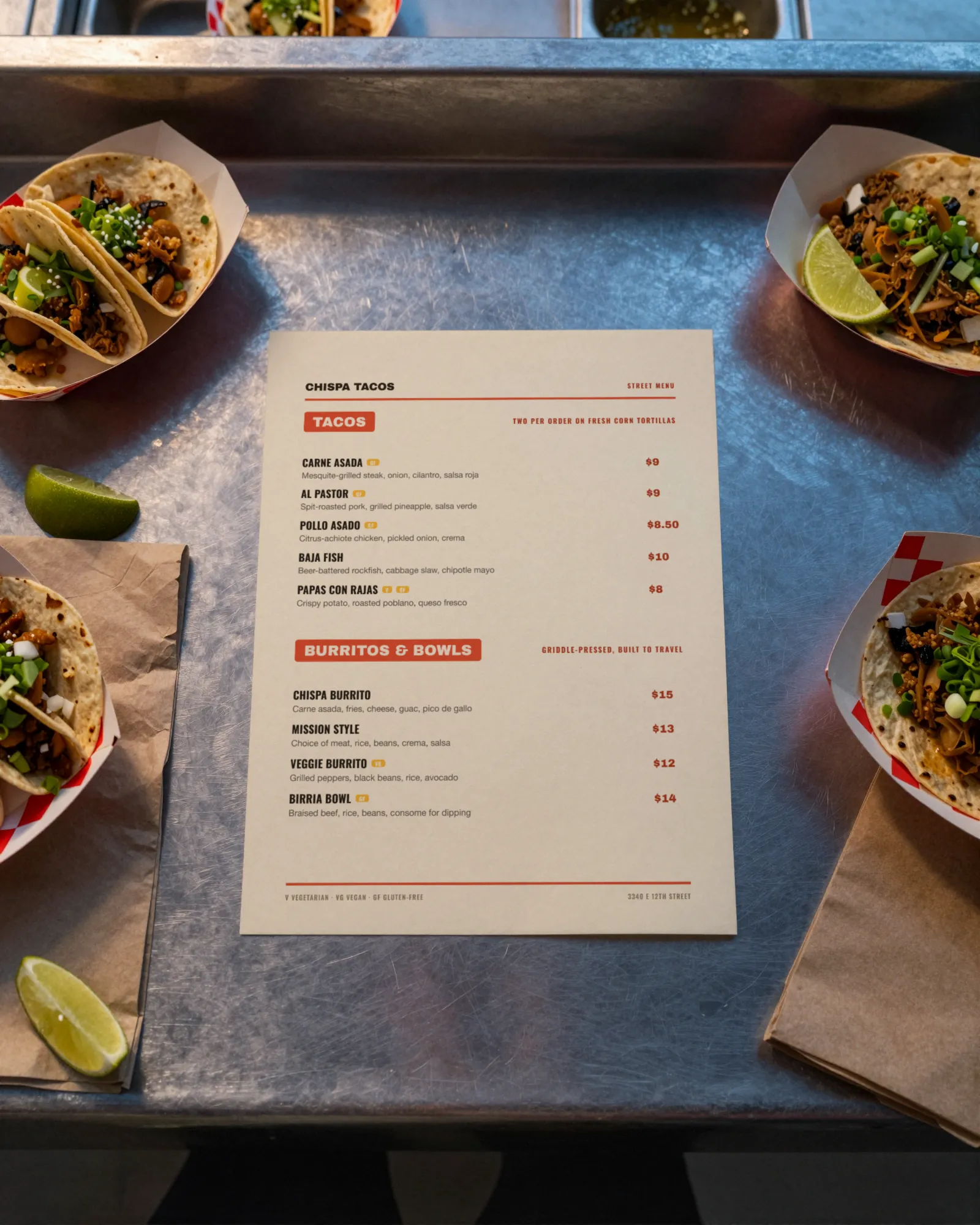
The truck
Food Truck
Chunky tabs, big prices, readable from the curb. (opens a sample PDF)
Every room changes its menu differently.
A taproom loses a keg mid-shift. A bakery sells out by noon. See what changes on menus like yours, and how to set it up.
All restaurant typesThe rest of the menu book
Guides for the jobs that come with a menu, templates with sample menus in them, the holidays worth planning early, and the words the kitchen uses.
Change it at 4:50. Right by five.
Dishes on the left, the finished menu on the right. Mark something sold out, bump a price, add a photo, swap the whole design. The preview, the PDF, and the live menu behind your QR code all follow. No designer. No reprint.
Print the QR code once. Print the menu whenever.
Every menu gets one code. It always opens the current menu, so the table tent you print today is still right next season. Table tents, window signs, and counter cards come ready to print. When Friday needs paper, print a fresh copy of the menu from the same edit.
Sample Menu
Scan for the menu
Point your phone’s camera at the code
Sample Menu
Scan for the menu
Point your phone’s camera at the code
Three moves. Then it’s yours to run.
- 1
Pick the design for your room
Eight designs, each made for a kind of place: the steakhouse, the trattoria, the taqueria, the café, the wine bar, the truck. Start from a sample menu set in it, so you see your room before you type a word.
- 2
Type your dishes over it
Swap the sample dishes and prices for yours in the editor, on a laptop or your phone. Put the sections in your order, add descriptions and dietary tags. Publish, and print the QR code once.
- 3
Run it from your phone
Raise a price, 86 a dish, add the weekend special. Each change is about thirty seconds in your phone’s browser, and the menu behind every QR code is right about thirty seconds after you save.
Brunch, drinks, happy hour, the fall menu.
Most places run more than one menu. Keep each one in Gaslamp with its own QR code: brunch at the host stand, the drinks list at the bar, happy hour on the patio, the seasonal menu when the squash comes in. Change whichever one needs it, from the same phone.
The trial covers one live menu. Paid plans have as many as you run.
- Dinnerits own QR
- Weekend brunchits own QR
- Drinks and wineits own QR
- Happy hourits own QR
- Seasonalits own QR
Start from a menu made for your kind of place.
Pick the design built for your room. You start from a sample menu set in it, then type your dishes and prices over the sample in the editor. The real work is the running, and that part takes seconds.
No card needed · then $19/mo or $190/yr · cancel anytime
Start from a sample menu and type your dishes over it. Switch designs any time; your dishes stay put.
Have your menu typed up somewhere? Start from your current menu. It gets you a head start; you’ll tidy it up in the editor.
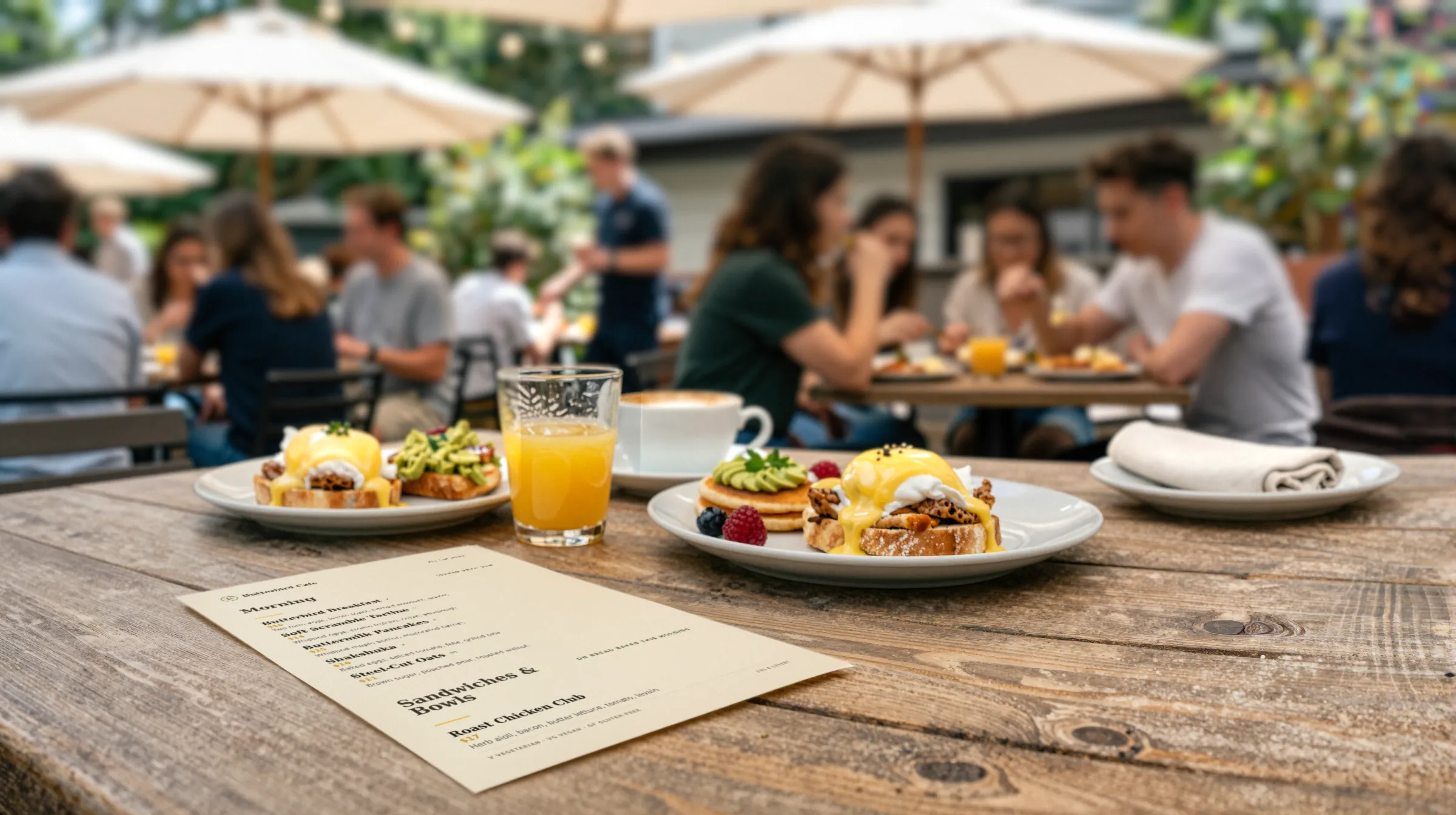
Brunch runs out of hollandaise at 11:40. Your menu should know by 11:41.
Take it off from your phone. The menu behind every QR code catches up about thirty seconds after you save.
$19 a month. Probably less than your last reprint.
Fourteen days free, no card. Then pick monthly or annual. Same product either way. No setup fee, no contract.
The trial covers one live menu with its QR code. PDF downloads and more menus start when you pick a plan.
- The first thirty dayson the house
- Monthly$19per month, cancel anytime
- Annual$190per year, two months free
No card needed · then $19/mo or $190/yr · cancel anytime
Straight answers
- What is Gaslamp?
- Gaslamp is restaurant menu management software. You keep one menu in it, and it becomes a hosted mobile menu, a QR code that never changes, and a print-ready PDF. Change a price or take a dish off from your phone in about thirty seconds.
- Can I change the menu from my phone?
- Yes. The editor runs in your phone’s browser, with no app to install. Tap the dish, change the price or mark it sold out, and tap Save & update live menu.
- How fast do changes show up on the QR menu?
- The hosted menu rebuilds in about two seconds after you save, and phones that scan the code see the change about thirty seconds after you save. We timed the refresh at 17 to 22 seconds in three runs.
- How do I set up my menu?
- Pick the design made for your kind of place, start from the sample menu in it, and type your dishes and prices over the sample in the editor. If your menu is already typed up somewhere, you can start from that text instead; it gets you a head start, and you tidy it up in the editor.
- Can I edit everything myself?
- Yes. Change items, prices, descriptions, and sections in the editor. You can also adjust the layout, accent color, fonts, logo, and item photos while watching the preview update.
- Which dietary tags are available?
- You can mark items vegetarian, vegan, gluten-free, dairy-free, nut-free, spicy, halal, or keto.
- Can I make more than one menu?
- Yes. Keep dinner, brunch, drinks, happy hour, and the seasonal menu in the same account, each with its own QR code. The trial covers one live menu; paid plans have as many as you run.
- Can I print it?
- Yes. The print-ready PDF comes from the same edit as the phone menu, so the copy you print for Friday matches what the QR code opens. PDF downloads start with a paid plan.
- What happens when I change the menu behind my QR code?
- The QR code stays the same. Guests who scan it see the latest version of your hosted menu. You can also make printable table tents, window signs, and counter cards.
- Can I go back to an earlier version?
- Yes. Version history lets you revisit earlier versions of your menu.
- How much does it cost?
- Start with a 30-day free trial, no credit card needed. Then it is $19 a month, or $190 a year (2 months free). No setup fee. Cancel anytime. The trial includes one published live menu with QR codes. PDF downloads and additional menus start when you pick a plan.
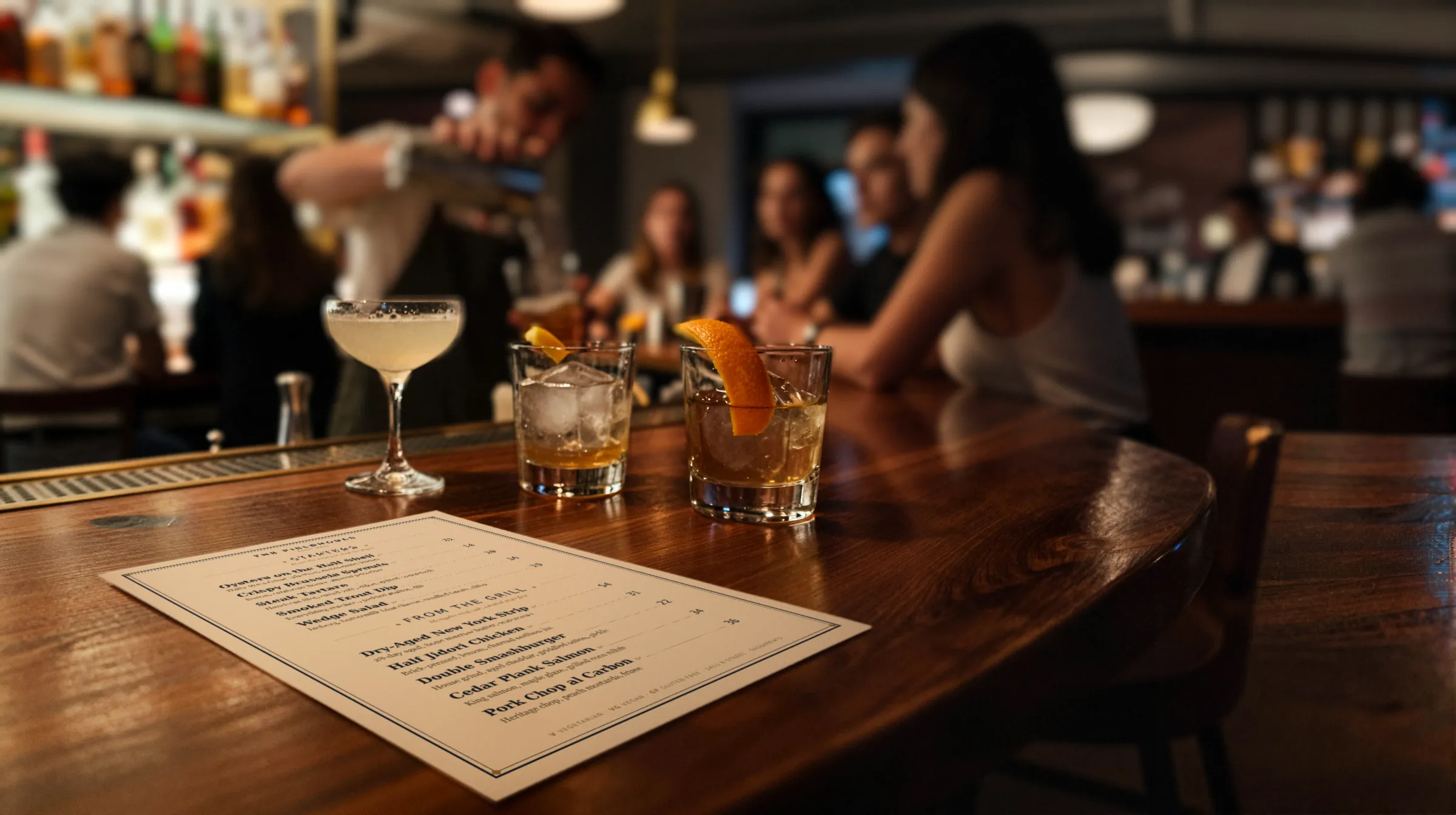
Tonight’s menu should be tonight’s menu.
No card needed · then $19/mo or $190/yr · cancel anytime
Already set up? Log in · Questions go straight to the person who builds it: [email protected]