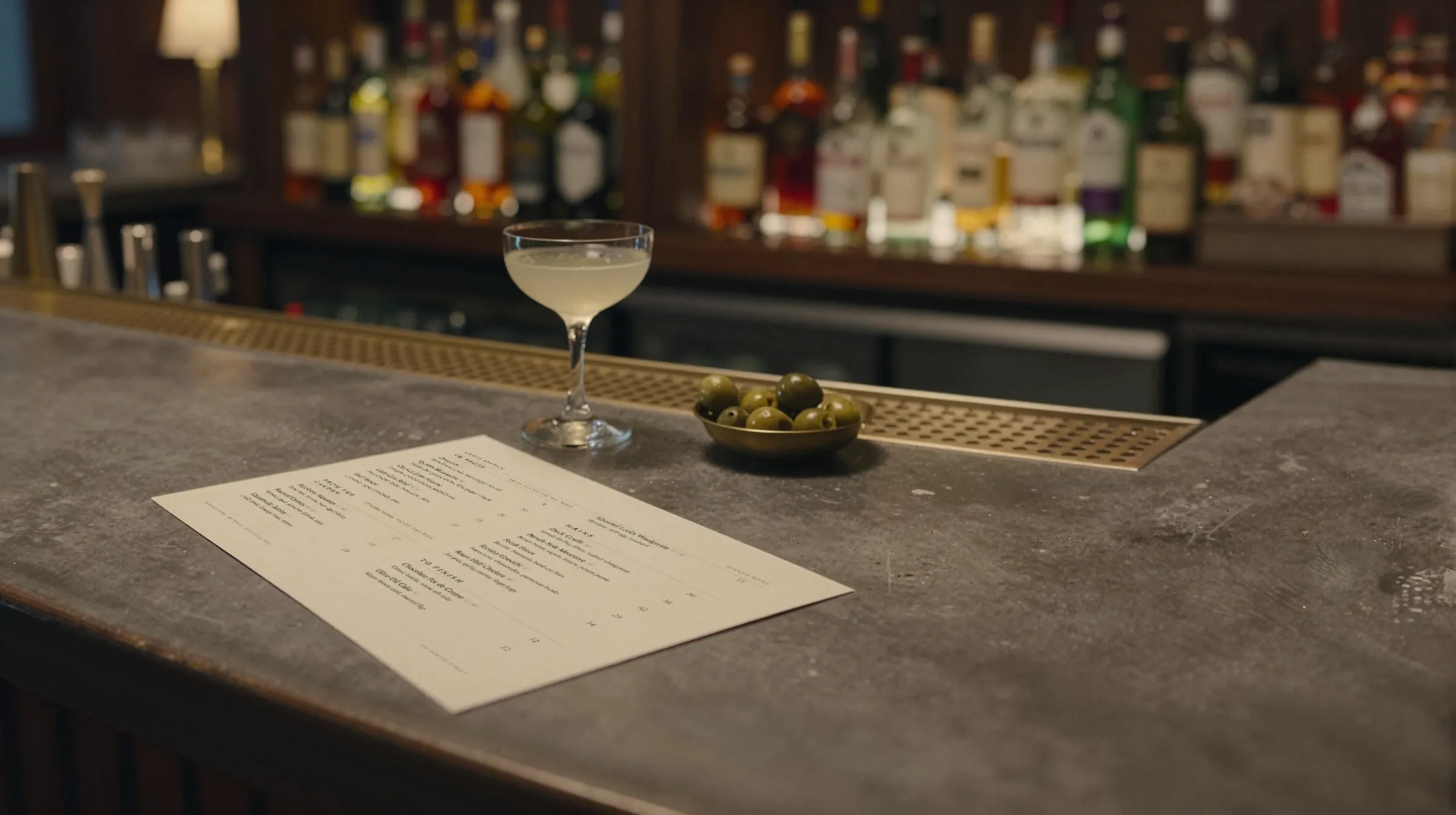
Brewery and taproom menu makerThe keg kicked. The tap list should know.
A taproom menu is a live document. A keg blows mid-shift, a new release goes on Thursday, the food truck out back is different every night. Gaslamp keeps your tap list, your food, and the QR on every table as menus you change from your phone behind the bar.
No card needed · then $19/mo or $190/yr · cancel anytime
What changes on a taproom menu, and how often
A menu is designed once and edited forever. These are the edits this kind of place makes, and what each one takes in Gaslamp.
| The change | How often | In Gaslamp |
|---|---|---|
| A keg kicks | Several times a week | Mark the beer sold out. The QR tap list shows it struck through about thirty seconds after you save; the hide switch takes it off entirely. |
| A new beer goes on | Most weeks | Add it with style, ABV, and hops in the description. The list reflows; nothing to lay out. |
| A seasonal or one-off release | Monthly | Keep a Seasonal section. Hide it between releases instead of deleting it. |
| The food partner changes | By the night, if trucks rotate | Keep food on its own menu with its own code, or a section you switch on and off. |
| Pour prices move | A few times a year | Edit the prices, then print a fresh PDF for the board when you are ready. |
7:18 p.m.
The hazy kicked at 7:18. Off the list at 7:19.
Nobody wants to walk up to the bar for the beer that just ran out. Pull out your phone, mark the hazy sold out, and tap Save & update live menu. The next table that scans sees it struck through and orders something else. When the new keg is tapped, put it back on.
The editor runs in your phone’s browser; there is no app to install. The menu rebuilds in about two seconds, and phones that scan the code see the change about thirty seconds after you save.
Your phone

The menu

How taprooms set up their menus in Gaslamp
Menus
- Tap listDrafts, flights, cans to go, non-alcoholic
- KitchenIf you run food, on its own menu and code
Sections, for example
- HoppyIPAs and pales
- Lagers & lightpils, helles, kölsch
- Malty & darkambers, porters, stouts
- Sour & wildkettle sours, mixed ferm
- Cider & seltzerguest taps
- Non-alcoholicN/A beer, sodas
- Flightsfour 4 oz pours
- Cans to go4-packs
Twelve sections of up to twenty beers each: room for a long tap wall with cans to spare.
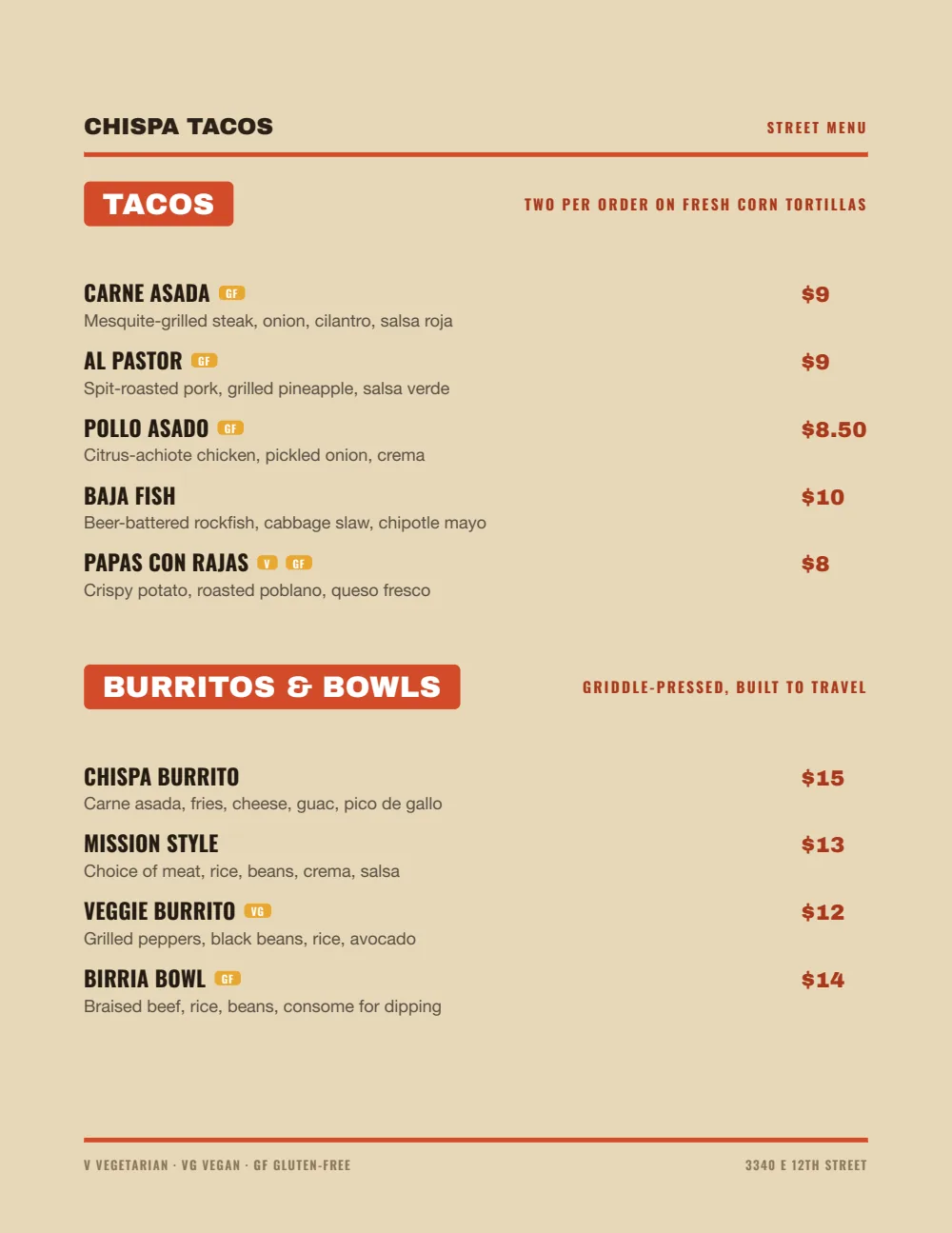
Start with Food Truck
Heavy names, loud section tabs, and prices set bold on the right. It reads across a loud room and on a phone in a dim one.
Start from the sample menu set in Food Truck, then type your dishes and prices over it in the editor. After that, the job is keeping it right from your phone.
Where the QR code goes
Each menu gets one code, and it never changes. Print it once; every edit after that shows up behind it. Gaslamp makes the printable pieces for you.
From the floor: If the board behind the bar is chalk, keep the chalk. The QR tap list is for the tables and the patio, where nobody can read the board.
- Table tenton every table, so the second round does not need a walk to the bar
- Bar top cardevery few seats along the rail
- Window signon the door, for people checking what is on before they come in
Good to know before you start
- Up to three labeled prices per beer, so a 10 oz and a 16 oz pour share one line. ABV and style go in the description (“West coast IPA · 6.8%”). Flights can be their own items.
- No Untappd or POS sync. The tap list is edited in Gaslamp.
- No automatic happy-hour pricing. A Happy Hour section you show and hide is the workaround.
Taproom menu questions
- Can the tap list show style and ABV?
- Yes. Put style, ABV, and hops in each beer’s description, for example “West coast IPA · 6.8% · Citra, Mosaic”. It prints on the PDF and shows on the hosted menu.
- What happens when a keg kicks?
- Mark the beer sold out and save. About thirty seconds later the hosted tap list behind your QR code shows it struck through with a “Sold out” label, until you put it back on. If you would rather it leave the list, use the hide switch instead.
- Does Gaslamp sync with Untappd or my POS?
- No. Gaslamp is where you edit the menu guests read. Changes in Untappd or your POS are made there separately.
- Do beer and food need separate QR codes?
- Each menu has its own code and printable table tent. If you would rather have one code per table, keep food as a section on the tap list menu.
- How much does it cost?
- Start with a 30-day free trial, no credit card needed. Then it is $19 a month, or $190 a year (2 months free). No setup fee. Cancel anytime. The trial includes one published live menu with QR codes. PDF downloads and additional menus start when you pick a plan.
Tap it Thursday. List it Thursday.
No card needed · then $19/mo or $190/yr · cancel anytime