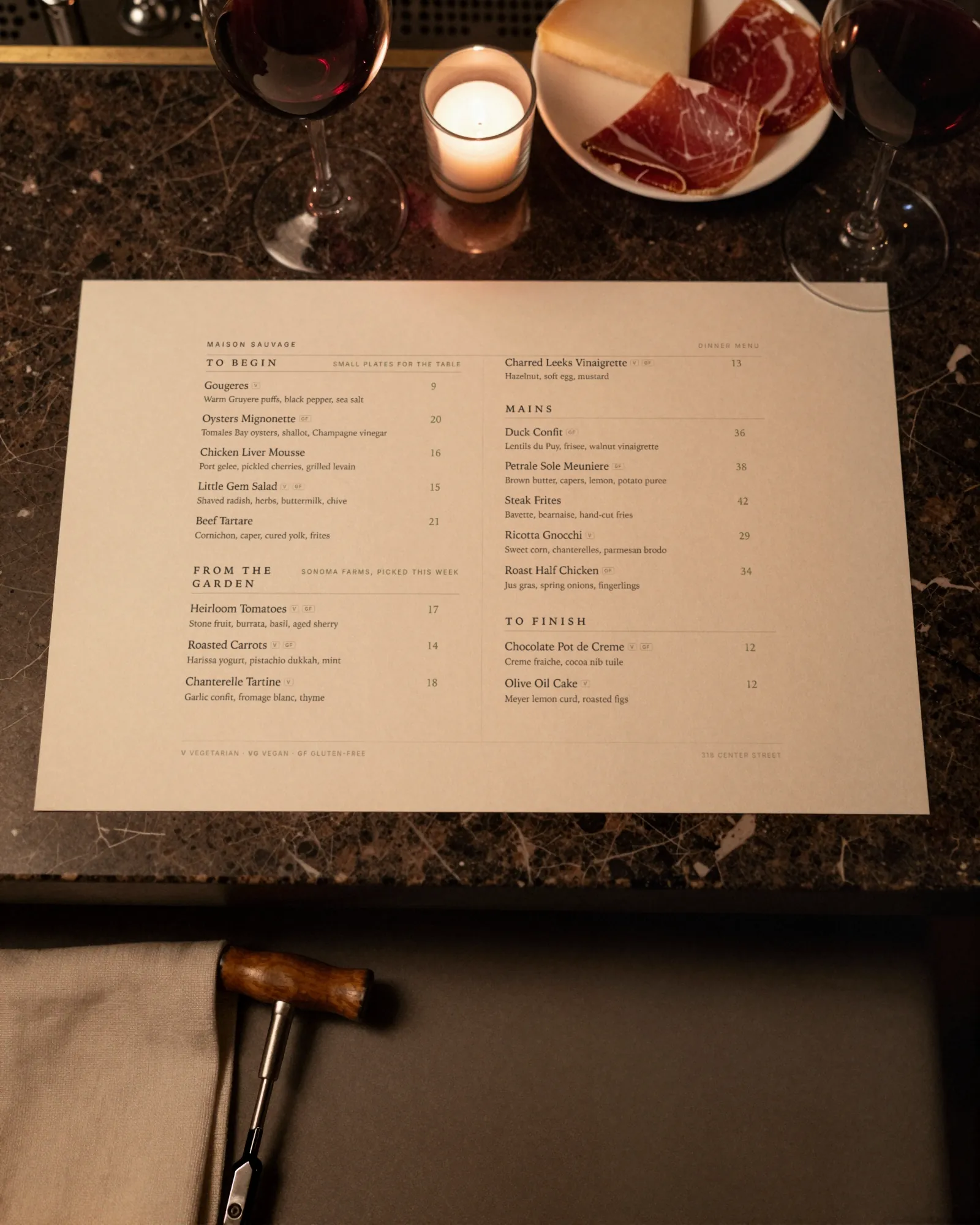
Wine bar menu makerThe glass list turned over on Tuesday. So did the menu.
A wine bar menu moves at two speeds. The by-the-glass list turns over every week or so as bottles are opened and finished, the bottle list changes when a case sells through, and the kitchen is a cheese board, some charcuterie, and whatever the burrata delivery allows. Gaslamp keeps the glass list, the bottle list, and the QR on the bar as menus you change from your phone before the first pour.
No card needed · then $19/mo or $190/yr · cancel anytime
What changes on a wine bar menu, and how often
A menu is designed once and edited forever. These are the edits this kind of place makes, and what each one takes in Gaslamp.
| The change | How often | In Gaslamp |
|---|---|---|
| The by-the-glass list turns | Weekly, or when a bottle is finished | Edit the wine in place: producer and vintage in the name, grape and region in the description. Hide the one that is done. |
| A bottle sells through | A few times a month | Mark it sold out on the bottle menu, and it shows struck through on the QR list about thirty seconds after you save. Put it back on if the case is reordered. |
| The burrata or a cheese runs out | Most busy nights | Mark the item sold out. Whoever scans the code at the bar next sees it struck through and orders from what the kitchen can still plate. |
| A new cheese or cured meat comes in | Every week or two | Add it to the Cheese & charcuterie section with milk, origin, and age in the description. |
| Distributor prices move | A few times a year | Change the glass and bottle prices on your phone. The QR list is right about thirty seconds after you save; reprint the paper list when you are ready. |
8:05 p.m.
The burrata ran out at 8:05. Off the menu by 8:06.
Two orders came in at once and the last one went to the bar. Mark the burrata sold out on your phone and tap Save & update live menu. The next person to scan the code sees it struck through and picks something the kitchen can actually send, instead of ordering it and hearing no. Put it back on when tomorrow’s delivery is in the walk-in.
The editor runs in your phone’s browser; there is no app to install. The menu rebuilds in about two seconds, and phones that scan the code see the change about thirty seconds after you save.
Your phone

The menu

How wine bars set up their menus in Gaslamp
Menus
- By the glass & kitchenGlass pours, boards, small plates, a few beers and zero-proof
- BottlesThe bottle list by region or style, on its own menu and code
Sections, for example
- Sparklingabout 3 by the glass
- White & roséabout 6
- Orange & skin contact2 or 3
- Redabout 6
- Sweet & fortified2 or 3
- Cheese & charcuterieboards and single pieces, up to 12
- Small platesabout 8
- Not winebeer, cider, zero-proof
The glass menu fits easily. A bottle list may not: at twenty bottles a section and twelve sections a menu, a list past 240 bottles splits across two menus, for example Old World and New World.
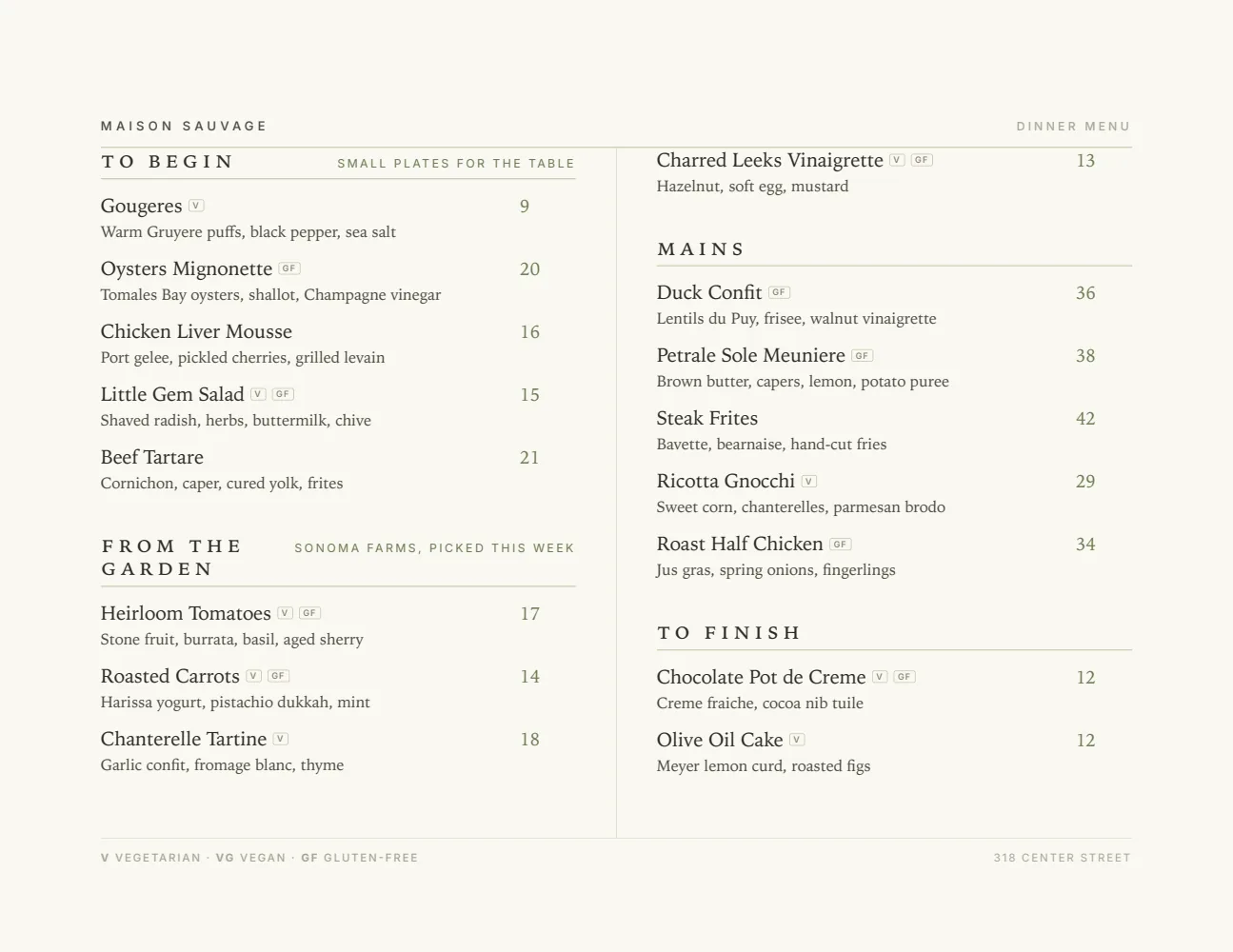
Start with Elegant Landscape
Two columns in landscape, the shape of a wine list lying open on the bar. Producer and vintage fit on one line with grape and region under it, and it reads by candlelight on paper and in the phone’s own light behind the code.
Start from the sample menu set in Elegant Landscape, then type your dishes and prices over it in the editor. After that, the job is keeping it right from your phone. See the free template for the full layout.
Where the QR code goes
Each menu gets one code, and it never changes. Print it once; every edit after that shows up behind it. Gaslamp makes the printable pieces for you.
From the floor: Keep the glass list and the bottle list on separate codes. The glass list is what changes every week and what most tables want; the bottle list is for the table that has decided to stay.
- Bar top cardevery few seats, for the second glass once the first is gone
- Table tenton the two-tops, beside the candle rather than behind it
- Window signfor people checking what is open by the glass before they come in
Good to know before you start
- Up to three labeled prices per item, so one line shows Glass and Bottle (or Taste, Glass, and Bottle). Wines sold only by the bottle go on the bottle menu at their own price.
- Prices go up to $9,999 per item, so reserve bottles carry their real price on the list.
- A fourth pour size (a taste, a glass, a half bottle, and a bottle) is more than one line holds; put the fourth on a line of its own.
- No inventory count. Gaslamp does not know a bottle is empty; someone switches it off.
Wine bar menu questions
- How do I list wine by the glass and by the bottle?
- Give the wine two labeled prices on one line, Glass and Bottle; an item takes up to three. Wines you only sell by the bottle can go on a separate bottle menu, which gets its own QR code.
- How often can I change the by-the-glass list?
- As often as you open a new bottle. Edit the wine, save, and the hosted list behind your code shows it about thirty seconds later. Version history keeps the last 50 versions, so last month’s list is still there when a regular asks what that orange wine was.
- How do I price cheese and charcuterie boards?
- Make each board size its own item, for example “Pick three” and “Pick five”, and list the cheeses and meats underneath with milk, origin, and age in the description. If you also sell single pieces, give them their own prices.
- Can the wine list show grapes and tasting notes?
- Yes. Put producer and vintage in the name, and grape, region, and a line of notes in the description. It prints on the PDF and shows on the hosted menu as real text sized for the phone.
- How much does it cost?
- Start with a 30-day free trial, no credit card needed. Then it is $19 a month, or $190 a year (2 months free). No setup fee. Cancel anytime. The trial includes one published live menu with QR codes. PDF downloads and additional menus start when you pick a plan.
The glass list turns again next week. The menu turns with it.
No card needed · then $19/mo or $190/yr · cancel anytime