QR code menu for restaurantsOne code. Always the current menu.
The QR on table six should open tonight’s menu, not the PDF somebody uploaded in March. Gaslamp gives every menu one code that opens a hosted page you edit. Change a price at 4:50 and the next guest who scans sees it.
No card needed · then $19/mo or $190/yr · cancel anytime
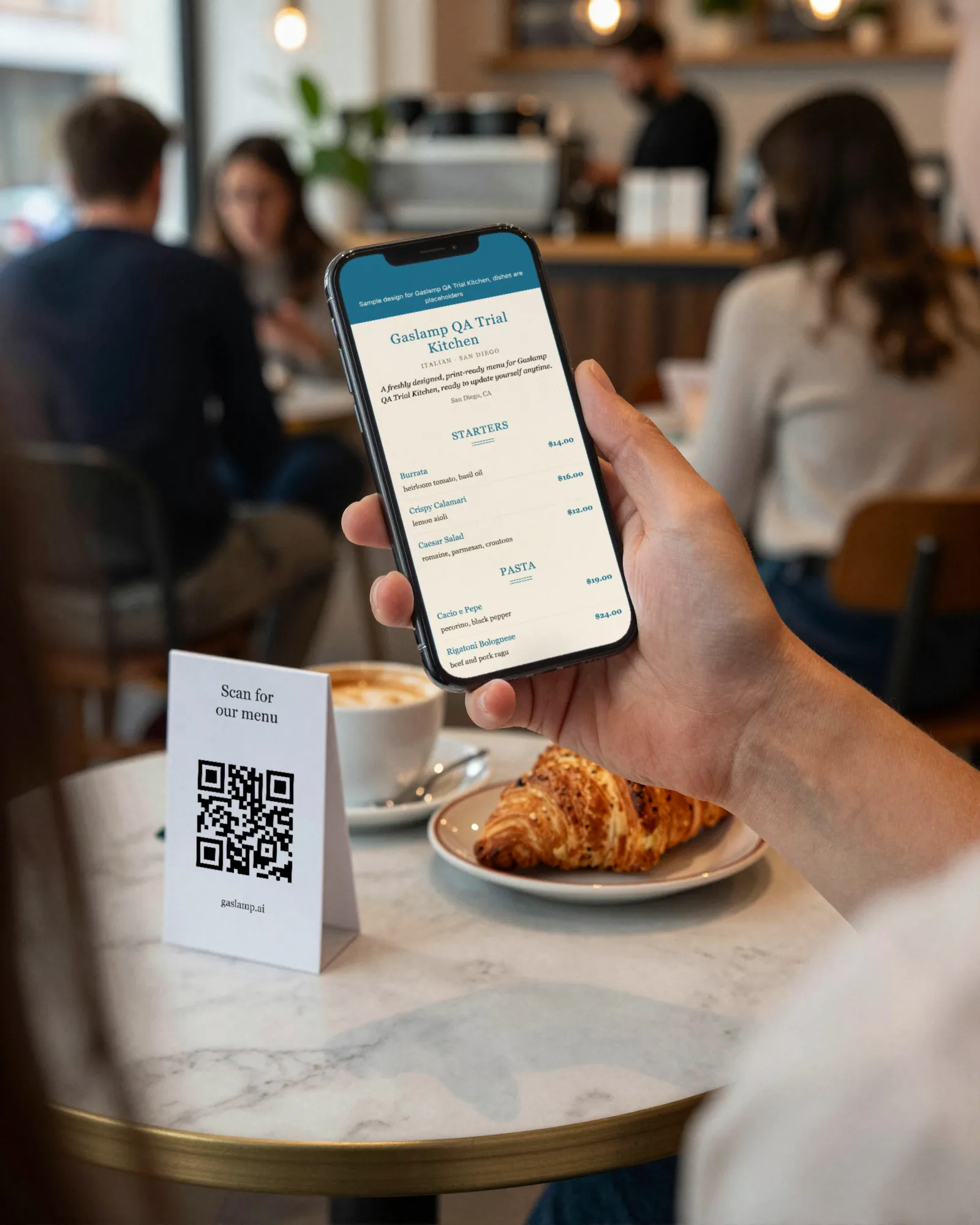

Get your phone out. Scan it.
That code opens a real, live Gaslamp menu, hosted the same way yours would be. The dishes are placeholders. What you are holding is exactly what a guest gets: the menu, in its design, sized for a phone, no app to download.
Reading this on your phone already? Open the sample menu.
Why most QR menus go stale.
Every QR code is an address printed as a pattern. A static code bakes in one address and opens it forever. If that address is dinner-march.pdf, then March is what guests get until somebody uploads a new file to the same spot, or reprints every tent in the room.
Gaslamp flips it. The code points at your hosted menu page, an address that never moves, and Gaslamp rebuilds that page every time you edit the menu. You get what people mean by a dynamic QR menu, with no redirect to manage and nothing to re-point.
A PDF behind a code
- Raise the oysters two dollarsnew PDF
- 86 the short ribnew PDF
- New file, new addressnew tents
- Guest on a phonepinch and zoom
A Gaslamp code
- Raise the oysters two dollarsedit, save
- 86 the short ribmark it sold out
- The code on the tableunchanged
- Guest on a phonea page built for it
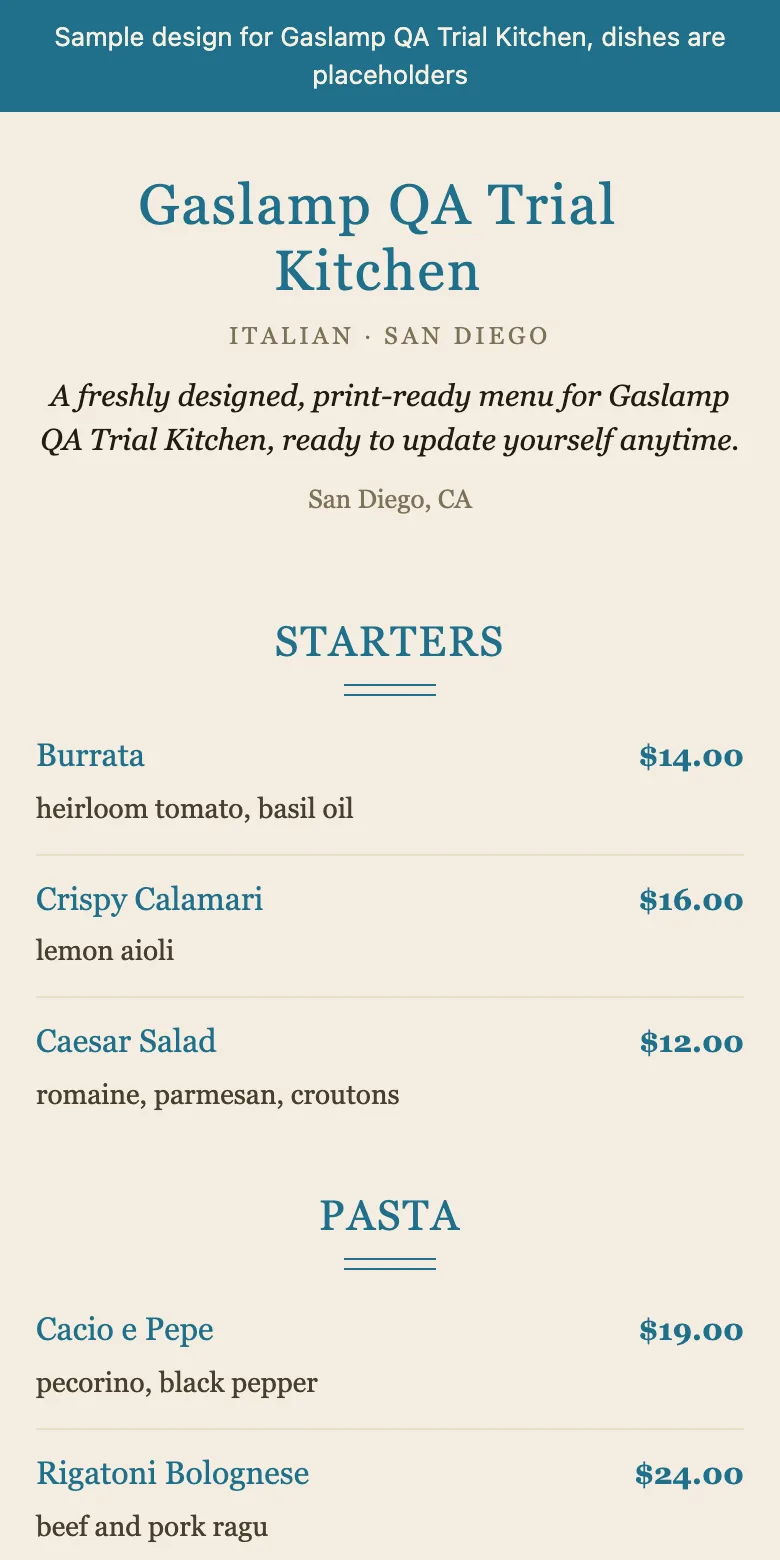
What happens after the scan.
- 1
The camera finds the code
No app, no download, no account. The phone offers a link and the guest taps it.
- 2
Your menu opens in the browser
Your name at the top, your sections, dishes, descriptions, and prices, set in the same design as your printed menu.
- 3
It reads like a menu, not a file
Text reflows to the width of the phone. Nobody pinches, zooms, or scrolls sideways across a scanned PDF.
- 4
It is the current menu
Whatever you last changed in the editor. Switch a dish off and the page behind every code catches up about thirty seconds after you save.
Print it once. Put it where people wait.
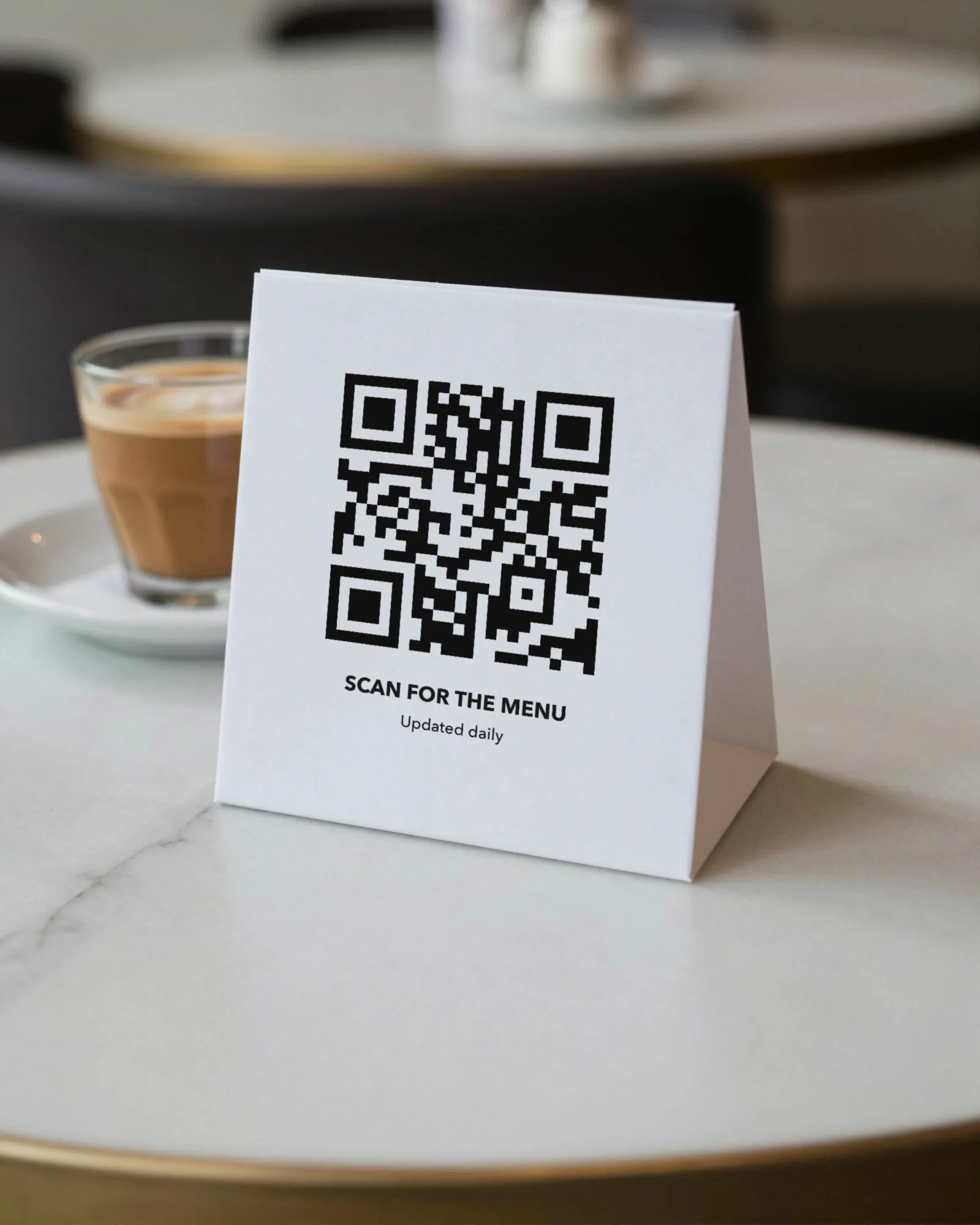
Gaslamp makes three printable pieces from each code. Plain paper works; cardstock lasts longer. The rule of thumb for size: make the code about one tenth as wide as the distance it will be scanned from.
| The piece | Where it goes | How big |
|---|---|---|
| Table tentA folded card for every table. | Center of the table, code facing the seats, clear of the candle and the bread basket. | Scanned from about 1 to 2 feet; code at least 1 to 1.5 inches wide. |
| Window signA full-page poster for the door or front window. | Eye level, on the side of the door people actually stand on. Inside the glass, not behind a screen. | Scanned from about 3 to 6 feet; give the code as much of the page as it gets. |
| Counter cardA small card for the counter or the bar. | Next to the register or the rail, where people wait. Not flat under a pendant light that bounces off it. | Scanned from arm’s length; code at least 1 inch wide. |
Before service, test it from the seat.
Sit where a guest sits, under the lighting they get, and scan. Glossy lamination under a pendant light can throw enough glare to stop a good code from reading. Matte stock avoids the problem.
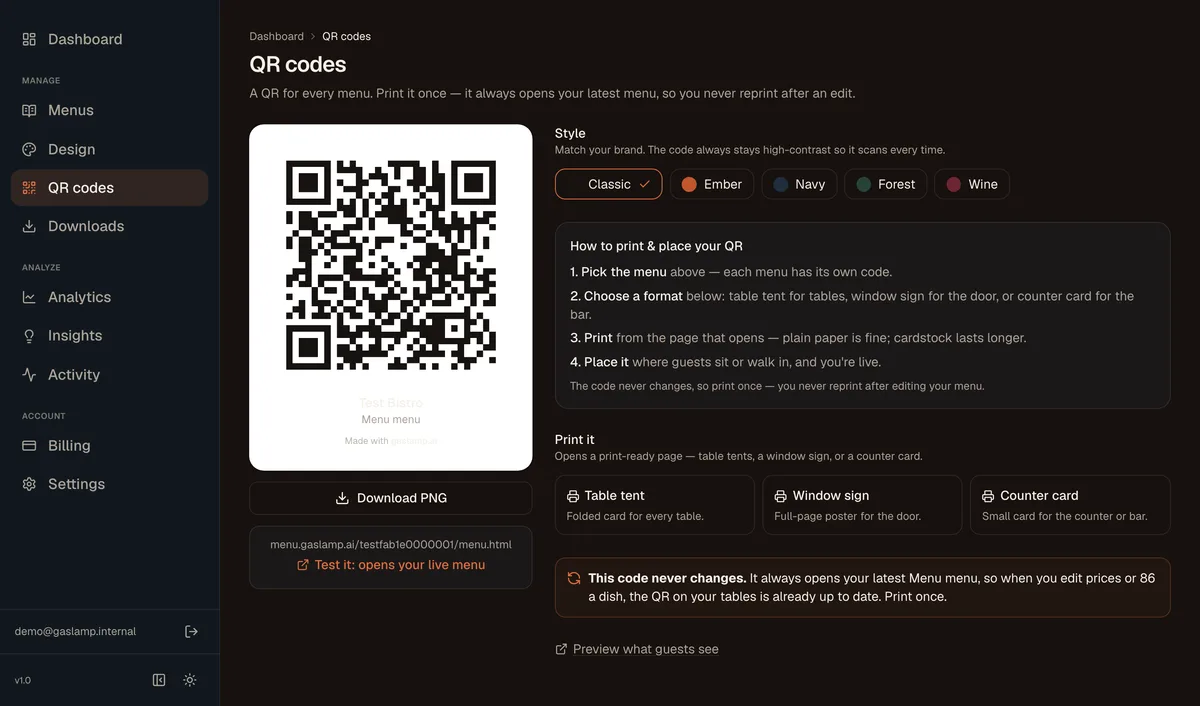
The QR screen in the Gaslamp app. Five code styles, one PNG download, three print layouts.
More on QR code menus
The whole subject, one page at a time: how to make one, what to print, what goes wrong with PDFs and free codes, and whether guests still want them.
- Free QR code generatorAny menu link to a code, a table tent, and counter cards.
- Free menu checkerIs the menu behind your code a PDF, a picture, or text?
- How to make a QR code menuStep by step, including the mistakes.
- QR code table tentsSizes, materials, placement, testing.
- QR code for a PDF menuWhy it goes stale, and the alternative.
- Free QR code menusWhat is really free, and the expiry trap.
- QR drink and wine listsBars, taprooms, and candlelight.
- QR menu vs printed menuWhere each one wins.
- One QR code for several menusBrunch, dinner, and drinks: one code per menu, placed so guests find the right one.
- Dynamic vs static codesThe subscription in the middle.
- Digital menusThe three things people mean by it.
QR menu questions, answered straight
- Do I have to reprint the QR code when the menu changes?
- No. Each Gaslamp menu has one code that opens its hosted menu page. Edit the menu and the page changes; the code stays the same, so the table tents you printed stay right.
- What is the difference between a static and a dynamic QR code?
- A static code has one address built into the pattern and opens it forever. A dynamic code opens an address whose contents can change. Gaslamp gives you a code for a hosted page that never moves, and rebuilds that page whenever you edit the menu, so the result behaves like a dynamic code with nothing to re-point.
- Do guests need an app to read the menu?
- No. They point the phone camera at the code, tap the link, and the menu opens in the browser, sized for the phone.
- How big should the QR code be?
- A common rule of thumb is a code about one tenth as wide as the scanning distance. Table tents are scanned from a foot or two, so an inch or more is plenty. A window sign scanned from the sidewalk wants a much bigger code. Print one and test it from the seat before service.
- Can I have separate codes for dinner, brunch, and the bar?
- Yes. Each menu gets its own code. The free trial includes one published live menu with its codes; more menus come with a paid plan.
- Can the code match my colors?
- There are five code styles: Classic, Ember, Navy, Forest, and Wine. Every style keeps the code high contrast so it scans.
- Can I still hand guests a printed menu?
- Yes. The same menu prints as a PDF in the same design. PDF downloads start when you pick a plan.
- How much does it cost?
- Start with a 30-day free trial, no credit card needed. Then it is $19 a month, or $190 a year (2 months free). No setup fee. Cancel anytime. The trial includes one published live menu with QR codes. PDF downloads and additional menus start when you pick a plan.
Print the code once. Edit the menu forever.
No card needed · then $19/mo or $190/yr · cancel anytime