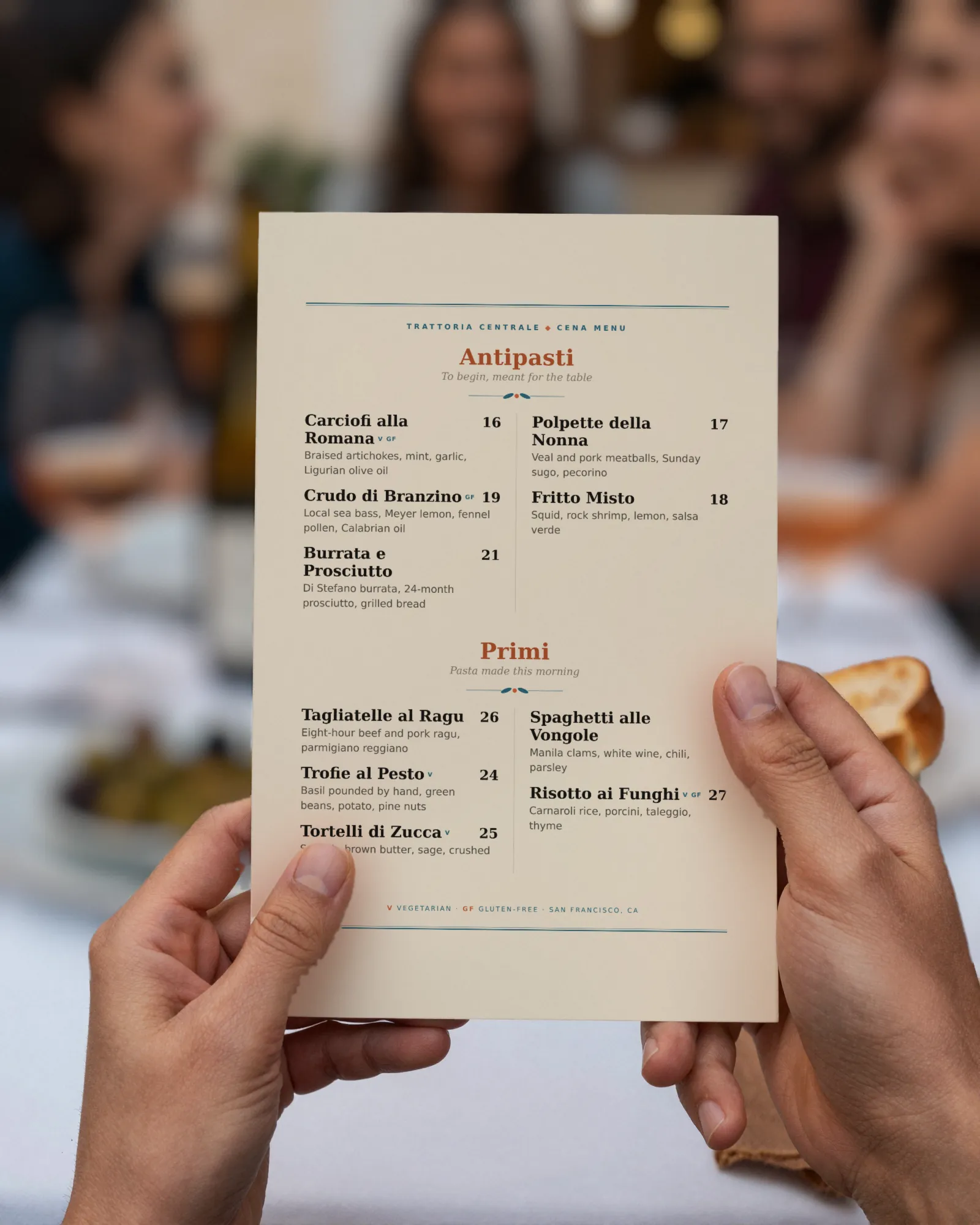
How the menu checker works
It does what a careful guest does, minus the hunger. When you press the button, our server opens your home page, looks for the link that says menu (or the menu your site already points search engines to), follows it, and looks at what comes back.
- Reads your home page and every link on it that looks like a menu: menu, dinner, lunch, brunch, drinks, food.
- Opens the menu and works out what it is: a web page with the dishes as text, a PDF, a picture, a page on an ordering service, or a file on a sharing or QR service.
- Reads the file’s own facts when it is a PDF or picture: how many pages, whether there is any text inside, and the date saved in the file or given by your web server.
- Checks the page setup: the viewport tag that tells phones to fit the page to the screen, schema.org markup that tells search engines this is a restaurant with a menu, and whether the site answers on a secure address.
- Writes the report card with one line per check and a plain fix for each problem.
It is polite about it. It identifies itself as GaslampMenuCheckup, obeys your robots.txt, follows no more than three redirects, gives up after a few seconds rather than hammer a slow site, and reads your home page plus one or two pages behind it, never the whole site.
How to read your report card
Each line is something we saw with our own fetch. When we could not tell, we say so instead of guessing.
| Line | What we looked at | Why it matters |
|---|---|---|
| Menu linked from the home page | Links on your home page, plus any menu address in your schema.org markup | The menu is the page most guests came for. If it takes a search to find it, some of them leave. |
| The menu is real text | Whether the dishes and prices are words in the page, or locked inside a PDF or a picture | Text reflows to fit a phone, can be read aloud by a screen reader, and can be read by search engines. |
| Easy to read on a phone | The viewport tag on the menu page, or the fact that a PDF or picture keeps its paper shape | Without it, a phone shows a shrunken desktop page and guests pinch and zoom through dinner. |
| Search engines can read the dishes | Text in the page, or text inside the PDF | A dish that exists only as a picture cannot turn up when someone searches for it. |
| Menu markup for search engines | schema.org Restaurant, Menu, and hasMenu markup on the home page and menu page | It tells search engines, in their own terms, what you are and where the menu is. |
| When the menu file last changed | The date saved inside the PDF, or the date your server gives for the file | If the file is older than your last price change, the menu online is wrong. |
The stamp in the corner counts the lines marked Fix. “In good order” means none; “A few fixes” means one or two; “Needs work” means three or more; “Menu missing” means we found no menu at all. Lines marked Note are facts, not faults, and are not counted.
PDF menu vs online menu
Plenty of restaurant menus online are PDFs, and we understand why: the PDF already exists, because it is the file that went to the printer. Putting it online is one upload. Here is what each one gives a guest and a search engine.
| PDF menu | Online menu (text on a page) | |
|---|---|---|
| On a phone | A letter-size page shrunk to a phone; pinch, zoom, scroll sideways | Reflows to the screen width at a readable size |
| Search engines | Can read text PDFs as one document; a scan has no text at all | Read every dish and price, and can be told it is a menu |
| Changing a price | Edit the source file, export, upload, hope the address stays the same | Edit the page, if someone on staff can |
| Printing | Exactly what it was made for | Needs a separate print file |
| Screen readers | Only if the PDF was built with tags, which most menu PDFs are not | Read it line by line |
A PDF is fine when the menu changes twice a year, it is one page with large type, and you replace the file at the same address. The trouble is the rest of the time. Our PDF menu and QR code guide covers the address problem in detail, and QR menu vs printed menu covers when paper is still the right call.
Is my menu mobile friendly? The test in your pocket
The checker reads the code. This is the part only you can do, with the phone in your pocket:
- Search for your restaurant on your phone, the way a new guest would, and tap through to the menu.
- Count the taps. More than two from your home page is too many.
- Read the most expensive dish on the menu without zooming. If you had to zoom, so does every guest.
- Try to select a dish name with your finger. If nothing highlights, your menu is a picture.
- Check one price you changed recently. If it is wrong online, the file is older than the change.
- Turn the phone’s brightness down, as it would be at a dim table, and read it again.
What to fix yourself, for free
Most of the report card can be fixed without buying anything, including from us.
- Put “Menu” in the top navigation. One word, one link, on every page. It is the single most useful change and costs nothing.
- Replace the PDF at the same address. When the menu changes, upload the new file with exactly the old file name, so every link and printed QR code keeps working. Most website builders let you replace a file rather than add a new one.
- Add the viewport tag if the report flagged it. The line is
<meta name="viewport" content="width=device-width, initial-scale=1">, inside the page’s head. Website builders add it for you; old hand-built sites often lack it. - Add Restaurant markup with your menu’s address. A small block in the page head is enough. Google’s documentation calls the same field
menu; schema.org calls ithasMenu. Either is fine. - Put your menu link on Google. Your Business Profile has a menu link field; point it at the page, not the PDF. Our Google Business Profile menu guide walks through it.
- Type the menu onto a page. If your site builder has a text block, a plain list of sections, dishes, and prices is better on a phone than the most beautiful PDF.
<script type="application/ld+json">
{
  "@context": "https://schema.org",
  "@type": "Restaurant",
  "name": "Your Restaurant",
  "url": "https://yourrestaurant.com",
  "servesCuisine": "Italian",
  "hasMenu": "https://yourrestaurant.com/menu"
}
</script>
What the checker cannot see
Honest limits, so you know how much to trust the report:
- Menus drawn in by a script. Some menu widgets load after the page opens. We read the page as it arrives, so we may report no dishes where a browser shows some. Google runs some scripts, so it may see more than we did.
- Sites that turn tools away. Some hosts refuse anything that is not a browser. If yours does, we say so and stop. Your guests are not affected.
- Your robots.txt. If it asks tools like ours to stay out, we stay out.
- Pictures of menus with odd names. We spot a menu picture by its name or its description. A picture called IMG_2041.jpg on your menu page will read as “no dishes we could read.”
- Taste. We do not grade dishes, prices, or design. Only whether the menu reaches a phone and a search engine intact.
If the report says your menu is a PDF or a picture, the lasting fix is a menu you can change from your phone, behind a QR code that never changes. That is what Gaslamp is: pick a design made for your kind of place, type your dishes over the sample, and from then on a price change is thirty seconds between tickets. If we could read your dishes, the button under the report starts you from them instead; it gets you a head start, and you tidy it up in the editor. Gaslamp is $19 a month after a 30-day trial, and there is no free plan. The checker and every fix on this page are free.