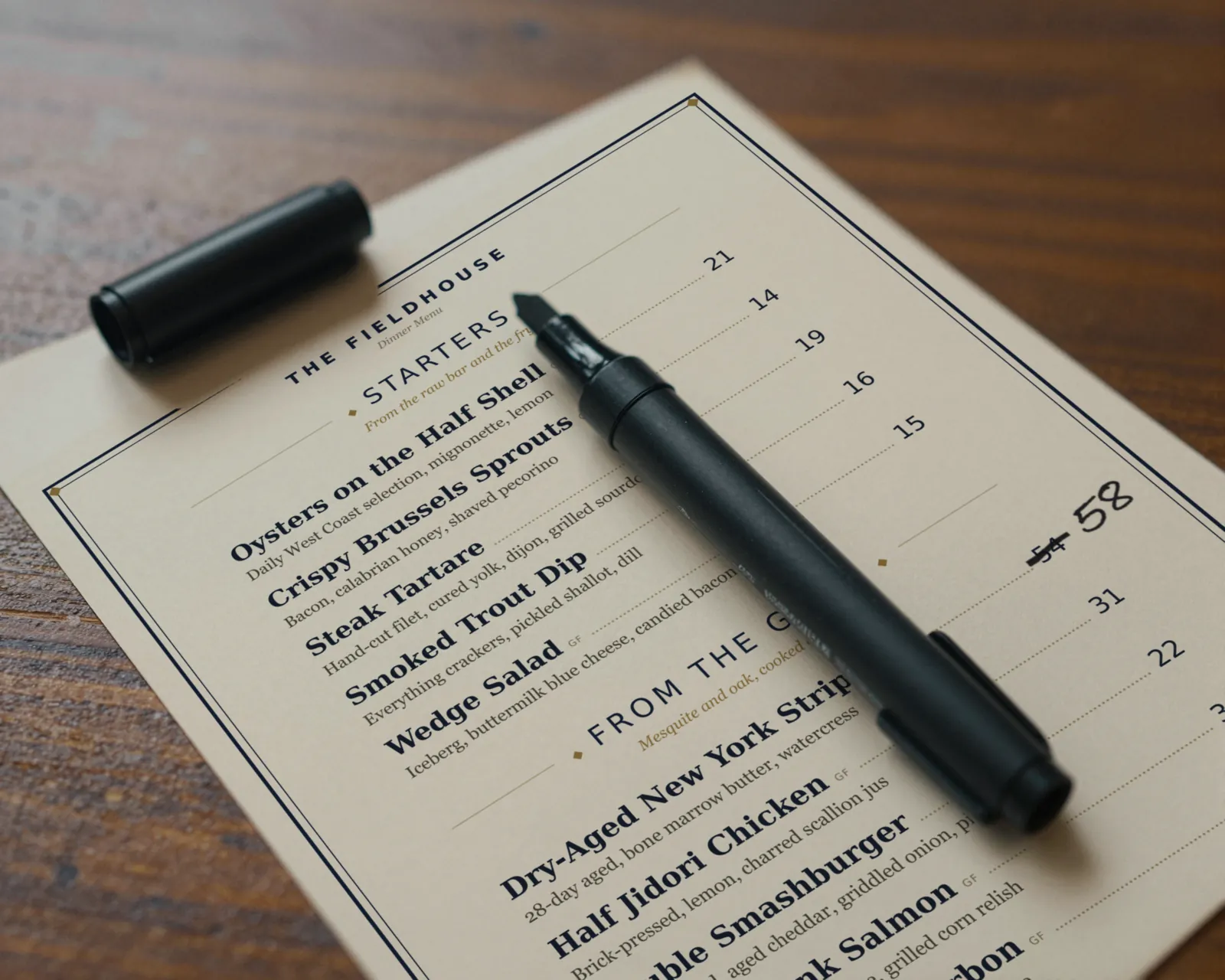
How people link a PDF menu to a QR code
The usual route, and it works on day one:
- Export the menu from Word, Canva, or whatever made it, as a PDF.
- Upload it to the restaurant website or a file-sharing service and copy the public link.
- Put the link into a QR code generator and download the code.
- Print the code on table tents and stick one in the window.
Guests scan, the PDF opens, and everyone is happy until the kitchen changes something. There is nothing wrong with the code. The problem is the file it opens.
Why a QR code menu PDF goes stale
A PDF is a finished print file. To change one price you have to go back to the source file, edit it, export a new PDF, and get that new PDF to the exact address the code opens. Every link in that chain breaks in a familiar way:
- The source file lives on one laptop. Whoever designed the menu has it. It is Saturday and they are not here.
- The new upload gets a new link. Most file-sharing services give a new file a new address. The printed code keeps opening the old one, and nothing tells you.
- The website swaps the name. “menu-final-v3.pdf” replaces “menu-final-v2.pdf,” and the code still points at v2, or at nothing.
- Nobody does it for one dish. Re-exporting for a single 86 feels absurd, so the PDF waits for the next batch of changes, and the batch waits for a slow week.
Then there is the guest. A PDF was laid out for 8½ by 11 inches. On a phone it opens as a tiny page: pinch, zoom, scroll sideways to find the price, scroll back to find the next dish. Search engines can read a PDF, but less reliably than a web page built as a menu.
The cost shows up on the floor, not in the office. A guest orders the dish the PDF still lists, and the server walks back to say the kitchen is out. A guest sees the old price on the phone and a different one on the check, and now the server is explaining your pricing at the table. A guest with an allergy reads a description the kitchen changed last week. None of it is dramatic. All of it lands on the person carrying plates, and none of it is their fault.
When a PDF behind the code is fine
We would not tell you to change something that works. A PDF is a sensible choice when:
- The menu genuinely never changes between reprints, such as a banquet menu, a fixed catering list, or a menu you rewrite once a year.
- It is one page with large type, so it reads on a phone without much zooming.
- You host it at an address you control and can replace the file in place, keeping the link.
- You check it after every change to the paper menu, as part of the reprint.
If all four are true, keep the PDF and a plain QR code, and spend nothing. If any one of them is not, the code will drift.
If you keep the PDF, keep it honest
- Replace the file at the same address; never upload it as a new file with a new name.
- Scan the code yourself after every replacement. Phones and browsers can hold on to an old copy for a while.
- Put the date the menu was printed at the foot of the PDF, so staff can see at a glance which version guests have.
- Avoid a dynamic code whose only job is re-pointing to new PDFs. Our dynamic vs static guide explains the subscription trap.
The alternative: a hosted text menu, with the PDF from the same edit
Gaslamp keeps one menu and makes two things from it. The QR code opens a hosted page of real text, laid out for the phone, with sections, prices, and dietary tags that reflow to the screen. The print-ready PDF comes from the same menu, in the same design.
- Change a price on your phone and tap Save & update live menu. The page behind the code shows it about thirty seconds after you save.
- Download the PDF when you are ready to reprint, and it already has the new price. There is no second file to remember.
- The code never changes. Nothing to re-upload, re-point, or reprint when the menu moves.
Getting there means picking a design and typing your dishes over its sample menu, once. After that a price change is a phone edit, not a new file. See QR menu vs printed menu for how the two work side by side in a dining room.
What Gaslamp does not do
- It does not host an uploaded PDF behind the code. The code opens the hosted text menu.
- PDF downloads are part of a paid plan. The trial includes one published live menu and its QR codes.
- Item photos show on the hosted menu only, not in the print PDF.
- It does not print or ship menus. You print the PDF yourself or send it to a print shop.