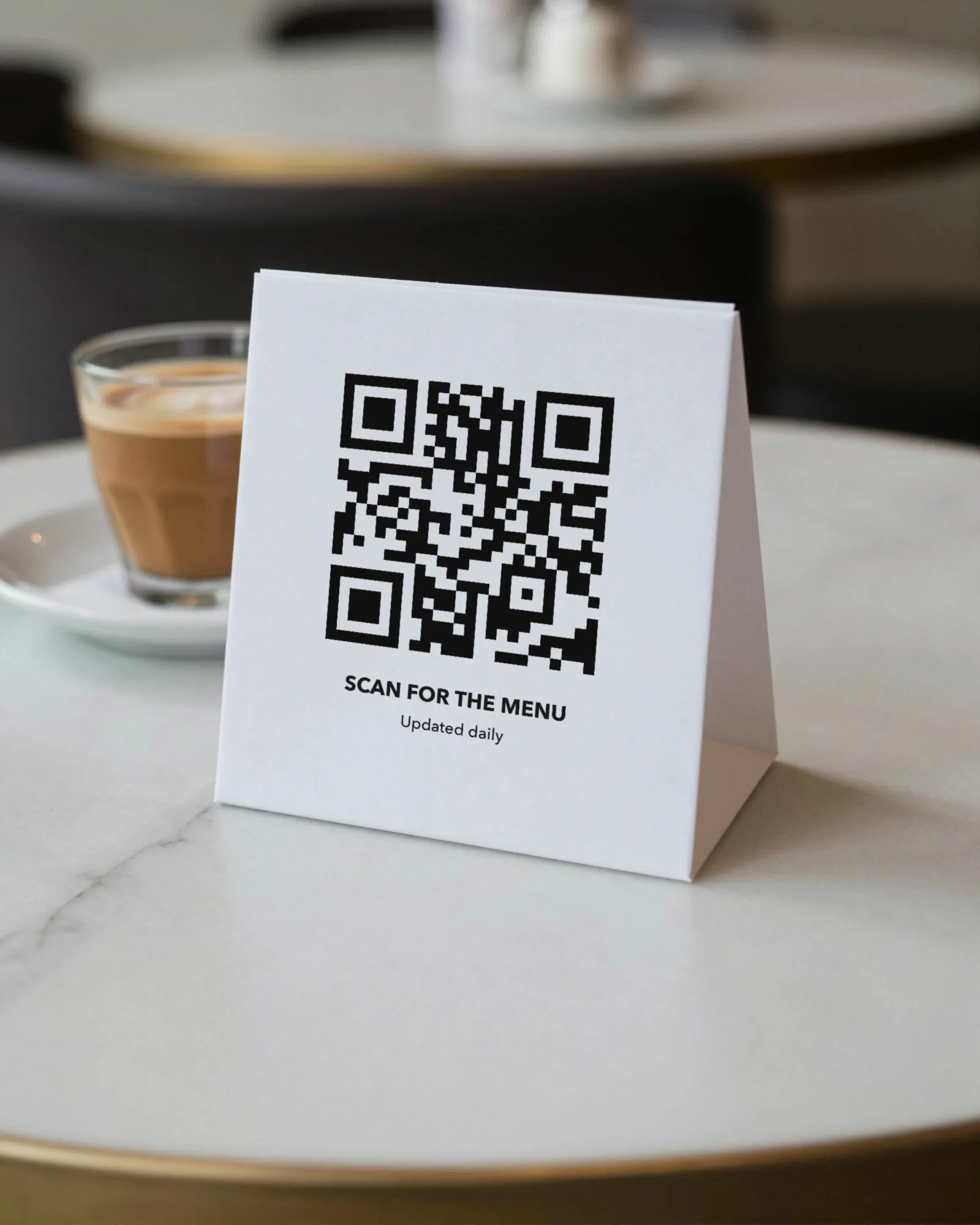
How to make a QR code menu the generic way
Every QR code menu, whoever makes it, comes down to the same four steps. A QR code is a web address printed as a pattern, so the menu has to be at an address before there is anything to print.
- Host the menu somewhere. Your website, a page on a menu service, or a file in cloud storage. What matters is that the address never changes and that you can change what is at it.
- Generate the code. Put the address into a QR code menu generator. Download the image at the largest size offered, as a PNG or SVG.
- Print it. On a table tent, a sticker, a window sign, or the back of the paper menu. Dark code, light stock, a clear border of blank space around it.
- Test it. Scan it from the seat, with an iPhone and an Android phone, in the light the room has at eight o’clock. Then check that what opens is the menu you are cooking tonight.
That is the whole job, and you can do it for nothing. The trouble is almost never in step two. It is in step one, and in what happens to step one the first time the menu changes.
Four mistakes that break a QR code menu
These are the ones we see on real tables. Each has an easy fix before you print, and an expensive one after.
| Mistake | What goes wrong | The fix |
|---|---|---|
| A PDF behind the code | Guests pinch and zoom across a page drawn for paper. Every price change means a new export, a new upload, and hoping the file name stayed the same. | Point the code at a menu page made of real text, one you can edit. More on PDF menus behind QR codes. |
| A dynamic code on a subscription | The code opens the generator’s short link, which forwards to your menu. Stop paying and many services stop forwarding, and every printed code goes dead at once. | Read the terms before printing, or use a plain code pointing at a page you control. See dynamic vs static codes. |
| No margin | The code is jammed against a border, a logo, or the edge of the card, and phones cannot find its corners. | Leave a clear band of blank space on all four sides. Do not crop it to fit the design. |
| Low contrast | A pale brand color, or a light code on a dark card, looks handsome and scans badly, worst of all in a dim room. | Dark code on light stock. Keep the brand color for the words around it. |
How to create a QR code for a restaurant menu with Gaslamp
Gaslamp does steps one to three in one place, and it gets step one right: the code opens a hosted menu page that you edit, so there is never a file to re-upload.
- Pick a design. Eight designs, from Classic American to Food Truck, each made for a kind of place. Add your logo, an accent color, and one of six fonts. The live preview shows the result as you go.
- Type your menu over the sample. Sections and dishes, with each description, price, and dietary tag in its place. You do this once; after that you only change what changed.
- Publish. Tap Save & update live menu. The menu is now a hosted page: real text, sized for the phone, marked up so search engines can read it as a menu.
- Get the code. Each menu has one QR code that opens its page, and that code never changes. Pick one of five code styles.
- Print the pieces. A 4×6 table tent, a letter-size window sign, and a 3×5 counter card are ready to print on your own printer. Our table tent guide covers stock and placement.
- Test from the seat. The same as the generic way. No software can do this step for you.
What changes after the code is on the table
This is where a QR code menu earns its keep or goes stale. With Gaslamp, the editor runs in your phone’s browser. Change a price with the number keypad, switch off a dish the kitchen is out of, add tonight’s special, and tap save. The page rebuilds in about two seconds, and phones that scan the code see the change about thirty seconds after you save. The code on the table does not move.
If an edit goes wrong, version history keeps the last 50 saves, and you can restore any of them. Brunch, dinner, and the bar can each be their own menu with their own code on a paid plan; the trial includes one published live menu.
A QR code menu generator versus menu software
People search for a QR code menu generator because the code is the visible part. The code is a commodity. What you are really choosing is where the menu lives and who can change it.
- A generator plus your website works if your site has a menu page you can edit from your phone in under a minute. Many restaurant sites do not.
- A generator plus a PDF works if the menu never changes. Most do.
- Menu software hosts the page, makes the code, and gives you an editor. That is what Gaslamp is, and it is what you pay for.
What Gaslamp does not do
- It does not make one code per table. Each menu has one code, and every table gets the same one.
- It does not take orders or payments. Guests read the menu on the phone, then order from a server or at the counter.
- It does not switch menus by time of day. You show or hide a section yourself.
- It does not count scans. If you need scan numbers, this is not the tool for that.
- Up to three labeled prices per item (a pint and a pitcher, a glass and a bottle), $1 to $9,999.
- If you cancel, the hosted page goes with it, as with any hosted menu. Plan one reprint if you ever switch.