What the two kinds actually are
Every QR code is a picture of some text, usually a web address. The difference between static and dynamic is whose address it is.
| Static code | Dynamic code | |
|---|---|---|
| What is inside | Your menu’s address, directly | A short link owned by the QR company, which forwards to your menu |
| Can the destination change? | No. The address is fixed forever. | Yes. You re-point the short link in their dashboard. |
| Cost | Free from any generator | Usually a monthly or yearly subscription |
| If the company goes away | Nothing happens; the code still opens your address | The forwarding stops, and so does every printed code |
| Scan counts | Only if the page you point at counts visits | Usually included |
Need a static code now? Our free QR code menu generator makes one from any link, with no account and no expiry.
The question that matters for a menu
Restaurants usually reach for a dynamic code because the menu changes and they do not want to reprint table tents. That is the right worry and often the wrong fix. The code is not what goes stale. The thing it opens goes stale.
If the code opens a PDF, every price change means making a new PDF and getting the code to open it. A dynamic code lets you re-point to the new file, but someone still has to export, upload, and re-point, every time, from a computer. In practice that is why so many table QR codes open last season’s menu.
If the code opens a menu page that you edit directly, the address never needs to change. A plain static code does the job forever, and there is no redirect service between your guests and your menu.
The subscription trap
Dynamic codes route every scan through the generator company’s servers. Plenty of free-trial generators make dynamic codes by default, and many stop forwarding them when the trial or subscription ends. The code printed on forty table tents, the window, and the takeout bags then opens an error page, or the company’s sales pitch.
Before printing any dynamic code, check three things in the generator’s terms:
- What happens to existing codes if you stop paying.
- Whether you can move the short link to another destination and export your codes if you leave.
- Whether the scan page shows the company’s ads or branding before your menu.
A simple way to decide
- Your menu is a PDF you replace a few times a year: a dynamic code from a service you trust will spare you a reprint. Budget the subscription for as long as the tents are on the tables.
- Your menu is a web page you edit: use a static code that points at it. Nothing to renew, nothing in the middle.
- Your menu changes weekly or nightly (specials, sold-out dishes, a rotating tap list): the page has to be editable from wherever you are when the change happens, which is usually a phone. That is a question about the menu, not the code.
Printing a code that scans
- Size: a common rule of thumb is a code about one tenth as wide as the scanning distance. An inch or more on a table tent; several inches on a window sign.
- Margin: leave a clear border of blank space around the code. Codes jammed against a border or a photo are the ones that fail.
- Contrast: dark code on a light background. Light-on-dark and low-contrast brand colors cause misses on older phones.
- Glare: glossy lamination under a pendant light can blind a phone camera. Matte scans better.
- Test from the seat with an iPhone and an Android phone, in the room’s evening light, before the tents go out.
How Gaslamp handles it
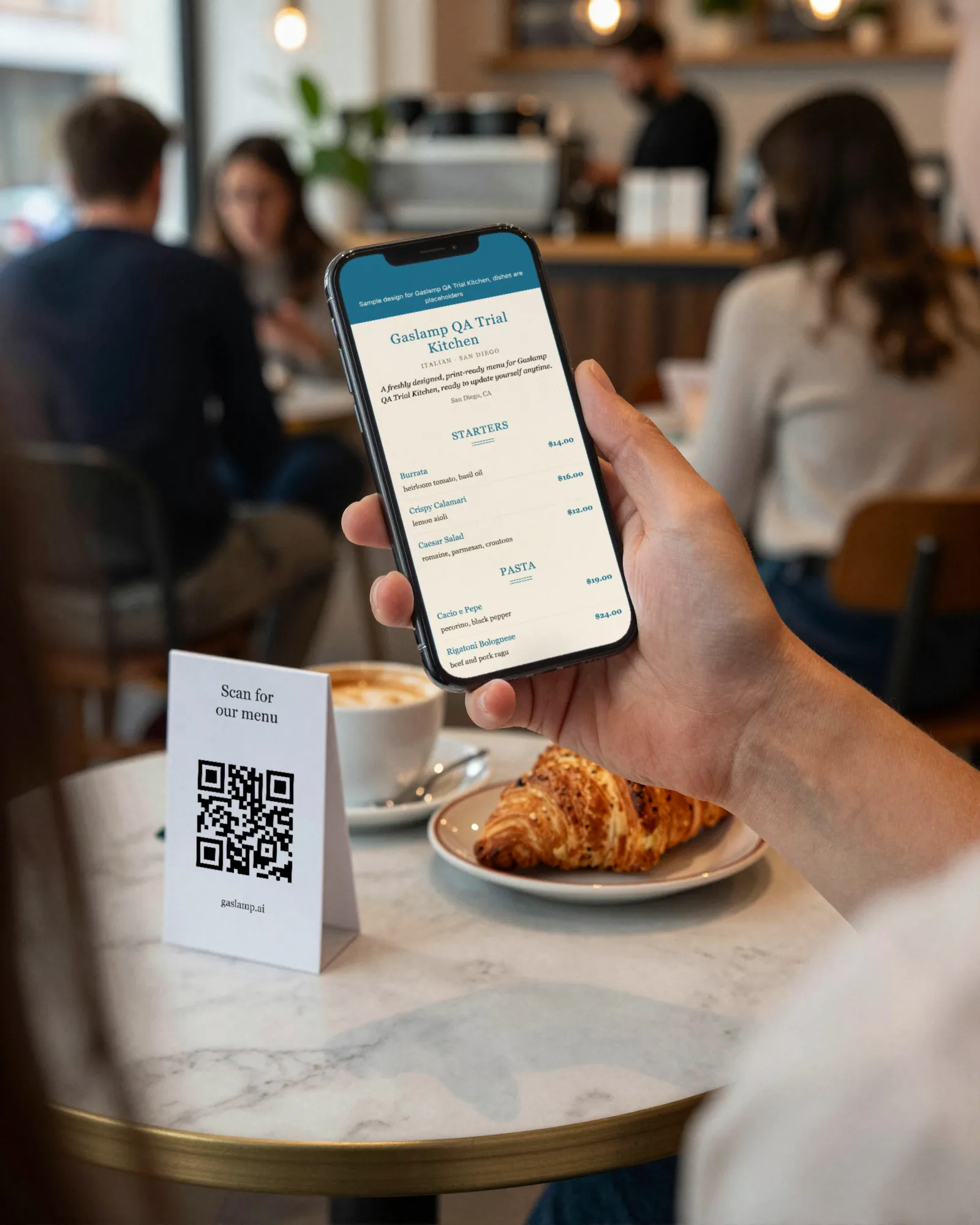
Each Gaslamp menu has one static code that opens that menu’s hosted page, and the address never changes. When you edit the menu and tap Save & update live menu, the page rebuilds in about two seconds, and phones that scan the code see the change about thirty seconds after you save. There is no separate QR subscription and no redirect company in the middle.
You get five code styles, all kept high contrast, and ready-to-print table tents (4×6), window signs (letter size), and counter cards (3×5). Dinner, brunch, and bar menus each get their own code. The page the code opens is real text laid out for a phone, not a PDF to pinch and zoom.
To be straight about the one dependency: the page lives on Gaslamp, so if you cancel, the page behind the code goes with it. That is true of any hosted menu. If you ever switch, plan one reprint. More on the whole setup on the QR code menu page, or see where codes work best for cafés, brunch spots, and food trucks.