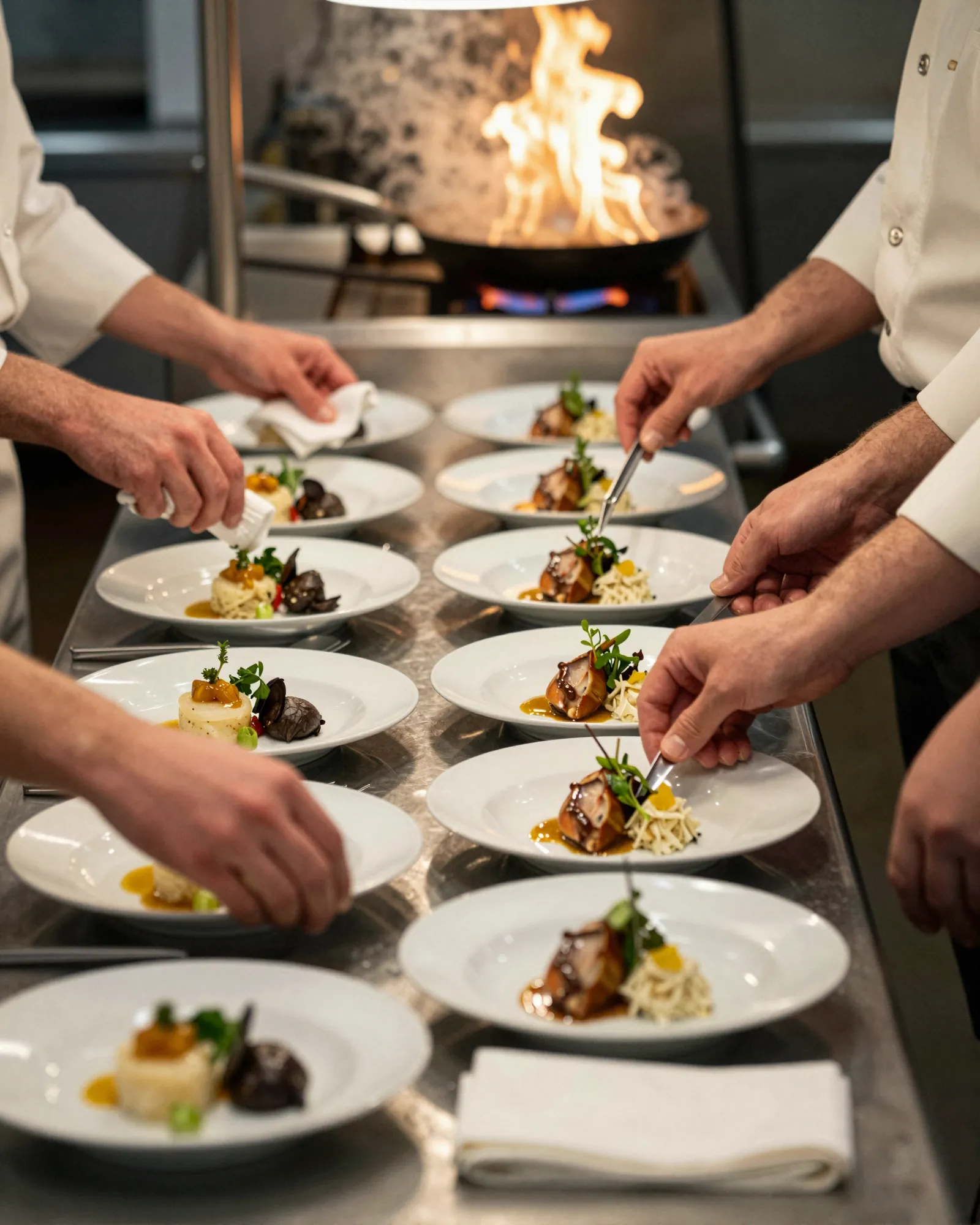
The checklist at a glance
Most changeovers go wrong in the last three days, when the dishes are ready and the menu is not. Work backward from the day the new menu goes live. The timings below suit a change of five to fifteen dishes; stretch them for a full rewrite.
| When | What gets done |
|---|---|
| Three weeks out | Final dish list. Cost every dish with current supplier prices. Confirm ingredients are available for the whole season. |
| Two weeks out | Recipe cards with weights and plating photos. Allergen and dietary review for every new dish. |
| Ten days out | Tasting with front of house. Write the descriptions. Build the new menu, hidden, beside the live one. |
| One week out | Proofread the menu, prices, and tags. Send the print files. Set up the new items in the POS, inactive. |
| Two to three days out | Staff training and a menu quiz. Draft the website, Google, and delivery app changes. |
| Changeover morning | Switch the POS, the QR menu, and the printed menus. Update the website, Google, and delivery apps. Lineup on every new dish. |
| The morning after | Check every copy again. Note what sold and what did not. File the outgoing menu. |
Three weeks out: cost it before you fall for it
Price every new dish against what the ingredients cost now, not what they cost when you first tested it. Seasonal produce is cheapest at the peak of its season and can climb at the edges, so check prices with your suppliers for the whole run of the menu, not just opening week. The menu item price calculator works a price out from plate cost and a target food cost.
This is also when to decide what leaves. A dish that survives the change should earn its place; one that sells slowly and ties up an ingredient nothing else uses is the first to go.
Two weeks out: recipe cards, allergens, tasting
- Recipe cards. Weights, yields, and a photo of the plate for every new dish, so the second cook makes it like the first.
- Allergen and dietary review. List every ingredient, including sauces, oils, and garnishes, against the major allergens. The FDA recognizes nine: milk, eggs, fish, crustacean shellfish, tree nuts, peanuts, wheat, soybeans, and sesame. Mark vegetarian, vegan, and gluten-free only where it is true for the dish as served. Check your state and local rules for anything you are required to post.
- Tasting. Servers and bartenders taste every dish. They cannot sell a plate they have only read about.
If you are part of a chain with 20 or more locations under the same name, federal menu labeling rules apply to your menu, so check how they cover the new items before anything is printed.
One week out: the words, the menu, the print run
Write each description as the plate arrives: the main ingredient, how it is cooked, and the one thing that makes it this season’s dish. Then set the menu, proofread it with a second person (prices and dietary tags especially), and send the print files. A week leaves room for one round of fixes at the printer.
Set the new items up in your POS now, inactive, so the only job on changeover morning is switching them on. Draft the changes for your website, your Google Business Profile menu, and each delivery app. Google says menu edits can take 24 to 48 hours to show on Maps and Search, so a slightly early edit there is better than a late one.
Changeover morning, and the morning after
Do it in one pass, before doors. Switch on the new items in the POS and take the old ones off. Swap the printed menus, and pull every old copy, including the ones at the host stand and behind the bar. Change the QR menu, the website menu, and the delivery apps. Then hold lineup on the new dishes, with the kitchen there to answer questions.
The next morning, open each copy on your own phone and check it: scan the QR code on a table, search your restaurant on Google, open each delivery app. Keep a copy of the outgoing menu with its date and prices. Regulars will ask for last season’s dish, and the numbers are useful when it comes back next year.
How to do the changeover in Gaslamp
- Ten days out, add a new section (call it “Fall”) and keep it hidden. Build the new dishes there, with prices, descriptions, and dietary tags, while the current menu stays live.
- On changeover morning, show the new section, hide the dishes or sections that are leaving, and tap Save & update live menu.
- On a paid plan, download a fresh print-ready PDF for the printer. Do this a week out if you want the paper ready on the day.
The hosted menu rebuilds in about two seconds, and phones that scan your QR code see the new menu about thirty seconds after you save. The design reflows around the new dishes, so there is nothing to lay out again. The QR code never changes, so the table tents and window signs you printed last season keep working. The outgoing menu stays in version history, which keeps the last 50 versions, and hidden dishes stay saved for next year.
Two limits to plan around. Gaslamp does not schedule changes, so someone has to tap save on changeover morning. And a menu holds up to twelve sections of twenty items each, so a hidden seasonal section needs a free slot, and hidden dishes count toward the twenty. If the menu is full, delete dishes you will not bring back before you build. More on this in restaurant menu management and QR code menus. For how it plays out by kind of place, see brunch spots, ice cream shops, pop-ups, taquerias, or the full list of restaurant types. And for the dish that runs out on day one, there is what 86 means.