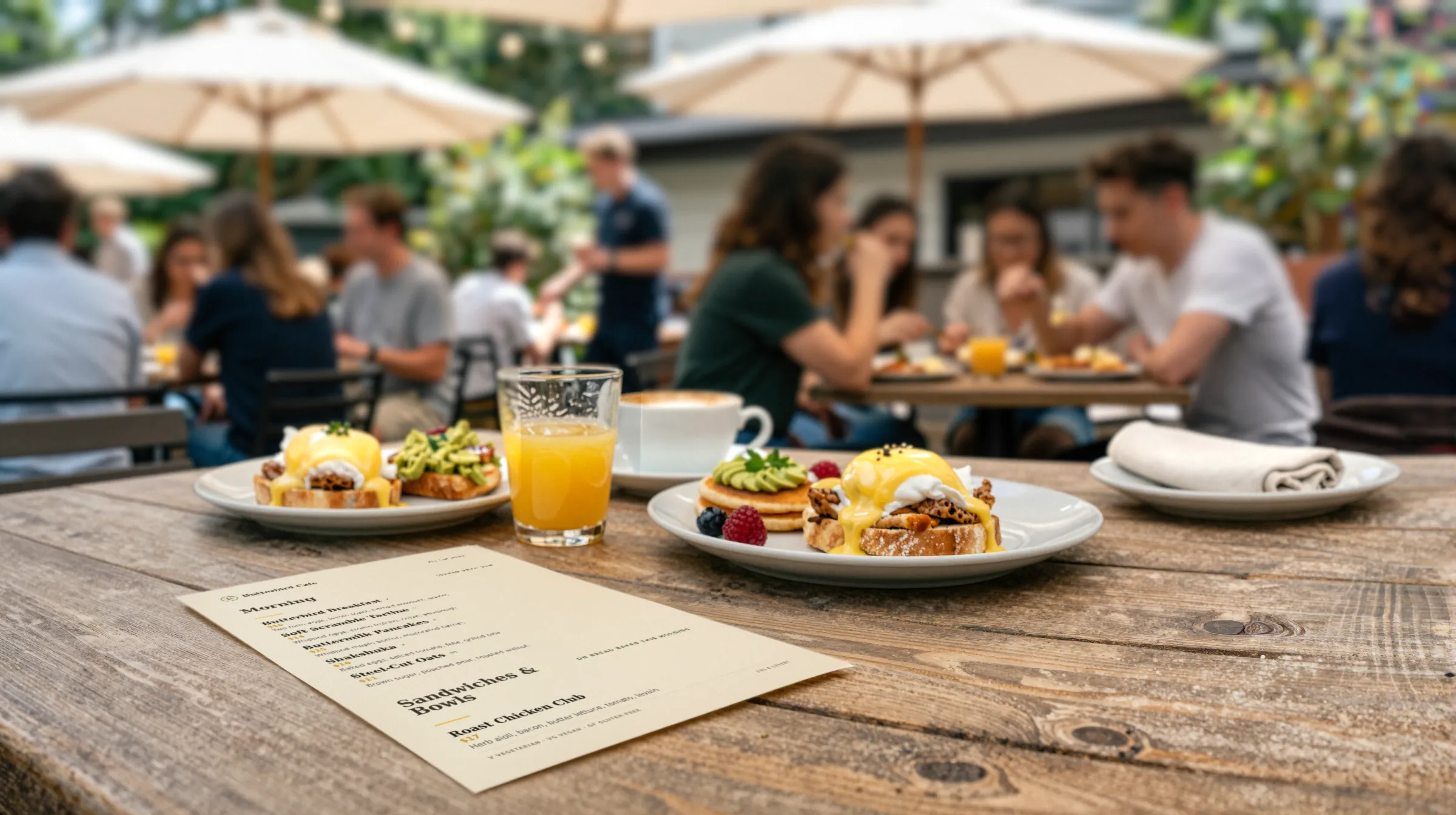
Brunch restaurant menu makerThe hollandaise broke. The benedict can sit this one out.
Brunch runs on a short clock. The menu is live two days a week, the wait at the door is long by eleven, and the hollandaise is one hot pan from gone. Gaslamp keeps the brunch menu, the paper on the tables, and the QR at the host stand in step, and lets you pull a dish from your phone without leaving the pass.
No card needed · then $19/mo or $190/yr · cancel anytime
What changes on a brunch menu, and how often
A menu is designed once and edited forever. These are the edits this kind of place makes, and what each one takes in Gaslamp.
| The change | How often | In Gaslamp |
|---|---|---|
| A sauce or batter runs out | Most busy weekends | Mark every dish that depends on it sold out, and the QR menu shows them struck through about thirty seconds after you save. |
| Brunch starts and ends | Every Saturday and Sunday | Keep brunch as its own menu with its own table tents, and put them out at open. Gaslamp does not switch menus by the clock. |
| The weekend special changes | Every week | Keep a Specials section. Edit it Friday night, check the preview, save. |
| The bottomless rules change | When the owner or the state says so | Put the rules in the description: “90 minutes, with an entrée, whole table.” Change them in one place. |
| Egg or avocado prices jump | A few times a year, with no warning | Edit those prices from your phone and the QR menu follows. Reprint the paper menus when you are ready. |
11:40 a.m.
Hollandaise gone at 11:40. Benedicts off at 11:41.
The last of the sauce went on table twelve. Pull out your phone, mark both benedicts sold out, and tap Save & update live menu. The people on the sidewalk reading the host-stand code see them struck through and stop deciding on them. The next batch is twenty minutes out; put them back on when it is in the bain-marie.
The editor runs in your phone’s browser; there is no app to install. The menu rebuilds in about two seconds, and phones that scan the code see the change about thirty seconds after you save.
Your phone

The menu

How brunch spots set up their menus in Gaslamp
Menus
- Weekend brunchSaturday and Sunday, with its own tents and host-stand code
- WeekdayBreakfast and lunch, or dinner, on its own menu
Sections, for example
- Eggsbenedicts, scrambles, omelets, about 8
- Griddlepancakes, French toast, waffles
- Plates & bowlshash, chilaquiles, grain bowls
- Lighteryogurt, fruit, toast
- Sidesbacon, potatoes, one egg, up to 12
- Weekend specials2 or 3, rewritten weekly
- Coffee & juiceabout 8
- Cocktailsmimosas, bloody marys, the bottomless deal
Up to twelve sections of twenty items each, room for a full brunch menu and its cocktail list. If the bar list is long, give it its own menu and code.
Start with Classic American
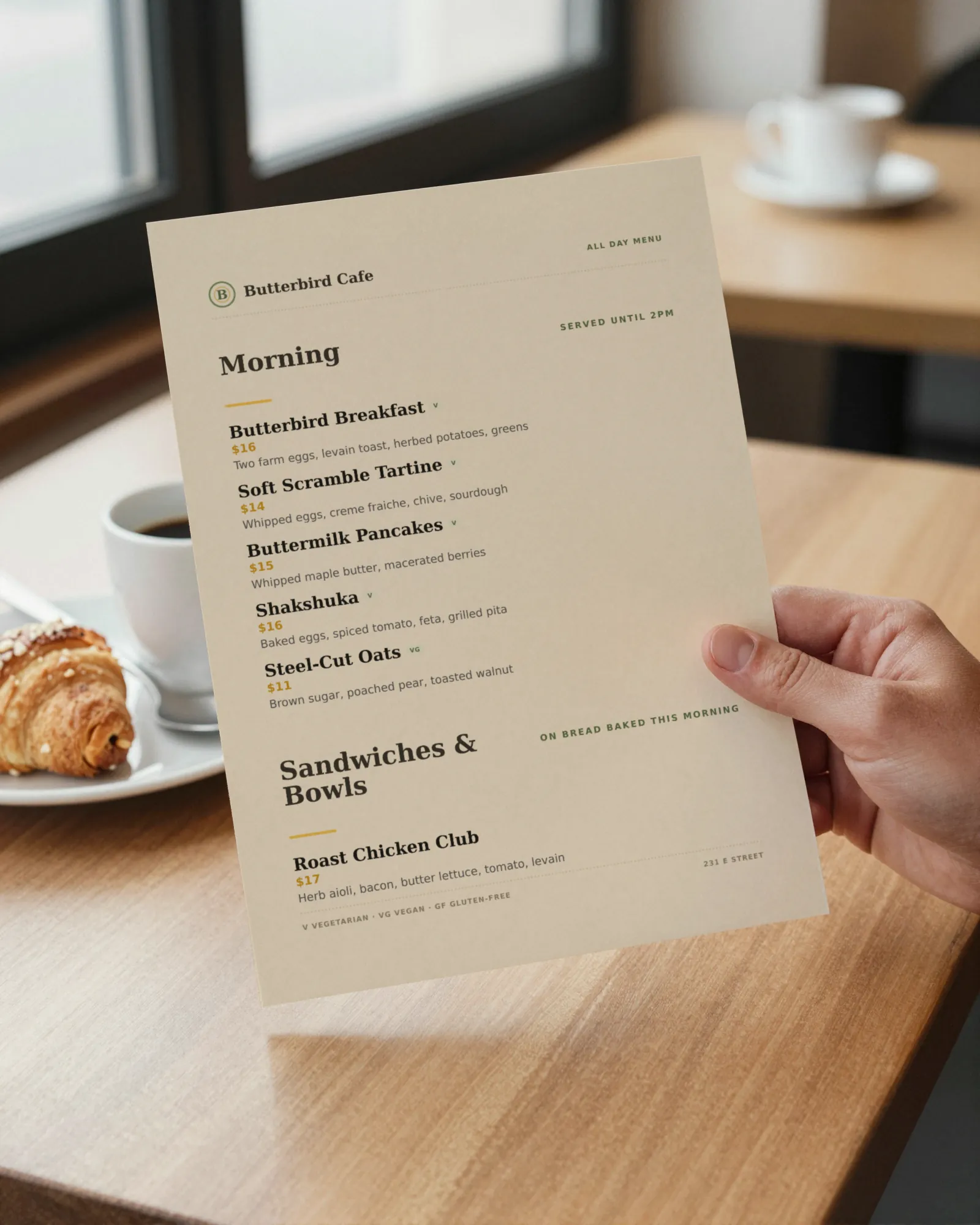
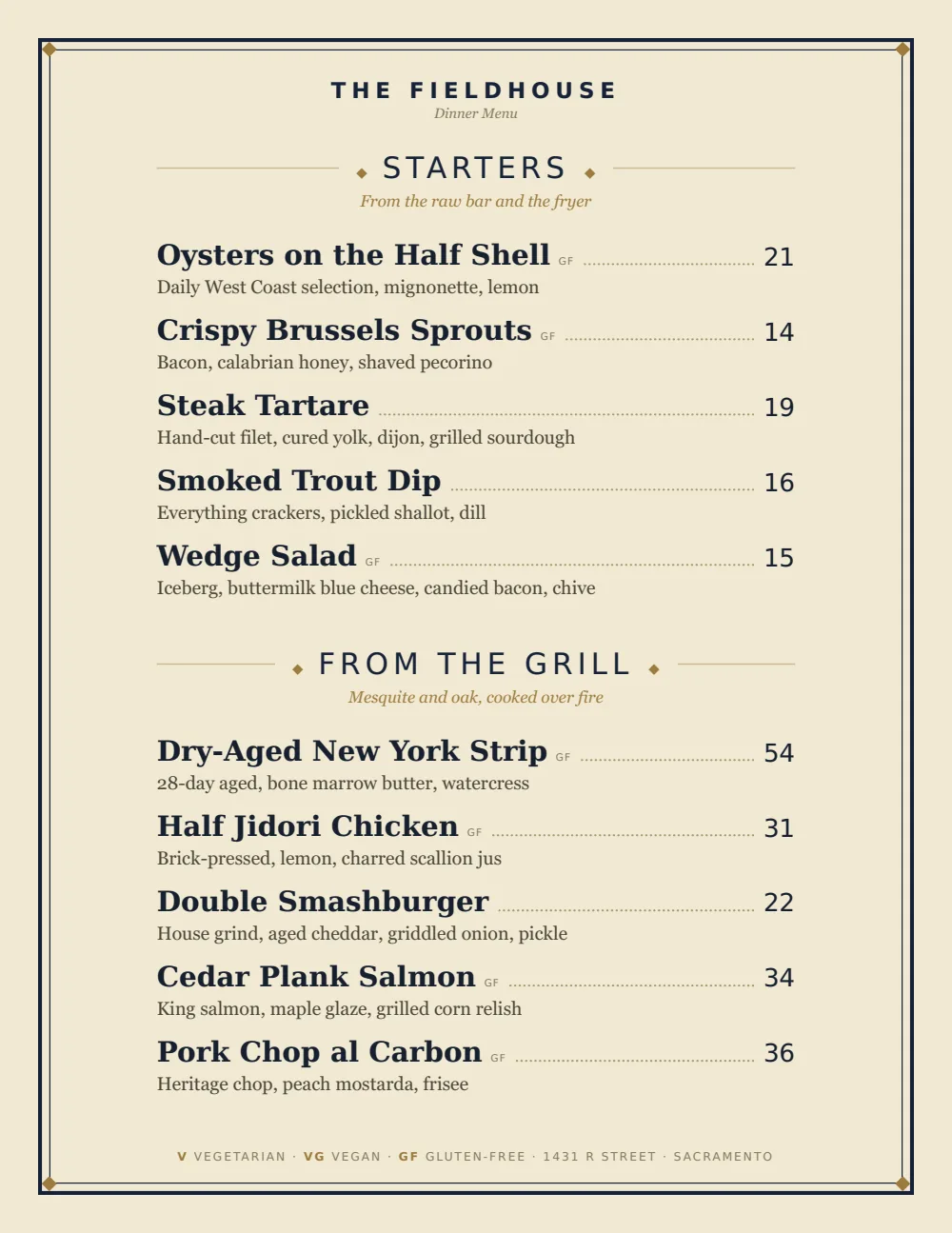
Plain sections and clear prices, like a good diner menu. It reads fast for a table that waited forty minutes and already knows it wants the pancakes.
Start from the sample menu set in Classic American, then type your dishes and prices over it in the editor. After that, the job is keeping it right from your phone.
Where the QR code goes
Each menu gets one code, and it never changes. Print it once; every edit after that shows up behind it. Gaslamp makes the printable pieces for you.
From the floor: Start at the host stand. A table that read the menu while it waited is usually ready to order the first time the server comes over.
- Host stand signso the people waiting read the menu on the sidewalk and order when they sit
- Table tentfor the second coffee and the side of bacon someone always adds
- Window signfor people deciding whether the wait is worth it
Good to know before you start
- No time-of-day switching. Brunch is its own menu, and someone puts the brunch tents out Saturday morning. Or keep one menu and hide the brunch sections Monday to Friday.
- A single mimosa and the bottomless deal can share one line with two labeled prices (Glass and Bottomless), with the rules in the description.
- The code at the host stand opens the menu, not a waitlist. Gaslamp does not take names or text guests when a table is ready.
Brunch menu questions
- Can I have a separate weekend brunch menu?
- Yes. On a paid plan menus are unlimited, so brunch gets its own menu, QR code, and table tents. The trial includes one menu; during the trial, keep brunch as sections you show on weekends.
- Can the brunch menu turn on automatically Saturday morning?
- No. Gaslamp does not schedule menus by day or time. Either put out the brunch tents, which always point at the brunch menu, or show the brunch sections on one menu Saturday morning and hide them Monday.
- How do I list bottomless mimosas on a QR menu?
- As one item with one price and the rules in the description: time limit, whether it needs an entrée, whether the whole table joins. Check your state’s rules first; some states restrict or ban bottomless drink deals.
- What happens when we run out of a dish mid-service?
- Mark it sold out and save. About thirty seconds later the hosted menu shows it struck through with a “Sold out” label. The paper menus on the tables still show it, so tell the servers too.
- How much does it cost?
- Start with a 30-day free trial, no credit card needed. Then it is $19 a month, or $190 a year (2 months free). No setup fee. Cancel anytime. The trial includes one published live menu with QR codes. PDF downloads and additional menus start when you pick a plan.
Two days a week, five hours a day. The menu has to be right for every one of them.
No card needed · then $19/mo or $190/yr · cancel anytime