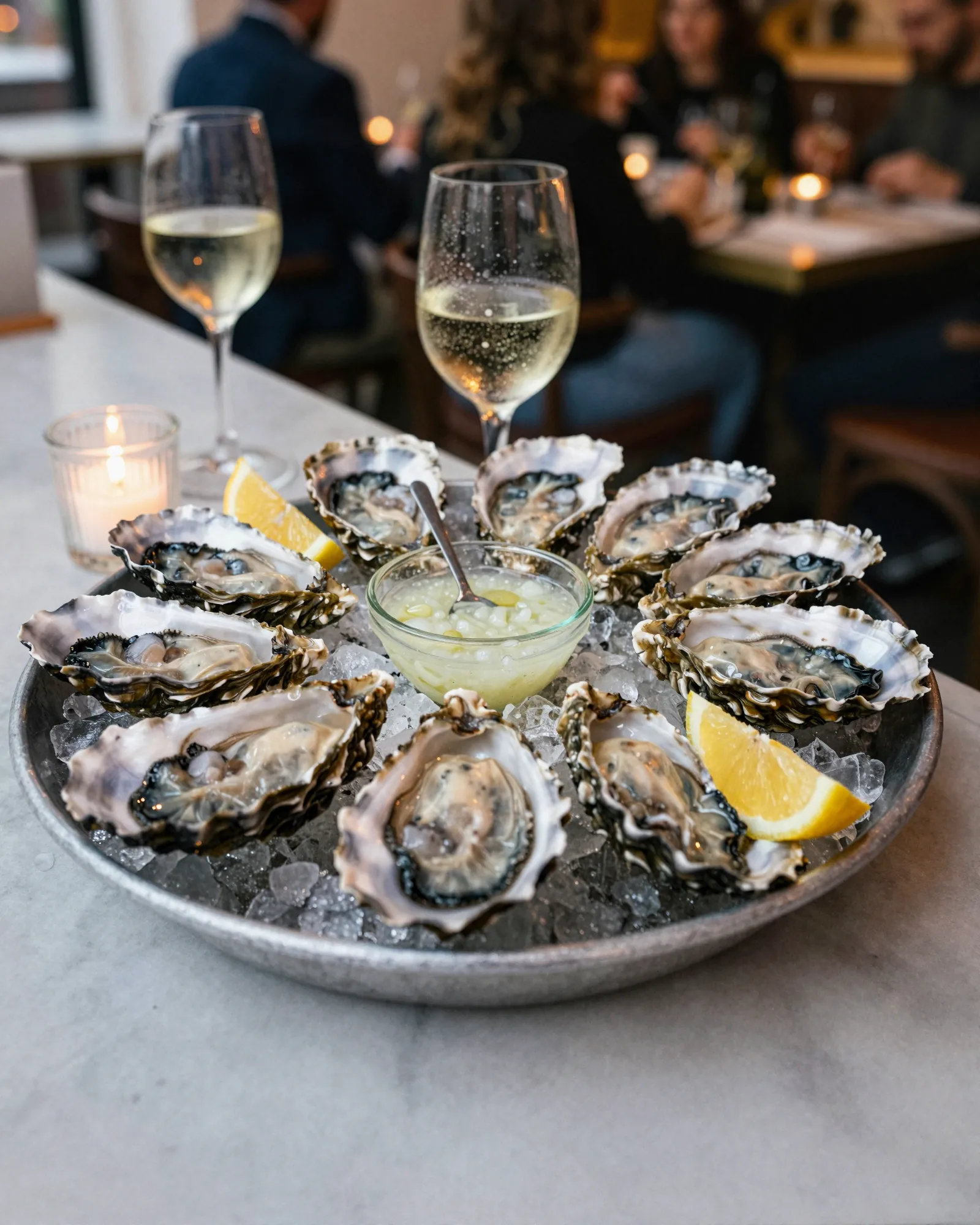
Seafood restaurant and raw bar menu makerThe halibut did not come in. The menu knows by four.
A seafood menu is rewritten by the boat and the truck. The oyster list depends on which farms shipped, the fish is priced the day it lands, crab and lobster come and go with their seasons, and whatever did not arrive has to leave the menu before the first seating. In Gaslamp the dinner menu and the raw bar list are separate menus with separate codes, and the four o’clock check happens on your phone.
No card needed · then $19/mo or $190/yr · cancel anytime
What changes on a seafood restaurant menu, and how often
A menu is designed once and edited forever. These are the edits this kind of place makes, and what each one takes in Gaslamp.
| The change | How often | In Gaslamp |
|---|---|---|
| A fish does not come in | A few times a week | At the four o’clock check, hide it along with every dish built on it, then save. Guests stop seeing them within about thirty seconds. |
| Market prices move | Daily | Set today’s price on each market item, or write “market price” in the note under the section heading and let the server quote it. |
| The oyster list changes | With every shipment | Each oyster is an item with its farm and water in the description. Hide the ones that did not ship and add the new one. |
| Crab or lobster season opens | Every year, on the season’s calendar | Build a Seasonal section ahead of time, hidden. Show it the day the first shipment lands and hide it when the season closes. |
| The raw bar list gets printed | Most days | Keep the raw bar on its own menu and download a fresh PDF after the four o’clock check. |
3:50 p.m.
Lobster came in higher at 3:50. The menu says so at 3:51.
The invoice came off the truck with the lobsters. Before lineup, type 59 over 54 for the whole lobster and save. The host-stand code shows the new price about thirty seconds later; print tonight’s menus from the fresh PDF so the paper agrees.
The editor runs in your phone’s browser; there is no app to install. The menu rebuilds in about two seconds, and phones that scan the code see the change about thirty seconds after you save.
Your phone

The menu

How seafood restaurants set up their menus in Gaslamp
Menus
- DinnerStarters, the market, lobster and crab, sides, dessert
- Raw barOysters, clams, crudo, and towers, on its own menu and code
Sections, for example
- OystersEach and Half dozen as labeled prices, farm and water in the description
- Clams, shrimp & crudoabout 8
- TowersFor two and For four as labeled prices
- Markettoday’s fish, lobster, and crab, priced daily
- Seasonalsoft-shell and stone crab, hidden out of season
- Starters & sideschowder, fries, slaw
- Dessertabout 4
Each oyster is one line with Each and Half dozen prices. A list past twenty oysters splits into East and West.
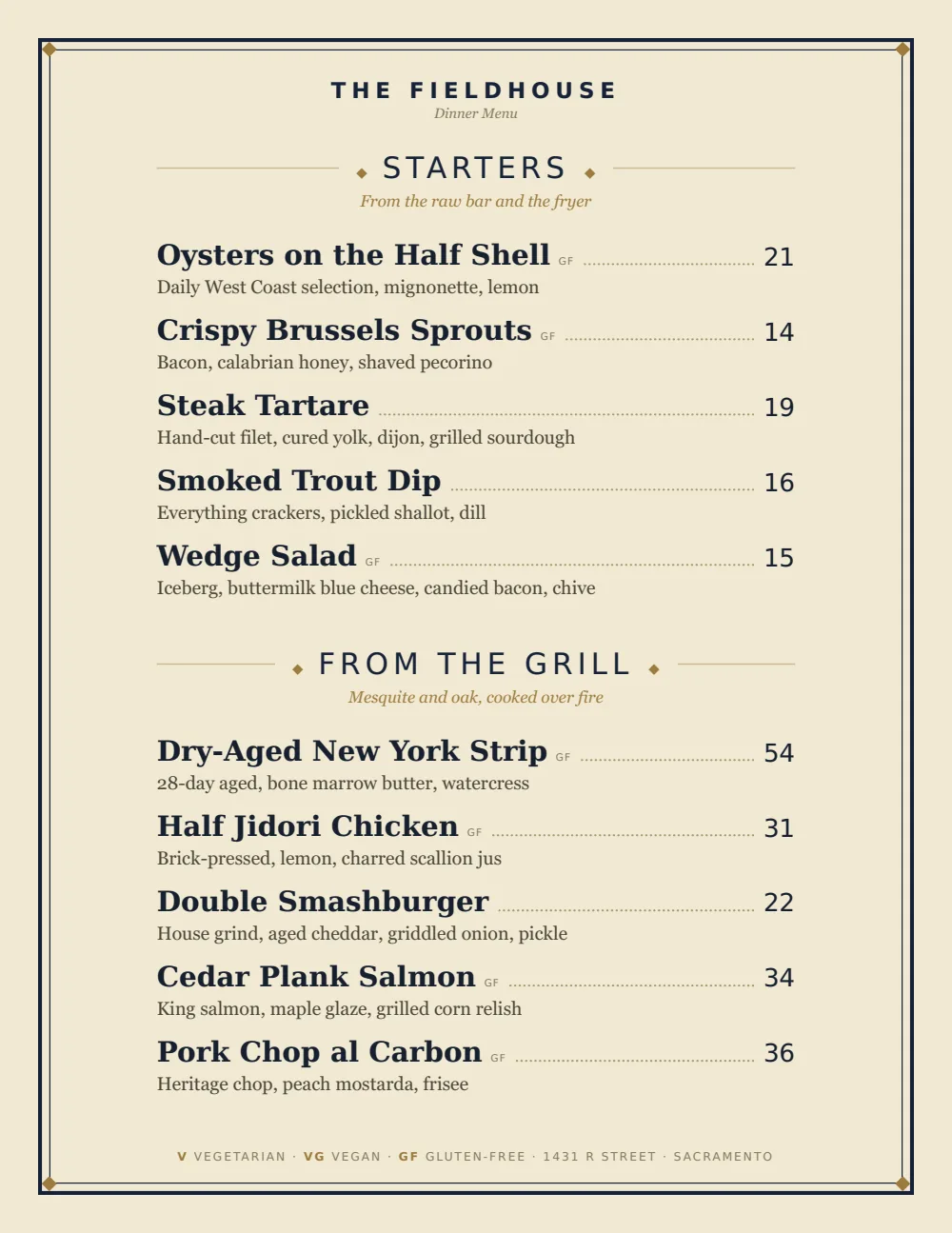
Start with Classic American
The old oyster house menu: dish names in a serif, thin rules, and each price flush right. It takes an oyster list with the farm under each name and a market section that changes nightly without looking like a spreadsheet.
Start from the sample menu set in Classic American, then type your dishes and prices over it in the editor. After that, the job is keeping it right from your phone. See the free template for the full layout.
Where the QR code goes
Each menu gets one code, and it never changes. Print it once; every edit after that shows up behind it. Gaslamp makes the printable pieces for you.
From the floor: Do the four o’clock check with the menu open on your phone. Walk the walk-in, switch off what did not come in, set the market prices, save, then print. The QR menu and the paper agree before the doors open.
- Raw bar cardalong the bar, for the next half dozen without waiting for the shucker to look up
- Host stand cardfor the party waiting who wants to know which oysters are in tonight
- Window signfor people checking whether the soft-shells are on before they drive over
Good to know before you start
- No market price setting. Every item needs a price from $1 to $9,999, so either set today’s price each afternoon or name the item as market price in the note under the section heading, which holds up to 120 characters.
- Up to three labeled prices per item, so an oyster shows Each and Half dozen on one line, and a tower shows For two and For four.
- Prices go up to $9,999 per item, so a grand tower or a large crab carries its real price.
- What sells out can show struck through with a “Sold out” label; what never came in can be hidden. Tell the servers, since menus printed earlier still show it.
Seafood restaurant menu questions
- Can a seafood menu say market price?
- Not as a price; Gaslamp has no market price setting. Set today’s price on the item when the invoice comes in, or write the item and “market price” in the note under the section heading and let the server quote it.
- How do I list oysters by the piece and by the half dozen?
- As one item with two labeled prices, Each and Half dozen, for example “Wellfleet” at 3.50 and 19. Put the farm and the water in the description.
- The halibut did not come in. How do I pull it?
- Turn off the halibut and every dish built on it, then save. Within about thirty seconds the QR menu stops offering them. If it ran out mid-service instead, mark it sold out and it shows struck through. Paper menus keep showing the fish until you reprint.
- Can the raw bar have its own QR code?
- Yes. Paid plans include unlimited menus, so the raw bar becomes its own menu with its own code, table tent, and PDF, and the code downloads as a PNG for a bar card or any other printed piece. The trial includes one menu.
- How much does it cost?
- Start with a 30-day free trial, no credit card needed. Then it is $19 a month, or $190 a year (2 months free). No setup fee. Cancel anytime. The trial includes one published live menu with QR codes. PDF downloads and additional menus start when you pick a plan.
Whatever came off the truck at two is what the menu says at four.
No card needed · then $19/mo or $190/yr · cancel anytime