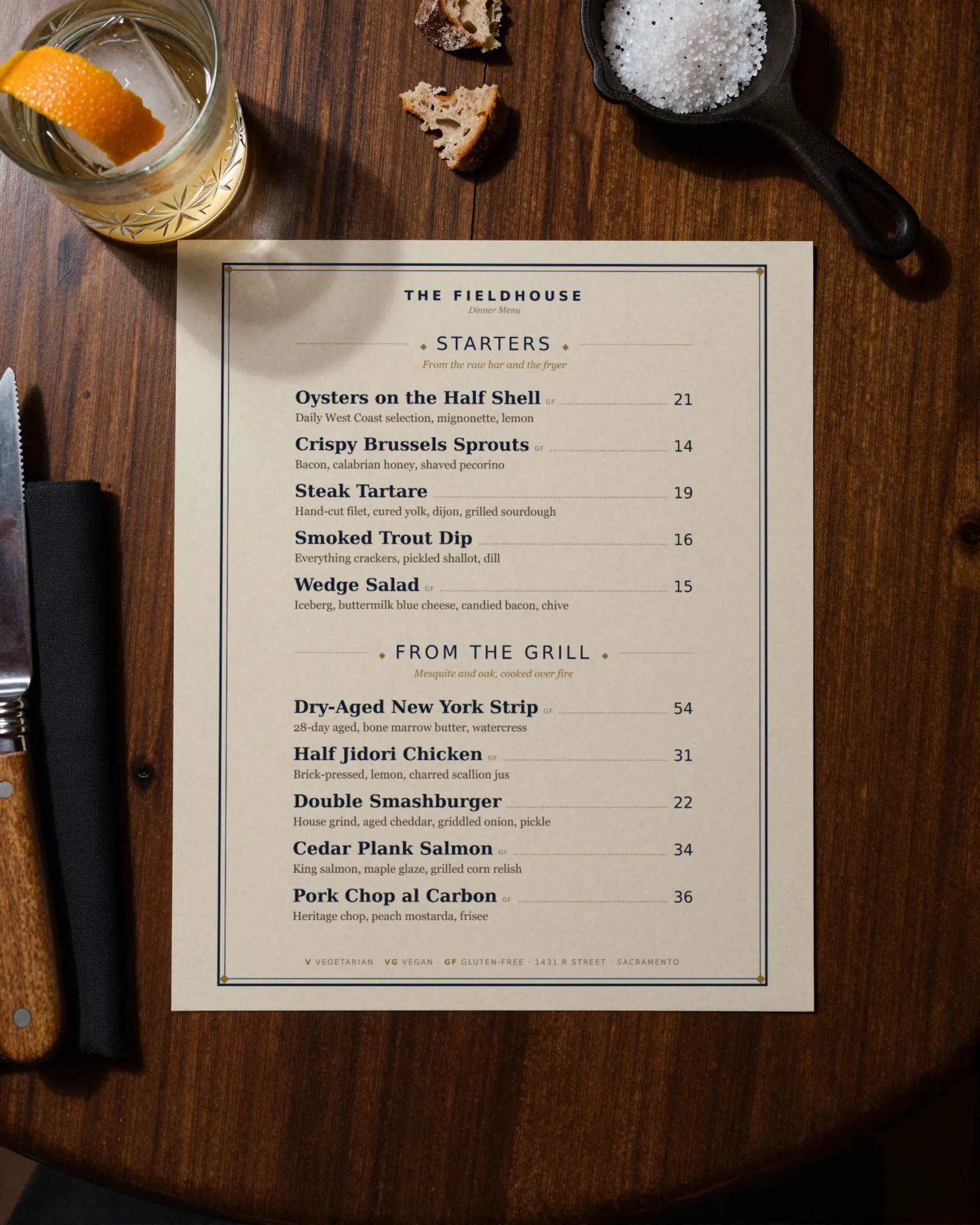
Steakhouse menu makerThe beef invoice moved. The ribeye has to follow.
A steakhouse menu is a list of cuts priced off an invoice that keeps changing, a column of sides sold separately, a lobster priced by the day, and a wine list thick enough to need its own book. Gaslamp keeps the dinner menu, the wine list, and the QR at the host stand as menus you change from your phone before lineup.
No card needed · then $19/mo or $190/yr · cancel anytime
What changes on a steakhouse menu, and how often
A menu is designed once and edited forever. These are the edits this kind of place makes, and what each one takes in Gaslamp.
| The change | How often | In Gaslamp |
|---|---|---|
| Beef costs move | Several times a year | Change the cut prices on your phone before lineup and print tonight’s menus from the fresh PDF. The QR menu catches up about thirty seconds after you save. |
| The market-price item changes | Daily, with the lobster or the crab | There is no market price setting. Put today’s price on the item each afternoon, or name it in the section note as market price and let the server quote it. |
| A dry-aged cut runs short | Most weekends | Mark it sold out, and about thirty seconds after you save the QR menu shows it struck through, so nobody orders a steak the kitchen cannot fire. |
| The sides turn with the season | Four times a year | Edit the Sides section. The creamed spinach stays; the asparagus gives way to Brussels sprouts in the fall. |
| The wine list gets a new vintage | Whenever a case runs through | Edit it on the wine menu, which has its own code. A wine change never means reprinting the dinner menu. |
4:20 p.m.
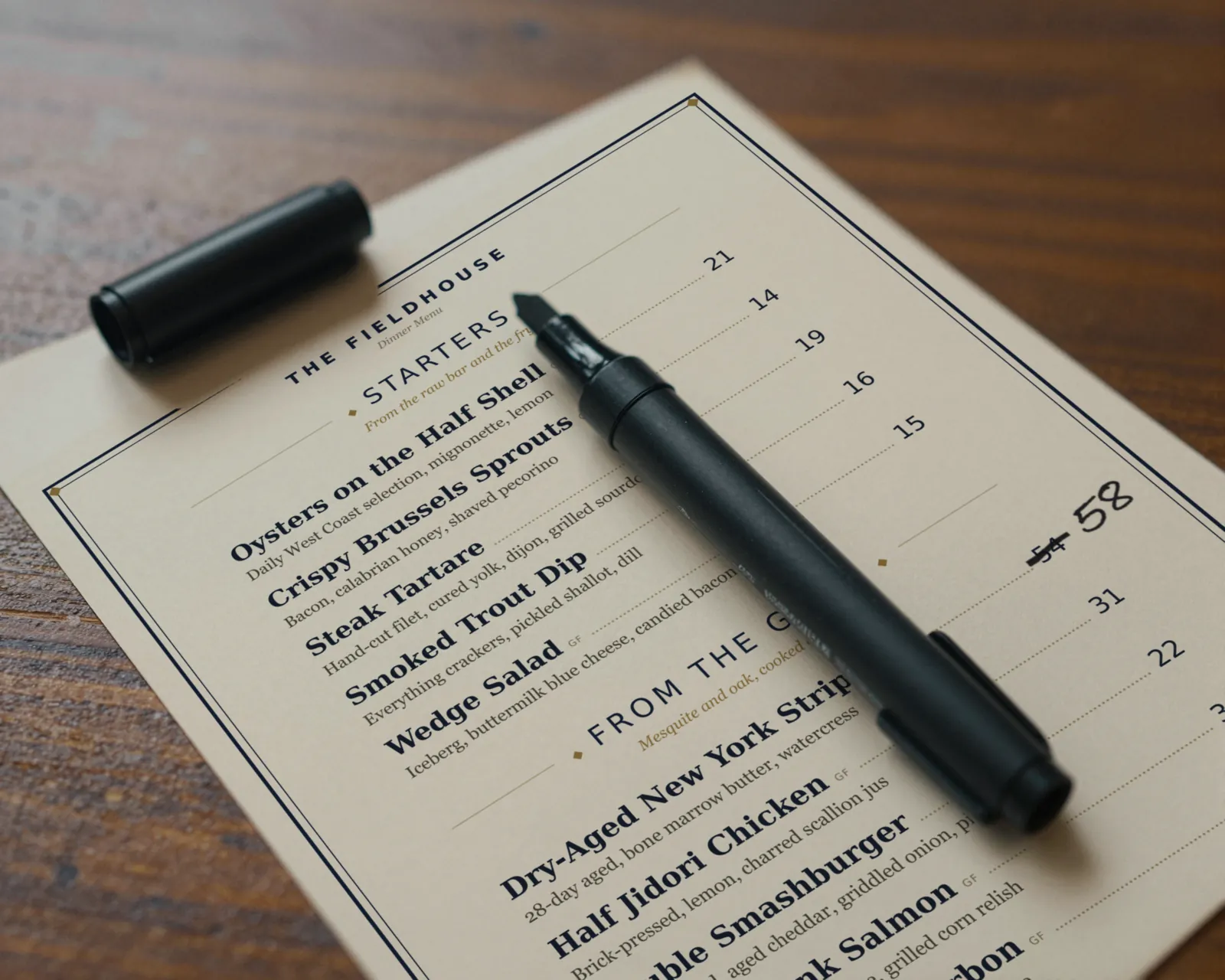
Beef went up at 4:20. So did the ribeye.
The invoice came in with the delivery. Before lineup, change the bone-in ribeye from 64 to 68, tap Save & update live menu, and print tonight’s menus from the fresh PDF. The paper at the table and the menu behind the host-stand code say the same number before the first seating.
The editor runs in your phone’s browser; there is no app to install. The menu rebuilds in about two seconds, and phones that scan the code see the change about thirty seconds after you save.
Your phone

The menu

How steakhouses set up their menus in Gaslamp
Menus
- DinnerStarters, raw bar, cuts, seafood, sides, sauces, dessert
- Wine listBy the glass and by the bottle, on its own menu and code
- Bar (optional)Cocktails and the bar menu
Sections, for example
- Raw bar & startersabout 8
- Steaksone line per cut and weight, up to 12
- Chops & seafoodlamb, pork, lobster, the fish
- Toppings & saucesbéarnaise, au poivre, crab oscar, each priced
- Sidesà la carte, for the table, about 10
- Saladswedge, Caesar
- Dessertabout 6
- After dinnercoffee, port, digestifs
Twelve sections of twenty items. An 8 oz and a 12 oz filet can share one line as two labeled prices, or take two lines, which is how many steakhouse menus already read.
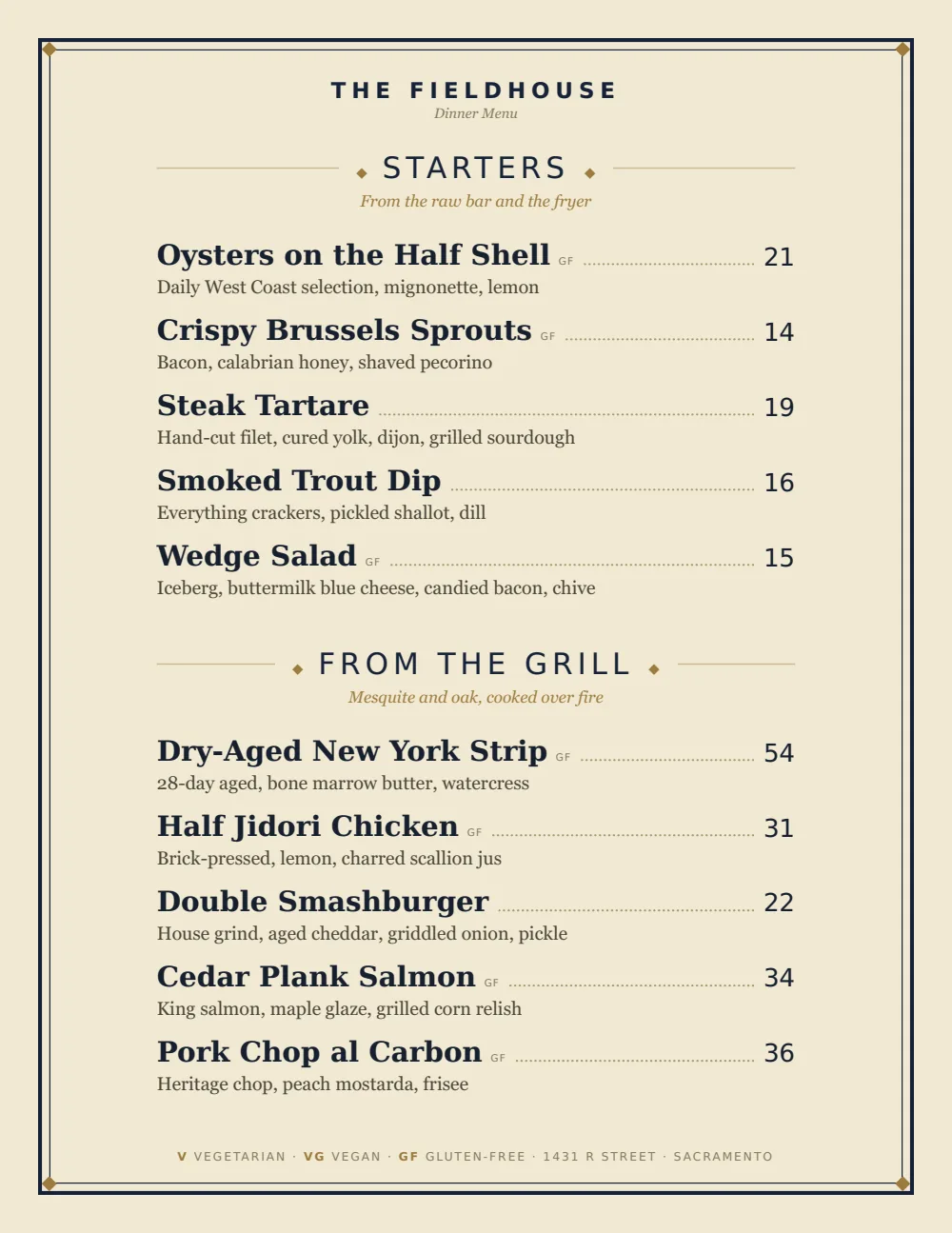
Start with Classic American
Serif names, plain rules, and prices set clean on the right: the old steakhouse menu. It takes a list of cuts with weights in the name and a tight column of sides without looking like a spreadsheet.
Start from the sample menu set in Classic American, then type your dishes and prices over it in the editor. After that, the job is keeping it right from your phone. See the free template for the full layout.
Where the QR code goes
Each menu gets one code, and it never changes. Print it once; every edit after that shows up behind it. Gaslamp makes the printable pieces for you.
From the floor: Keep the code off the white tablecloths. A steakhouse table gets paper menus and a wine list in a book; the code earns its place at the host stand and the bar, where people are reading on their own.
- Host stand cardfor the party waiting on a table who wants to read the cuts before they sit
- Bar top cardfor the guest eating at the bar and the second old fashioned
- Check presenterwith the wine list code, for the guest who wants to remember the bottle
Good to know before you start
- No market price option. Either enter today’s price each afternoon, or keep the item off the priced list and write “Maine lobster, market price” in the section note for the server to quote.
- Up to three labeled prices per item, so a cut can show 8 oz and 12 oz on one line. A per-ounce price goes in the description.
- Prices go up to $9,999 per item, so a large-format cut for two carries its real price.
- The wine list lives on its own menu. At twelve sections of twenty, only a very deep list splits across two menus, by region or by red and white.
Steakhouse menu questions
- How do I show market price on a steakhouse menu?
- Gaslamp has no market price setting; every item carries a price, from $1 to $9,999. Either update the price on your phone each day the lobster price moves, or leave the item off the priced list and name it in the section note as market price for the server to quote.
- How do I list the same cut in two sizes?
- Give the cut two labeled prices on one line, for example 8 oz and 12 oz; an item takes up to three. Or make each size its own item. A section holds twenty lines, which fits most steak lists with the chops in a section of their own.
- Should sides and sauces be separate items?
- On an à la carte menu, yes. Sides get their own section with their own prices, and sauces and toppings like béarnaise or crab oscar are items too. Gaslamp shows the prices; it does not total the check.
- Can the wine list have its own QR code?
- Yes, on a paid plan, where menus are unlimited. The wine list is its own menu with its own code and PDF, so a vintage change does not touch the dinner menu. The trial includes one menu.
- How much does it cost?
- Start with a 30-day free trial, no credit card needed. Then it is $19 a month, or $190 a year (2 months free). No setup fee. Cancel anytime. The trial includes one published live menu with QR codes. PDF downloads and additional menus start when you pick a plan.
Beef moves. The menu moves the same afternoon.
No card needed · then $19/mo or $190/yr · cancel anytime