Gastropub menu makerThe taps turned over. The burger stays.
A gastropub menu is two menus pretending to be one: a tap list that turns over every week and a short, chef-driven food list that turns with the season, with one burger that never leaves because the regulars would riot. Then Sunday adds a roast. Gaslamp keeps the draft list, the plates, and the wine and cocktails on one menu you change from your phone, with a QR on every table.
No card needed · then $19/mo or $190/yr · cancel anytime
What changes on a gastropub menu, and how often
A menu is designed once and edited forever. These are the edits this kind of place makes, and what each one takes in Gaslamp.
| The change | How often | In Gaslamp |
|---|---|---|
| A keg kicks and a new one goes on | Several times a week | Edit the beer in place: brewery, style, and ABV in the description. The QR menu has it about thirty seconds after you save. |
| The plates turn for the season | Four times a year | Rewrite the Plates section. The last season stays in version history, which keeps the last 50 versions. |
| The Sunday roast goes on | Every Sunday | Keep a Sunday section hidden during the week. Show it Sunday morning and hide it Monday; Gaslamp does not do it by the calendar. |
| The roast runs out | Most Sundays, by midafternoon | Mark the cut that is gone sold out, or write “until it runs out” in the section subtitle before service. |
| Beef or bun costs move | A few times a year | Change the burger price on your phone. It is the one line everyone reads, so print fresh table menus the same week. |
2:15 p.m.
The roast beef ran out at 2:15. Off the menu at 2:16.
Sunday, and the last of the rib went to the table by the fire. Between tickets, mark the roast beef sold out, tap Save & update live menu, and the pork belly carries the rest of the afternoon. The tables scanning the code see the beef struck through and order what the kitchen can still carve. The Sunday section stays where it is for next week.
The editor runs in your phone’s browser; there is no app to install. The menu rebuilds in about two seconds, and phones that scan the code see the change about thirty seconds after you save.
Your phone

The menu

How gastropubs set up their menus in Gaslamp
Menus
- PubSnacks, plates, the burger, Sunday, dessert, draft, wine, cocktails
- Drinks (optional)If the tap list and the bottles outgrow one section each, they get their own menu and code
Sections, for example
- Snacksscotch egg, pickles, fries, about 6
- Platesthe seasonal list, about 8
- Burger & sandwichesthe burger that never leaves, and 2 or 3 more
- Sunday roasthidden Monday to Saturday
- Dessertabout 4
- Draftone line per tap, half and pint as labeled prices, up to 20
- Wineglass and bottle as labeled prices
- Cocktails & zero-proofabout 8
Twelve sections of twenty items, room for the food and the drinks together. Past twenty taps, the drinks move to their own menu and the food menu gets room for brunch.
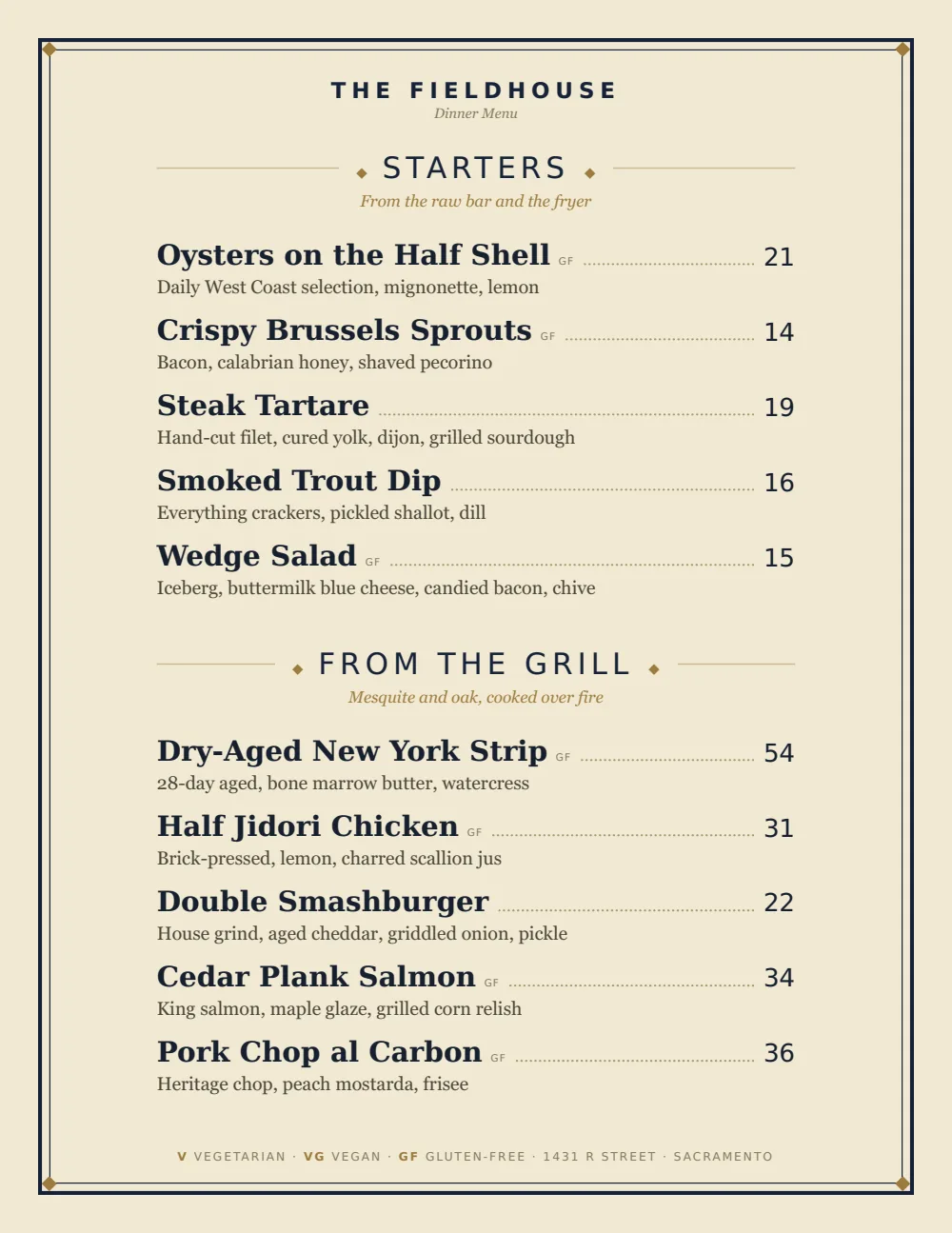
Start with Classic American
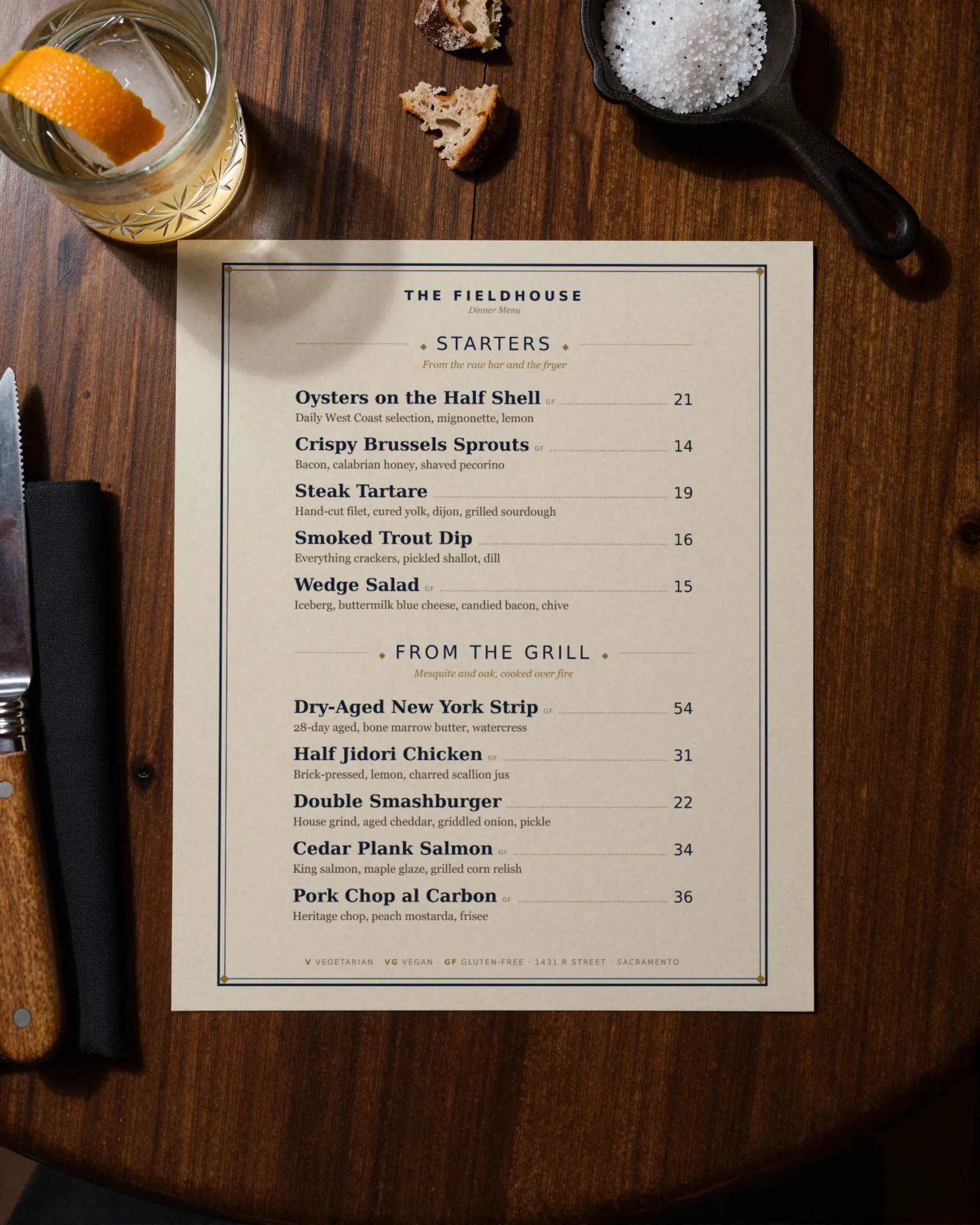
Serif names, plain rules, and clean prices on the right. It gives a short food list room to breathe and holds a tap list with the brewery and ABV under each name.
Start from the sample menu set in Classic American, then type your dishes and prices over it in the editor. After that, the job is keeping it right from your phone.
Where the QR code goes
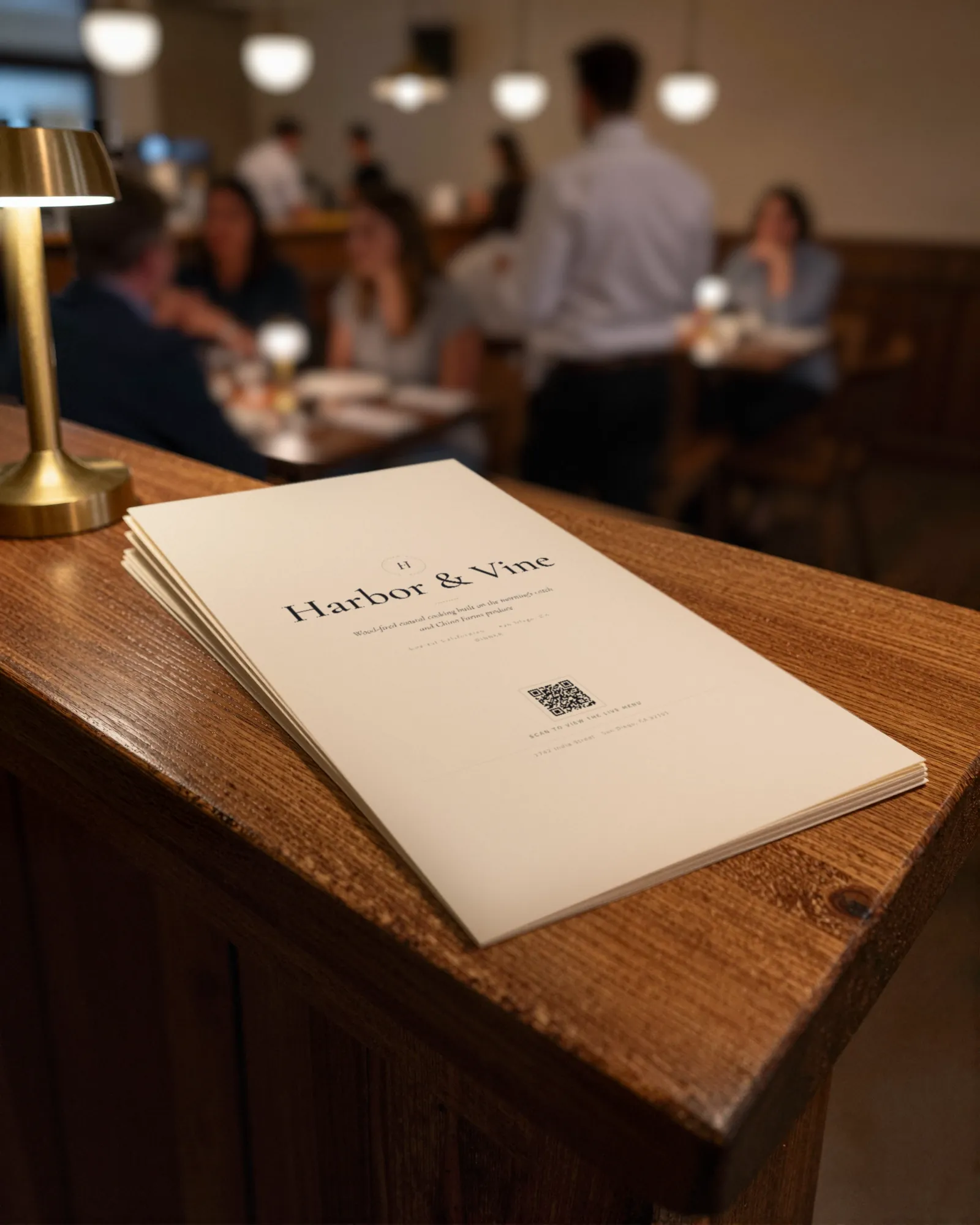
Each menu gets one code, and it never changes. Print it once; every edit after that shows up behind it. Gaslamp makes the printable pieces for you.
From the floor: Keep the chalkboard for the taps if the room loves it, but put the same list on the QR menu. The board is behind the bar; half the tables cannot read it without standing up.
- Table tenton every table, for the second pint and the dessert nobody planned on
- Bar top cardalong the rail, where the tap list changes faster than the chalkboard
- Window signfor people checking whether the roast is on before they walk in on a Sunday
Good to know before you start
- Up to three labeled prices per item, so a half pint and a pint share one line.
- No Untappd or POS sync. The tap list is edited in Gaslamp, and a price change goes into your POS separately.
- No schedule. Brunch and the Sunday roast are sections you show and hide by hand; the hours can sit in the subtitle under each heading.
- Photos appear on the hosted menu only; the printed PDF stays text. A burger photo earns its place on the phone.
Gastropub menu questions
- How often can I change the draft list?
- As often as a keg kicks. Edit the beer, save, and the hosted menu behind your QR code has it about thirty seconds later. The printed menu changes when you print a new PDF, so many pubs keep the taps on the QR and a chalkboard.
- Can a Sunday roast section show only on Sundays?
- Not by itself. Gaslamp does not schedule sections. Keep the Sunday section hidden during the week and show it Sunday morning. If the roast sells out, mark it sold out or say “until it runs out” in the subtitle.
- Should drinks be a separate menu from food?
- Only if they do not fit. A menu holds twelve sections of twenty items; a pub with a dozen taps, a short wine list, and cocktails usually fits alongside the food. Past that, drinks get their own menu and code on a paid plan.
- How do I show half pints and pints?
- Give the beer two labeled prices on one line, Half and Pint. An item takes up to three, so a pitcher fits too.
- How much does it cost?
- Start with a 30-day free trial, no credit card needed. Then it is $19 a month, or $190 a year (2 months free). No setup fee. Cancel anytime. The trial includes one published live menu with QR codes. PDF downloads and additional menus start when you pick a plan.
The taps turn every week. The burger never does. The menu handles both.
No card needed · then $19/mo or $190/yr · cancel anytime