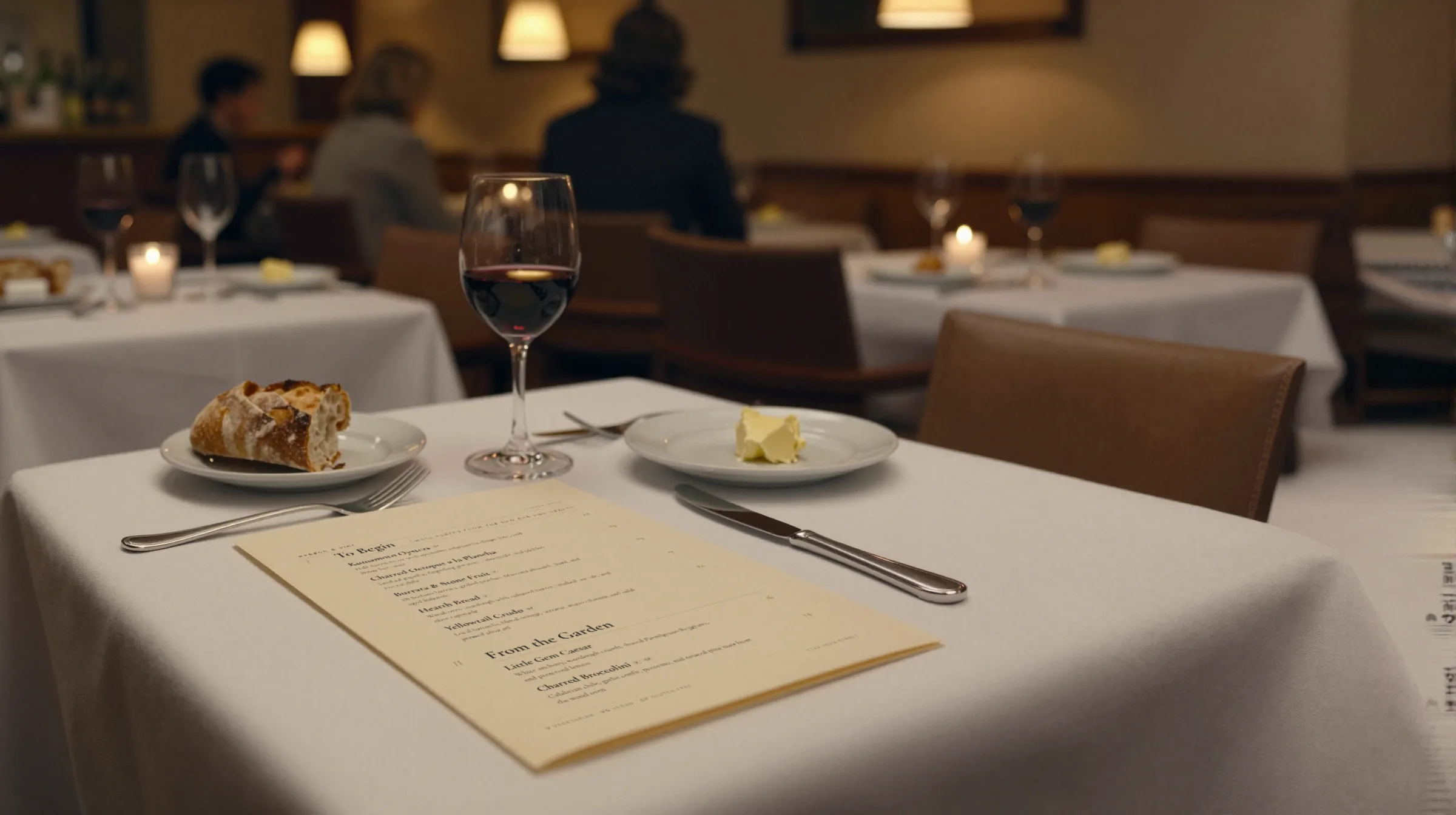
Two ways Google shows a menu
For a lot of guests, your Google Business Profile is the first menu they read: on Maps, before they walk over, or in Search, deciding between you and the place next door. Google’s help page describes two ways to put a menu there, and they behave differently when your menu changes.
- The menu link. A web address that points to your menu wherever it lives. Google sends the guest to your page.
- The menu editor. Sections, items, descriptions, and prices typed into Google itself. Google says it is available to food and drink businesses.
Google also notes that if your menu comes through the Business Profile API, you may not have the editor, and that when there is more than one menu source you can select your preferred one.
How to add a menu link to Google
These are Google’s steps, as written on its help page when we checked on 2026-09-29:
- Go to your Business Profile.
- Select Edit profile, then Business information, then Contact, then Menu link.
- Enter the web address where your menu can be found.
- Select Save.
The address you enter matters more than the steps. If it points to a PDF on your website, the next time someone uploads a new file with a new name, Google keeps sending guests to the old one. Use an address that stays the same when the menu changes.
How to use Google’s menu editor
From your Business Profile, select Edit menu. From there, Google’s help page says you can add a menu section (with a name and at least one item), add menu items with descriptions and prices, edit them, and delete items or whole sections. Google also describes an experimental option that reads a photo or PDF of your menu and fills in sections, items, descriptions, and prices, with a warning that blurry or low-contrast photos may not work well.
Google says changes can take 24 to 48 hours to display on Maps and Search. That is the part to plan around: a price you change in the editor on Friday morning may not show until the weekend is over.
Menu link or menu editor: which to use
| What changes | Menu link | Menu editor |
|---|---|---|
| Where the menu lives | Your own page | Inside Google |
| Setup | Enter one address | Type every section, item, and price |
| When a price changes | Change your page; the link does not move | Change it in Google too; Google says up to 24 to 48 hours to show |
| What the guest sees | Your menu, your design | Google’s layout, inside Maps and Search |
| Main risk | A link to an old file | Prices that drift from the real menu |
Many restaurants use both. If you do, treat the link as the source of truth and keep the editor menu short, or keep it in step every time the real menu changes. A Google menu with last season’s prices is worse than no Google menu, because the guest sees it before they see you.
What Gaslamp does and does not do with Google
Gaslamp does not sync with Google. It does not push your menu into Google’s menu editor and it does not read your Business Profile. What it gives you is a hosted menu page at an address that never changes: the same page your QR code opens, set as real text sized for the phone, with schema.org Menu markup.
So the setup is a one-time job:
- Publish your menu in Gaslamp and copy the hosted menu address.
- In Google, go to Edit profile, Business information, Contact, Menu link, put it in, and save.
- From then on, edit the menu in Gaslamp. The link on Google keeps pointing at the current menu, because the address does not change.
When you change a price in Gaslamp and tap Save & update live menu, the hosted page shows it about thirty seconds after you save. How quickly Google shows its own copy of anything is up to Google. If you also keep a menu in Google’s menu editor, those prices are separate and have to be changed there by hand.
Common problems with Google menus
- The link opens an old PDF. Someone uploaded a new menu file with a new name and never changed the link on Google. Replace it with an address that does not change.
- Google shows a menu you did not add. Menus can come from more than one source. Google’s help page says you can select your preferred menu source, and that menu is the one shown as public info on your profile.
- There is no Edit menu option. Google says the editor is for food and drink businesses, and that if your menu comes through the Business Profile API you may not have it. Check your business category and whether another service manages your menu.
- A change has not shown up. Google says editor changes can take 24 to 48 hours. If it has been longer, check that the edit saved.
- The link opens a page that is hard to read on a phone. Guests tapping a menu link on Maps are usually on a phone. A PDF built for a printer makes them pinch and zoom; a page set in real text does not.
Keeping Google right when the menu changes
Google is one of several places a price lives. Change it in the same pass as the others: the POS, the printed menu, the QR menu, your website, and delivery apps. How to update menu prices lists every place in the order to change them, and the seasonal menu changeover checklist covers the bigger swaps.
If you are setting up the QR side at the same time, see how to make a QR code menu and digital menus. The QR code and the Google menu link can point at the same hosted page, so one edit reaches the guest at the table and the guest reading Maps from the sidewalk.