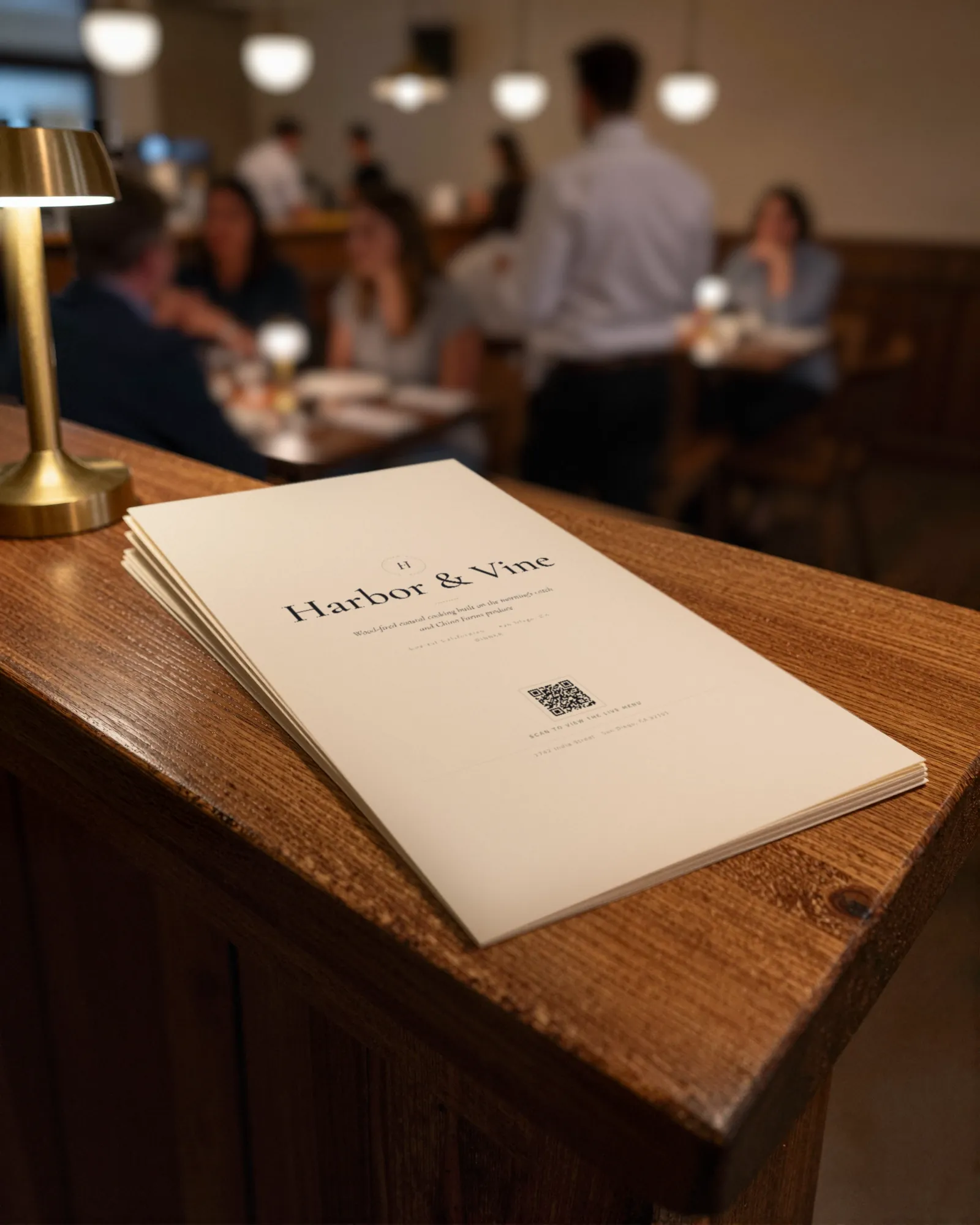
Decide how long the menu will live
Restaurant menu printing starts with one question: how many services will this sheet see before something on it is wrong? A chalkboard specials card might last one night. A dinner menu at a steady restaurant might last a season. A kids menu or a dessert card with fixed prices can go longer.
The answer decides everything else. Menus that change often want paper that is cheap to replace and easy to print yourself. Menus that stay out want paper that survives hands, water rings, and olive oil. Spending on heavy stock and lamination for a menu whose prices move every month is paying extra for the privilege of throwing it away.
Menu paper: weight and finish
US paper weight is confusing because text and cover stocks are measured on different scales, so an 80 lb text sheet is much lighter than an 80 lb cover sheet. Ask for the weight in grams per square meter (gsm) if you want to compare. These are the common trade choices:
| Stock | Roughly | Good for |
|---|---|---|
| Heavy text, 80 to 100 lb | About 120 to 150 gsm | Daily and weekly menus, inserts, anything you reprint in house. |
| Light cover, 80 lb | About 215 gsm | Single-page menus that stay out for weeks. |
| Heavy cover, 100 to 130 lb | About 270 to 350 gsm | Table cards and menus that should feel like a card, not a flyer. |
| Synthetic (plastic) sheet | Varies by maker | Patios, pool bars, diners: wipes clean and does not tear. |
Finish matters as much as weight:
- Uncoated. Feels like paper, takes a pen for a handwritten change, and soaks up spills. Most letterpress and daily menus are uncoated.
- Matte or silk coated. Resists light spills and wiping without glare. A safe default for cover stock.
- Gloss. Shows photos well and reflects every pendant light in the room. Hard to read in a dim dining room.
Menu lamination vs covers vs cheap reprints
There are three ways to make a menu survive service, and each one suits a different kind of menu.
- Lamination. A pouch laminator seals the sheet in plastic, usually 3, 5, or 10 mil thick; thicker is stiffer. It wipes clean and lasts. It also freezes the menu, so every price change means a new sheet and a new pouch.
- Menu covers. Clear vinyl sleeves, or bound covers with corners or a strip that holds an insert. The cover takes the wear and the insert is plain text stock, so a reprint is a sheet of paper.
- Cheap reprints. No protection at all: print on good text stock and throw the stained ones away at the end of the night. Rooms whose menu changes every day often work this way, since the sheet is out of date by tomorrow anyway.
If your prices move more than a couple of times a year, covers with inserts or cheap reprints will cost less than lamination, and the menu on the table will be right more often. The reprint cost calculator puts your own numbers on a year of changes.
How to print a restaurant menu at home
- Check your printer’s paper spec. Most office printers state a maximum paper weight. Heavy text stock usually runs fine; heavy cover stock often jams or needs the manual feed.
- Print at actual size. Turn off “fit to page” or “shrink to fit” in the print dialog, or the margins will change.
- Proof one copy. Read every price out loud against the POS. Check nothing is clipped at the edges.
- Mind the ink. Inkjet ink on uncoated paper can run when it gets wet. Laser toner holds up better at the table.
- Trim if you need to. A paper trimmer gives cleaner edges than scissors and takes a few minutes for a night’s run.
When to use a print shop
Go to a shop for heavy cover stock your printer will not feed, for double-sided runs that have to line up, for folded menus, and for anything that needs a clean cut to the edge. A local shop can often turn a small run around the same day. Tell them the paper size, the stock, the finish, and how many, and ask for a proof before the run.
Keep the proof. Write the date on it and file it by the pass. When a guest or a server says a price is wrong, the proof tells you in ten seconds whether it was wrong on paper or wrong in the POS.
How often to reprint
Reprint when a price or a dish changes, and when the copies on the floor look tired. Menus with sticky corners and a crossed-out price tell the guest more about the restaurant than the food does. If you find yourself reprinting every few weeks just to keep up with prices, the fix is usually to print less, not more: keep the paper for the dining room and let the menu behind your QR code carry the changes between runs. More in QR code menus versus printed menus.
What Gaslamp gives you, and what it does not
Gaslamp makes the file, not the paper. On a paid plan you download a print-ready PDF of your menu in any of the eight designs. The PDF is US Letter with vector text, so the type stays sharp on any printer and a shop can print it without asking for a higher resolution. Item photos appear on the hosted menu only, not in the print PDF. Gaslamp does not print, ship, laminate, or sell menu covers; print it yourself or take the file to a shop.
The same menu runs your hosted menu, so a price change is one edit from your phone. Guests who scan pick it up about thirty seconds after you save, and the paper catches up when a new PDF run is worth printing. For the printed pieces that carry your code, see QR code table tents, and for the design side, the printable menu maker.