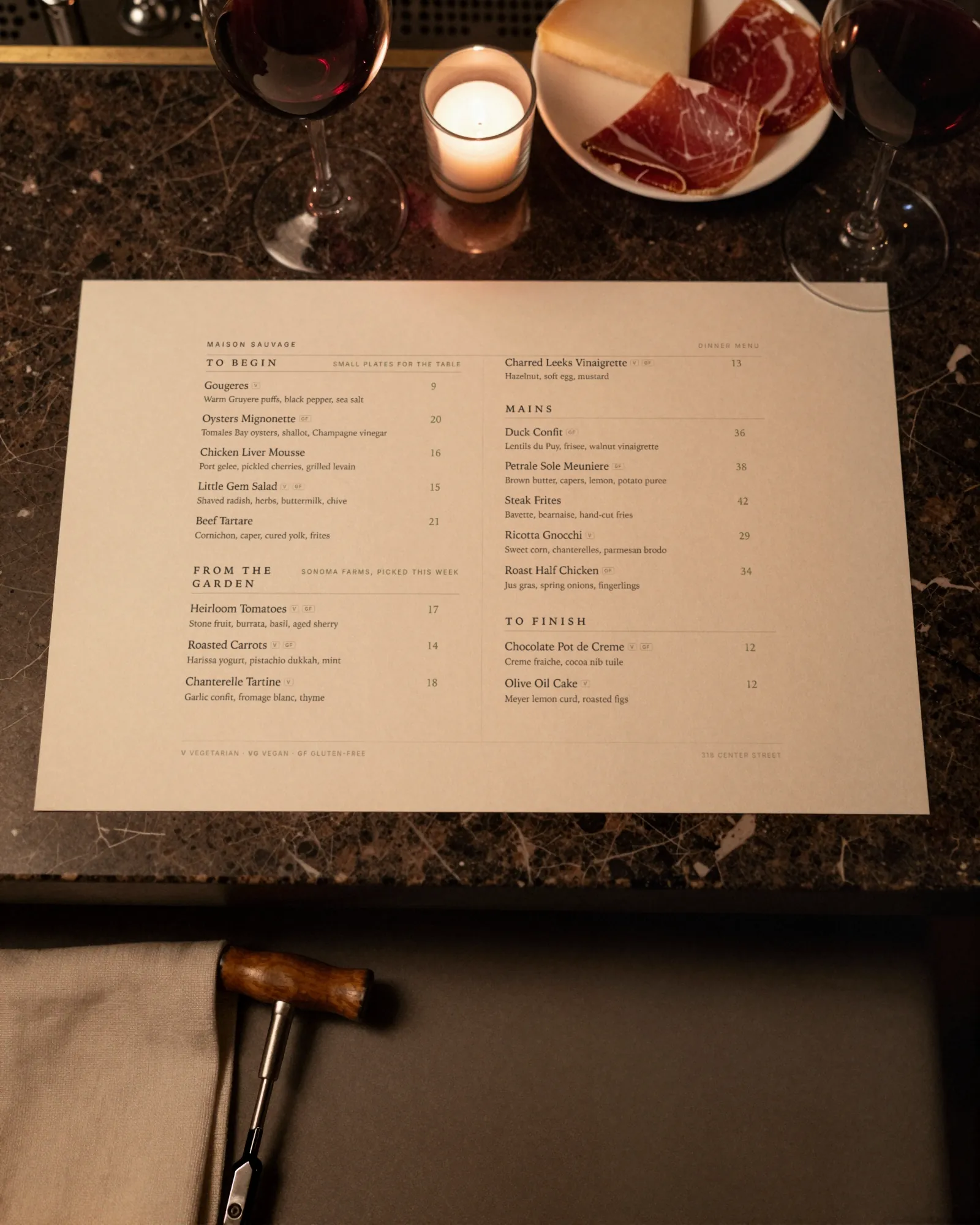
The order guests expect
Most wine lists follow roughly the same outer order, and guests navigate by it without thinking: wines by the glass, then sparkling, white, rosé and orange, red, and sweet or fortified at the end. Keep that order even if your list is small. A guest looking for a red should find it where reds always are.
The real decision is what happens inside each color. There are two good answers, and a list should pick one and hold it.
Organize by style or by region
| Choice | By style | By region |
|---|---|---|
| Example headings | Light and crisp; Rich and round; Juicy and bright; Big and structured | Loire; Burgundy; Piedmont; Willamette Valley |
| Helps the guest who | Knows what they like to drink, not where it comes from | Knows wine and shops by place |
| Works best for | Short lists, casual rooms, most glass pours | Long lists, one-country lists, fine dining |
| The catch | Someone has to taste and place every new wine | A guest who does not know the map is lost |
Many lists do both: style for the by-the-glass section, where guests decide quickly, and region for the bottles, where they take their time. A third option, grouping by grape, works for lists built around a few varieties, but it breaks down as soon as blends arrive. Within a style group, run from lightest to fullest. Within a region, run from north to south, or by price. Price order is the least interesting but the easiest to scan, and some guests will thank you for it.
Glass and bottle prices on one list
On a printed list the usual answer is two price columns, glass and bottle. A QR menu needs the same thing on a narrow screen. Gaslamp takes up to three labeled prices per item, so there are two clean ways to do it:
- Glass and bottle on one line. “Grüner Veltliner, Kamptal, 2023” with two prices labeled Glass and Bottle. Short and clear for a list where most wines come both ways; a third label covers a half bottle or a taste.
- Separate sections. A By the glass section and a Bottles section, each with its own prices. Cleanest when the bottle list is longer than the glass list, which it usually is.
Say the pour size once, in the subtitle under the heading (“5 oz pours; 2 oz tastes on request”), not on every line.
Vintages and producers on each line
A wine line has more parts than a dish line, and a guest who knows wine reads all of them. Keep the order the same on every line so the eye knows where to look:
- Producer (the winery or grower).
- Wine name or grape, and the appellation if it matters.
- Region, and country if the list crosses borders.
- Vintage, or NV for non-vintage.
- Price, in the same column or position every time.
In Gaslamp, the item name carries the grape or wine and the producer, and the description, up to 300 characters, carries region, vintage, and a few words of tasting note if you want them; the prices sit at the end of the line. When a vintage changes, change the line the day the new case is opened, not at the next reprint. A guest who is poured the 2023 after reading 2021 will mention it.
The rotating by-the-glass section
The by-the-glass list is the part that moves. Bottles get opened, finished, and replaced, sometimes in one night. Treat it as its own section at the top of the list, keep it short enough that every wine is actually open, and change it as the bottles change.
When a glass pour runs out, mark it sold out. About thirty seconds after you save, the hosted menu shows it struck through with a “Sold out” label, and the next PDF leaves it off. When the wine is gone for good, switch it off instead and the line waits in the editor for the next case. For more on taking things off mid-service, see what 86 means.
Bottles on a separate menu with its own code
Once the bottle list is longer than the food menu, it deserves its own menu. On a paid Gaslamp plan you can have as many menus as you need, and each one has its own QR code that never changes. Print the food menu’s code on the table tent and the bottle list’s code on a card in the wine book or at the bar, so each guest opens the list they asked for.
Two limits to plan around:
- Size. A menu holds up to 12 sections of 20 items. A longer list splits cleanly into a white bottles menu and a red bottles menu, or keeps its deep cellar on paper.
- Price. Every item needs a price from $1 to $9,999, so a reserve bottle prices like any other, but there is no “ask the sommelier” line without a number. A bottle you would rather not price in public belongs on a printed reserve list.
Wine menu design that reads in a dark room
A good wine list also tells the guest where to start. A short line in the section subtitle (“Ask for a taste of anything open” or “Our picks under 60 a bottle are marked in the notes”) does more than a page of tasting notes. Keep notes to a few words when you use them; the server can say the rest.
Wine lists are read by candlelight, often by guests holding reading glasses in the other hand. Set them for that: generous type, left-aligned names, prices in one column, no centered lines, and plenty of space between groups. The section headings do the navigation, so make them easy to find. The hosted menu is real text sized for the phone, and on a paid plan the same list downloads as a print-ready PDF for the wine book.
See how wine bars and steakhouses set up their lists, and read QR code drink menus for the bar side of the house.