Why one read-through is not enough
Reading a menu top to bottom looking for “anything wrong” catches spelling and misses almost everything that matters. Your eye slides over a price because it looks like a price, and over an allergen because the dish looks right. The fix is to read the menu several times, each time for one kind of error only. It takes longer and it works.
The checklist, one pass at a time
- Prices against the POS. Put the register’s item list next to the menu and tick every price. Check the upcharges and add-ons too.
- Allergens against the recipe. For each dish, the kitchen reads the recipe card and confirms every allergen and dietary tag.
- Names against the tickets. The dish name on the menu should match the POS button, so the kitchen and the guest are talking about the same thing.
- Descriptions against the plate. Does the dish still come with what the menu says? Garnishes and sides drift.
- Spelling. Foreign words, producers, cheeses, wines, and grape names. Look each one up rather than trusting memory.
- The house details. Name, hours, phone, address, website, the service charge note, the allergen notice.
- The code. Print one copy, scan the QR code from a seat, and read the menu it opens against the paper.
- The stranger. Someone who did not write it reads it once, fresh, out loud.
What goes wrong most often
| The error | Where it comes from | The pass that catches it |
|---|---|---|
| An old price | Changed in the POS, not on the menu (or the other way) | Prices against the POS |
| A missing allergen | The recipe changed; the menu did not | Allergens against the recipe |
| Two names for one dish | Renamed on the menu only | Names against the tickets |
| A side that is no longer served | The plate evolved over months | Descriptions against the plate |
| A misspelled wine or cheese | Typed from memory | Spelling |
| Old hours | Copied from last year’s file | The house details |
| A code that opens the wrong menu | An old link or an expired code | The code, scanned from a seat |
Read it where guests read it
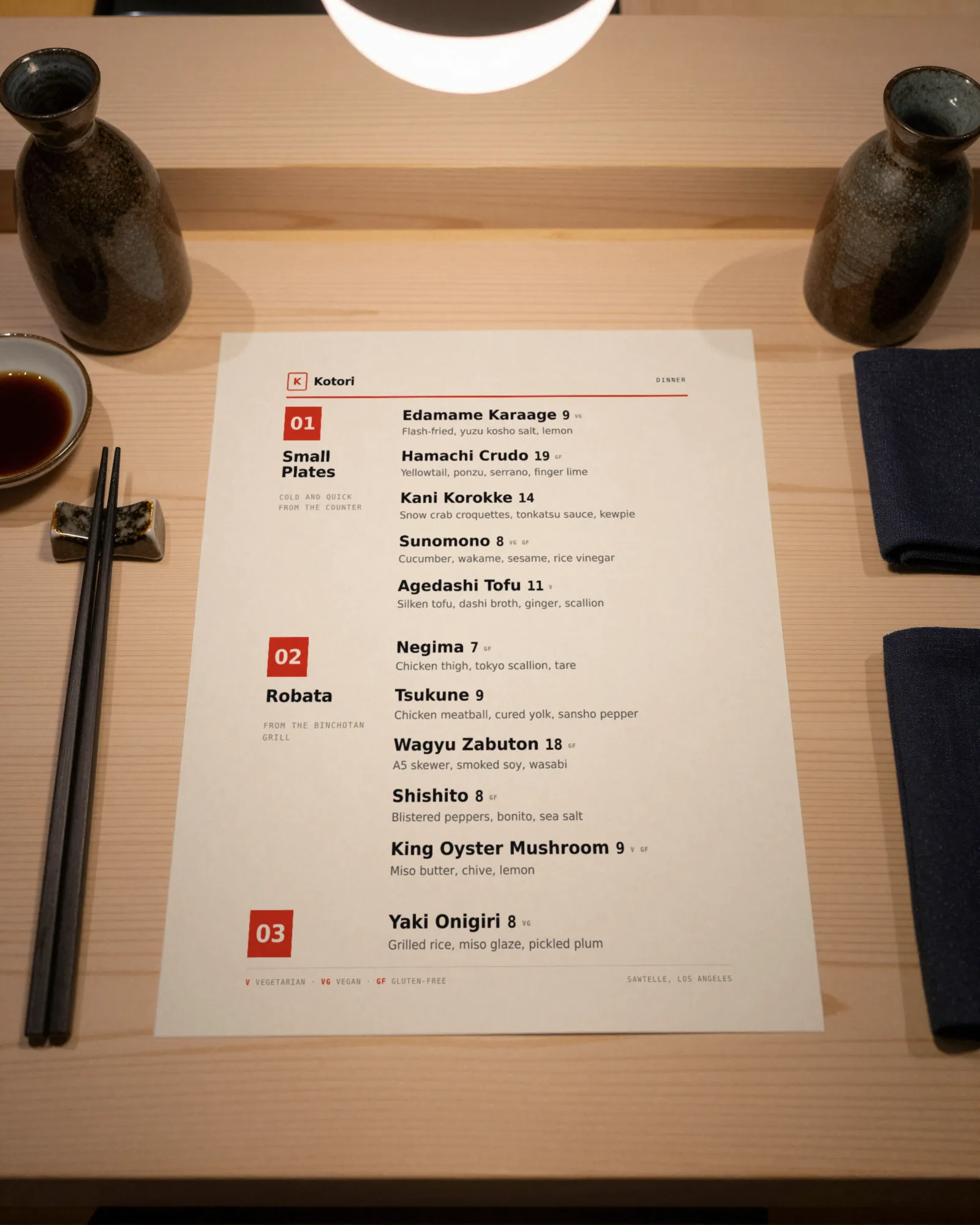
Proofread one printed copy at a table in the dining room, at service lighting. Type that looks fine on a laptop can be too small by candlelight, and a price that sits on a fold is easy to miss. Then read the menu on a phone, the way a guest scans it: is anything cut off, is the section order the same, are the prices the same as the paper?
Proofread every change, not just every printing
Most menu errors do not arrive with a new menu. They arrive one edit at a time: a price typed as 185 instead of 18.5, a dish renamed without its allergen note, a special left on after it ran out. A full proofread before printing catches none of those, because they happen on a Tuesday afternoon between printings.
The fix is a thirty-second habit. After every change, open the menu the way a guest does, find the line you touched, and read it out loud: the name, the price, the description, the tags. If a change touched a recipe, the kitchen reads the allergens too. Then write the change in the log, or keep a version history that does it for you, so the next full proofread knows what moved.
Allergens and descriptions deserve their own sign-off
Price errors cost money. Allergen errors can hurt someone. Have the chef or sous chef initial the allergen pass, and redo it any time a recipe changes, not only when the menu is reprinted. The rules on what to disclose are in restaurant allergen labeling. For tightening descriptions that are too long to check, see how to write menu descriptions, and if the menu has grown past what the kitchen can reliably make, how many items a menu should have.
What Gaslamp does and does not do
Gaslamp keeps one menu for the QR code and the printed PDF, so the paper and the phone cannot disagree the way two separate files do. The phone preview shows exactly what guests will see. When an error does get through, fix it from your phone; the menu behind the code shows the correction about thirty seconds after you save, and version history keeps the last 50 saves if you need to see what changed.
Gaslamp does not proofread for you: it does not verify allergens or compare your menu with your POS. Those passes are yours, and in a long, specific menu like a deli’s, they are most of the job. The whole process of building the menu in the first place is in how to make a restaurant menu.