Deli and sandwich shop menu makerPastrami went up again. The board still says last spring.
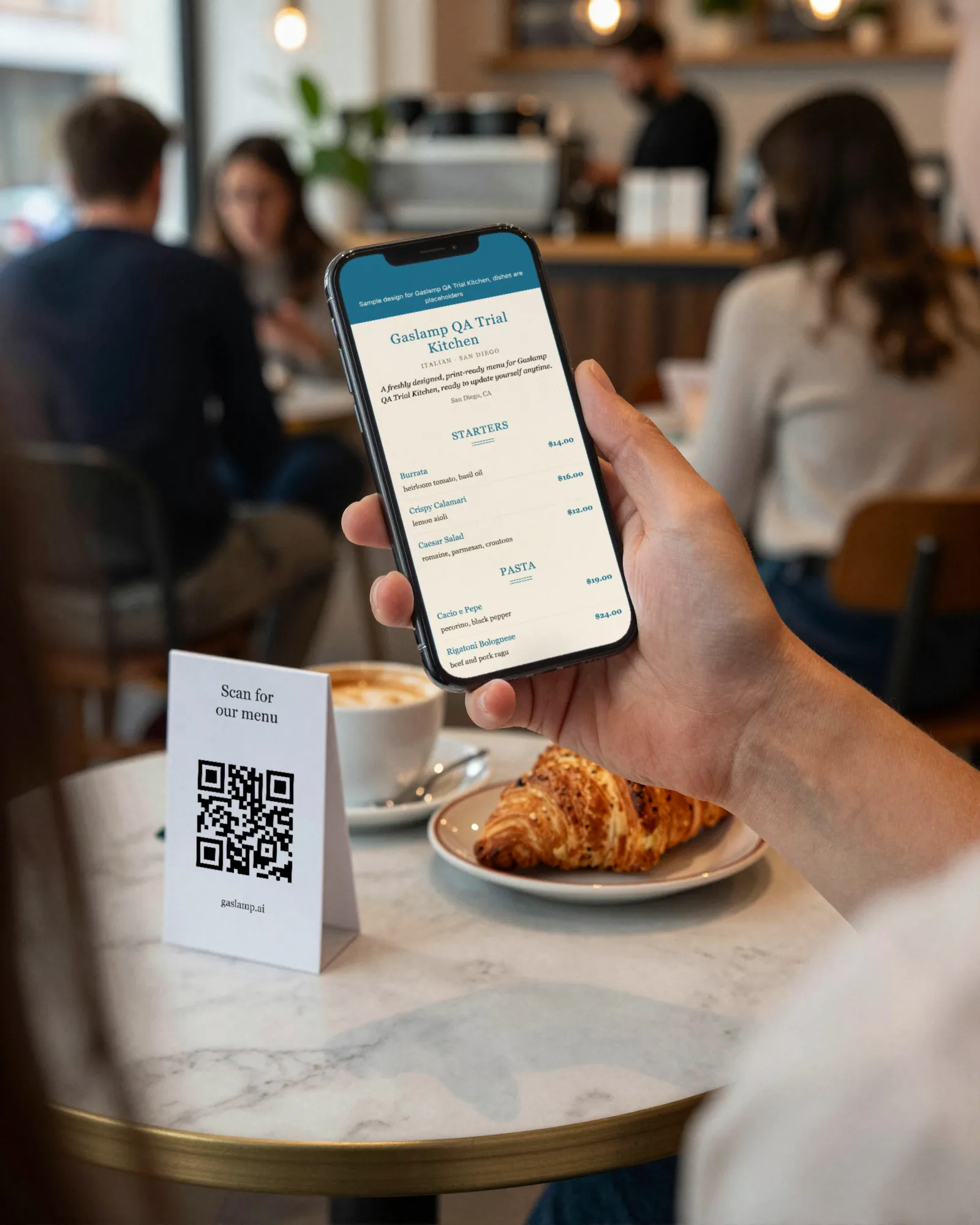
A deli menu is a long board of sandwiches, a soup that changes every day, a sandwich of the day on the chalkboard, meats and cheeses by the pound at the case, and a brisket price that follows the beef market. Gaslamp keeps the board over the counter, the catering sheet, and the QR where the line forms as menus you change from your phone behind the slicer.
No card needed · then $19/mo or $190/yr · cancel anytime
What changes on a deli menu, and how often
A menu is designed once and edited forever. These are the edits this kind of place makes, and what each one takes in Gaslamp.
| The change | How often | In Gaslamp |
|---|---|---|
| The soup and sandwich of the day | Every day | Keep a Today section at the top with both. Rewrite them in the morning; the QR menu has them about thirty seconds after you save. |
| Beef or turkey costs move | Several times a year | Put the new sandwich prices in from your phone and the QR menu picks them up. The board gets a new print when the price holds. |
| A bread or a meat runs out | Most afternoons | Mark the sandwiches that depend on it sold out. People reading the code in line see them struck through and stop planning on them. |
| Case prices by the pound move | With the meat costs | Meats and cheeses by the pound are their own section, with Half lb and Per lb as two labeled prices on one line. |
| Catering platters get repriced | Once or twice a year | Keep trays on their own menu with serving counts in the description, and send the link to the offices that order lunch from you. |
10:30 a.m.
Brisket up at 10:30. Pastrami priced right by lunch.
The brisket invoice came in higher again. Standing at the slicer, change the pastrami on rye from 18.50 to 19.75 on the number keypad and tap Save & update live menu. The line reading the code sees the new price about thirty seconds later. The printed board over the counter changes when you print it, so do that before the weekend.
The editor runs in your phone’s browser; there is no app to install. The menu rebuilds in about two seconds, and phones that scan the code see the change about thirty seconds after you save.
Your phone

The menu

How delis set up their menus in Gaslamp
Menus
- CounterToday, sandwiches, soups, sides, the case, drinks
- CateringPlatters and boxed lunches, on its own menu and code
Sections, for example
- Todaysoup and sandwich of the day
- Hot sandwichespastrami, corned beef, brisket, up to 12
- Cold sandwichesup to 12
- Soups & saladsthe standing soups and salads
- Sidespickles, slaw, potato salad, knishes
- By the poundmeats, cheeses, and salads from the case
- Drinkssodas, iced tea, coffee
Twelve sections of twenty items. A deli with more than twenty sandwiches splits them Hot and Cold, as most boards already do. Half and Whole go on one line as two labeled prices.
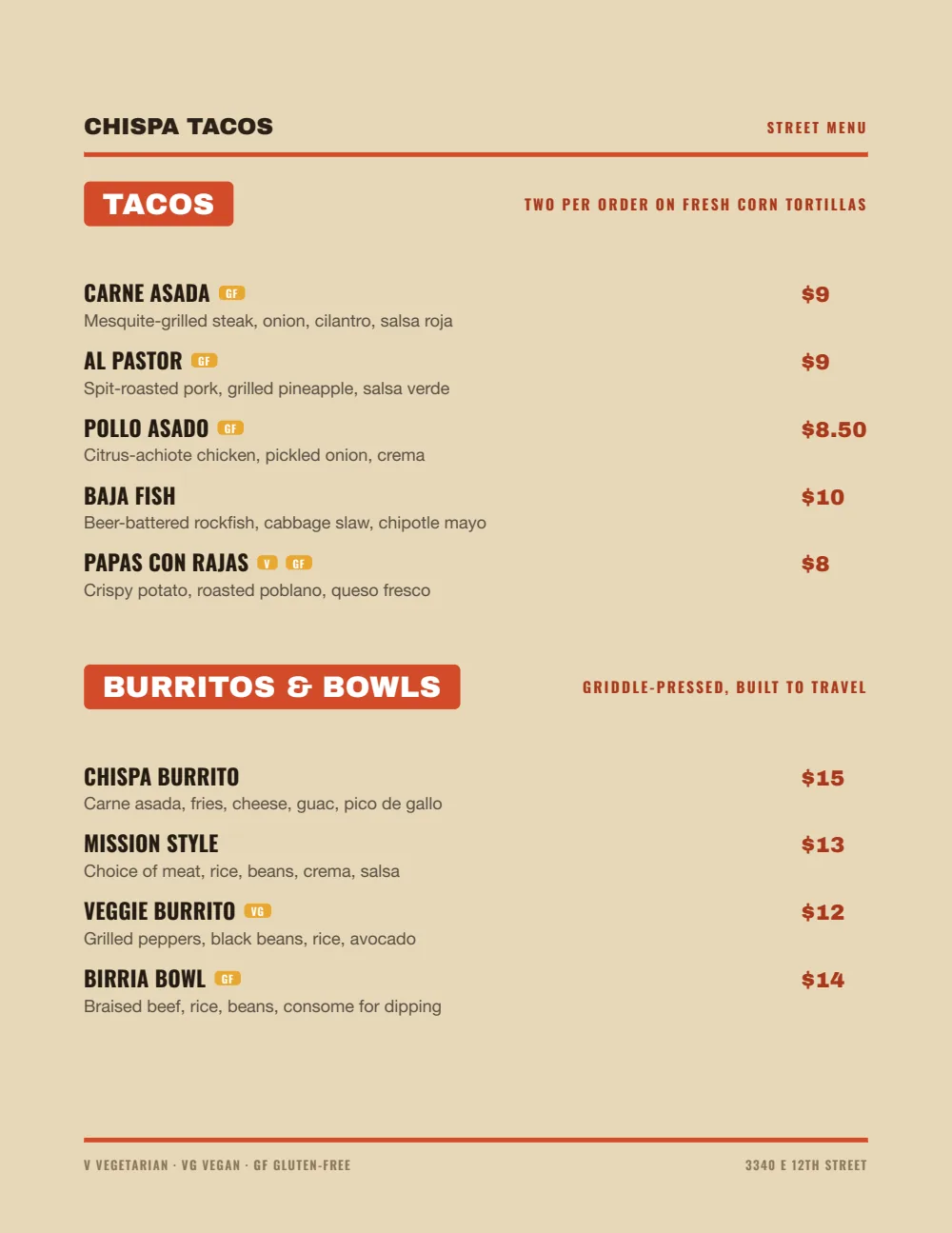
Start with Food Truck
Bold names, loud section tabs, and prices you can read from the door. A deli board is read standing up at the back of a line, and this is the design built for that distance.
Start from the sample menu set in Food Truck, then type your dishes and prices over it in the editor. After that, the job is keeping it right from your phone.
Where the QR code goes
Each menu gets one code, and it never changes. Print it once; every edit after that shows up behind it. Gaslamp makes the printable pieces for you.
From the floor: Put the soup and the sandwich of the day at the top of the QR menu. The chalkboard is the first thing people ask about and the first thing the back of the line cannot read.
- Line signwhere the line starts, so people know their order by the time they reach the slicer
- Counter cardon the deli case, for the pound of turkey and the half pound of Swiss
- Window signfor the lunch crowd checking the soup of the day from the sidewalk
Good to know before you start
- Up to three labeled prices per item, so a half and a whole sandwich share one line.
- By-the-pound prices are shown, not weighed. Gaslamp lists “Turkey breast, per lb” at its price; the scale and the register do the math.
- No POS or online-ordering sync. When the pastrami price changes, change it in your POS, your ordering site, and Gaslamp.
- The paper board is fixed once it is hung. Only the QR menu changes on save; reprint the PDF to bring the board in line.
Deli menu questions
- How do I show half and whole sandwiches?
- Give the sandwich two labeled prices on one line, Half and Whole. An item takes up to three, so a Half, Whole, and Combo fit too.
- How do I update the soup and sandwich of the day?
- Keep a Today section at the top of the menu. Each morning, rewrite the two items on your phone and save; the hosted menu behind your QR code has them about thirty seconds later.
- Can I list meats and cheeses by the pound?
- Yes. Put them in their own section with Half lb and Per lb as labeled prices on each line. Gaslamp shows the price; it does not connect to a scale or your register.
- Can I keep a separate catering menu for platters?
- Yes, on a paid plan, where menus are unlimited. Platters and boxed lunches go on their own menu with serving counts in the description, their own QR code, and their own PDF to email to offices. The trial includes one menu.
- How much does it cost?
- Start with a 30-day free trial, no credit card needed. Then it is $19 a month, or $190 a year (2 months free). No setup fee. Cancel anytime. The trial includes one published live menu with QR codes. PDF downloads and additional menus start when you pick a plan.
The soup changes tomorrow. The menu is ready when it does.
No card needed · then $19/mo or $190/yr · cancel anytime