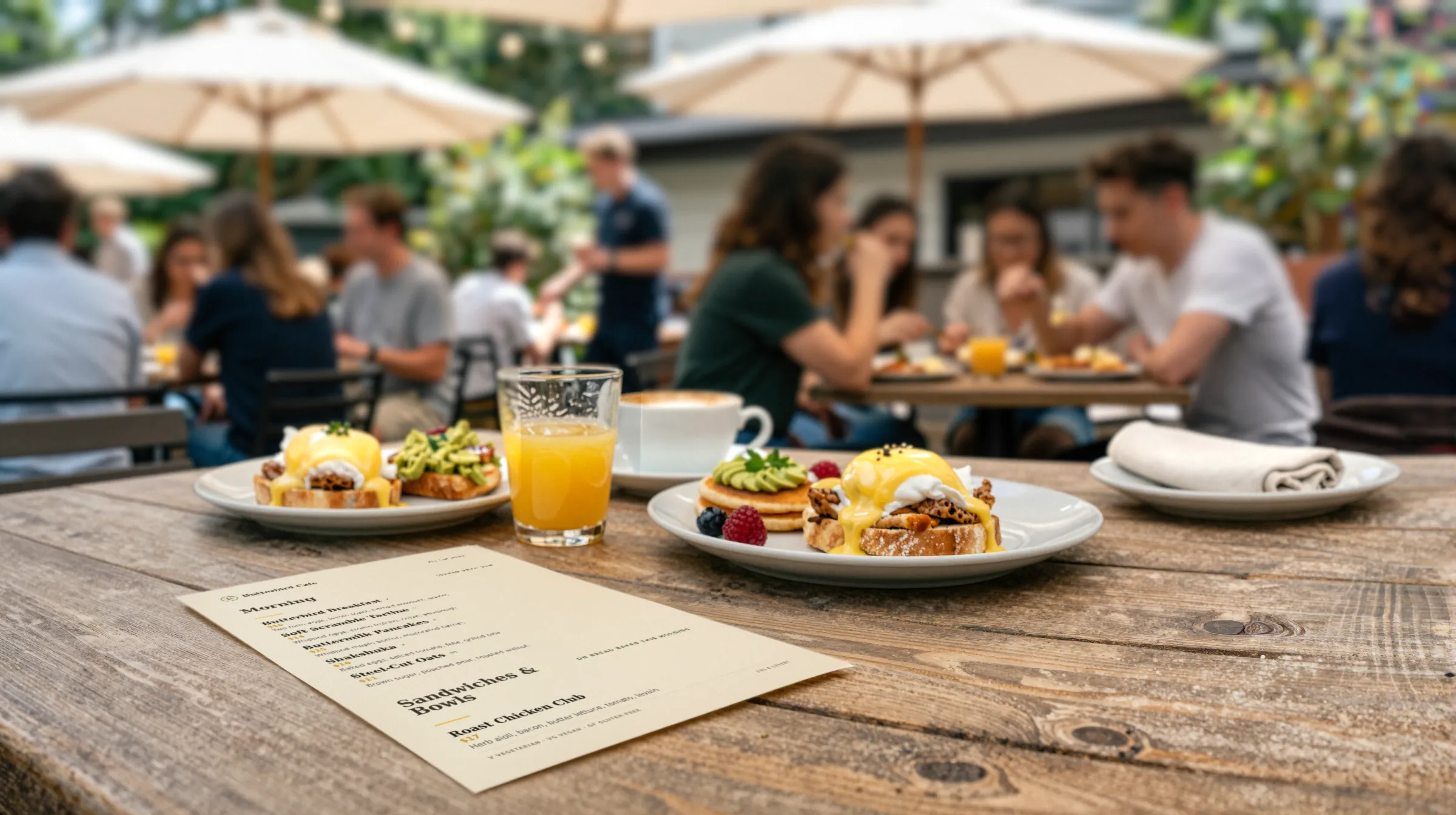
Café and coffee shop menu makerThe oat milk went up. So did the latte.
Café menus change in small, constant ways. A seasonal drink comes in, the pastry case is empty by ten, a milk upcharge creeps up forty cents. Gaslamp keeps the counter card, the table QR, and the menu board PDF as one menu you change from your phone between orders.
No card needed · then $19/mo or $190/yr · cancel anytime
What changes on a café menu, and how often
A menu is designed once and edited forever. These are the edits this kind of place makes, and what each one takes in Gaslamp.
| The change | How often | In Gaslamp |
|---|---|---|
| The pastry case sells out | Every day | Mark it sold out. The QR menu shows it struck through within a minute, and the next PDF leaves it off. Put it back on at open. |
| A seasonal drink launches | Four to six times a year | Build it in a Seasonal section ahead of time, hidden. Show the section on launch morning. |
| Milk, bean, or cup costs move | Once or twice a year | Change the prices on your phone. The QR menu follows; print a fresh counter card when you are ready. |
| Breakfast gives way to lunch | Every day | Keep both on one all-day menu, with Breakfast and Lunch as their own sections. |
| A new baker or roaster | A few times a year | Edit names and descriptions once. The PDF and the hosted menu come from the same edit. |
9:52 a.m.
Almond croissants gone at 9:52. Off the menu at 9:53.
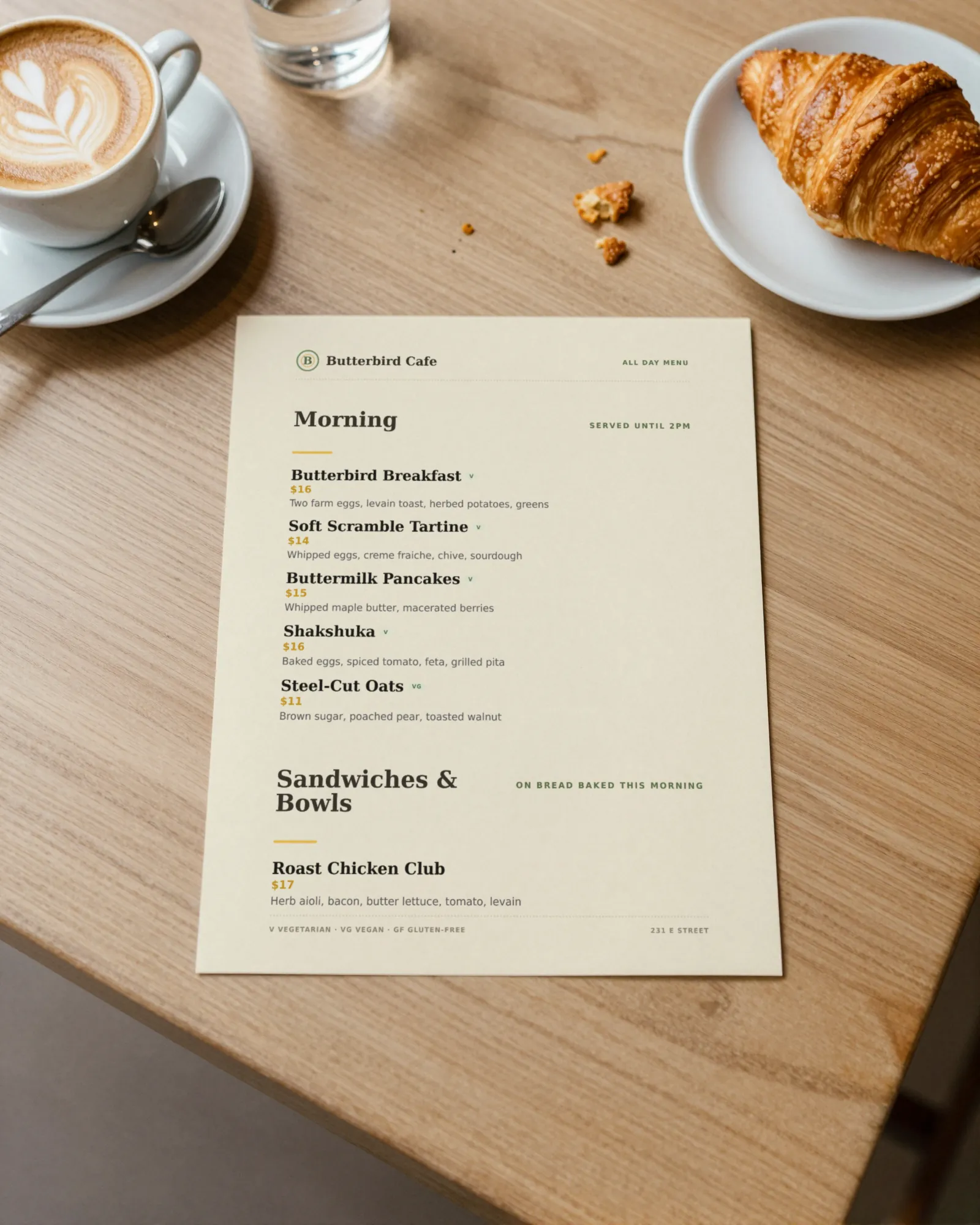
Between two orders, open Gaslamp on your phone, find the croissant, mark it sold out, and tap Save & update live menu. Anyone who scans the table code after that sees it struck through, so nobody orders it at the register. Put it back on when tomorrow’s tray comes out.
The editor runs in your phone’s browser; there is no app to install. The menu rebuilds in about two seconds, and phones that scan the code see the change about thirty seconds after you save.
Your phone

The menu

How cafés set up their menus in Gaslamp
Menus
- All dayCoffee, tea, breakfast, lunch, pastries, add-ons
- Seasonal (optional)Its own code on a counter card, if the seasonal list is long
Sections, for example
- Espressoabout 6 drinks
- Brewed & teaabout 5
- Seasonal2 to 4, hidden between launches
- Breakfastabout 6
- Lunchabout 6
- Pastriesup to 12
- Add-onsoat milk, extra shot, syrups
A menu holds up to twelve sections of twenty items each. Most cafés fit comfortably in one.
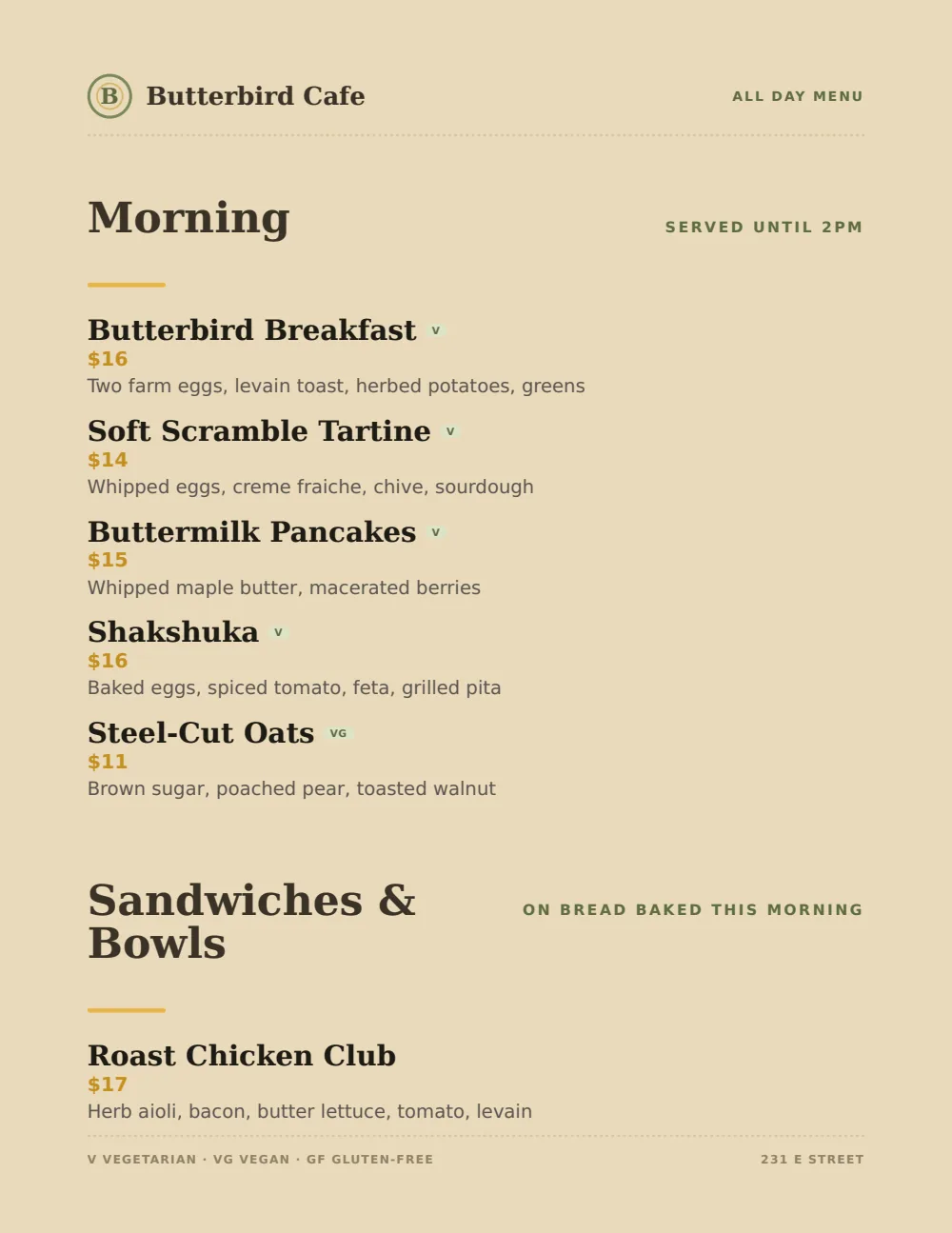
Start with Casual Café
Kraft tones and stacked sections that scan quickly while the line moves. For a menu board over the counter, the Food Truck design’s big prices read from farther away.
Start from the sample menu set in Casual Café, then type your dishes and prices over it in the editor. After that, the job is keeping it right from your phone. See the free template for the full layout.
Where the QR code goes
Each menu gets one code, and it never changes. Print it once; every edit after that shows up behind it. Gaslamp makes the printable pieces for you.
From the floor: Put the counter card where the line starts, not at the register. By the time someone reaches the till they should already know what they want.
- Table tenton every table, for the second coffee and the pastry they did not order the first time
- Counter cardwhere the line forms, so people decide before they reach the register
- Window signfor people on the sidewalk deciding whether to come in
Good to know before you start
- An item takes up to three labeled prices, so a latte can show Small, Medium, and Large on one line. A fourth size needs its own line.
- Gaslamp does not switch menus by time of day. An all-day menu with Breakfast and Lunch sections is the simple answer.
- No POS sync. When a price changes, change it in your POS and in Gaslamp.
Café menu questions
- Can I mark a pastry sold out from my phone?
- Yes. Mark it sold out and save: the hosted menu behind your QR code shows it struck through with a “Sold out” label, and the next PDF you print leaves it off. Put it back on the next morning. If you would rather it vanish, the hide switch takes it off the menu entirely.
- How do I handle drink sizes and milk upcharges?
- Give each drink up to three labeled prices, such as Small, Medium, and Large, on one line. Add upcharges like oat milk or an extra shot as their own items in an Add-ons section.
- Can I print a menu board for over the counter?
- Yes, on a paid plan. Download the print-ready PDF and have any print shop print it at board size. Gaslamp does not print or ship boards.
- Can the seasonal menu go live on a set day?
- Build the seasonal section ahead of time and keep it hidden. On launch morning, show it and save. Gaslamp does not schedule changes automatically.
- How much does it cost?
- Start with a 30-day free trial, no credit card needed. Then it is $19 a month, or $190 a year (2 months free). No setup fee. Cancel anytime. The trial includes one published live menu with QR codes. PDF downloads and additional menus start when you pick a plan.
Tomorrow’s pastry case is already different. Your menu can keep up.
No card needed · then $19/mo or $190/yr · cancel anytime