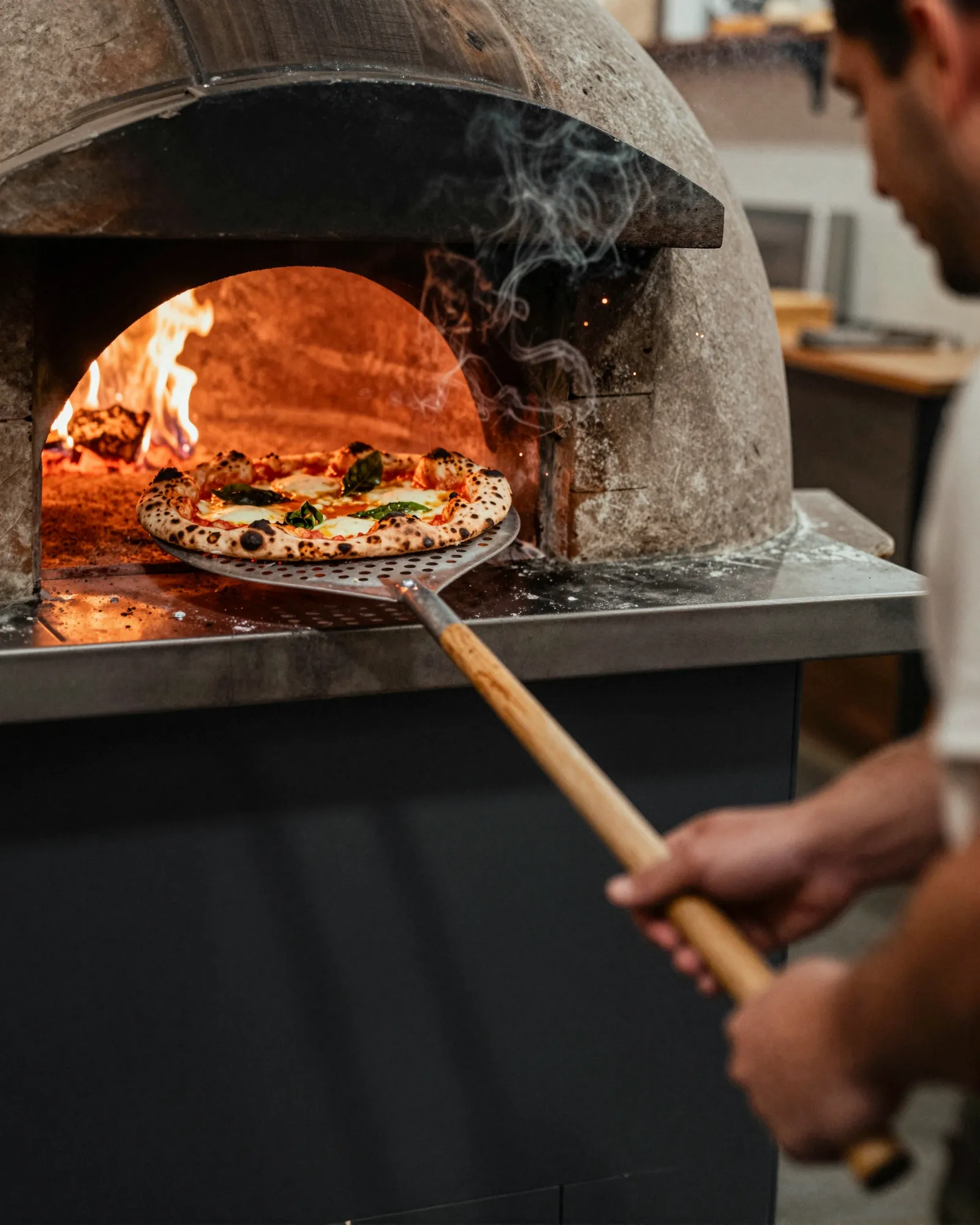
Pizzeria menu makerThe mozzarella went up. So did the 16-inch.
A pizzeria menu is a grid of sizes, a list of toppings with their own prices, a slice case that changes by the hour, and a seasonal pie that comes and goes with the tomatoes. Then the cheese invoice moves. Gaslamp keeps the counter board, the takeout menu, and the QR in the window as one menu you change from your phone next to the oven.
No card needed · then $19/mo or $190/yr · cancel anytime
What changes on a pizzeria menu, and how often
A menu is designed once and edited forever. These are the edits this kind of place makes, and what each one takes in Gaslamp.
| The change | How often | In Gaslamp |
|---|---|---|
| Cheese or flour costs move | A few times a year | Change the pie prices on your phone with the number keypad. The window code shows them about thirty seconds after you save; print a fresh board and takeout menu when the price sticks. |
| The slice case changes | Every hour at lunch | Keep slices in their own section and switch off the ones not in the case. Switch them back on when the next pie comes out. |
| A seasonal pie comes and goes | With the tomatoes, the squash, the ramps | Build it in a Seasonal section, hidden until the produce comes in. Hide it again when the last of it is gone; it waits there for next year. |
| A topping runs out | Most busy weekends | Toppings are items in their own section. Mark the one you are out of sold out, and any house pie built on it. |
| Delivery-app menus need the same change | Every time a price moves | Gaslamp does not reach DoorDash or Uber Eats. Change each app by hand; the board, the takeout menu, and the QR all come from the one Gaslamp edit. |
3:30 p.m.
Mozzarella up at 3:30. New price on the QR before the dinner phones start.
The cheese invoice came in higher again. Before the dinner calls start, change the 16-inch Margherita from 21 to 22 and tap Save & update live menu. Anyone reading the window code sees the new price about thirty seconds later. The delivery apps and the printed takeout menu keep the old one until you change them too.
The editor runs in your phone’s browser; there is no app to install. The menu rebuilds in about two seconds, and phones that scan the code see the change about thirty seconds after you save.
Your phone

The menu

How pizzerias set up their menus in Gaslamp
Menus
- PizzeriaPies, slices, toppings, starters, desserts, drinks
- Party trays (optional)Sheet pies and trays for pickup, on its own menu and code
Sections, for example
- Piessizes as labeled prices, one line per pie
- Sliceswhat the case carries, about 6
- Toppingspriced for a whole pie, up to 12
- Seasonal1 to 3, hidden out of season
- Starters & saladsgarlic knots, wings, about 8
- Calzones & subsabout 6
- Dessertscannoli, about 4
- Drinksfountain, bottled, beer and wine if you pour
Twelve sections of twenty items each. Each pie carries its sizes as up to three labeled prices on one line, so the Pies section stays one line per pie.
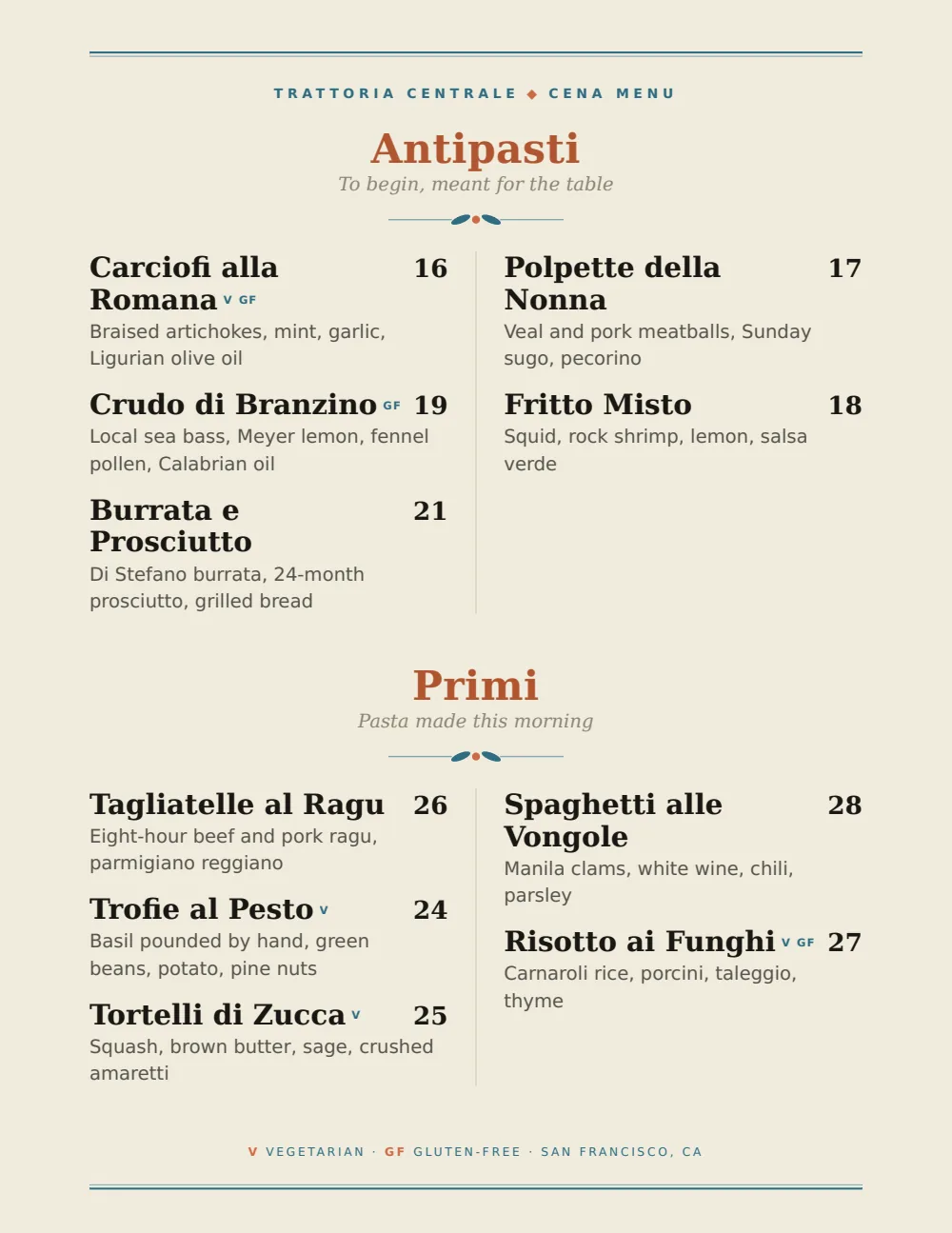
Start with Coastal Mediterranean
Olive and Aegean blue on white, calm enough for a long list of pies with their toppings written out. For a counter board read from the door, the Food Truck design’s big prices carry farther.
Start from the sample menu set in Coastal Mediterranean, then type your dishes and prices over it in the editor. After that, the job is keeping it right from your phone. See the free template for the full layout.
Where the QR code goes
Each menu gets one code, and it never changes. Print it once; every edit after that shows up behind it. Gaslamp makes the printable pieces for you.
From the floor: Take the price list off the slice case glass and put the counter card there instead. Taped-up slice prices are the first thing in the shop to go stale; the code behind the card is right after every change.
- Window signfor the person deciding between you and the place down the block, and for the pickup order called in from the car
- Counter cardnext to the slice case, with the toppings and what each one costs
- Table tentfor the second pie at a table that ordered one too few
Good to know before you start
- Up to three labeled prices per item, so a pie in 12, 16, and 18 inch sizes is one line. A fourth size, or a slice, needs a line of its own.
- Toppings are their own priced items. Gaslamp does not add up a pie with three toppings, and a topping cannot carry a different price for each size; put the other sizes in the note under the section heading.
- No delivery-app or POS sync. When a pie price changes, change it in your POS, in each delivery app, and in Gaslamp.
- Two ways to take something down: mark it sold out and it stays on the list struck through, or hide it and it leaves the list, which suits a slice case that refills in twenty minutes.
Pizzeria menu questions
- How do I show pizza sizes on a menu?
- Give each pie up to three labeled prices on one line, for example 12 in, 16 in, and 18 in. A fourth size goes on its own line; a section holds twenty.
- How do I price pizza toppings?
- Give toppings their own section, each priced for a whole pie at your standard size, and put the other-size prices in the note under the section heading. Gaslamp shows the prices; it does not total a custom pie.
- Will changing a price in Gaslamp change it on DoorDash?
- No. Gaslamp has no delivery-app sync. It updates the hosted menu behind your QR code and the PDF you print. Each delivery app keeps its own menu, so change the price there too.
- Can I mark gluten-free crust and vegan cheese?
- Yes. Use the gluten-free and vegan tags on the pies that qualify, and say in the description if the gluten-free crust bakes in the same oven as wheat dough. Gaslamp shows what you write; it does not check recipes.
- How much does it cost?
- Start with a 30-day free trial, no credit card needed. Then it is $19 a month, or $190 a year (2 months free). No setup fee. Cancel anytime. The trial includes one published live menu with QR codes. PDF downloads and additional menus start when you pick a plan.
The cheese price will move again. The menu can move with it.
No card needed · then $19/mo or $190/yr · cancel anytime