Ice cream and dessert shop menu makerPeach is done until July. Pumpkin is in.
An ice cream menu is a flavor list that never holds still. A tub scrapes dry on a hot Saturday, the seasonal flavor turns over every few weeks, and the pint freezer has its own opinions. Gaslamp keeps the board over the dipping cabinet, the QR where the line forms, and the pint list as one menu you change from your phone between cones.
No card needed · then $19/mo or $190/yr · cancel anytime
What changes on an ice cream shop menu, and how often
A menu is designed once and edited forever. These are the edits this kind of place makes, and what each one takes in Gaslamp.
| The change | How often | In Gaslamp |
|---|---|---|
| A flavor runs out | Most hot days | Mark it sold out. The QR flavor list shows it struck through about thirty seconds after you save; put it back on when the next tub is in the cabinet. |
| A seasonal flavor turns over | Every few weeks | Add the new one to the Seasonal section, hide the one that is done, save. Keep the old ones hidden for next year. |
| Pint stock differs from the cabinet | Every week | Keep pints in their own section and hide the flavors that are not in the freezer. |
| Toppings change | Whenever a supplier does | Toppings are items in their own section with one price each. Hide the one you are out of. |
| Scoop prices move | Usually once, before the season | Change the size prices on your phone. The QR menu follows; print a new board when you are ready. |
3:15 p.m.
Salted caramel ran dry at 3:15. Off the list at 3:16.
The line is out the door and the tub is scraped. Between cones, mark salted caramel sold out and tap Save & update live menu. The people reading the code in line see it struck through and pick something that is actually in the cabinet. Put it back on when the next tub comes up from the freezer.
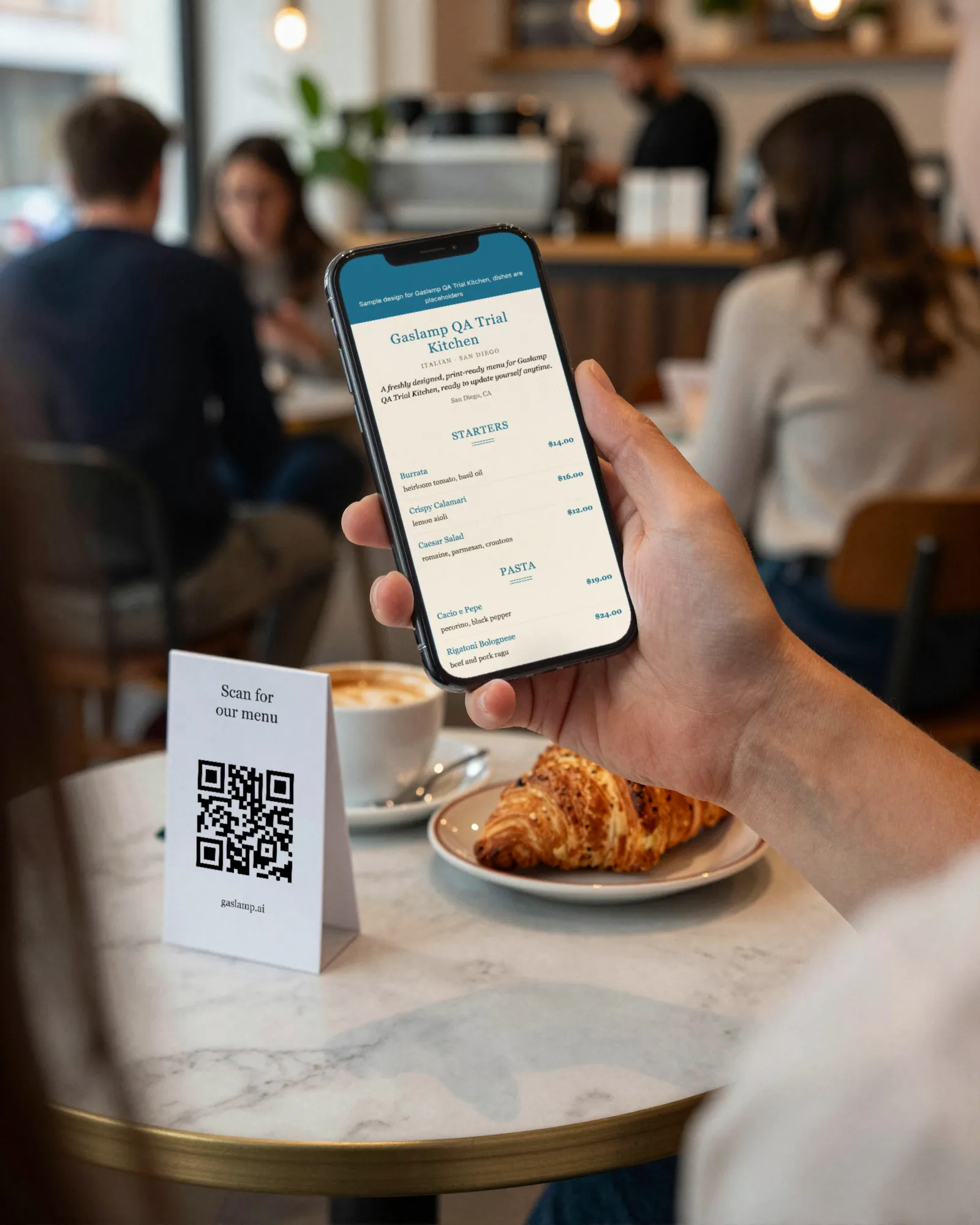
The editor runs in your phone’s browser; there is no app to install. The menu rebuilds in about two seconds, and phones that scan the code see the change about thirty seconds after you save.
Your phone

The menu

How ice cream shops set up their menus in Gaslamp
Menus
- Scoop shopSizes, flavors, toppings, sundaes, pints
- Ice cream cakes (optional)Cakes to order on their own menu and code
Sections, for example
- Sizeskids, single, double, waffle cone
- Classic flavorsup to 12, at the single-scoop price
- Seasonal flavorsup to 12, rotating
- Dairy-freesorbets and oat bases, about 4
- Toppingsabout 10
- Sundaes & shakesabout 6
- Pints to gowhat is in the freezer this week
Up to twelve sections of twenty items each. A shop with more than twenty classics splits them into Chocolate & coffee and Fruit & everything else.
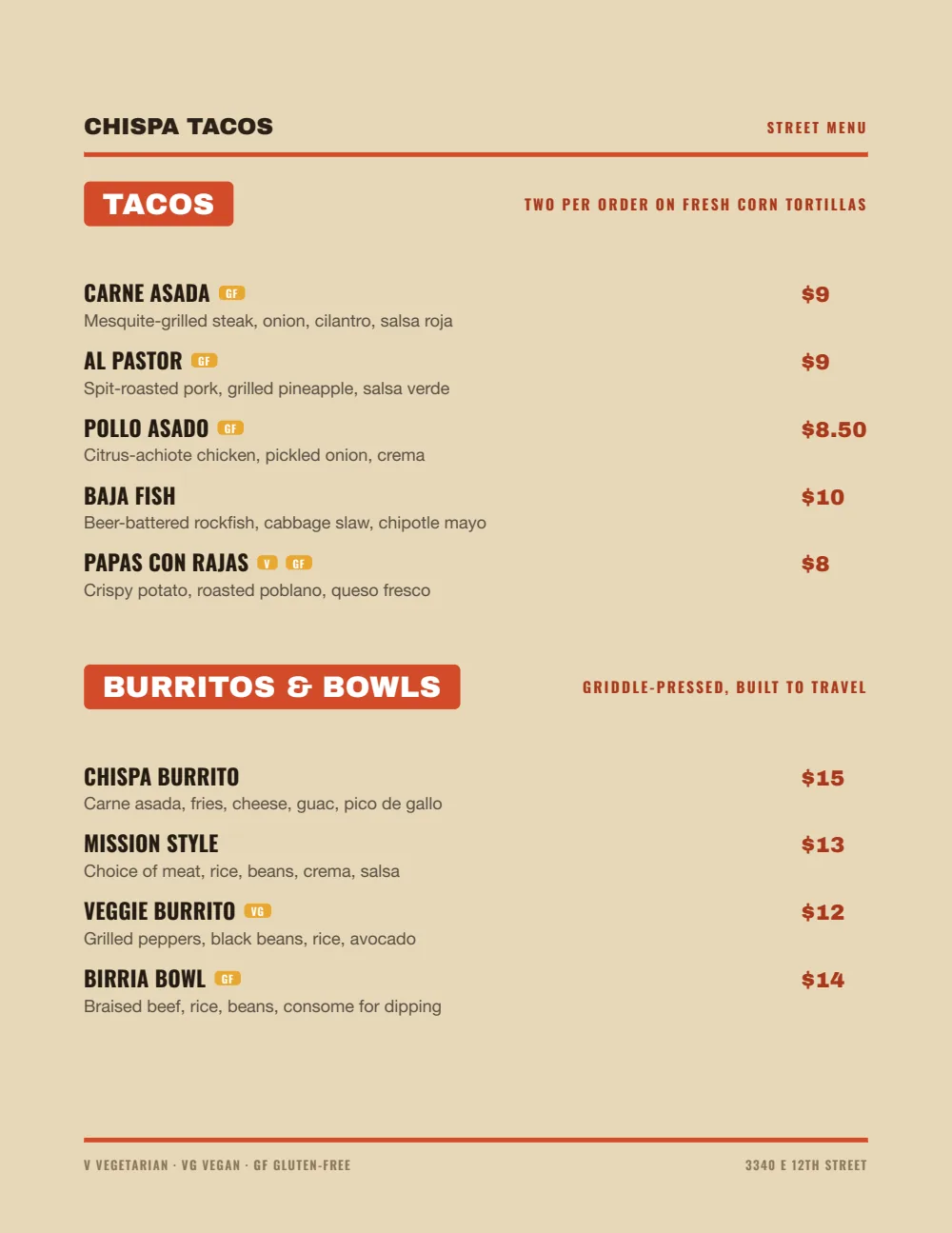
Start with Food Truck
Oversized flavor names and prices set hard right, easy to read over the dipping cabinet and on a phone held up in the sun.
Start from the sample menu set in Food Truck, then type your dishes and prices over it in the editor. After that, the job is keeping it right from your phone.
Where the QR code goes
Each menu gets one code, and it never changes. Print it once; every edit after that shows up behind it. Gaslamp makes the printable pieces for you.
From the floor: Put the code where the line starts. The slow part of a scoop shop is the person at the glass asking for a third taste spoon; give them the list ten minutes earlier.
- Line signon the wall or a stanchion where the line starts, so the choosing happens before the glass
- Window signfor the walk-by crowd deciding whether today’s flavors are worth the wait
- Freezer cardon the pint freezer, for the take-home order
Good to know before you start
- Up to three labeled prices per item, so a flavor can show Kids, Single, and Double on one line. A waffle cone upcharge is its own item.
- No Google sync. When the hours shrink in October, change them on your Google listing yourself.
- Two ways to take a flavor down: mark it sold out and it stays on the list struck through with a “Sold out” label, or hide it and it is simply gone. With a line out the door, sold out saves the question at the window.
Ice cream shop menu questions
- How do I show scoop sizes on an ice cream menu?
- Give each flavor up to three labeled prices, such as Kids, Single, and Double, on one line. Cones and extras like a waffle cone go in their own section as priced items.
- Can I update the flavor list from my phone?
- Yes. Add a flavor, mark the one that ran out sold out, and tap Save & update live menu. The hosted list behind your QR code catches up about thirty seconds later.
- Can I print an ice cream menu board?
- Yes, on a paid plan. Download the print-ready PDF and have a print shop print it at board size; Gaslamp does not print or ship boards. A common split is a printed board for sizes and prices and the QR for flavors, since those change daily.
- Can I mark dairy-free and vegan flavors?
- Yes. Use the dairy-free and vegan tags, give them their own section if you have several, and name the base in the description (“oat base, contains coconut”). Update it when a base changes; Gaslamp shows what you write.
- How much does it cost?
- Start with a 30-day free trial, no credit card needed. Then it is $19 a month, or $190 a year (2 months free). No setup fee. Cancel anytime. The trial includes one published live menu with QR codes. PDF downloads and additional menus start when you pick a plan.
The flavor list changed three times today. So did the menu.
No card needed · then $19/mo or $190/yr · cancel anytime