Juice bar and smoothie menu makerAcai went up again. So did the bowl.
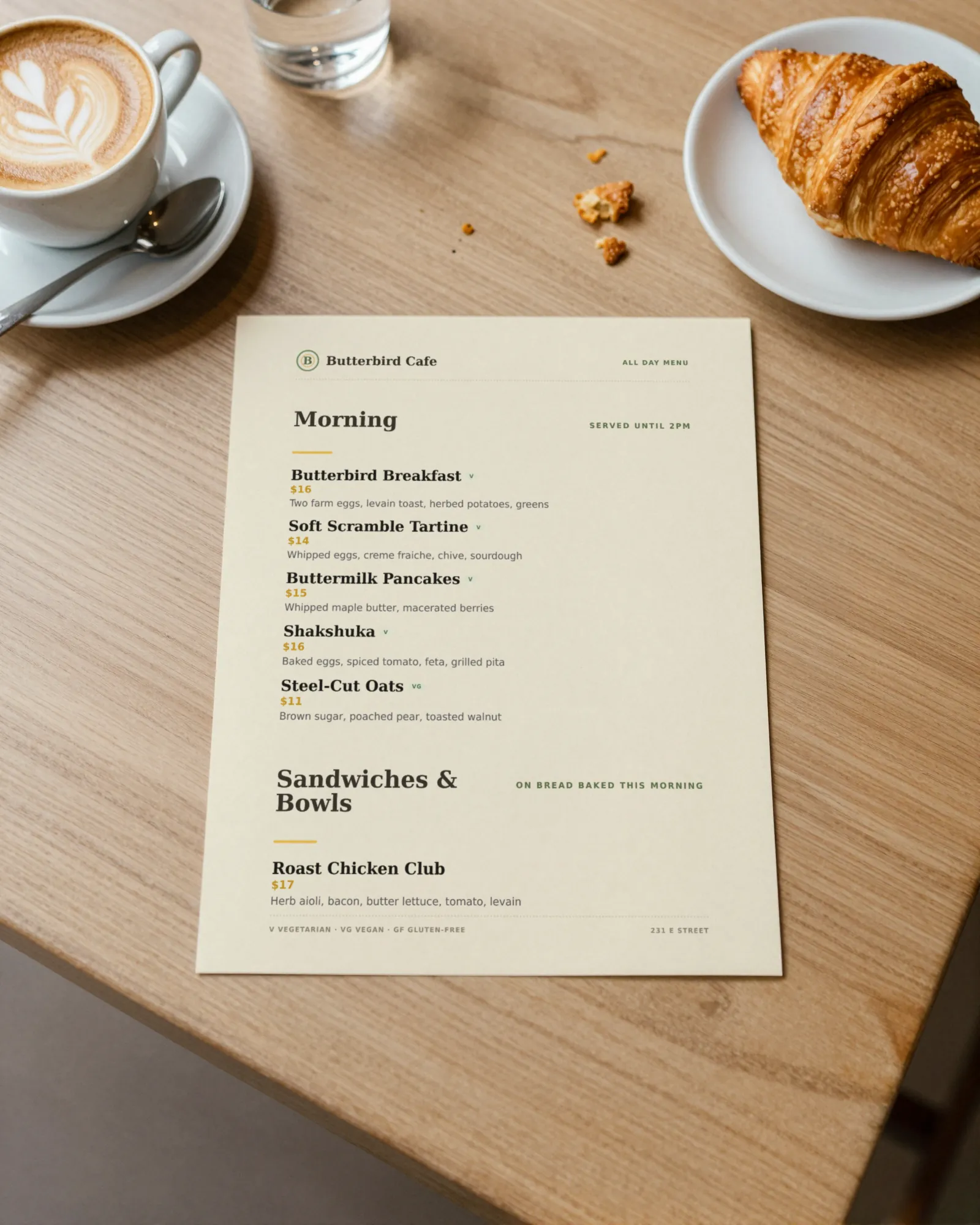
A juice bar menu is a board over the counter with a long list of ingredients on it, a build-your-own smoothie with a column of boosts that each cost extra, a seasonal juice that changes with the fruit, and a cleanse package sold by the day. Gaslamp keeps the board PDF, the QR where the line forms, and the cleanse list as one menu you change from your phone between blends.
No card needed · then $19/mo or $190/yr · cancel anytime
What changes on a juice bar menu, and how often
A menu is designed once and edited forever. These are the edits this kind of place makes, and what each one takes in Gaslamp.
| The change | How often | In Gaslamp |
|---|---|---|
| Acai, berry, or produce costs move | Several times a year | Reprice the bowls and smoothies on your phone. People reading the code see it about thirty seconds after you save; the board waits for a fresh print once the price holds. |
| The seasonal juice turns over | With the fruit, every month or two | Keep a Seasonal section. Add the new juice, hide the old one, and keep it hidden for next year. |
| A fruit runs out | Most weeks | Mark every juice and smoothie built on it sold out. People reading the code in line see them struck through and pick something you can blend. |
| A boost is added or dropped | A few times a year | Boosts and add-ons are items with their own prices in their own section. Add or hide one without touching the smoothies. |
| Cleanse packages change | A few times a year | Each package is one item, with 1, 3, and 5 day lengths as labeled prices and the juices in the description. |
8:40 a.m.
The acai invoice went up at 8:40. The bowl followed at 8:41.
Before the morning rush, the distributor’s new price is on the counter. Change the acai bowl from 12 to 13 and tap Save & update live menu; about thirty seconds after you save, the code in line shows 13. The paper board keeps saying 12 until the new PDF is printed and hung.
The editor runs in your phone’s browser; there is no app to install. The menu rebuilds in about two seconds, and phones that scan the code see the change about thirty seconds after you save.
Your phone

The menu

How juice bars set up their menus in Gaslamp
Menus
- CounterJuices, smoothies, bowls, boosts, shots, snacks
- Cleanses (optional)Packages on their own menu and code, for the register card
Sections, for example
- Cold-pressed juiceup to 12, ingredients in the description
- Smoothiesabout 10, size in the subtitle
- Build your ownthe base price, what is included in the description
- Bowlsacai, pitaya, about 4
- Boosts & add-onsprotein, spirulina, nut butter, each priced
- Shotsginger, wheatgrass, about 4
- Seasonal2 or 3, hidden out of season
- Toast & snacksabout 6
Twelve sections of twenty items. Sizes do not take extra lines: 16 oz and 24 oz go on one line as labeled prices.
Start with Casual Café
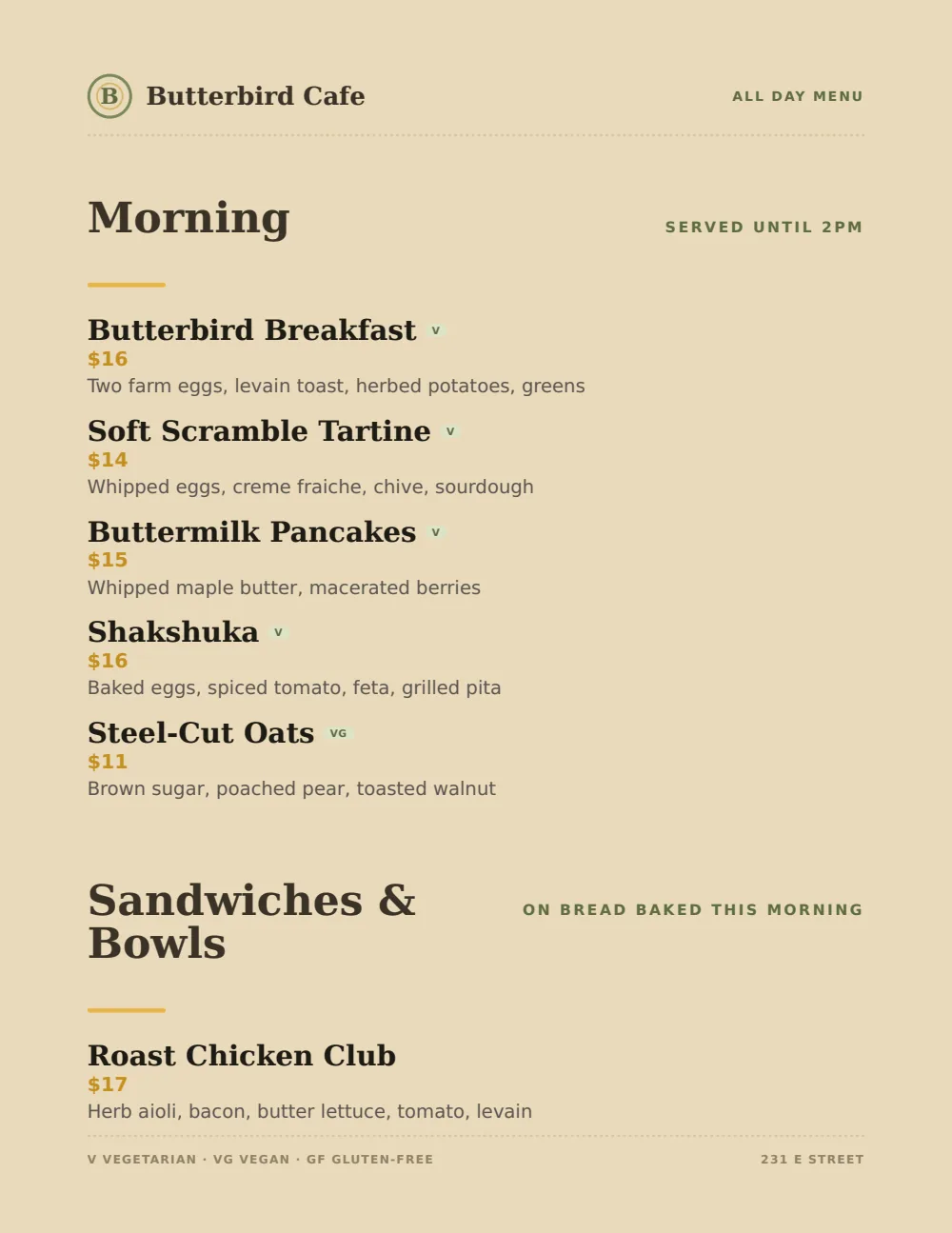
Light, plain, and stacked, with room under every name for the list of ingredients, which is most of what a juice menu says. For the board over the counter, the Food Truck design’s bigger prices read from farther back.
Start from the sample menu set in Casual Café, then type your dishes and prices over it in the editor. After that, the job is keeping it right from your phone. See the free template for the full layout.
Where the QR code goes
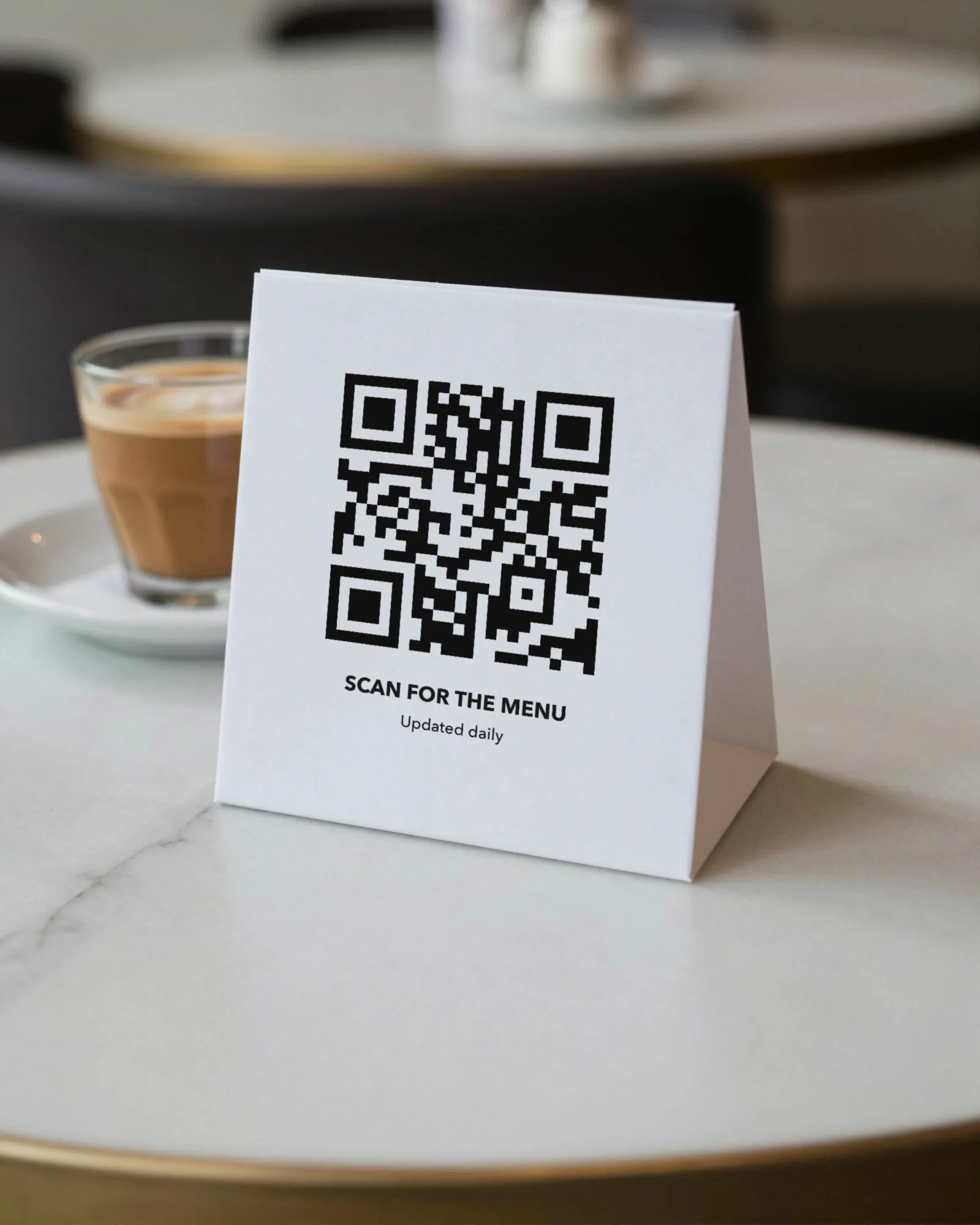
Each menu gets one code, and it never changes. Print it once; every edit after that shows up behind it. Gaslamp makes the printable pieces for you.
From the floor: Put the full ingredient list on the QR menu and keep the board to names and prices. A board that lists every ingredient in every juice is the one nobody can read from the door.
- Line signwhere the line starts, so people read the ingredients and pick a boost before they reach the blender
- Counter cardat the register, with the cleanse packages for the person who asks about them
- Window signfor the post-workout crowd checking the menu from the sidewalk
Good to know before you start
- Up to three labeled prices per item, so sizes share one line. Build-your-own is a base price plus priced Boosts & add-ons items, and Gaslamp does not total them.
- Prices go up to $9,999 per item, so a longer cleanse carries its real price as its own item or labeled price.
- Gaslamp shows the cleanse; it does not sell it. Preorders and pickup days go through the register or however you take orders now.
Juice bar menu questions
- How do I show smoothie sizes on a menu?
- Give each drink up to three labeled prices on one line, for example 16 oz and 24 oz. The board stays one line per drink.
- How do I list build-your-own smoothies and add-ons?
- Make Build your own one item at the base price, with what is included in the description (“pick a base and three fruits”). Put paid extras like protein or nut butter in a Boosts & add-ons section, each at its own price.
- Can I sell juice cleanses through the menu?
- No. Gaslamp shows each cleanse package as one item, with the lengths as labeled prices and the juices in the description, but it does not take orders or payments. Keep the cleanses on their own menu and code if you want a separate register card.
- Can I mark vegan and nut-free drinks?
- Yes. Use the vegan, dairy-free, and nut-free tags on the items that qualify, and name any nut butter or nut milk in the description. If one blender does everything, say so; Gaslamp shows what you write and does not check recipes.
- How much does it cost?
- Start with a 30-day free trial, no credit card needed. Then it is $19 a month, or $190 a year (2 months free). No setup fee. Cancel anytime. The trial includes one published live menu with QR codes. PDF downloads and additional menus start when you pick a plan.
The fruit changes with the month. The menu changes the same morning.
No card needed · then $19/mo or $190/yr · cancel anytime