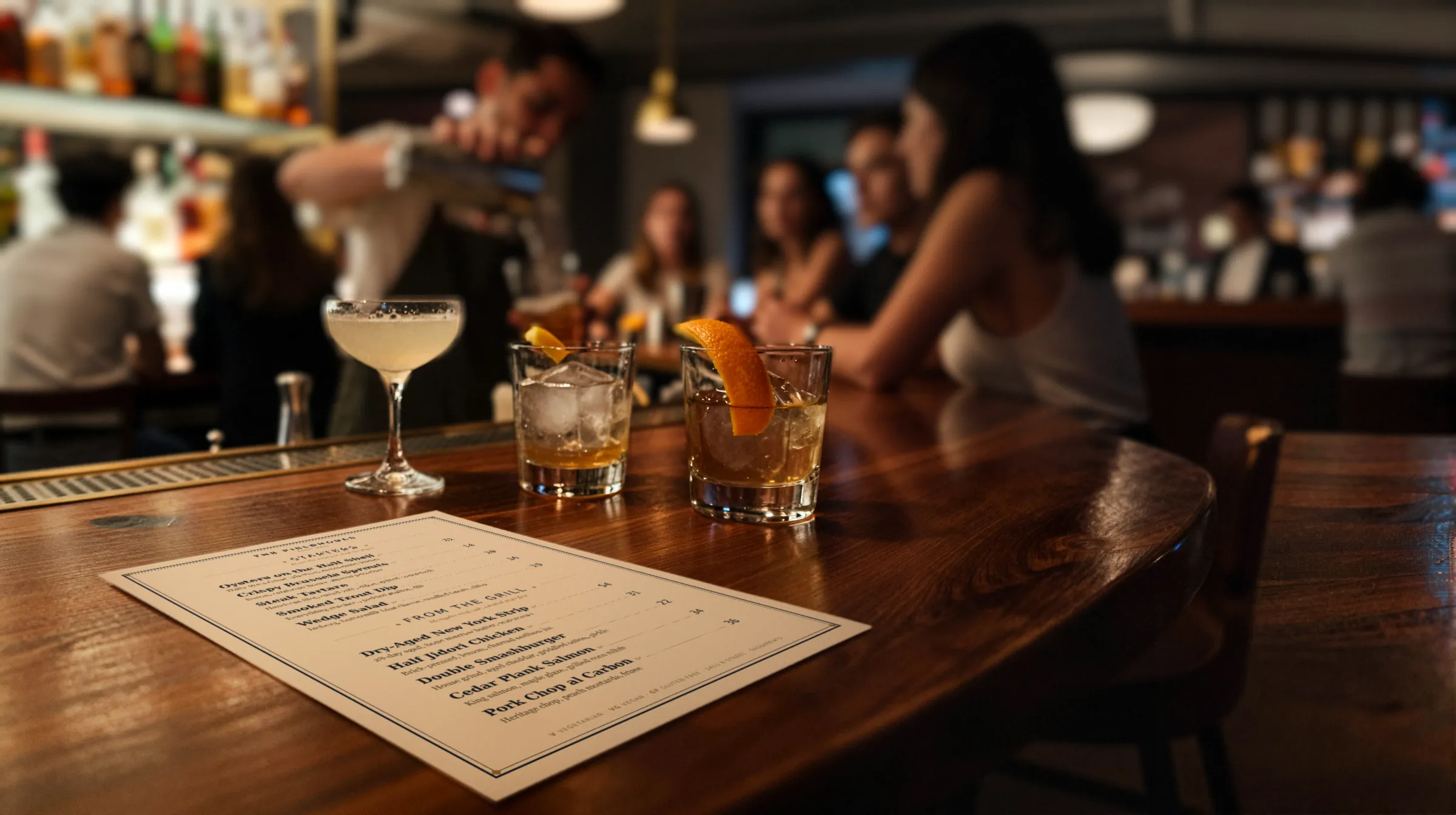
How bars use a QR code drink menu
A printed cocktail list is right the night it comes back from the printer. After that the bar moves and the paper does not. A QR drink menu earns its place on four kinds of change that come up at almost any bar:
| What changes | What you do in Gaslamp |
|---|---|
| The seasonal cocktail list rotates | Build next season’s drinks in their own section while it is hidden. On changeover night, hide the old section and show the new one. |
| An allocated bottle runs out | Switch off every drink built on it. Switch them back on when the next case lands. |
| Happy hour starts and ends | Show the Happy Hour section when it starts, hide it when it ends. You do it by hand; there is no timer. |
| A new bottle arrives on the back bar | Add it to the spirits menu with proof, age, and origin in the description. |
Every one of those is a switch or a line of text, done on a phone at the well, and the menu behind the code shows it about thirty seconds after you save. The code on the bar top never changes.
A QR cocktail menu at 10:40 on a Saturday
The last pour of the allocated rye goes into a Vieux Carré. The printed list still offers it, and so will every guest who scanned in the last hour and orders another. Before the next ticket, pull out your phone, find the drink, mark it sold out, and tap Save & update live menu. Do the same for anything else built on that bottle. On the phone menu the drinks stay listed, struck through with a “Sold out” label, until you put them back on; the next printed list leaves them off.
The seasonal rotation works the same way, just bigger. Build the new list in a section of its own a week ahead, with every spec, garnish note, and price, and leave it hidden. Taste through it with the staff. On changeover night, after the last round of the old list, hide one section and show the other, and save. The guest who scans at open the next day sees the new list, and the printed copy can follow when the bar manager has had a chance to proof it. The old section stays in the menu, hidden, in case a drink comes back next year.
Gaslamp does not talk to your POS, so 86 it there too. Our 86 guide covers the word and the Friday night habit behind it.
A QR wine list, glass and bottle on one line
Every item in Gaslamp takes up to three labeled prices, from $1 to $9,999. Drink menus are where that shows most, so here is how bars set it up:
- Wine by the glass and bottle: two prices on one line, labeled Glass and Bottle. Use the same labels on every wine so the column reads clean.
- Spirits by the pour: label the pours you sell (1½ oz and 2 oz, or neat and a flight), up to three on one line.
- Beer sizes: half pour, pint, and pitcher as three labeled prices on the beer’s line.
- Big bottles: prices run to $9,999, so the cellar list and the trophy bottles price like everything else. What Gaslamp will not do is track how many bottles are left; mark one sold out when the last one goes.
Taprooms with a board that changes by the keg have their own page: brewery tap lists.
Want a printed version to start from? Pick the document that matches the list you run: the drink menu template for a restaurant’s full beverage list, the cocktail menu template for cocktails only, the wine list template for wine only, or the bar menu template for a bar’s own menu with food. Each one prints, and each one can sit behind its own code.
Reading a drink menu by candlelight
Bars are dark on purpose, and paper suffers for it. A printed list in small type at a candlelit booth is a guessing game. The menu behind the QR code is lit by the phone itself, so the candle only matters for paper and for the code.
The code is what needs care in a dark room:
- Dark code on light stock. A black-on-black card looks right on the bar and fails in the camera.
- Bigger than you think. Phones struggle more in low light, so give the code more room than a daytime café would.
- Beside the candle, not behind it. The flame lights the code from the front; behind it, the code is in shadow.
- Matte, not gloss. Back-bar lighting bounces off lamination. Our table tent guide covers stock and holders.
How to lay out a bar QR menu
A Gaslamp menu holds up to twelve sections of twenty items. That is plenty for a cocktail list, and still tight for a serious back bar, so a bar with a deep back bar runs two menus, each with its own code:
| Menu | Sections |
|---|---|
| Cocktails | Seasonal, Classics, Happy Hour (shown when it runs), Zero-proof, Beer and wine, Bar snacks. Next season’s list built and hidden. |
| Spirits | The back bar by category: whiskey split across two sections if it runs long, then agave, rum, gin, brandy, amaro. |
The trial includes one published live menu; the second menu comes with a paid plan. The cocktail bar page has the full setup, including which of the eight designs suits a bar.
What Gaslamp does not do for bars
- No happy-hour timer and no time-of-day menus. You show and hide the section.
- No POS, inventory, or Untappd sync. When a bottle or keg is gone, you change it in each place.
- No ordering or tabs from the QR code. It opens the menu.
- No per-seat or per-table codes. Each menu has one code.
- No more than three prices on one item, and every line needs a number: no “MP”.