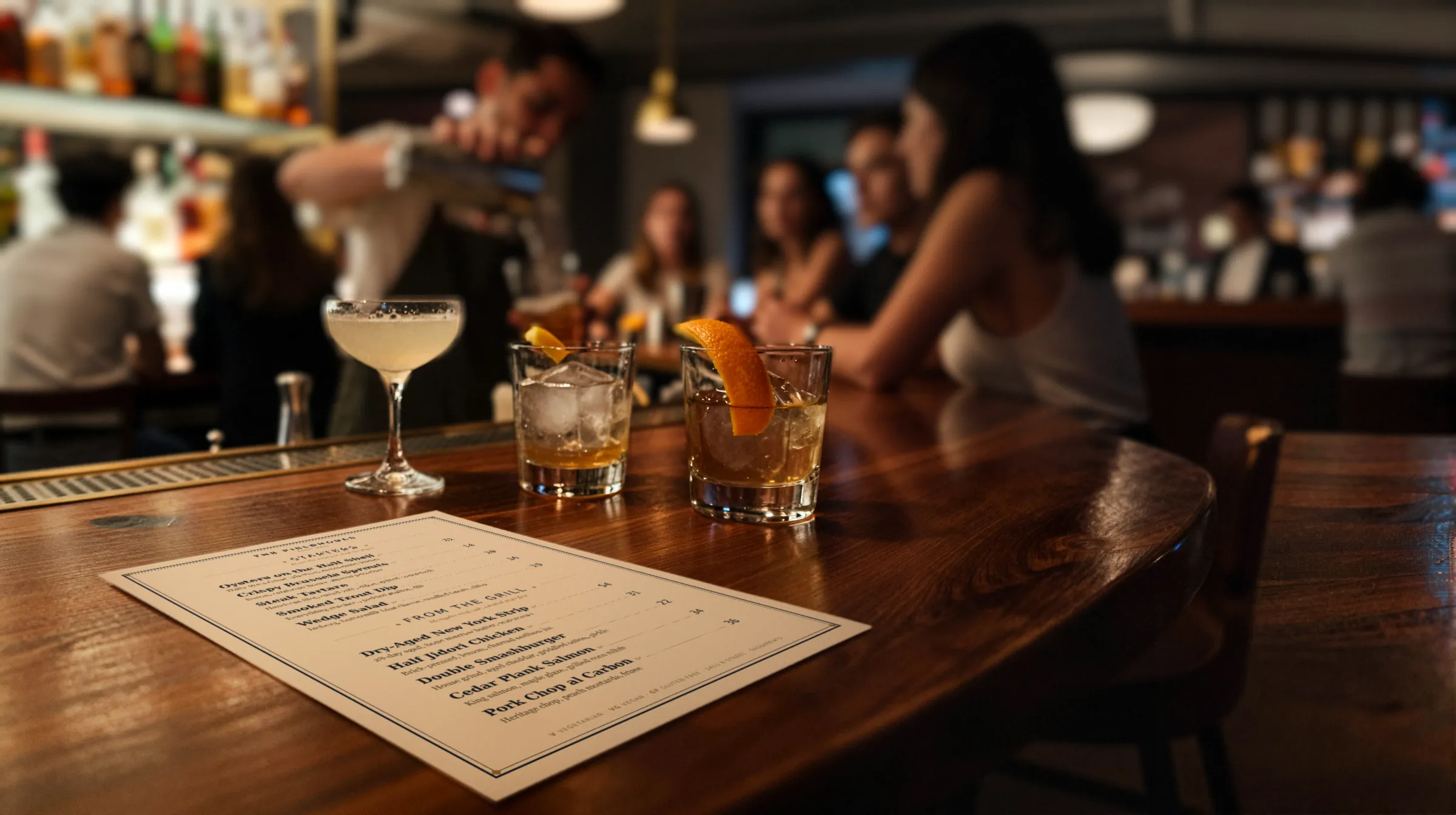
Cocktail bar menu makerThe rye ran out. The Vieux Carré is still on the list.
A cocktail list is built on bottles you cannot always get. The seasonal list turns over a few times a year, the allocated bourbon never lasts, happy hour starts at five, and the room is lit by candles. Gaslamp keeps the cocktail list, the spirits list, and the QR on the bar top as menus you change from your phone at the well.
No card needed · then $19/mo or $190/yr · cancel anytime
What changes on a cocktail bar menu, and how often
A menu is designed once and edited forever. These are the edits this kind of place makes, and what each one takes in Gaslamp.
| The change | How often | In Gaslamp |
|---|---|---|
| An allocated bottle runs out | A few times a month | Mark every cocktail built on it sold out. They show struck through on the QR menu about thirty seconds after you save. |
| The seasonal list rotates | Three or four times a year | Build the next list in its own section while the current one is live, hidden. On changeover night, hide one and show the other. |
| Happy hour starts and ends | Every day | Show the Happy Hour section at five and hide it at seven. Gaslamp does not do it on a timer. |
| A new bottle lands on the back bar | Most weeks | Add it to the spirits list with proof, age, and origin in the description. |
| A bottle cost goes up | A few times a year | Change the cocktail’s price on your phone, then print a fresh list before the weekend. |
10:41 p.m.
The rye ran out at 10:41. The Vieux Carré was gone by 10:42.
The last pour of the allocated rye went into a Vieux Carré for table nine. Before the next ticket prints, mark the drink sold out on your phone and tap Save & update live menu. About thirty seconds later it shows struck through on the menu anyone scans at the bar top. Put it back on when the next case comes in.
The editor runs in your phone’s browser; there is no app to install. The menu rebuilds in about two seconds, and phones that scan the code see the change about thirty seconds after you save.
Your phone

The menu

How cocktail bars set up their menus in Gaslamp
Menus
- CocktailsSeasonal, classics, happy hour, zero-proof, beer and wine, bar snacks
- SpiritsThe back bar by category, on its own menu and code
Sections, for example
- Seasonalabout 8, rotated a few times a year
- Next seasonbuilt ahead, hidden until changeover
- Classicsabout 8
- Happy Hour4 to 6, shown five to seven
- Zero-proof3 or 4
- Beer & winea short list for the friend who skips cocktails
- Bar snacksolives, fries, a burger
A menu holds twelve sections of twenty items. That fits a cocktail list with room to spare; a back bar of a few hundred bottles does not, so spirits get their own menu, split by category.
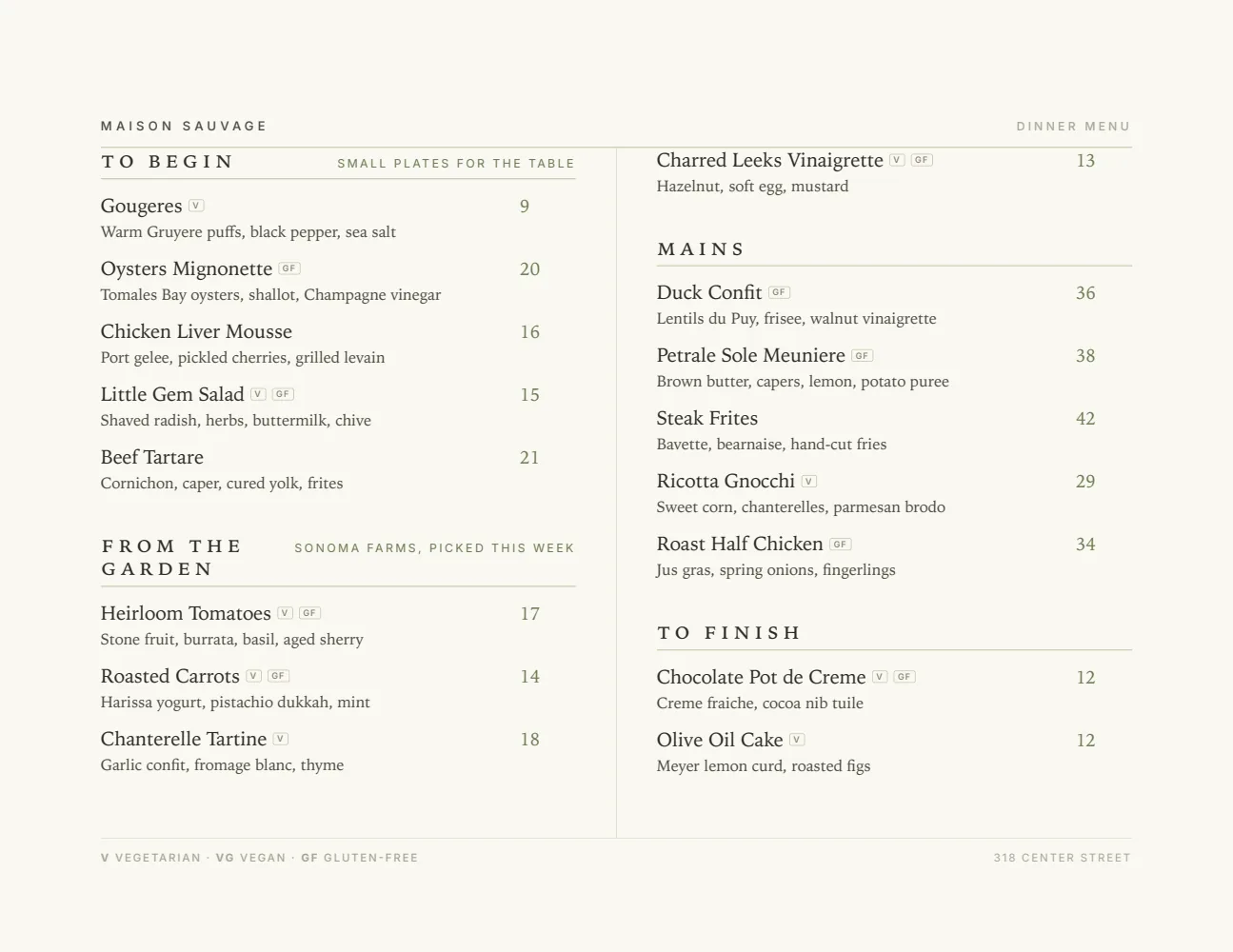
Start with Elegant Landscape
Two columns in landscape, made to linger over by candlelight. Behind the QR code the menu is lit by the phone, so the candle only matters for paper.
Start from the sample menu set in Elegant Landscape, then type your dishes and prices over it in the editor. After that, the job is keeping it right from your phone. See the free template for the full layout.
Where the QR code goes
Each menu gets one code, and it never changes. Print it once; every edit after that shows up behind it. Gaslamp makes the printable pieces for you.
From the floor: Print the code large, in dark ink on light stock, and set it beside the candle rather than behind it. A phone camera has a hard time with a small code in a dark booth.
- Bar top cardevery few seats along the rail, so the second drink does not wait for the printed list to come back
- Table tentin the booths, where the candle sits too low to read paper
- Door signfor people checking the list before they commit to the stairs
Good to know before you start
- Up to three labeled prices per item, so a spirit can show its 1 oz and 2 oz pours on one line. A third pour size fits too; a fourth needs its own line.
- No happy-hour timer. Show the Happy Hour section when it starts and hide it when it ends, or leave it up with the hours in the note under the heading.
- Twelve sections of twenty items per menu. A deep back bar goes on its own Spirits menu, with a long whiskey list split across two sections.
- No POS sync. When an allocated bottle is gone, 86 the drinks in your POS and in Gaslamp.
Cocktail bar menu questions
- How do I take a cocktail off the menu when we run out of a spirit?
- Mark each cocktail that uses it sold out and save. About thirty seconds later the hosted menu behind your QR code shows them struck through with a “Sold out” label, until you put them back on. Hide them instead if you would rather they disappear.
- Can I show happy hour prices only during happy hour?
- Not automatically. Gaslamp does not switch menus or prices by time of day. Keep happy hour as its own section with its own prices, show it when it starts, and hide it when it ends. Or leave it up with the hours in the note under the heading.
- How should I organize a spirits list?
- By category, then by region or style: whiskey, agave, rum, gin, brandy, amaro. Put proof, age, and origin in each bottle’s description and price the standard pour. A section holds twelve bottles, so a long whiskey list can run as American and Scotch.
- Can I rotate a seasonal cocktail list without rebuilding the menu?
- Yes. Build the next list as a hidden section, then swap it in on changeover night and download a fresh PDF for the printed list. Version history keeps the last 50 versions of the menu, so last season’s specs are still there when a regular asks.
- How much does it cost?
- Start with a 30-day free trial, no credit card needed. Then it is $19 a month, or $190 a year (2 months free). No setup fee. Cancel anytime. The trial includes one published live menu with QR codes. PDF downloads and additional menus start when you pick a plan.
The rye comes back in March. So can the Vieux Carré.
No card needed · then $19/mo or $190/yr · cancel anytime