Bar and grill menu makerThe meatloaf special is gone by 12:20. Say so.
A neighborhood bar and grill feeds the lunch crowd at noon and the regulars at the bar at night, and the menu has to keep up with both. The special changes every day, Friday is fish fry, a tap rotates when a keg kicks, and the price of wings moves with the market. Gaslamp keeps the food menu and the drink list as menus you change from a phone at the pass, with a QR code on every table that never has to be reprinted.
No card needed · then $19/mo or $190/yr · cancel anytime
What changes on a bar and grill menu, and how often
A menu is designed once and edited forever. These are the edits this kind of place makes, and what each one takes in Gaslamp.
| The change | How often | In Gaslamp |
|---|---|---|
| The daily special changes | Every day | Keep one Today section at the top with the special as its only line. Rewrite the name, description, and price before lunch. |
| The special runs out | Most days | Mark it sold out and save. The QR menu shows it struck through about thirty seconds later, so nobody orders what the kitchen already ran out of. |
| Friday fish fry goes on and off | Every week | Keep a Fish fry section hidden all week and show it Friday morning. Hide it again Saturday. |
| Wing prices move | A few times a year | The counts (6, 12, 24 wings) are three labeled prices on one line, so a price change is one edit from your phone. Print a fresh copy for the tables when you are ready. |
| A tap rotates | Several times a week | Rename the tap line on the drink list and change the style and ABV in the description. The table tents never change. |
12:20 p.m.
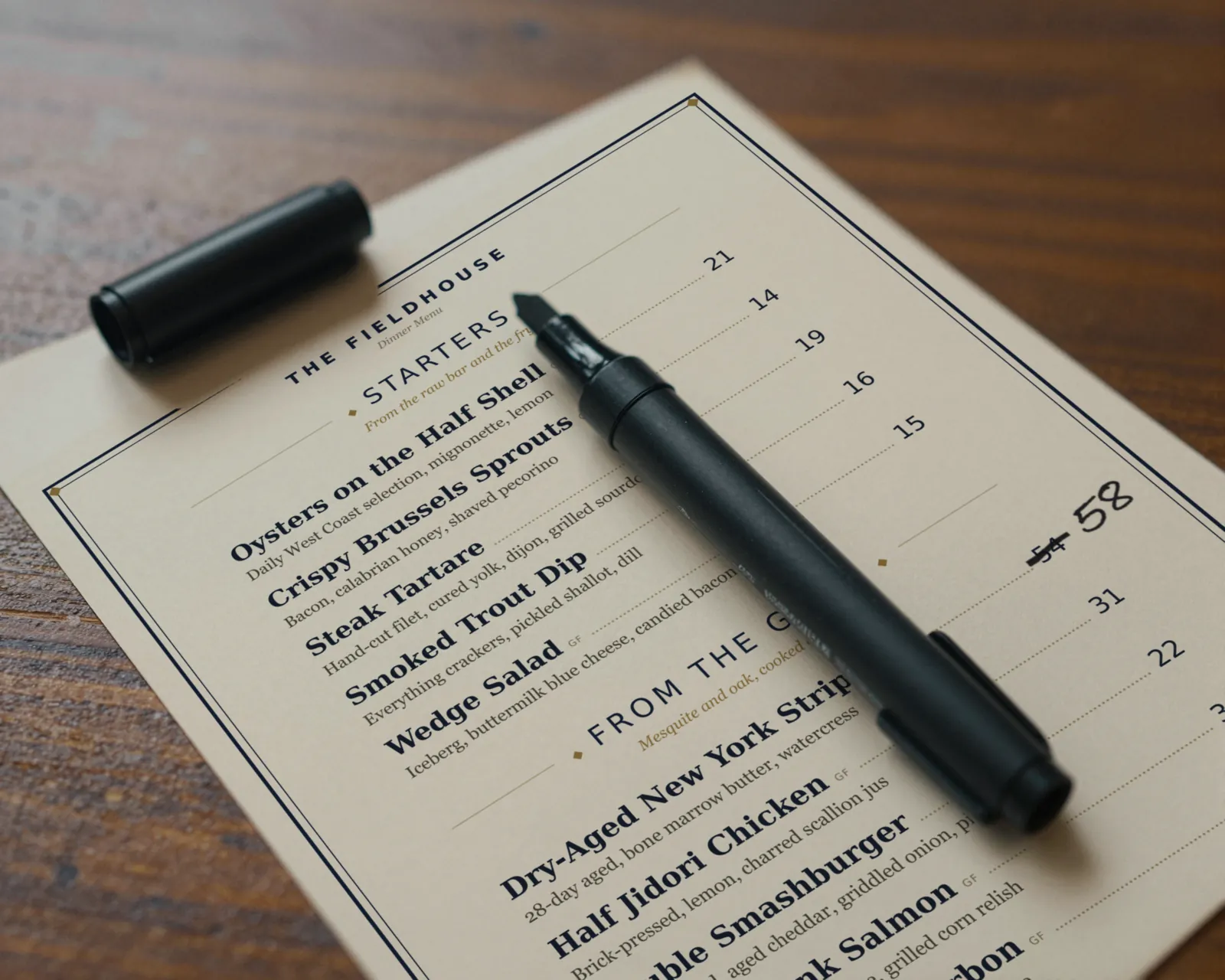
Meatloaf special gone at 12:20. Off the menu at 12:21.
The lunch rush ate the whole pan of meatloaf by twenty past noon. At the pass, open Gaslamp on your phone, mark the special sold out, and tap Save & update live menu. The two-top that just sat down scans the code, sees it struck through, and orders the patty melt instead of hearing “we’re out” after they have decided.
The editor runs in your phone’s browser; there is no app to install. The menu rebuilds in about two seconds, and phones that scan the code see the change about thirty seconds after you save.
Your phone

The menu

How bars and grills set up their menus in Gaslamp
Menus
- FoodSpecials, starters, wings, burgers, sandwiches, plates
- DrinksTaps, bottles and cans, wine, cocktails, on its own code for the bar
Sections, for example
- Todaythe daily special, one line
- Fish fryFridays, hidden the rest of the week
- Startersabout 8
- Wingscounts as labeled prices, flavors in the note under the heading
- Burgersabout 6
- Sandwichesabout 8
- Platesabout 6
- Sidesabout 8
Twelve sections of twenty items fits a full bar and grill menu. Drinks go on a second menu so the tap list can change without touching the food.
Start with Classic American
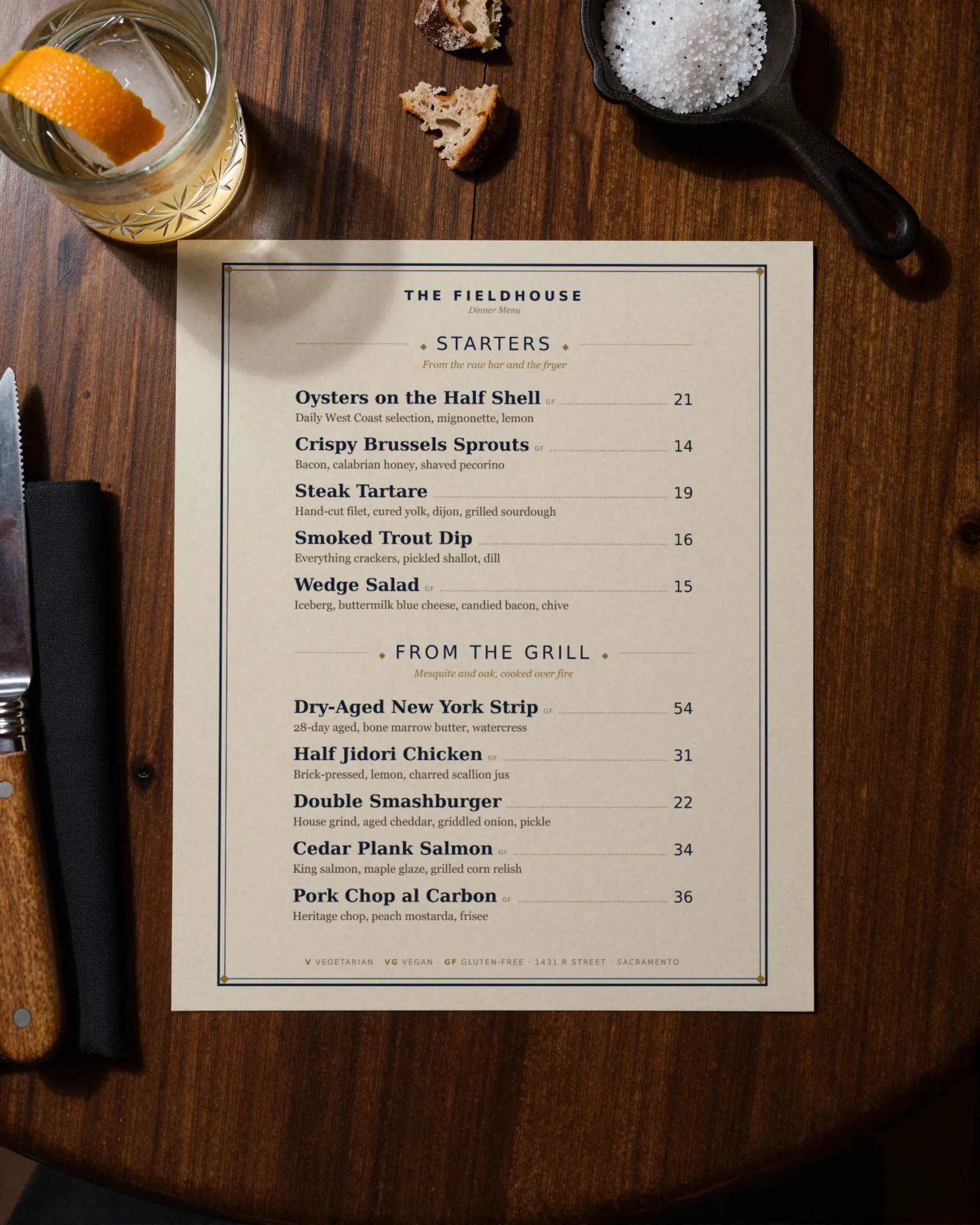
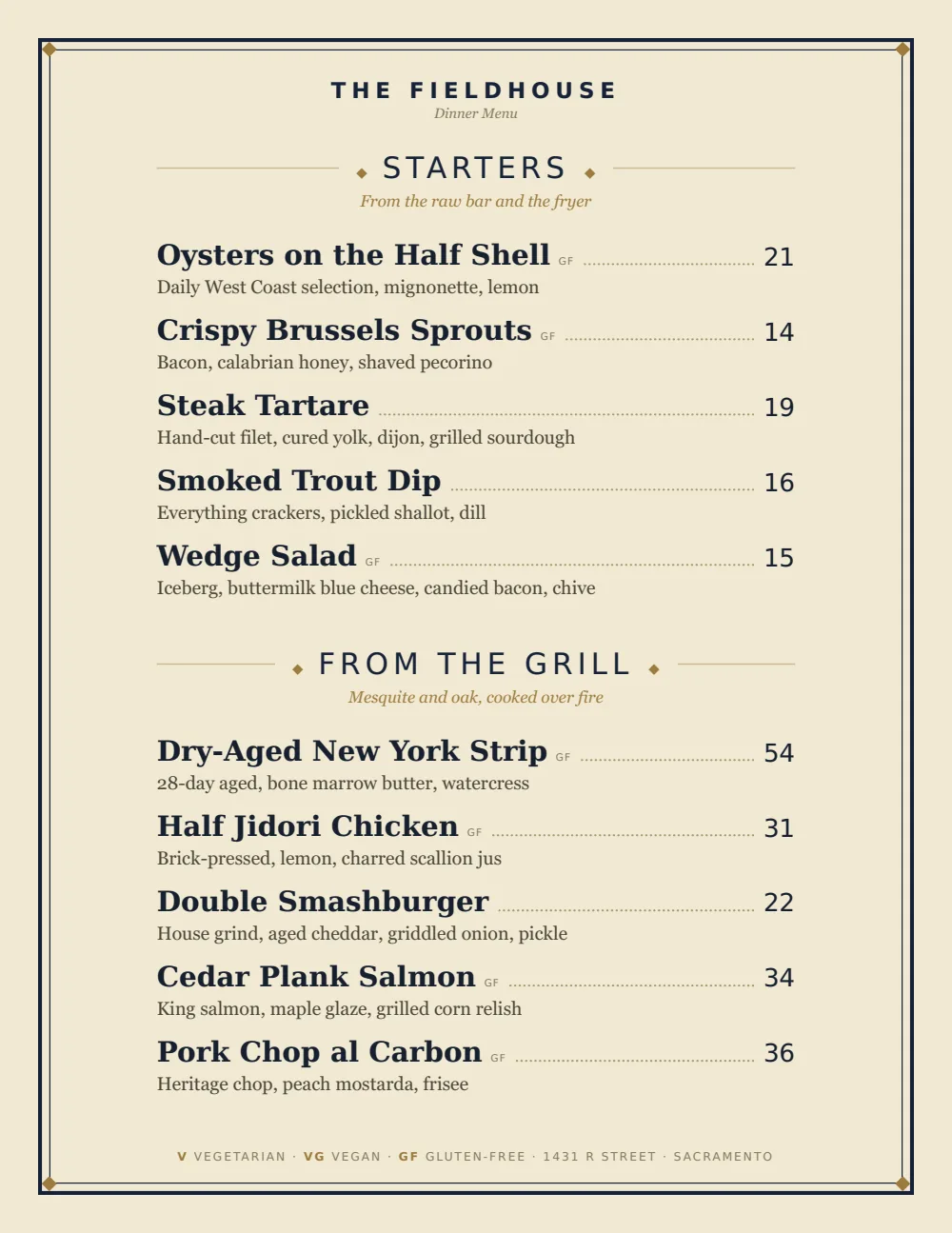
Dotted leaders to the price and heavy dish names read quickly at a booth or across a bar top. It prints clean on a home laser printer, which matters when the special changes daily.
Start from the sample menu set in Classic American, then type your dishes and prices over it in the editor. After that, the job is keeping it right from your phone. See the free template for the full layout.
Where the QR code goes
Each menu gets one code, and it never changes. Print it once; every edit after that shows up behind it. Gaslamp makes the printable pieces for you.
From the floor: Put the special on the window sign’s menu, not on a chalkboard by the door. The chalkboard still says meatloaf at 1:30; the QR menu does not.
- Table tenton every booth and high-top, next to the ketchup and the hot sauce
- Bar top cardevery few seats along the bar, pointing to the drink list
- Window signfor the lunch crowd checking the special before they walk in
Good to know before you start
- Up to three labeled prices per item, so wing counts, a cup and a bowl of soup, or a half and full order share one line.
- No time-of-day switching. Happy hour prices are a Happy hour section you show at four and hide at six, or a separate menu with its own code.
- No POS or delivery-app sync. When the wing price changes, change it in the POS and on the delivery apps too.
- The QR menu shows the special; it does not take orders or payments.
Bar and grill menu questions
- How do I put a daily special on a QR menu?
- Keep a Today section at the top of the food menu with one line for the special. Rewrite it each morning on your phone and save; phones scanning the code show it about thirty seconds later. Mark it sold out when it runs out.
- How should wings be priced on the menu?
- Give the wings up to three labeled prices on one line (6, 12, 24), and put the sauces in the note under the Wings heading.
- Can food and drinks be on one QR code?
- Yes, as sections of one menu. Most bar and grills keep drinks as a second menu with its own code so the tap list can change without touching the food menu. A second menu needs a paid plan; the trial includes one.
- Can I print the menu for the tables?
- Yes, on a paid plan. Download the print-ready PDF and print it on your own printer or at a shop. It comes from the same edit as the QR menu, so the paper and the phone agree.
- How much does it cost?
- Start with a 30-day free trial, no credit card needed. Then it is $19 a month, or $190 a year (2 months free). No setup fee. Cancel anytime. The trial includes one published live menu with QR codes. PDF downloads and additional menus start when you pick a plan.
Tomorrow’s special is already on the prep list. Put it on the menu too.
No card needed · then $19/mo or $190/yr · cancel anytime