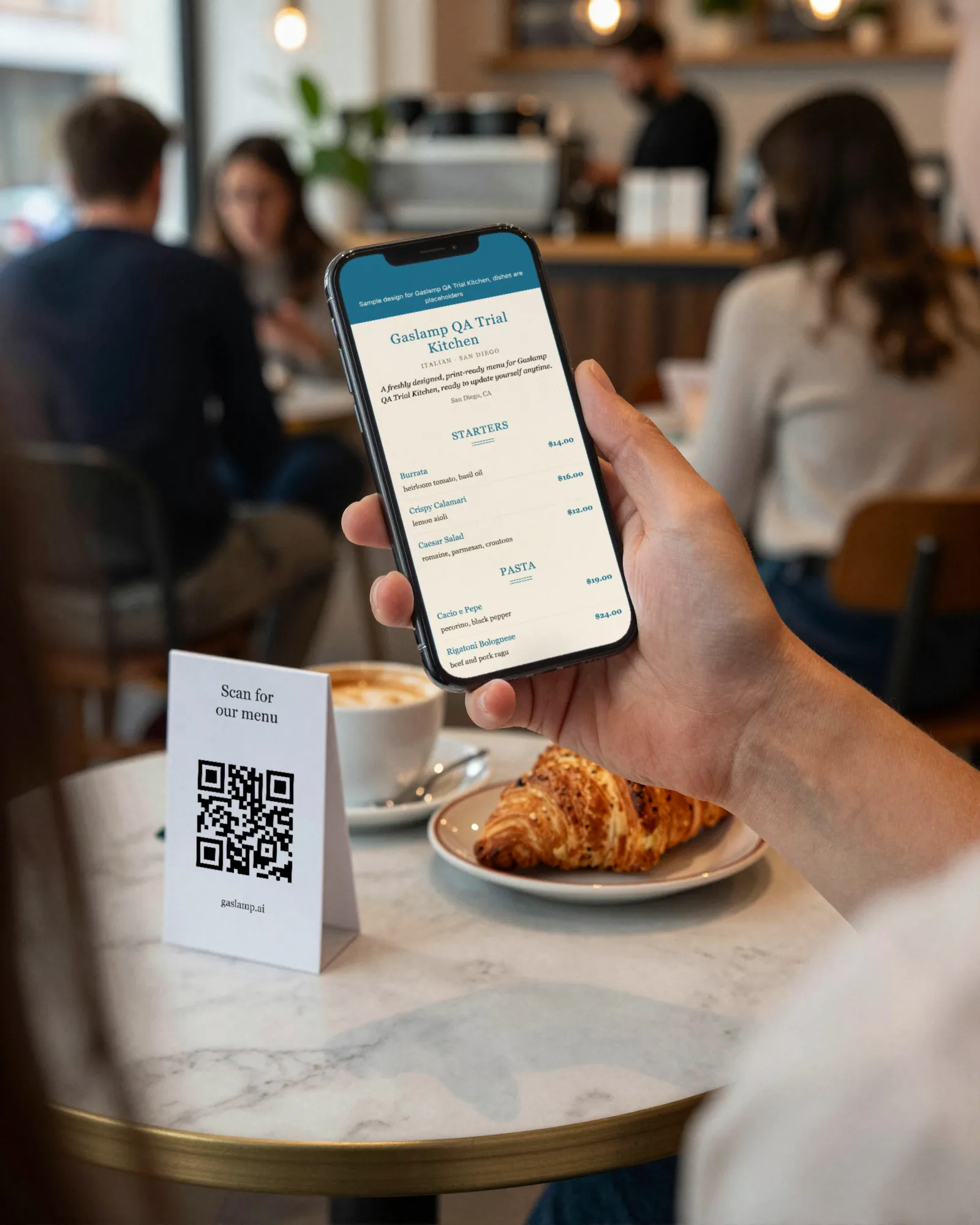
Sports bar menu makerKickoff is at one. The game-day menu goes up at noon.
A sports bar menu is wings by the count, pints and pitchers, a happy hour on weekdays, and a game-day list that only exists when the team is playing. The room is loud, the servers are slammed in the fourth quarter, and plenty of tables would rather read the menu than shout for it. Gaslamp keeps the table tents, the bar cards, and the paper menu as one menu you change from your phone behind the bar.
No card needed · then $19/mo or $190/yr · cancel anytime
What changes on a sports bar menu, and how often
A menu is designed once and edited forever. These are the edits this kind of place makes, and what each one takes in Gaslamp.
| The change | How often | In Gaslamp |
|---|---|---|
| Game day starts and ends | Every game the room is built around | Keep a Game day section with the bucket deal and the platters, hidden between games. Show it before kickoff; hide it after the last out. |
| Happy hour starts and ends | Every weekday | Keep Happy hour as its own section with the hours in the subtitle under the heading. Leave it up, or show and hide it by hand. |
| Wings run out mid-game | Big games, usually the late ones | Mark the wing counts you cannot fill sold out. They show struck through on the QR menu about thirty seconds after you save. |
| A draft line changes | Most weeks | Edit the beer in place: brewery, style, and ABV in the description, with Pint and Pitcher as two labeled prices on the same line. |
| Wing prices move | When chicken does, a few times a year | Change each count on your phone. The QR menu follows; print new table menus when the price sticks. |
7:55 p.m.
Out of bone-in wings at 7:55. Off the menu by 7:56.
Third quarter, a close game, and the last case of wings went in the fryer. Mark the bone-in counts sold out, tap Save & update live menu, and the tables scanning the code see them struck through and order boneless instead of waiting twenty minutes to hear no. Put them back on when the next case arrives.
The editor runs in your phone’s browser; there is no app to install. The menu rebuilds in about two seconds, and phones that scan the code see the change about thirty seconds after you save.
Your phone

The menu

How sports bars set up their menus in Gaslamp
Menus
- Bar & kitchenGame day, happy hour, wings, food, draft, cans, cocktails
- Second menu (optional)A long beer list, on its own menu and code
Sections, for example
- Game daybuckets and platters, hidden between games
- Happy hourhours in the subtitle, about 6
- Wingscounts as labeled prices, flavors in the subtitle
- Starters & shareablesnachos, pretzel, sliders, about 8
- Burgers & sandwichesabout 8
- Draftpint and pitcher on one line, up to 20
- Cans & bucketsabout 8
- Cocktails & shotsabout 8
Twelve sections of twenty items. Pint and pitcher share a line as two labeled prices, so the Draft section holds twenty taps; past that, give beer its own menu.
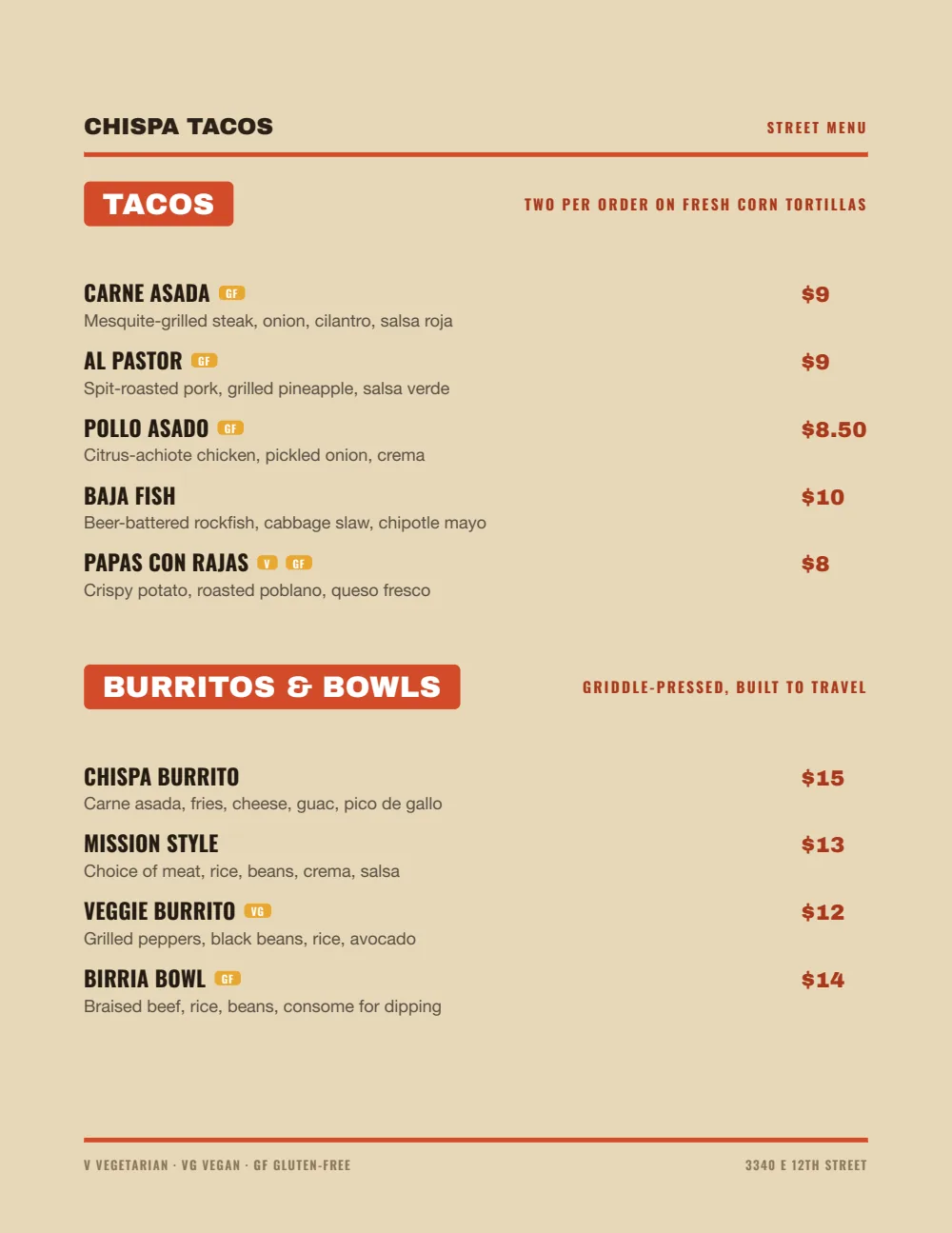
Start with Food Truck
Heavy names, loud section tabs, and big prices on the right. It reads in a room lit by TVs, on paper and on a phone.
Start from the sample menu set in Food Truck, then type your dishes and prices over it in the editor. After that, the job is keeping it right from your phone.
Where the QR code goes
Each menu gets one code, and it never changes. Print it once; every edit after that shows up behind it. Gaslamp makes the printable pieces for you.
From the floor: The game schedule is not a menu. Keep it on the whiteboard and your social posts; put only tonight’s game-day deal and its hours in the Game day subtitle, and hide the section when the game ends.
- Table tenton every table and high-top, for the second pitcher and the wings someone orders at halftime
- Bar top cardalong the rail, so nobody has to shout their order over the crowd
- Window signfor the game-day crowd checking the specials before they claim a table
Good to know before you start
- No time-of-day or game-day switching. Game day and Happy hour are sections you show and hide by hand, with the hours in each subtitle.
- Up to three labeled prices per item, so 10, 20, and 50 wings share one line, and a pint and a pitcher of the same beer share another. Flavors can sit in the Wings subtitle so they are not repeated on every line.
- Gaslamp has no event or TV listing. The menu is the menu; the schedule lives wherever you post it now.
- No POS sync. When the wings go up, change them in your POS and in Gaslamp.
Sports bar menu questions
- How do I list wings by the count on a menu?
- Give the wings up to three labeled prices on one line, for example 10, 20, and 50. Put the sauces and rubs in the subtitle under the Wings heading so every line does not repeat them.
- Can game-day specials show only on game days?
- Not automatically. Gaslamp does not switch sections by day or time. Keep a Game day section hidden between games, show it before kickoff, and hide it after. It takes a tap each way on your phone.
- How do I show pints and pitchers of the same beer?
- On one line with two labeled prices, Pint and Pitcher. An item takes up to three, so a Taster fits too.
- Can I show happy hour on a QR menu?
- Yes, as its own section with its own prices and the hours in the subtitle under the heading. Leave it up all day with the hours showing, or show and hide it by hand when it starts and ends. There is no timer.
- How much does it cost?
- Start with a 30-day free trial, no credit card needed. Then it is $19 a month, or $190 a year (2 months free). No setup fee. Cancel anytime. The trial includes one published live menu with QR codes. PDF downloads and additional menus start when you pick a plan.
The game runs long. The menu keeps up either way.
No card needed · then $19/mo or $190/yr · cancel anytime