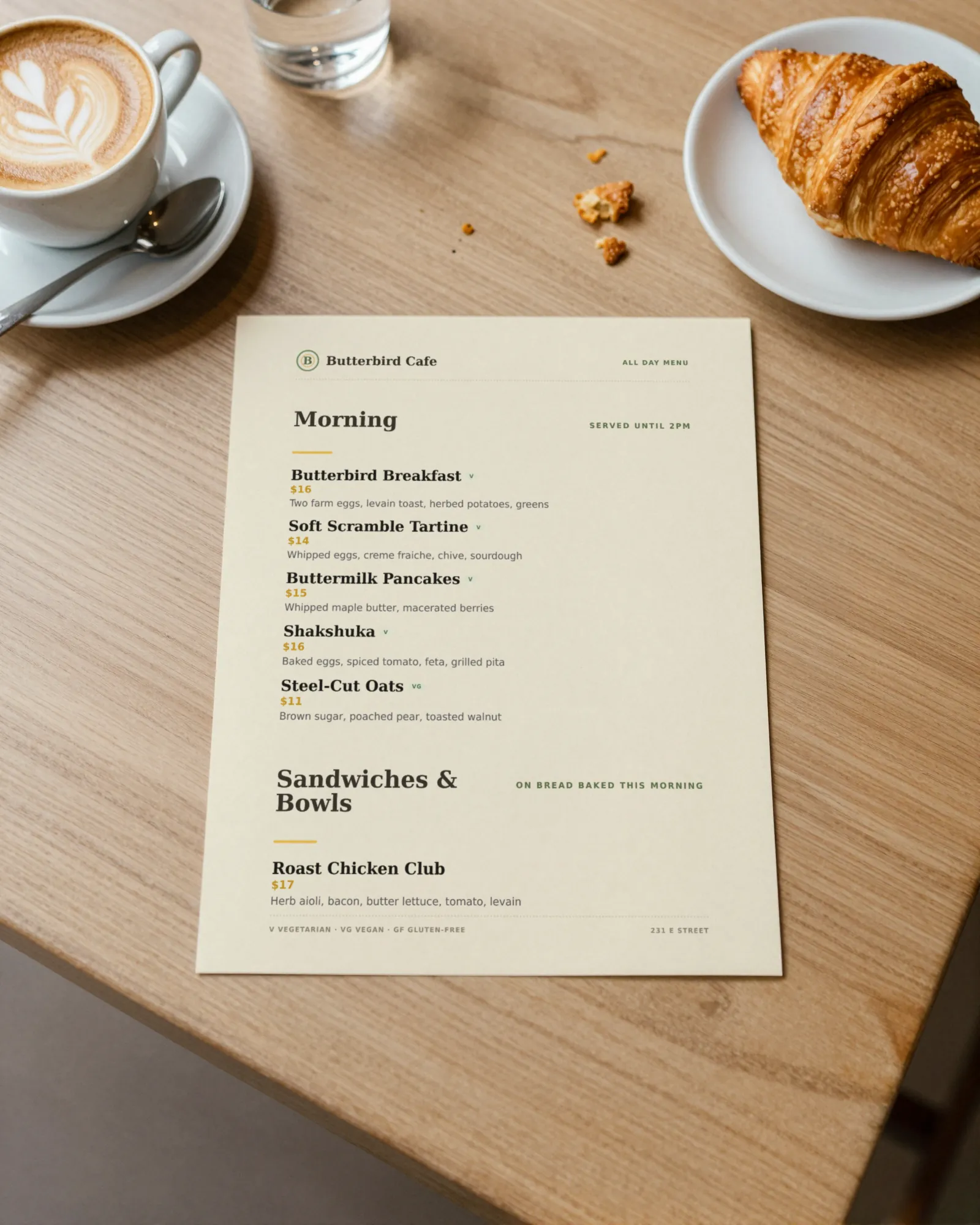
What goes into the cost of a printed menu
When people ask what menus cost to print, they usually mean the print order. That is one line of several. A menu that goes out of date also costs the hours it takes to fix the file, the stack of old menus that goes in the recycling, and, if you are honest, the week you ran a crossed-out price because the new ones had not come back yet.
| Line | What drives it | Easy to forget? |
|---|---|---|
| The print order | Size, paper, one or two sides, quantity | No, it is on the invoice |
| Changing the file | Who holds the design file and how fast they answer | Yes, especially if a designer bills for it |
| Covers, holders, lamination | Whether the menu sits in a cover or goes bare to the table | Sometimes |
| Turnaround and shipping | Rush fees when the change cannot wait | Yes |
| Old stock thrown out | How many you ordered to hit a price break | Almost always |
| The weeks in between | Menus on the table that are wrong until the reprint lands | Always |
What a print shop lists
Print shops publish starting prices, and they are worth reading closely. On September 29, 2026, Vistaprint’s flat menu page listed a starting price of $32.99 for 50 menus. The same page offered three sizes (3.75 by 8.25 inches for a drink list or specials card, 8.5 by 11, and 11 by 17), matte, glossy, recycled, and synthetic stocks, one or two sides, and quantities from 50 to 20,000.
“Starting at” means the cheapest combination on the page. A bigger sheet, a heavier or water resistant stock, and a second side each move the price up, and shipping comes on top. Your local print shop may beat it on a small run or charge more for a same-day job. Get two quotes for the exact menu you use, not the cheapest one on the page.
We are not quoting home printing costs, because they depend on your printer’s page yield and your paper. Check the yield printed on your toner or ink box and divide.
The reprints nobody budgets for
A menu budget usually assumes one or two printings a year. The real list of reasons to reprint is longer:
- A price moves. A supplier raises the cost of eggs, beef, or cups, and the menu price has to follow.
- A dish leaves for good. The dish that never sold is cut, and it is still on every table.
- A season turns. The fall menu goes in, and the summer menus are recycled.
- A mistake gets through. A misspelled dish, a missing allergen, a price with a stray digit.
- A new drink list. Wines by the glass change when the bottles run out.
- Wear. Menus in a busy room get stained and bent, even laminated ones.
Here is a worked example, labeled as one: if a restaurant reorders the 50-menu minimum at that listed starting price four times a year, the print orders alone are 4 × $32.99 = $131.96, before shipping, upgrades, or anyone’s time. Double the changes and you double the orders. The reprint cost calculator does this with your numbers.
Where a QR menu saves the reprint, and where it does not
A QR code on the table opens a menu that can change without paper. That takes the urgent reprints off the list: the price that went up today, the dish that is gone tonight. The printed menu can then wait for the next planned printing instead of chasing every change.
It does not make paper go away. Guests who do not want their phone out at dinner still need a menu, a prix fixe night wants something to hold, and the kids sheet is meant to be colored on. The honest plan is both: a QR menu that is always current, and a small printed run you refresh on your schedule. For paper, finishes, and lamination, read the restaurant menu printing guide; for why a code should never need reprinting itself, see dynamic vs static QR codes.
Print smaller runs, more often
When the menu file is yours and prints clean on letter paper, a small run on the office printer on Friday morning costs little and is right. Keep a shop order for the pieces that need to last: heavy stock for the dining room, a synthetic stock for the patio, the table tents with the QR code, which never need to change.
- Print the everyday menu in small batches, sized to a week or two of wear.
- Print the QR table tents once, on good stock. The code does not change.
- Keep the specials off the printed menu entirely and put them behind the code.
What Gaslamp does and does not do here
Gaslamp keeps one menu for the QR code and the printer. Change a price on your phone and the hosted menu behind the code shows it about thirty seconds after you save; on a paid plan, download a fresh print-ready PDF (US Letter) whenever you want paper that matches. Each menu’s QR code never changes, and Gaslamp makes the printable table tent, window sign, and counter card from it.
Gaslamp does not print or ship menus, and it has no print shop partnership or discount. You print the PDF yourself or send it to the shop you already use. If you are pricing a new menu from scratch rather than reprinting one, see printable menus.