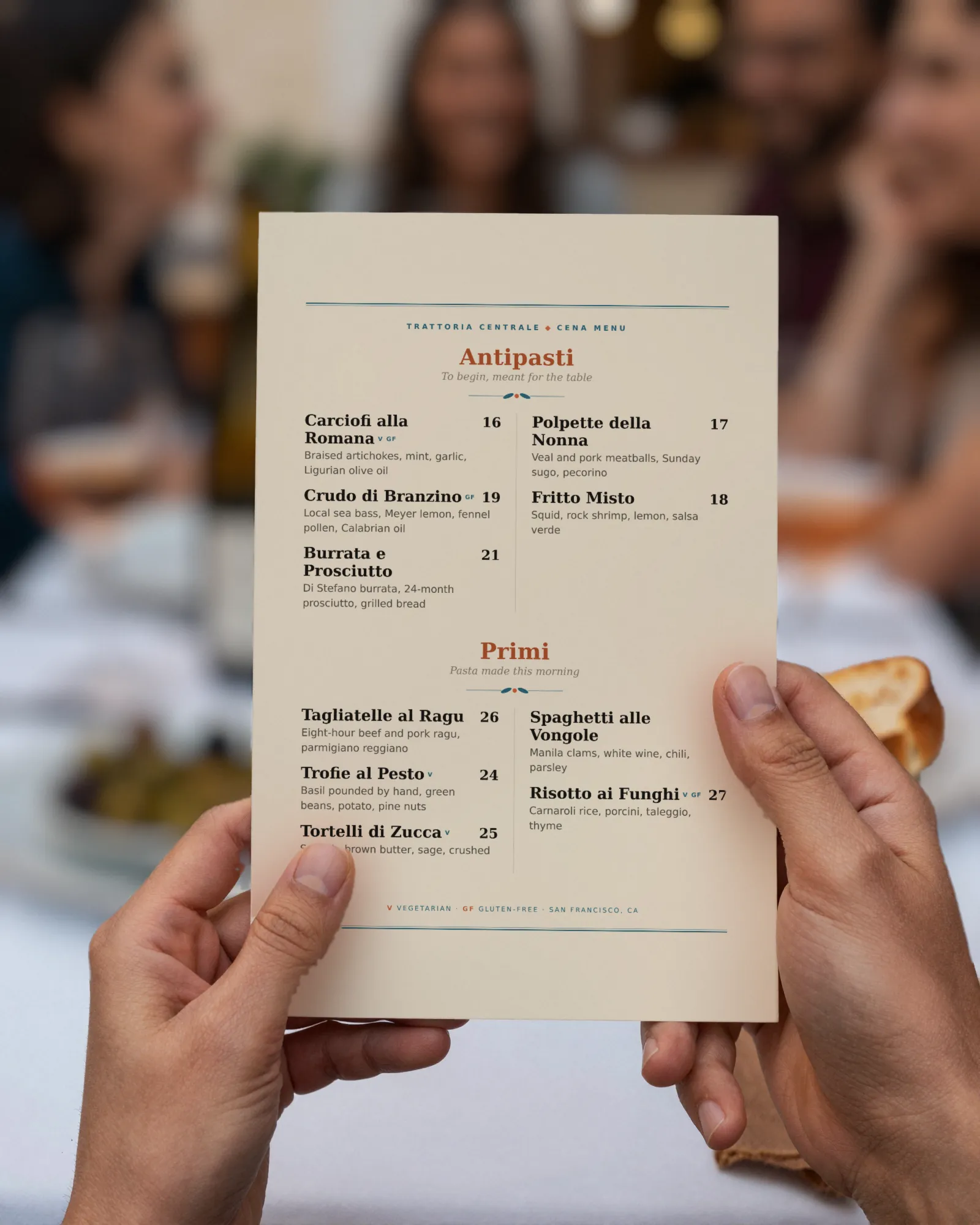
The short answer
Use both. Paper suits the dining room and the guest who wants a menu in hand; a QR menu suits anything that changes between reprints, because it can change at 4:50 and paper cannot. The part that matters is making both from one edit, so they never disagree.
QR code menus are still used, next to paper
We are not going to quote adoption numbers. We have not found a survey we would stake this page on, and we will not print a percentage we cannot stand behind. What we can say comes from running rooms and from watching them.
QR menus are still on plenty of tables, but the job has changed. In the full-service dining rooms we know, the code is no longer the only menu; it sits beside paper, or on the door, or at the bar. At counters, bars, taprooms, and food trucks it still does a lot of the work, because the menu changes often and the line moves fast. The real question for an operator is not whether QR menus are in or out. It is which job each menu does in your room.
Where a printed menu wins
- The table. A menu in hand is part of sitting down to dinner. Guests share it, point at it, and put their phones away to read it.
- The guest who wants paper. Some guests ask for it every time. A room with paper never has to talk anyone through a scan.
- Design and feel. Stock, type, and the weight of the card say something about the room before the first plate lands.
- Dead zones. A basement bar or a thick-walled dining room with weak signal still reads a paper menu fine.
- Slow menus. If your menu changes twice a year, paper costs little and never needs a login.
Where the QR menu wins
- Currency. A dish comes off at 8:15 and the QR menu is right by 8:16. Paper is right the day it was printed.
- Prices that move. Market fish, oysters, allocated bottles. Change the price on your phone and the menu behind the code agrees within about thirty seconds of saving.
- The long line. Guests read the menu while they wait, from a window sign or a counter card, and reach the register knowing what they want.
- Photos and detail. A hosted menu can carry item photos and dietary tags without crowding a printed page.
- Being found. A hosted menu of real text can be read by search engines as a menu. A laminated card cannot.
Digital menu vs paper menu: the side by side
| Printed menu | QR menu | |
|---|---|---|
| Changing one price | A reprint, or a pen | An edit on a phone |
| Taking a dish off | Tell every server, or reprint | Switch it off |
| Guest experience | In hand, shared, no device needed | On their own phone, sized for it |
| Weak signal | Unaffected | Slow to load, or not at all |
| Cost per change | Paper, ink, and someone’s afternoon | Nothing extra |
| Search engines | Cannot read it | Can, if it is real text |
The real problem: two menus that disagree
Rooms that run both usually keep two files: the design file that makes the paper, and whatever the QR code opens, often a PDF exported months ago. Every change has to be made twice. After a few weeks one of them is wrong, and the guest who scanned the code orders a dish the paper dropped, at the old price.
The fix is not choosing one. It is making both from the same menu, so there is only one place to change anything. If your code opens a PDF today, our page on QR codes for PDF menus explains why it drifts.
Both, from one edit
That is how Gaslamp is built. You keep one menu. The hosted page behind the QR code and the print-ready PDF are two outputs of it, in the same design.
- Change the menu once, on your phone or a laptop, and tap Save & update live menu.
- The QR menu is right about thirty seconds later. The code on the table never changes.
- Reprint paper when you choose, for the weekend or the new season. The PDF already has every change in it.
Paper stays on the table for the guests who want it. The code is there for everything that changes between reprints. They agree because they are the same menu. The QR code menu page has the details.
Should restaurants use QR menus: by kind of room
- Fine dining and tasting rooms: paper at the table; a code on the door or reservation confirmation for guests who want to read ahead. See fine dining menus.
- Neighborhood full service: paper at the table, a small tent for the specials and anything market-priced.
- Cafés and counters: a counter card and a window sign carry most of it; paper at the register for the regulars.
- Bars and taprooms: codes along the rail and in the booths, where the list changes by the bottle and the keg. See QR drink menus.
What Gaslamp does not do
- No print or shipping service. You print the PDF yourself, or send it to your print shop. PDF downloads come with a paid plan.
- It does not take orders at the table. The code opens the menu.
- Item photos appear on the hosted menu, not in the print PDF.
- It does not report how many guests scanned.