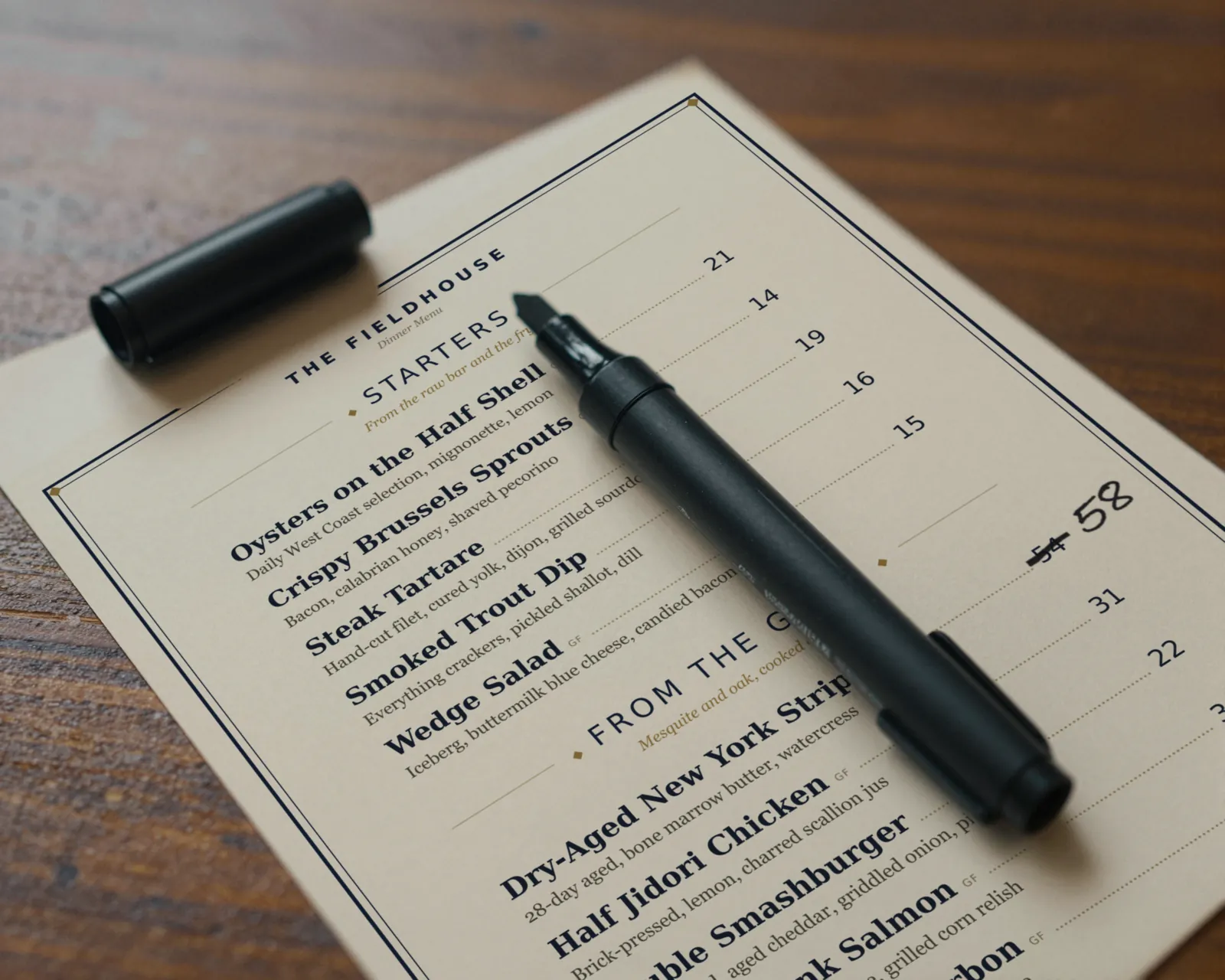
Decide how much, dish by dish
The number that matters is what each plate costs you today, not what it cost when you last priced the menu. Pull the current invoices for the dishes you suspect have drifted, cost them out again, and compare the plate cost with the price. If you aim for a food cost around the level you already run, the new price is the plate cost divided by that percentage.
The menu item price calculator does that math for one dish at a time. If you have already decided on a flat increase across a section or the whole menu, the menu price increase calculator takes your menu text and a percentage and returns every new price in a before and after table, including what the rounding actually did to each one.
A flat percentage is quick, but it is blunt. A 6 percent increase on a dish whose beef went up 20 percent does not cover it, and the same 6 percent on a pasta whose costs barely moved takes money you did not need to take.
Round to a price that looks like a price
Nobody prints $18.37. After the math, every price gets rounded to an ending, and it is worth choosing that ending on purpose. These are the conventions most menus follow; treat them as common practice, not as rules backed by research.
- Whole dollars. Common on full-service and fine dining menus, often printed without a dollar sign or cents (“34”).
- .50 steps. Useful where most items sit under ten dollars, as at cafés and bakeries, since rounding a $4.25 pastry to a whole dollar is a big jump.
- .95 or .99. Common at counters and fast-casual spots.
Pick one ending and use it everywhere. Round up rather than to the nearest, or the rounding quietly gives back part of the increase. Watch small increases on .95 endings: the step to the next .95 can be much larger than the percentage you meant.
Move the dishes where cost moved, first
You do not have to reprice the whole menu at once, and usually should not. Guests notice a menu where every number changed; they rarely notice two or three. Start with the items where the ingredient cost moved: the protein that went up at the last delivery, the cocktail built on a spirit your distributor repriced, the pastry that uses a lot of butter.
Leave the dishes that anchor the menu (the burger, the house coffee, the thing regulars order every visit) for last, and move them in smaller steps. If a dish no longer works at any price a guest will pay, the better move may be a smaller portion, a different cut, or taking it off. That last option is its own guide: what 86 means.
Every place a price lives, in the order to change it
The price is only right if every copy agrees. Pick a changeover day, get the new printed menus ready before it, and work down this list that morning. The register and the menus guests read should never disagree during service. If the printed menus are not ready, the safer choice is to wait on the POS change too. Rules about charging more than a posted price vary, so check your state and local rules.
| Where the price lives | How to change it |
|---|---|
| 1. POS | In your POS back office, item by item, including modifiers and upcharges. Check that the change reaches every terminal and handheld. |
| 2. Staff | Tell servers and bartenders at lineup which prices moved and why. They will be asked. |
| 3. Printed menus | Swap in the fresh print run before doors. Pull every old copy, including the ones at the host stand and behind the bar. |
| 4. QR code menu | If the code opens a PDF, edit, export, and re-upload the file. If it opens a hosted menu you edit, change the prices and save. |
| 5. Website | Replace the menu PDF or edit the menu page. Search your site for old menu files still linked from other pages. |
| 6. Google Business Profile | Edit the menu in your profile. Google says changes can take 24 to 48 hours to show on Maps and Search. |
| 7. Delivery apps | DoorDash, Uber Eats, and Grubhub each have their own merchant menu tools. If a menu syncs from your POS, DoorDash says the change has to be made in the POS. |
| 8. Chalkboards and menu boards | Rewrite the board, or order a new printed board from the same PDF as the table menus. |
| 9. Catering and event sheets | Update the sheet you send out. For events already quoted or contracted, check what the agreement says before changing anything. |
Gaslamp covers two rows of that table: the printed menu PDF and the hosted menu behind your QR code. It does not sync with your POS, Google, or any delivery app, so those stay on the list as their own jobs. What it does remove is the most common drift, where the QR code on the table still opens last season’s PDF.
How to change prices in Gaslamp
- Open Gaslamp in your phone’s browser and pick the menu.
- Tap each dish that moved and type the new price. Prices run from $1 to $9,999, and an item with sizes carries up to three labeled prices.
- Tap Save & update live menu.
The hosted menu rebuilds in about two seconds, and phones that scan your QR code see the new prices about thirty seconds after you save. The design reflows around the new numbers, so there is nothing to realign. The QR code itself never changes, so the table tents and window signs you already printed keep working.
When you are ready for new paper, download a fresh print-ready PDF (on a paid plan) and send it to your printer or print it in house. Version history keeps the last 50 versions of each menu, so if you need the old prices for a catering quote or a question from a regular, they are still there. More on running a menu that changes often in restaurant menu management and QR code menus, or see how it works for your kind of place in the restaurant types index, including cocktail bars and caterers.