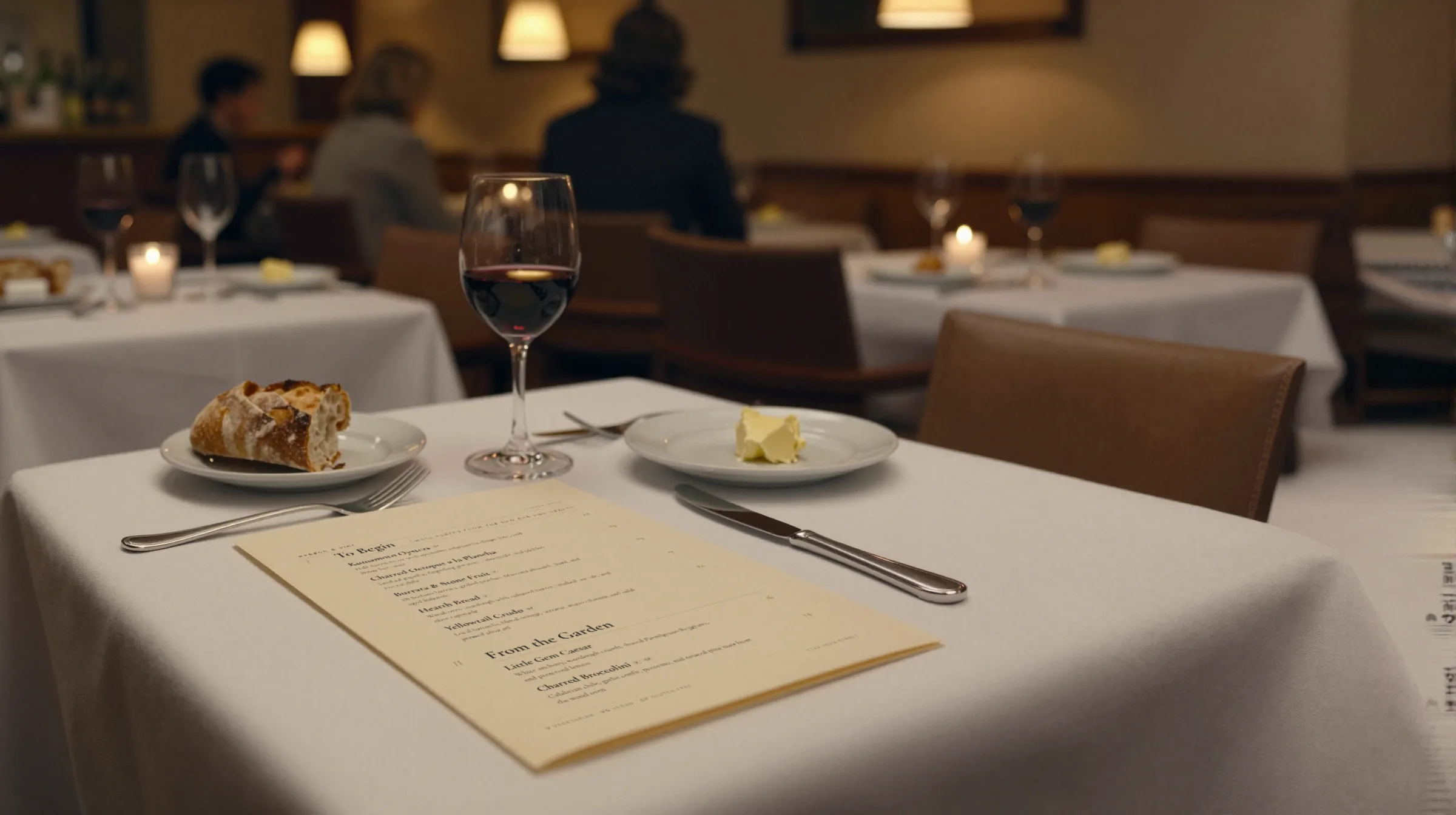
Catering menu makerThe client approved the menu. Then the groom went vegan.
A catering menu is written for one client at a time. There are packages priced per person with a minimum, a proposal the client signs off on, a guest list with a gluten-free table, and a printed card at every place setting. Gaslamp gives each event its own menu with a link you send for approval, and the place cards print from the same edit.
No card needed · then $19/mo or $190/yr · cancel anytime
What changes on a catering menu, and how often
A menu is designed once and edited forever. These are the edits this kind of place makes, and what each one takes in Gaslamp.
| The change | How often | In Gaslamp |
|---|---|---|
| A new event is booked | Every booking | Make a menu for it and send the client the hosted menu link to review. |
| The client asks for changes | Most events, more than once | Edit and save. The same link shows the new version about thirty seconds later; nothing to reattach. |
| The package or the headcount moves | Until the final count | Change the per-person price or swap the package line. The minimum lives in the description. |
| Dietary needs come in with the RSVPs | The last week or two | Tag the dishes and add a vegetarian or gluten-free option where the guest list needs one. |
| Standard packages get repriced | Once a year | Edit your standing package menu. Event menus already approved keep the prices the client saw. |
11:15 a.m.
The client added a raw bar at 11:15. The package price moved at 11:16.
The client calls to add oysters to the cocktail hour. Open their event menu, add the raw bar, change the per-person price, and tap Save & update live menu. The link they already have shows the new number about thirty seconds later, before the call ends.
The editor runs in your phone’s browser; there is no app to install. The menu rebuilds in about two seconds, and phones that scan the code see the change about thirty seconds after you save.
Your phone

The menu

How caterers set up their menus in Gaslamp
Menus
- Standing packagesWhat you send to every new inquiry
- One menu per eventThe approved menu, with its own link and QR code
Sections, for example
- Packages3 or 4, priced per person, minimums in the description
- Passed hors d’oeuvresabout 8
- Stationsraw bar, carving, pasta
- Plated or buffetabout 6
- Dessertabout 4
- Bar packagesper person, hours in the description
- Service & rentalsstaff, cake cutting, rentals
The standing package menu is the long one. An event menu is usually four or five sections: what this client is serving and nothing else.
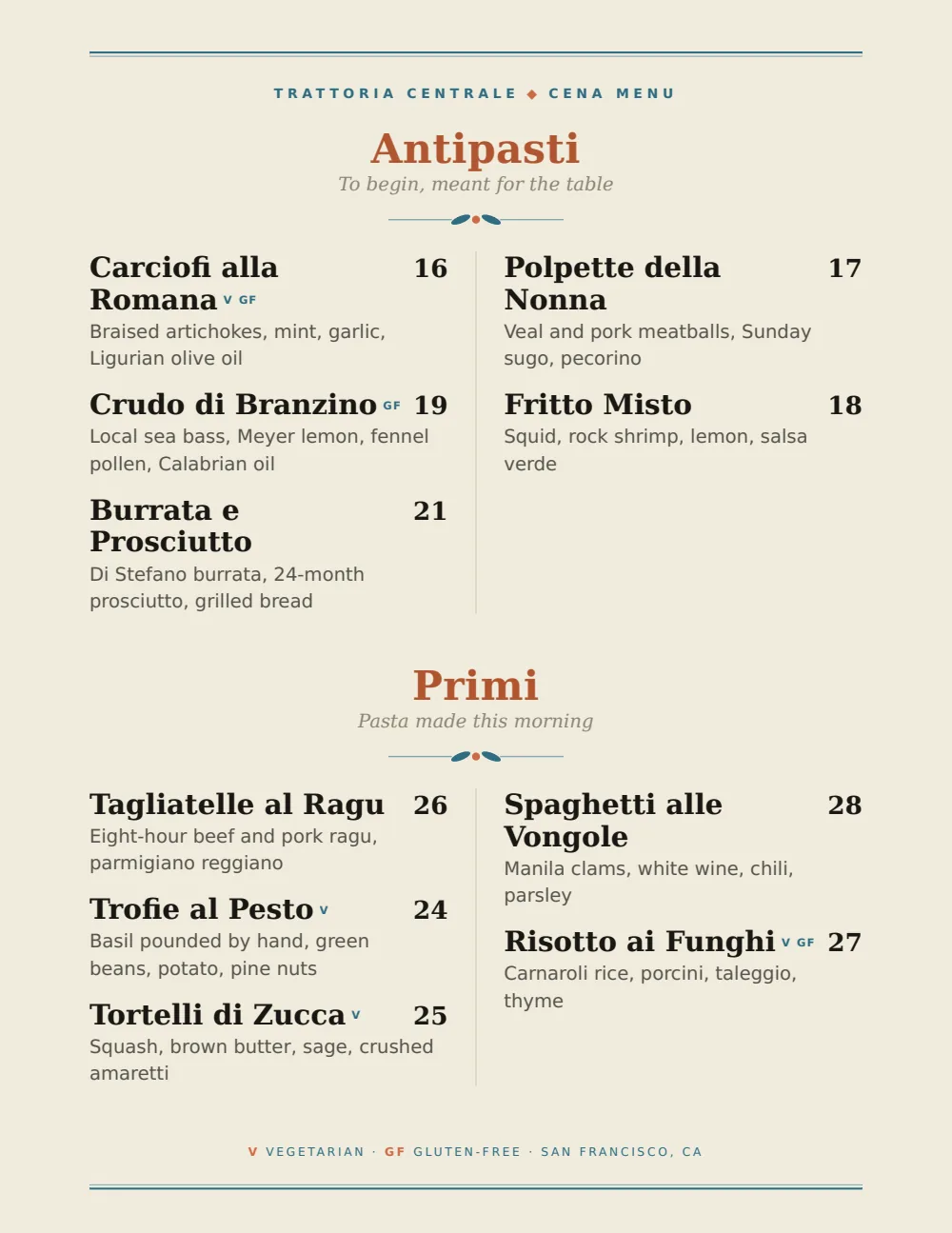
Start with Coastal Mediterranean
Aegean blue and olive on white, with an unhurried rhythm that reads well on a place card and on a buffet stand, at a garden wedding or an office lunch.
Start from the sample menu set in Coastal Mediterranean, then type your dishes and prices over it in the editor. After that, the job is keeping it right from your phone.
Where the QR code goes
Each menu gets one code, and it never changes. Print it once; every edit after that shows up behind it. Gaslamp makes the printable pieces for you.
From the floor: Guests with allergies want to read before they commit to a plate. Put the buffet code at the start of the line, not at the end by the desserts.
- Buffet standat the head of the line, so guests read the menu and its dietary tags before picking up a plate
- Place settingbeside the printed card, for guests who want to check what is in a dish
- Bar signfor the signature cocktails and what is being poured
Good to know before you start
- A package is one line at the per-person price, with the minimum in the description (“minimum 50 guests”), or up to three labeled prices for tiers such as Lunch and Dinner. Gaslamp does not total an event or write the invoice.
- Gaslamp makes menus, not single-dish buffet labels. Print the event menu for the buffet stand and make the per-dish tent labels separately.
- The trial includes one menu. A menu per event, and PDF downloads for place cards, start on a paid plan.
- No team seats. If sales and the kitchen both need the menu, send the kitchen the PDF.
Catering menu questions
- How do I show per-person pricing on a catering menu?
- Enter each package as one item at its per-person price, with the courses and the minimum guest count in the description. Add-ons like a raw bar or a late-night snack go below as their own lines, also per person.
- Can I send a catering menu to a client for approval?
- Yes. Every menu has its own hosted page. Send the client the link; when they ask for a change, edit and save, and the same link shows the new version about thirty seconds later. There is no approve button in Gaslamp, so the sign-off happens in your email thread.
- Can a catering menu show dietary information for guests?
- Yes. Each item can carry dietary tags, such as vegetarian or gluten-free, and they appear on the menu guests read. Serious allergies still go through your staff on the day.
- Can I print menu cards for each place setting?
- Download the event menu as a print-ready PDF and print one per place setting, at home or at a print shop. Gaslamp does not print or ship cards, and it does not add guest names or table numbers.
- How much does it cost?
- Start with a 30-day free trial, no credit card needed. Then it is $19 a month, or $190 a year (2 months free). No setup fee. Cancel anytime. The trial includes one published live menu with QR codes. PDF downloads and additional menus start when you pick a plan.
The final count comes in Thursday. The menu can take it.
No card needed · then $19/mo or $190/yr · cancel anytime