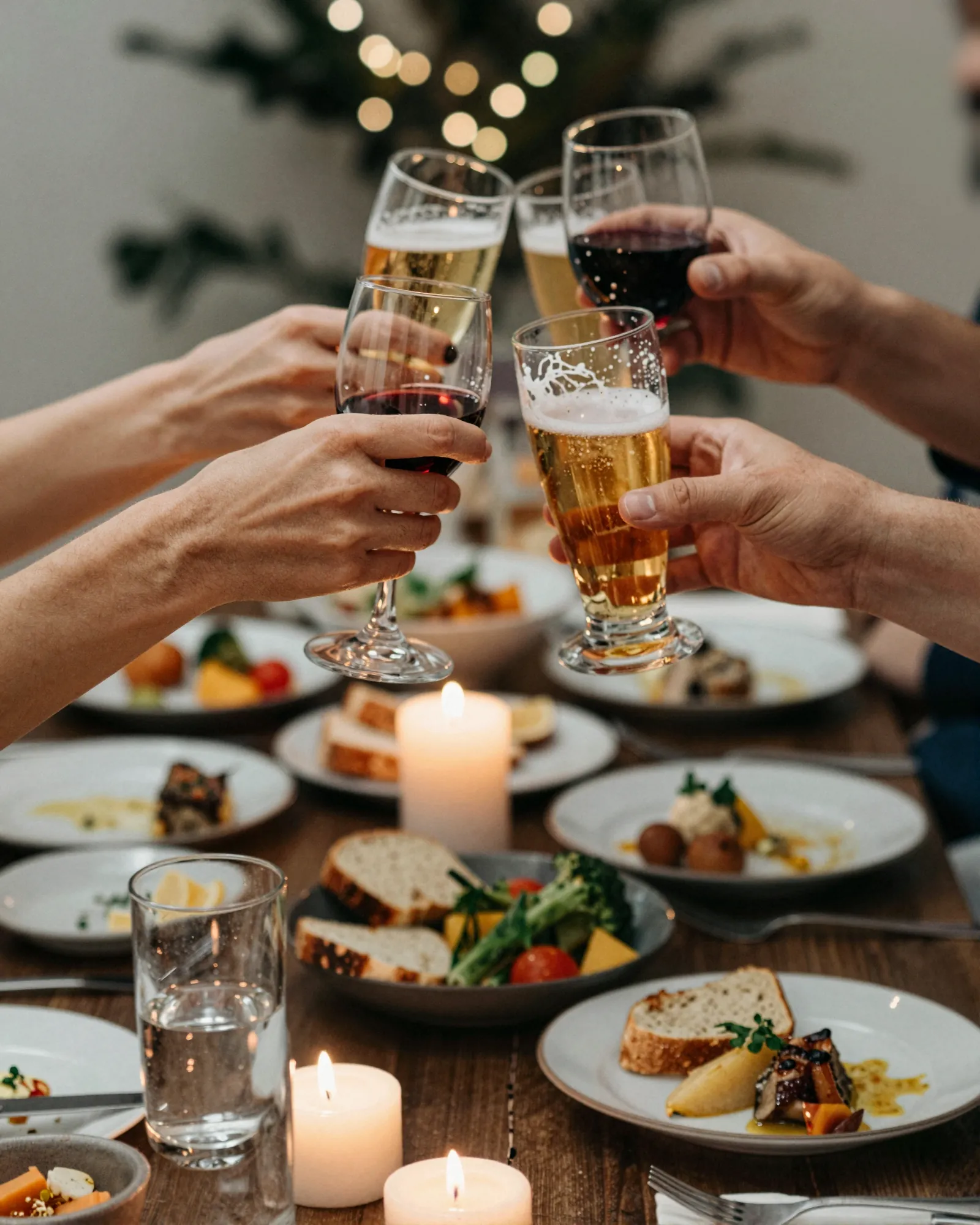
Pop-up and supper club menu makerEvery dinner gets its own menu. So did the last one.
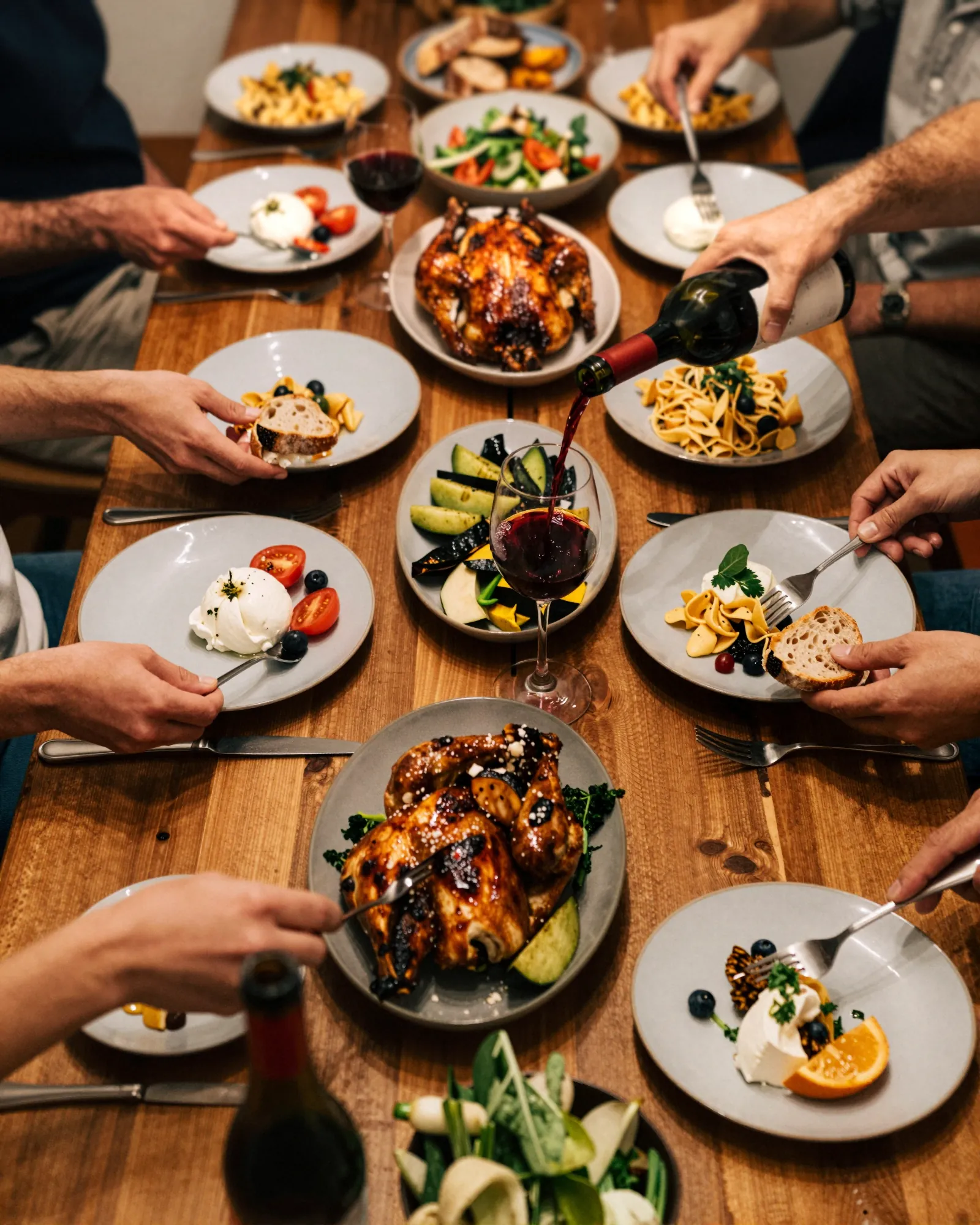
A pop-up menu lives for one night. The venue is borrowed, the courses are final the morning of, and the ticket price was set weeks ago. Gaslamp gives each event its own menu and its own QR code, so you can print the menus that afternoon and still fix a course at the door.
No card needed · then $19/mo or $190/yr · cancel anytime
What changes on a pop-up menu, and how often
A menu is designed once and edited forever. These are the edits this kind of place makes, and what each one takes in Gaslamp.
| The change | How often | In Gaslamp |
|---|---|---|
| A new dinner is announced | Every event | Make a new menu for it. Paid plans hold unlimited menus, each with its own QR code. |
| The courses are final | The morning of | Make the last edits, download the PDF, and print at the copy shop on the way to the venue. |
| The farm swaps an ingredient | Often, the day before | Rewrite the course. If the menus are already printed, the QR menu is still right about thirty seconds after you save. |
| A dinner comes back | When one sold out | Reopen that event’s menu. Its QR code still works, and version history can restore the version you served. |
| Ticket and extras | Every event | The dinner is one line at the ticket price. The pairing and the add-ons are lines of their own. |
6:40 p.m.
The oysters did not make the drive. Off the add-ons by 6:41.
Doors are at seven and the printed menus are already on the plates. The oysters are not coming. Switch them off, tap Save & update live menu, and about thirty seconds later they are gone from the menu guests scan at the bar card to order extras. Paper cannot do that, so tell the room once and pour the wine.
The editor runs in your phone’s browser; there is no app to install. The menu rebuilds in about two seconds, and phones that scan the code see the change about thirty seconds after you save.
Your phone

The menu

How pop-ups set up their menus in Gaslamp
Menus
- One menu per eventNamed for the date and the venue, each with its own QR code
- Standing menu (optional)For a supper club that wants one code for every dinner, rewritten each time
Sections, for example
- The dinnerone line at the ticket price, courses in the description
- Or à la carte6 to 10 dishes, each priced
- Pairingwine and zero-proof
- Add-ons2 to 4: oysters, an extra course
- Drinkswhat the bar is pouring, about 6
A one-night menu rarely needs more than four sections. The cap is twelve sections of twenty items, which no single dinner will reach.
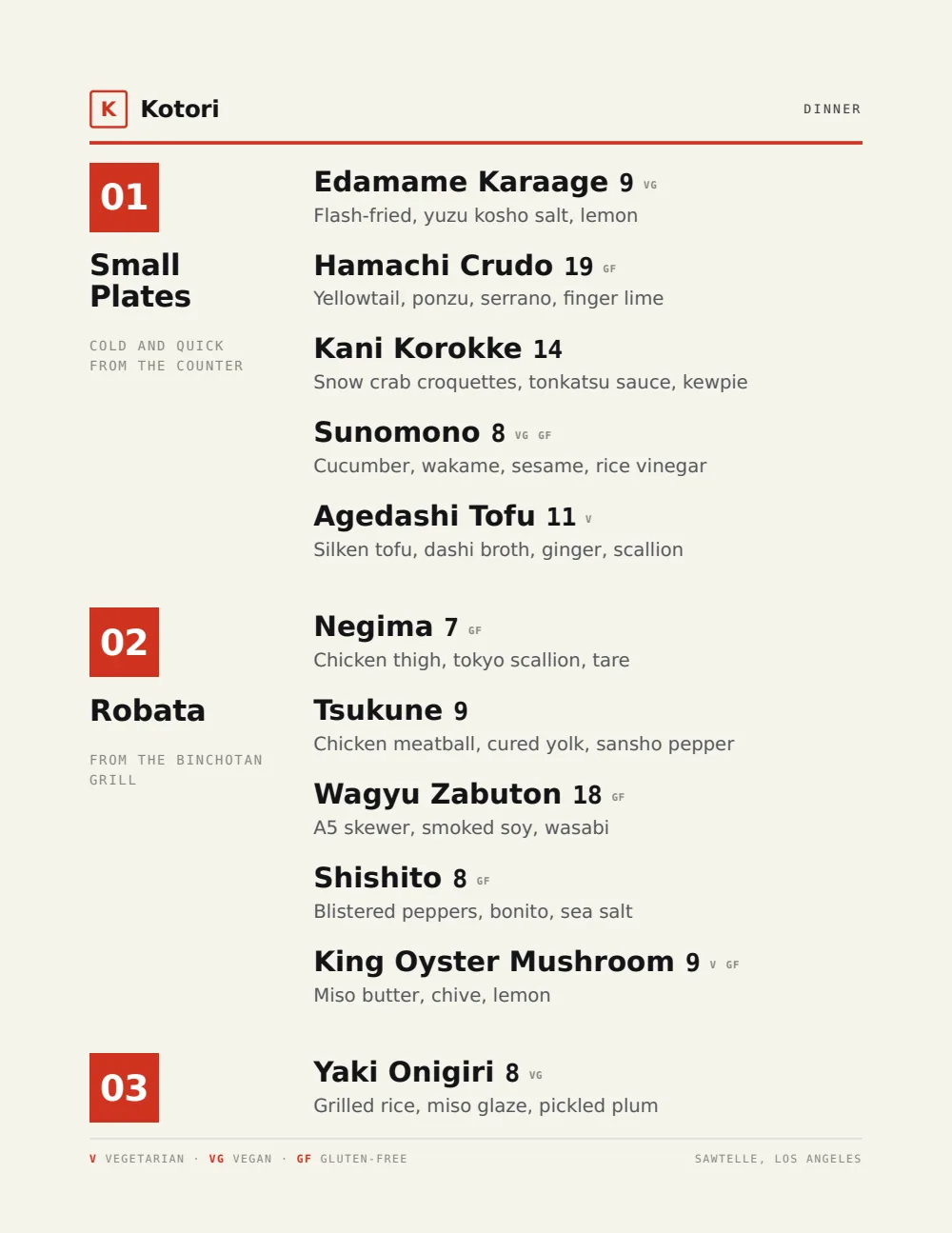
Start with Modern Asian
Black ink, lacquer red, and numbered courses with nothing wasted. It suits a dinner served in order and lets the chef’s name and the date carry the page.
Start from the sample menu set in Modern Asian, then type your dishes and prices over it in the editor. After that, the job is keeping it right from your phone.
Where the QR code goes
Each menu gets one code, and it never changes. Print it once; every edit after that shows up behind it. Gaslamp makes the printable pieces for you.
From the floor: Each event menu has its own code. Print the QR cards with that night’s menus, not a stack for the season, or last month’s dinner ends up on the bar.
- Bar cardwhere the pairing and the add-ons are sold
- Place settingbeside the printed menu, for guests who want the menu on their phone after the venue goes back
- Door signat a borrowed venue with no sign of its own, so guests know they found the right place
Good to know before you start
- The trial includes one menu, and PDF downloads start on a paid plan. A menu per event, printed each time, needs a plan.
- A new menu means a new QR code. For one code on your Instagram and ticket page every time, keep one standing menu and rewrite it for each dinner.
- A ticketed dinner is one line at the ticket price, up to $9,999, with the pairing as a second labeled price if you sell one.
- Gaslamp does not print. Download the PDF by early afternoon and leave time for the copy shop.
Pop-up menu questions
- Can I make a different menu for every pop-up?
- Yes, on a paid plan, which includes unlimited menus. Each menu has its own hosted page and QR code, and past event menus stay in your account. The free trial includes one menu.
- How do I show a ticketed price on a pop-up menu?
- Enter the dinner as one item at the ticket price, with the courses in its description in serving order. Pairings and add-ons go underneath as their own lines. If the night is à la carte instead, price each dish.
- Can I reuse a menu from a past supper club dinner?
- Yes. Each event’s menu stays in your account with its QR code. Open it, change the date and the courses, and save. Version history keeps the last 50 versions of each menu and can restore any of them.
- Can I print pop-up menus the same day?
- Yes. Make your last edits, download the print-ready PDF, and print at home or at a copy shop. Gaslamp does not print or ship. If a course changes after printing, the QR menu follows about thirty seconds after you save; the paper does not.
- How much does it cost?
- Start with a 30-day free trial, no credit card needed. Then it is $19 a month, or $190 a year (2 months free). No setup fee. Cancel anytime. The trial includes one published live menu with QR codes. PDF downloads and additional menus start when you pick a plan.
The venue goes back tomorrow. The menu stays in your account.
No card needed · then $19/mo or $190/yr · cancel anytime