The short answer
In Gaslamp, each menu has its own QR code, and that code never changes. One code cannot switch from brunch to dinner by the clock, so either put every daypart as a section on one menu behind one code, or give each menu its own code and label each one plainly.
Two setups that work
A QR code is a printed link. It opens one address, every time. In Gaslamp, each menu has its own code, it always opens that menu, and the code never changes when the menu does. That leaves two honest ways to run several menus.
| Setup | Codes on the table | What the guest sees | Best for |
|---|---|---|---|
| One menu, a section per daypart | One | Brunch, lunch, dinner, and drinks on one page, each under its heading | Short menus, cafés, all-day places |
| Separate menus, one code each | One per menu in use | Only the menu they scanned | Long menus, a separate bar, weekend brunch |
With sections, you can hide the brunch section on Monday and show it again Saturday morning from your phone; Gaslamp does not do that switch on a schedule. With separate menus, the switch is physical: the brunch tents go out Saturday and come back in at three. Separate menus need a paid plan; the trial includes one live menu.
Sizes and spacing when codes share a table
Every code has to scan on its own, from where the guest sits. QR Code Generator’s sizing guide gives three numbers worth printing on the wall of your office:
- Minimum size: about 2 × 2 cm (0.8 inch) for a code scanned up close.
- Distance: a phone scans from about ten times the code’s width. A seated guest one to two feet away needs roughly a 1.2 to 2.4 inch code; a window sign read from six feet needs about seven inches.
- Quiet zone: a blank border at least four of the code’s small squares wide on every side, and dark on light, never the reverse on a busy background.
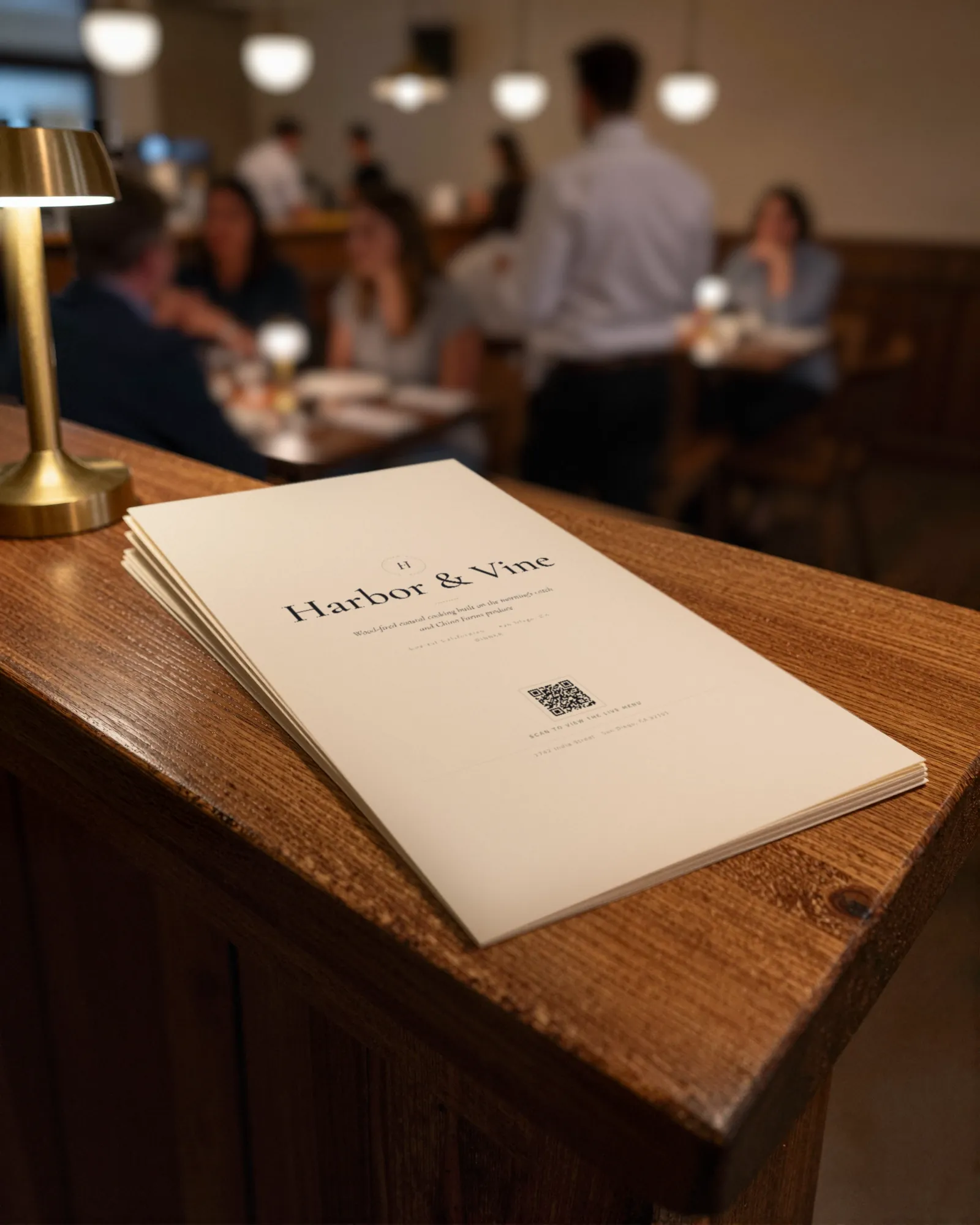
When two codes sit on the same table, the danger is a phone camera framing both and opening the wrong one. Put each code on its own card or on a different face of the tent, and print a label directly above each one in words a guest cannot misread: “Dinner menu,” “Drinks.”
Where each code goes
| Menu | Printed piece | Where |
|---|---|---|
| Dinner | 4×6 table tent | Every dining table, facing the chair |
| Weekend brunch | 4×6 table tent, a second set | Swapped onto the tables for brunch service |
| Drinks | 3×5 counter card | The bar rail, every few seats |
| Takeout | Letter window sign | The front window, at eye level |
Those are the three printable pieces Gaslamp makes from each menu’s code. The table tent guide covers stock and glare, and a bar top in the dark has its own notes on QR code drink menus.
What to print
- Decide which menus are live and which service each belongs to.
- Print one set of pieces per menu, each labeled with the menu’s name above the code.
- Scan every printed code from a seat, in service light, before it goes out.
- Store the off-duty set (brunch tents on a weeknight) where the host can swap them in a minute.
Because the codes never change, this is a one-time print. Every edit after that shows up behind the same codes about thirty seconds after you save.
What Gaslamp does not do
Gaslamp does not switch a code between menus by time of day or make a different code for each table, and it does not report scan counts. What it does is let you keep several menus under one account, each with its own code and PDF, all edited from your phone.