The short answer
For a single restaurant that wants the printed menu and the QR menu to match, iMenuPro and Gaslamp are the closest fit, and iMenuPro costs less. If guests should order and pay from the code, use your POS; if you want a website and marketing too, Popmenu; if the budget is zero, Menuzen’s free plan.
Three kinds of QR menu tool
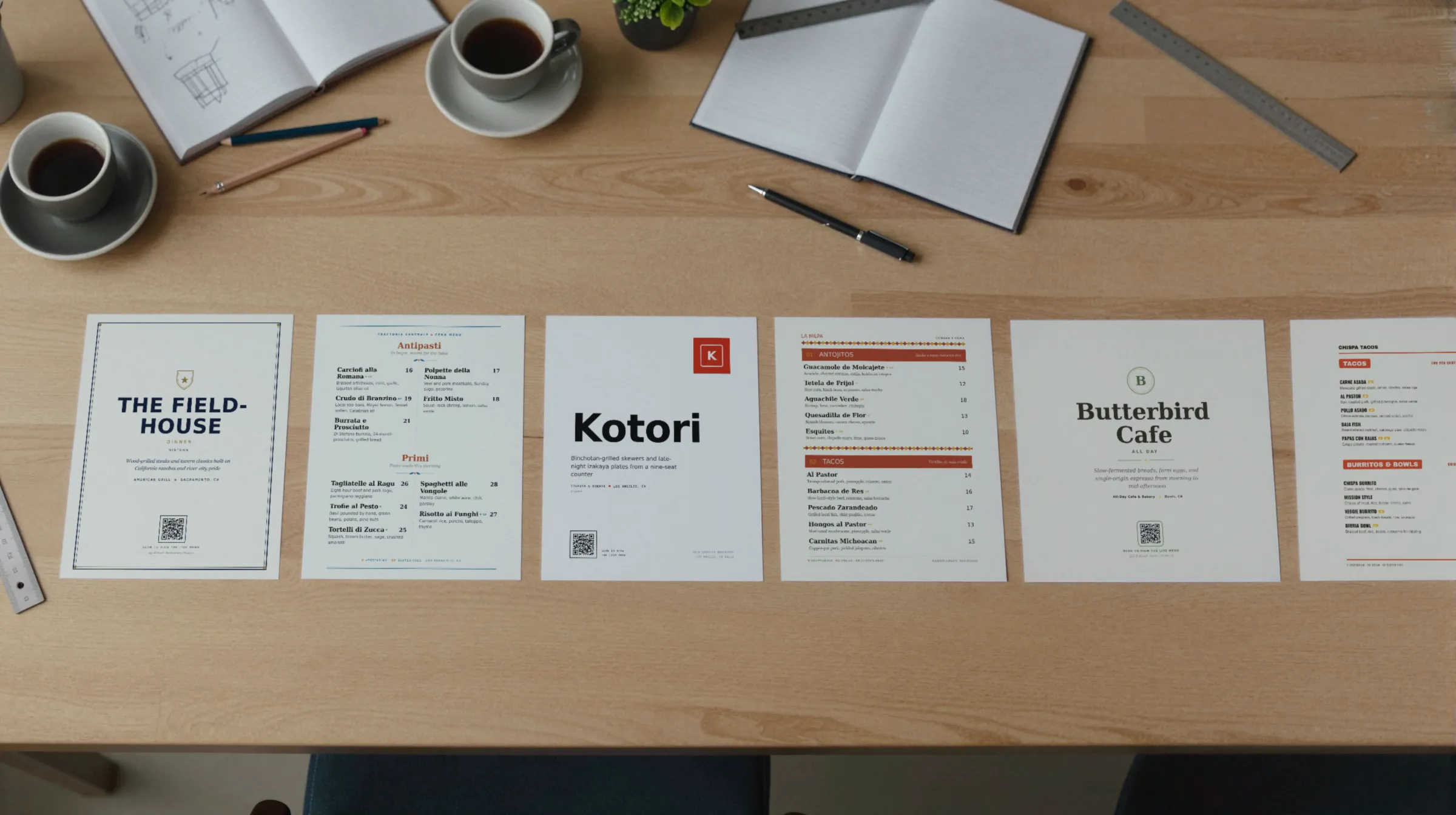
“QR code menu software” covers three different products, and most bad purchases come from buying the wrong kind.
- Menu makers with a hosted menu. You keep the menu in the tool; the code opens a page it hosts; many also print. iMenuPro, Gaslamp, MustHaveMenus, and Menuzen.
- Design tools and QR generators. They make the code, and sometimes the design, but the menu page the code opens is yours to host and keep current. Canva and QR Code Generator.
- Platforms with a QR menu inside. A POS or a marketing suite whose menu also appears behind a code, usually with ordering attached. Toast and Popmenu.
The eight, side by side
Every row checked on the vendor’s own site in September 2026. Prices in US dollars as listed; vendors change plans, so check before you buy.
| Tool | Price, as listed | Free option | Hosted menu | Print PDF | Who edits |
|---|---|---|---|---|---|
| iMenuPro | $16 a month, or $135 a year | Free tryout with no card or email; sign up for live-sync and printable menus | Yes, a public link hosting the live-sync menu | Yes, with CMYK support | You, in their menu editor |
| Gaslamp | $19 a month, or $190 a year | 30-day trial, no card. No free plan | Yes, real text sized for the phone | Yes, print-ready, on paid plans | You, in a phone browser editor |
| MustHaveMenus | Design: $24 a month, paid annually. Pro: $50 a month per location, paid annually | Free trial mentioned; length not listed | Yes, mobile menus linked from its QR codes | Yes, high-resolution PDF; printing can be ordered | You, in their editor |
| Menuzen | Free: $0. Grow: $10 USD a month | Free plan after a 7-day trial: 25 items, 1 live menu | Yes, responsive menus you can embed on a website | Not listed | You, in their editor |
| Canva | Free: US$0. Pro: US$144 a year for one person | Free plan | Not listed; the code points at a page you choose | Yes, download as image or PDF; prints can be ordered | You, in a general design editor |
| QR Code Generator | Not listed (price fields were blank when we loaded the page) | 30-day trial, no card | No menu editor; a dynamic code can “swap a PDF” | Not listed; you bring the menu | You, by replacing the file or link |
| Toast | POS from $0 a month (Starter Kit). Mobile Order & Pay alone: Not listed | Starter Kit from $0 a month, one location, new customers | Yes, an order and pay menu from the POS | 17 free PowerPoint templates to export | You, in the Toast POS |
| Popmenu | From $159 a month prepaid annually, or $179 a month | “May provide a free trial for certain offerings” | Yes, on a Popmenu website or embed | A Print Center; PDF download not listed | You, on the web or their mobile app |
Menu makers: iMenuPro, Gaslamp, MustHaveMenus, Menuzen
iMenuPro is the closest thing to Gaslamp, and it costs less: $16 a month or $135 a year on imenupro.com. Its QR menus use the same live-sync as its printed menus, and it says you never need to change or reprint your code. It has no templates by design, so you lay out the menu yourself. Best for an owner who enjoys the layout and wants the lowest price for print plus QR.
Gaslamp is ours. Pick one of eight designs made for your kind of place, type your dishes over the sample menu, and you get a hosted menu, one QR code that never changes, printable table tents, window signs, and counter cards, and a print-ready PDF from the same edit. Best for a restaurant whose menu changes every week and whose printed menu matters as much as the phone. It does no ordering, no POS sync, and has no free plan.
MustHaveMenus is the bigger menu platform: Design at $24 a month and Pro at $50 a month per location, both paid annually, with signage and listings sold as add-ons and printing you can order. Best for a group with several locations. More in Gaslamp vs MustHaveMenus.
Menuzen lists a free plan with 25 items and 1 live menu after a 7-day trial, and Grow at $10 USD a month with unlimited menus. A menu QR code is listed in its plan comparison. Print PDFs are not listed. Best for a short menu, a truck, or a bar list on the smallest budget, where paper does not matter.
Design tools and QR generators: Canva, QR Code Generator
Canva has a free QR code generator that makes dynamic codes: you can change the destination URL without changing the design, and set an expiry date. Canva Free is US$0 and Pro is US$144 a year for one person. It will put the code on a printable design and order copies; the page the code opens is up to you. Best if you already design everything in Canva and have a menu page you trust. See Gaslamp vs Canva.
QR Code Generator (qr-code-generator.com) sells dynamic codes with scan tracking; its Starter plan lists 2 dynamic codes and 10,000 scans, with a 30-day trial and no card. Its prices did not display when we loaded the page, so we list them as not listed. Its menu page describes pointing a dynamic code at a menu and updating it without reprinting. Best if you already have a good menu page and only need a code you can redirect.
Adobe Express also has a free generator, but Adobe says its codes are static, with a destination that cannot be changed. Fine for a page that never moves; see Gaslamp vs Adobe Express.
Platforms with a QR menu inside: Toast, Popmenu
Toast Mobile Order & Pay lets guests order and pay from their phones, and Toast says menus update in real time from the POS. The POS starts from $0 a month on the Starter Kit for one location; Mobile Order & Pay’s own price was not listed. Printed menus are PowerPoint templates you design yourself. Best for a restaurant on Toast that wants ordering at the table.
Popmenu is a website and marketing platform with an interactive menu, from $159 a month prepaid annually. It says an edit carries to the website, Google, QR, and delivery. Best for a restaurant that needs the website, ordering, and marketing too, and will use them.
How to choose in five minutes
- Guests should order and pay from the code: your POS’s QR menu.
- You need a website and marketing as well: Popmenu or a similar platform.
- You print a menu and want the phone to match it: iMenuPro or Gaslamp.
- Several locations, printing shipped, signage: MustHaveMenus.
- A short menu and no budget: Menuzen’s free plan.
- You already have a menu page and only need the code: Canva or QR Code Generator.
Whatever you pick, make sure the code opens something you can change without reprinting the code. Our guide to dynamic and static codes explains why, and digital menus covers what guests should see after the scan.
Sources
- iMenuPro pricing
- iMenuPro QR code menus
- iMenuPro FAQ
- MustHaveMenus pricing
- MustHaveMenus QR code menus
- Menuzen pricing
- Menuzen menu design
- Canva pricing
- Canva QR code generator
- QR Code Generator pricing
- QR Code Generator: QR code for restaurant menu
- Toast pricing
- Toast Mobile Order & Pay
- Toast restaurant menu templates
- Popmenu pricing
- Popmenu interactive menus
- Popmenu menu embed
- Adobe Express QR code generator