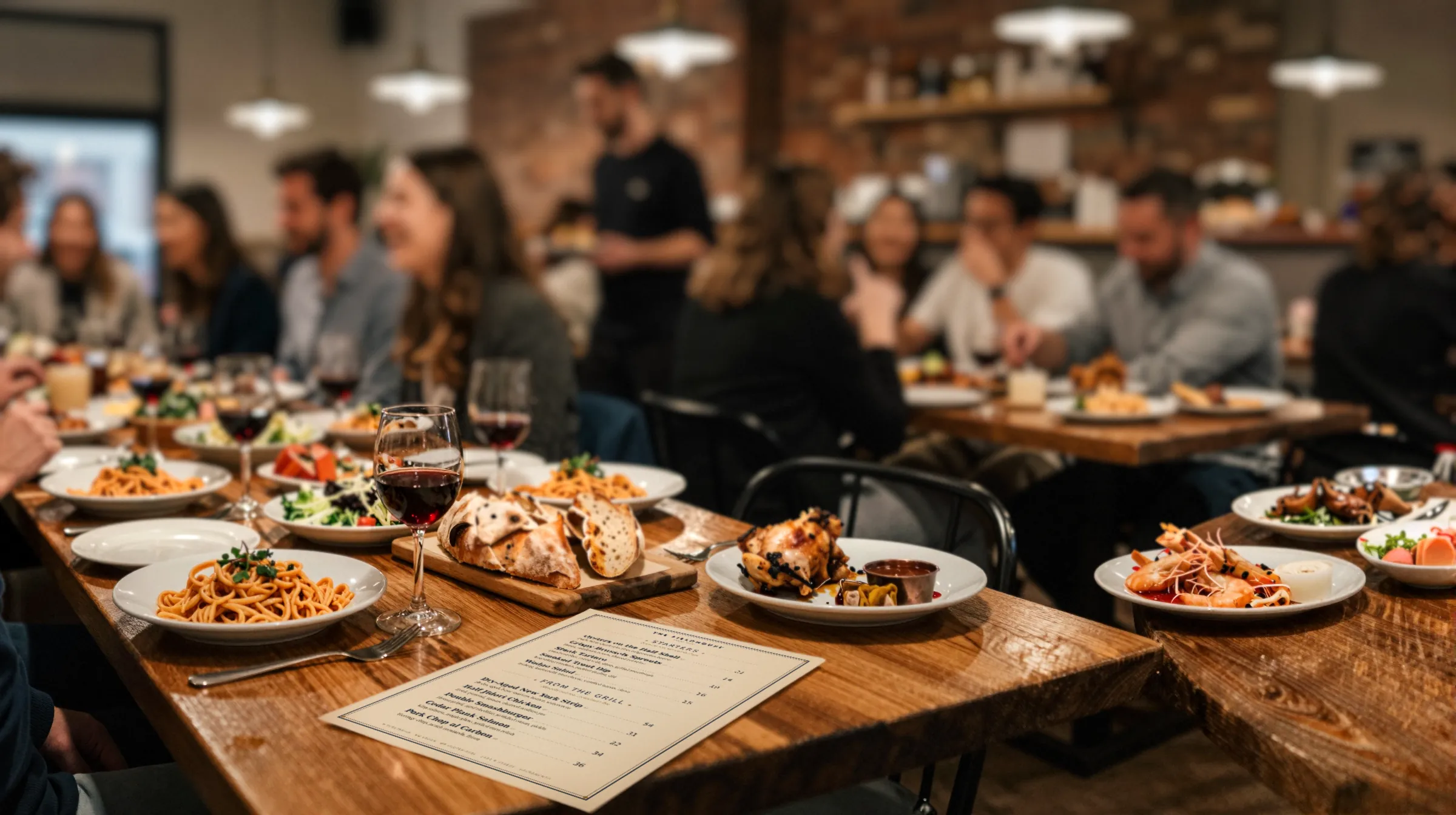
What menu management software should do
Strip away the demo and a menu management system has one job: keep every copy of your menu correct while the menu keeps changing. That means prices after a supplier increase, dishes that run out mid-service, weekend specials, the seasonal changeover, and the redesign every couple of years. The menu management page walks through that lifecycle. This page is the checklist for buying the software that runs it.
Judge any tool on three questions before you look at a single template:
- Who can make a change, and from where? If the answer is “the manager, from the office computer,” the menu will be wrong every night that manager is off.
- How many copies does one change reach? Paper, the QR menu, the website. If it is one of three, you have three jobs.
- How long until a guest sees it? Minutes are fine. “Next time we export the PDF” is not.
Must-haves and nice-to-haves
This is the table we would fill in for every vendor. The Gaslamp column is filled in honestly, including the rows where the answer is no.
| Feature | Priority | Why it matters | Gaslamp |
|---|---|---|---|
| Edit from a phone | Must-have | Changes happen during service, away from a desk. | Yes. Runs in the phone browser. |
| One menu feeds print and QR | Must-have | Two separate files drift apart. | Yes. PDF and hosted menu come from the same edit. |
| A QR code that never changes | Must-have | Table tents are printed once. | Yes. One code per menu. |
| Hosted menu as real text | Must-have | A PDF behind a code makes guests pinch and zoom. | Yes, with schema.org Menu markup. |
| Hide a dish in seconds | Must-have | The 86 has to reach the guest before the order does. | Yes. A switch per item and per section. |
| Version history | Must-have | Someone will save a wrong price. | Yes. Last 50 versions, restore any. |
| Dietary tags with a key | Must-have | Guests with allergies read the menu first. | Yes. Eight tags. |
| A written price, no setup fee | Must-have | A price you cannot see is hard to compare. | Yes. $19/mo or $190/yr. |
| Several menus | Nice-to-have | Brunch, bar, and seasonal lists. | Yes on paid plans. One on the trial. |
| Item photos | Nice-to-have | They help on a phone, less on paper. | Yes, on the hosted menu only. |
| POS sync | Depends | Matters if the menu and the register must match to the cent without anyone retyping. | No. |
| Multiple locations | Depends | Matters if one menu runs in several rooms with local prices. | No. |
| Team seats and permissions | Depends | Matters if several managers edit and you want to know who did what. | No. One login per account. |
| Scheduled or time-of-day menus | Nice-to-have | Saves switching lunch to dinner by hand. | No. Separate menus or show and hide sections. |
| Several languages | Nice-to-have | Tourist areas and bilingual rooms. | No. |
The “Depends” rows are the ones that decide the purchase. For a single independent room, they are usually nice-to-haves. For a group with several locations, a shared kitchen team, and online ordering, they are must-haves, and Gaslamp is not the right tool.
Questions to ask a vendor
Ask these in writing, and keep the answers.
- What is the full price, and is there a setup fee or contract? If you have to book a call to hear it, ask why.
- Does the QR code ever change? If the menu changes and the code has to be reprinted, the table tents become a recurring cost.
- What does the guest see after the scan: a PDF or a web page? Ask to scan a live customer menu on your own phone, in a dark corner.
- Can I edit from my phone, and what does it take? Try it yourself during the trial. Change a price with one hand.
- How long between save and the guest seeing it? Ask for a number, then time it.
- Can I print from the same edit? Or is the print menu a separate file that someone has to keep in step?
- Can I undo a mistake? Ask how many versions are kept and whether you can restore one yourself.
- What does it not do? A vendor who cannot answer this one has not been asked it enough.
Where Gaslamp fits
Gaslamp is menu management software for an independent restaurant, bar, café, or truck that runs its own menu. You pick one of eight designs made for your kind of place, type your dishes in, and get three things from one edit: a print-ready PDF, a hosted menu guests read on their phones, and a QR code that never changes. The editor runs in the phone browser, and a change reaches phones about thirty seconds after you save. See the menu app page for what that looks like at the pass.
Where Gaslamp does not fit
- No POS sync. Gaslamp does not connect to your register, delivery apps, or Google Business Profile. A Gaslamp edit reaches the hosted menu and the next PDF, and nowhere else.
- No multi-location. No shared menus across locations and no local price overrides.
- No team seats. One login per account and no staff permissions.
- No ordering or payments. The QR opens a menu to read.
- Limits. Up to three labeled prices per item, from $1 to $9,999. Up to twelve sections of twenty items per menu. No multi-language menus.
If two or more of those are must-haves for you, buy something else. You will save both of us a cancellation.
Pricing, in writing
A 30-day free trial with no card. The trial covers one published live menu, its QR code, and the printable QR pieces; PDF downloads and more menus start when you pick a plan. Then $19 a month, or $190 a year. That is the whole price list: no tiers, no setup fee, cancel anytime. To see what menu changes cost you today before you compare, open the reprint cost calculator. For other vendors side by side, see best restaurant menu software.