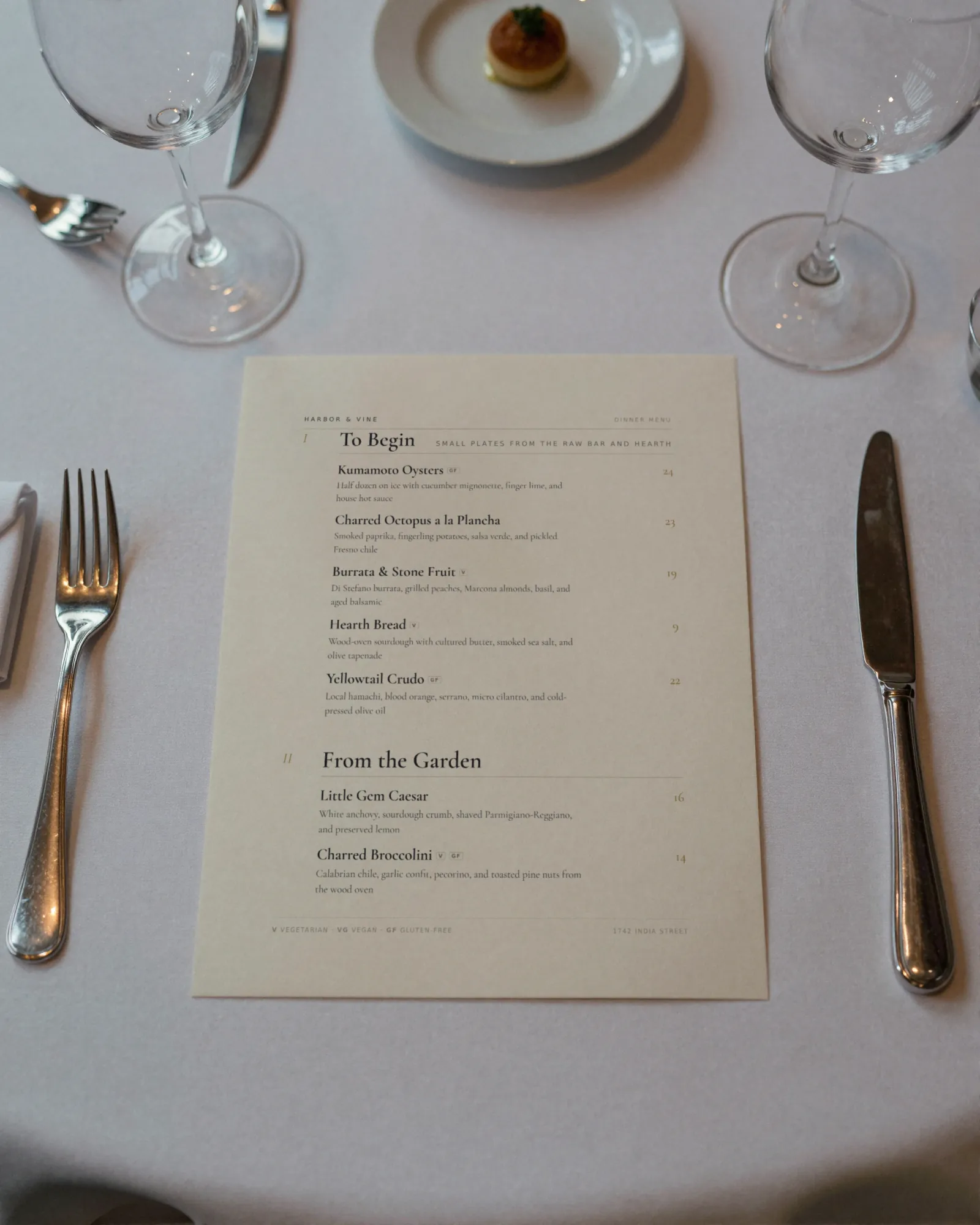
Hotel room service menu and restaurant menu makerRetire the room service binder. Keep the phone extension.
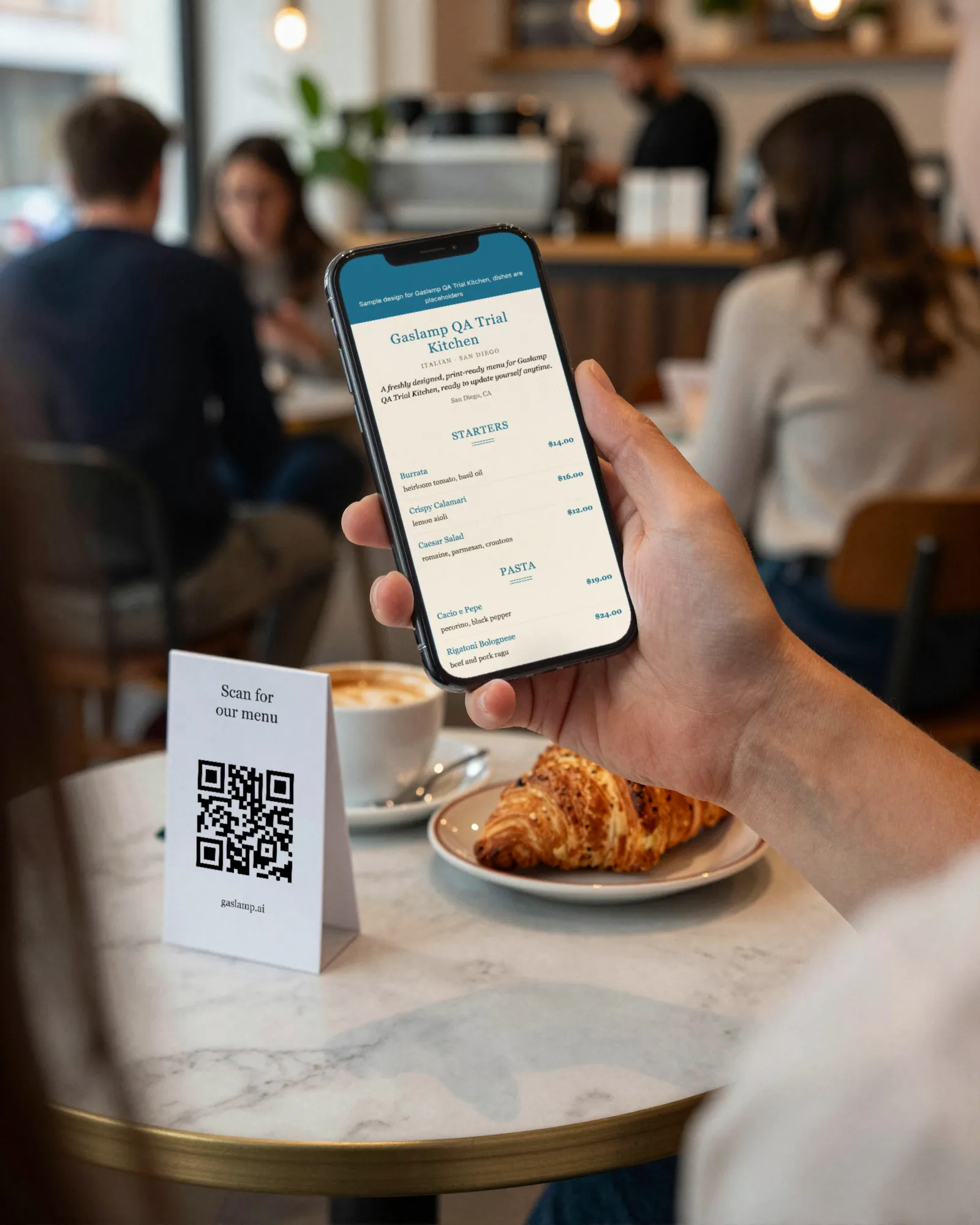
A hotel runs several menus at once: breakfast, an all-day room service list, the restaurant, the lobby bar, each with its own hours. The in-room binder is out of date the week it is printed and sticky by the end of the month. Gaslamp gives each menu its own QR code and hosted page, with the hours under each heading, so the card in the room always opens the current list.
No card needed · then $19/mo or $190/yr · cancel anytime
What changes on a hotel menu, and how often
A menu is designed once and edited forever. These are the edits this kind of place makes, and what each one takes in Gaslamp.
| The change | How often | In Gaslamp |
|---|---|---|
| The room service menu changes | With the restaurant, a few times a year | Edit the all-day menu. The code in every room opens the new list about thirty seconds after you save; nothing to reprint in the rooms. |
| Breakfast hours shift | Weekends, holidays, the off-season | Change the hours in the subtitle under the breakfast heading. Every room card still points at the same menu. |
| The kitchen goes to a late-night list | Every night | Put the late-night items in their own section with the hours in its subtitle. Gaslamp does not switch at eleven; the section tells the guest when. |
| A dish is out | Most weeks | Mark it sold out on each menu that lists it. The hosted menus show it struck through about thirty seconds after you save, so nobody calls down for it. |
| The lobby bar list turns | With the season | Keep the bar on its own menu and code. Rewrite the cocktails without touching room service. |
11:00 p.m.
The fryer goes down at 11. The tenders are off by 11:01.
One cook covers the night and the fryer is being cleaned. Switch off the tenders and the fries on the all-day room menu and tap Save & update live menu. The guest on the fourth floor who scans the card on the desk at 11:30 orders from what the night cook can actually make. Switch them back on at six.
The editor runs in your phone’s browser; there is no app to install. The menu rebuilds in about two seconds, and phones that scan the code see the change about thirty seconds after you save.
Your phone

The menu

How hotels set up their menus in Gaslamp
Menus
- In-room breakfastIts own code on the room card, hours in the subtitle
- In-room all dayLunch, dinner, late night, drinks
- RestaurantThe outlet menu, for the tables and the host stand
- Lobby barCocktails, wine, bar food, on its own code
Sections, for example
- Starters & saladsabout 8
- Sandwiches & burgersthe club, the burger, about 6
- Mainsabout 6
- Kids3 or 4
- Late nighthours in the subtitle, about 6
- Dessertsabout 4
- Wine & beerhalf bottles and bottles
- Soft drinks & waterabout 8
The sections above are the all-day room service menu. Breakfast, the restaurant, and the lobby bar are menus of their own, each with its own QR code, which takes a paid plan; the trial includes one.
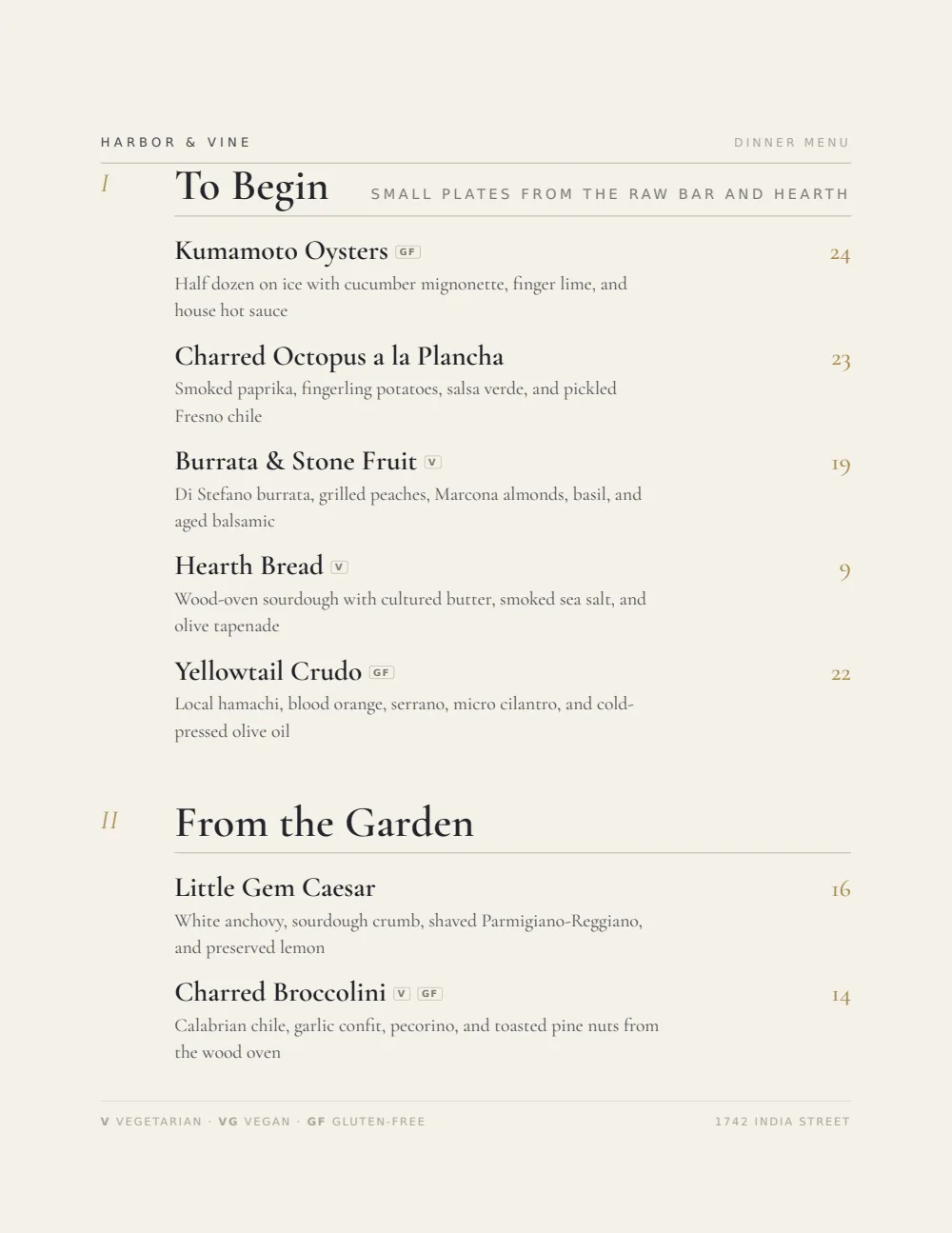
Start with Upscale Contemporary
Charcoal and gold on a warm white page, ruled lightly and left plain. It looks like it belongs in a room with good sheets, and the same look carries from the room card to the restaurant menu.
Start from the sample menu set in Upscale Contemporary, then type your dishes and prices over it in the editor. After that, the job is keeping it right from your phone.
Where the QR code goes
Each menu gets one code, and it never changes. Print it once; every edit after that shows up behind it. Gaslamp makes the printable pieces for you.
From the floor: Label the two room codes in big type, Breakfast and All day, and print the extension right under them. The guest scans to choose and still calls down to order.
- In-room cardon the desk or nightstand, with the breakfast and all-day codes side by side and the dial-in extension printed under them
- Lobby bar cardon the bar top and the lounge tables
- Window signat the restaurant entrance, for guests deciding between you and the place across the street
Good to know before you start
- Gaslamp is the menu only. There is no PMS or POS integration, no room charge, and no ordering; guests read the menu and call the extension, as they do now.
- No time-of-day switching. Breakfast and all-day are separate menus with separate codes, and each section can carry its hours in the subtitle.
- One code per menu, not per room. Every room card for a menu shows the same code, so the room number still comes from the phone call.
- No language switch. Write a second language into the name or description if your guests need it. Prices go up to $9,999 per item, so a champagne bottle carries its real price.
Hotel menu questions
- Can a QR code replace the room service binder?
- For the menu, yes. Print the code on a card for each room; it opens a hosted menu sized for the phone, and every edit shows up behind it about thirty seconds after you save. Keep the phone extension on the card, because guests still order by calling.
- Can guests order or charge to their room from the QR menu?
- No. Gaslamp does not take orders or connect to your PMS or POS. The code opens the menu to read, and the order comes in by phone the way it does now.
- Can breakfast switch to the all-day menu automatically?
- No. Gaslamp does not switch menus by time of day. Make breakfast and all-day separate menus with separate codes, print both on the room card, and put the hours in the subtitle under each heading.
- Can each room have its own QR code?
- No. Each menu has one code, and it never changes. Every room gets the same card, which also means one reprint covers the whole building if the card ever changes.
- How much does it cost?
- Start with a 30-day free trial, no credit card needed. Then it is $19 a month, or $190 a year (2 months free). No setup fee. Cancel anytime. The trial includes one published live menu with QR codes. PDF downloads and additional menus start when you pick a plan.
The binder was wrong by checkout. The card in the room does not have to be.
No card needed · then $19/mo or $190/yr · cancel anytime