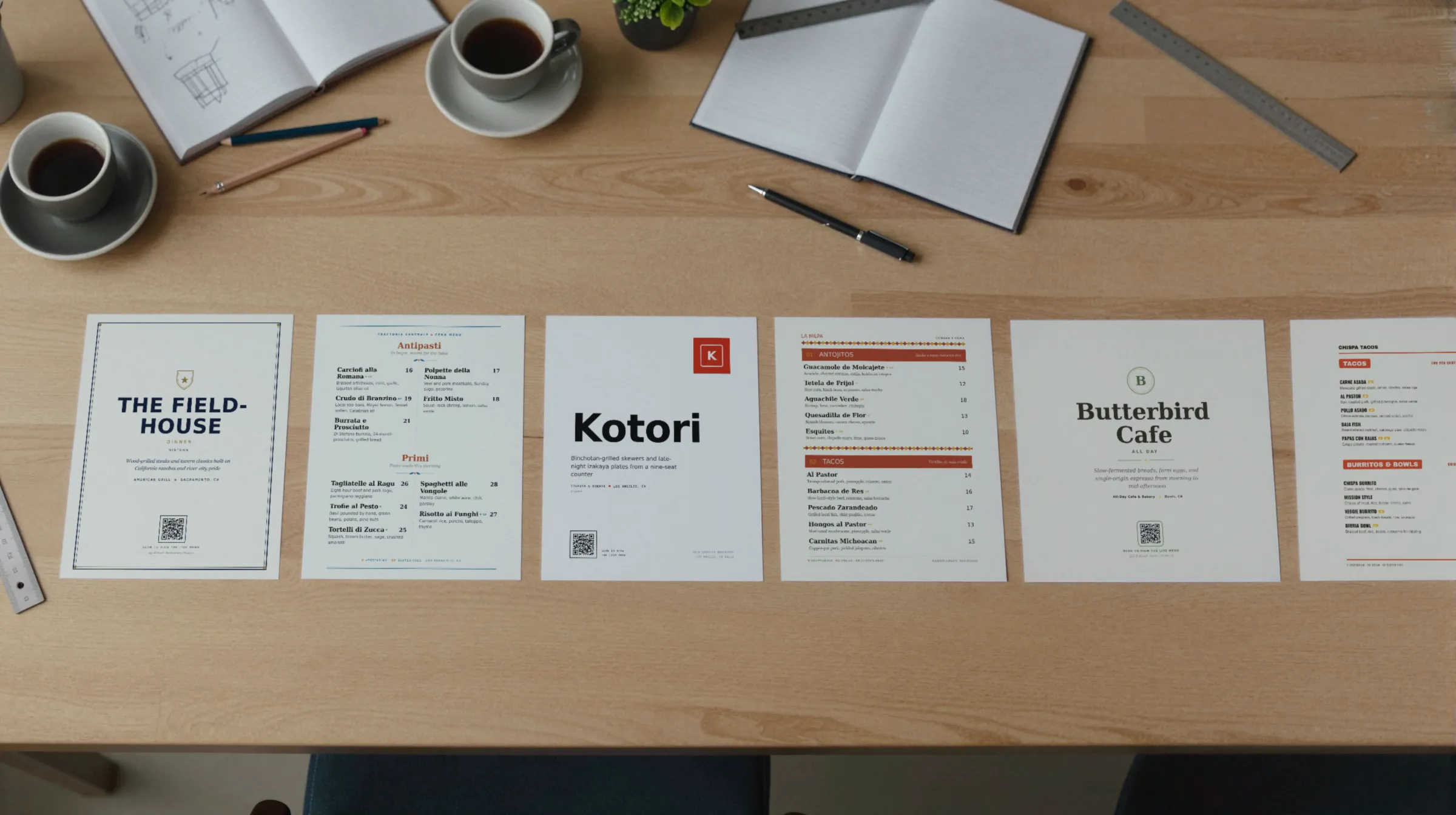
Ghost kitchen and virtual brand menu makerThree brands, one kitchen, one bag insert each.
A ghost kitchen’s real menus live on DoorDash, Uber Eats, and Grubhub, and Gaslamp does not touch them. What a delivery-only kitchen usually lacks is a menu of its own: a page for each brand that the kitchen controls, a code on the insert in every bag, and a printed menu at the pickup counter. That is the part Gaslamp does, and it is less than it does for a dining room.
No card needed · then $19/mo or $190/yr · cancel anytime
What changes on a ghost kitchen menu, and how often
A menu is designed once and edited forever. These are the edits this kind of place makes, and what each one takes in Gaslamp.
| The change | How often | In Gaslamp |
|---|---|---|
| A price moves | A few times a year, per brand | Change it in Gaslamp for the brand page and the counter menu, then in each delivery app’s merchant portal by hand. Gaslamp does not reach the apps. |
| A new virtual brand launches | A few times a year | Make it a new menu with its own hosted page and QR code, on a paid plan. Print its insert before the first order goes out. |
| New inserts or stickers get printed | With every packaging reorder | Download the brand’s QR code as a PNG and send it with the artwork. The code never changes, so the inserts from the last run still work. |
| An item runs out | Most weeks | Pause it in each app first, since that is where the orders come from. Switch it off in Gaslamp too, so the brand page matches. |
| The pickup counter menu is out of date | After any change that sticks | Download a fresh PDF and print it. The code on the counter card never changes. |
9:30 a.m.
Chicken went up at 9:30. The brand page had it by 9:31.
The invoice came in before prep. Open the tenders brand, change the five-piece from 14 to 15, and tap Save & update live menu. The brand page and the code on every insert show the new price about thirty seconds later. Then do the same in each delivery app, one by one. That part is on you; Gaslamp does not sync with them.
The editor runs in your phone’s browser; there is no app to install. The menu rebuilds in about two seconds, and phones that scan the code see the change about thirty seconds after you save.
Your phone

The menu

How ghost kitchens set up their menus in Gaslamp
Menus
- One menu per brandEach with its own hosted page, QR code, and PDF
- Pickup counter (optional)A printed menu for walk-up and courier pickup, if you allow it
Sections, for example
- Mainsthe core of the brand, up to 12
- Comboswith the side and drink written out
- Sidesabout 6
- Sauces & extraseach priced
- Drinksabout 6
- Dessert2 or 3
A delivery brand is usually one short menu. The sections above are one brand; a kitchen running three brands has three menus, which takes a paid plan.
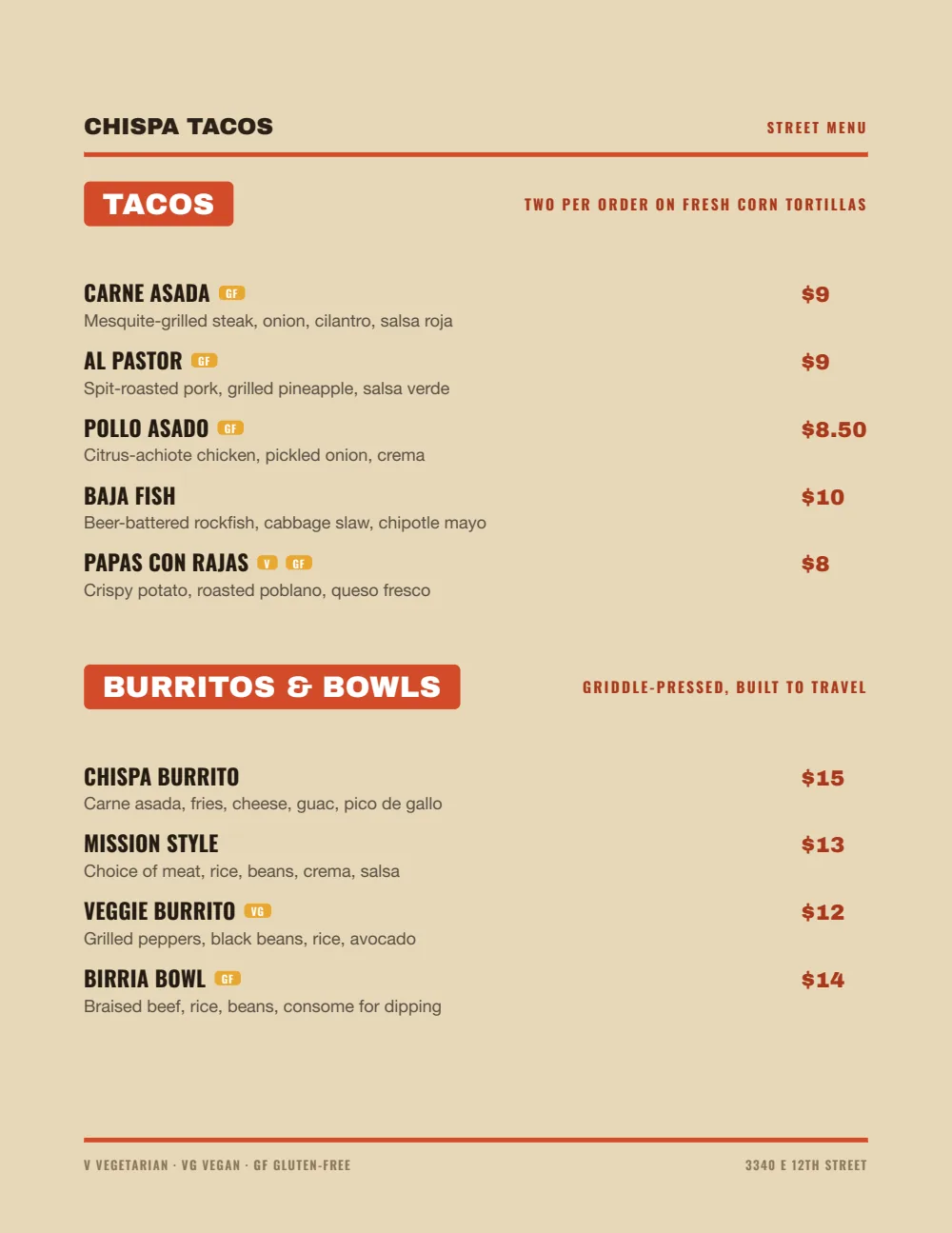
Start with Food Truck
Big names and bold prices, built to read fast. It suits a brand that lives in a bag, on a sticker, and on a phone.
Start from the sample menu set in Food Truck, then type your dishes and prices over it in the editor. After that, the job is keeping it right from your phone. See the free template for the full layout.
Where the QR code goes
Each menu gets one code, and it never changes. Print it once; every edit after that shows up behind it. Gaslamp makes the printable pieces for you.
From the floor: Put the brand name above the code in bigger type than the code itself. Someone who ordered through an app may not remember what the place was called, and the insert is the only thing in the bag that tells them.
- Bag inserta printed card with the brand name and the code, so a customer who liked the food can find the whole menu again
- Box or lid stickerthe QR code downloads as a PNG, so it can go on any label you already print
- Pickup counter cardwhere couriers and walk-ups wait, with every brand’s code on its own card
Good to know before you start
- No sync with DoorDash, Uber Eats, Grubhub, or any delivery app. Every price change and every paused item is made in each app separately. For a kitchen that sells only through the apps, that is most of the menu work, and Gaslamp does not do it.
- Gaslamp does not take orders. The code on the insert opens a menu to read, not a cart; ordering still happens in the apps or however you take direct orders now.
- A new brand is a new menu. The trial includes one; running several brands needs a paid plan.
- Honest fit: Gaslamp earns its keep here if you want a brand page you control, codes on the packaging, or a printed pickup menu. If none of those matter to you, the apps’ own menu tools may be all you need.
Ghost kitchen menu questions
- Can Gaslamp update my DoorDash and Uber Eats menus?
- No. Gaslamp does not sync with any delivery app. It updates the hosted menu behind your QR codes and the PDF you print. Each app keeps its own menu, and changes there are made in the app.
- Can I run several virtual brands from one account?
- Yes, on a paid plan, where menus are unlimited. Each brand is its own menu with its own hosted page, QR code, and PDF. The trial includes one menu, so start with your busiest brand.
- Can customers order from the QR code on the bag?
- No. The code opens the brand’s menu to read. If you take direct orders by phone or through your own site, say so in the subtitle under a section heading or in the menu’s first section.
- Is Gaslamp worth it for a delivery-only kitchen?
- Less than for a dining room. It is worth it if you want a menu page for each brand, codes on inserts and stickers, or a printed menu at the pickup counter. If every order comes through the apps and nobody sees your menu anywhere else, you may not need it.
- How much does it cost?
- Start with a 30-day free trial, no credit card needed. Then it is $19 a month, or $190 a year (2 months free). No setup fee. Cancel anytime. The trial includes one published live menu with QR codes. PDF downloads and additional menus start when you pick a plan.
The apps own the order. The brand can still own its menu.
No card needed · then $19/mo or $190/yr · cancel anytime